Top Toggl Track Alternatives in 2026: 5 Picks Ranked
5 tools for Toggl Track alternatives, compared on pricing, free plans and best-fit use. Every pick includes one clear drawback. Current for November 2026.
- Editor's choice
 Hubstaff
Teams managing work, costs and payments
Starts at$10 per seat a monthVisit hubstaff.comFull review - Great alternative
 RescueTime
Automatic background time tracking
Starts at$7 per monthVisit rescuetime.comFull review - Also consider
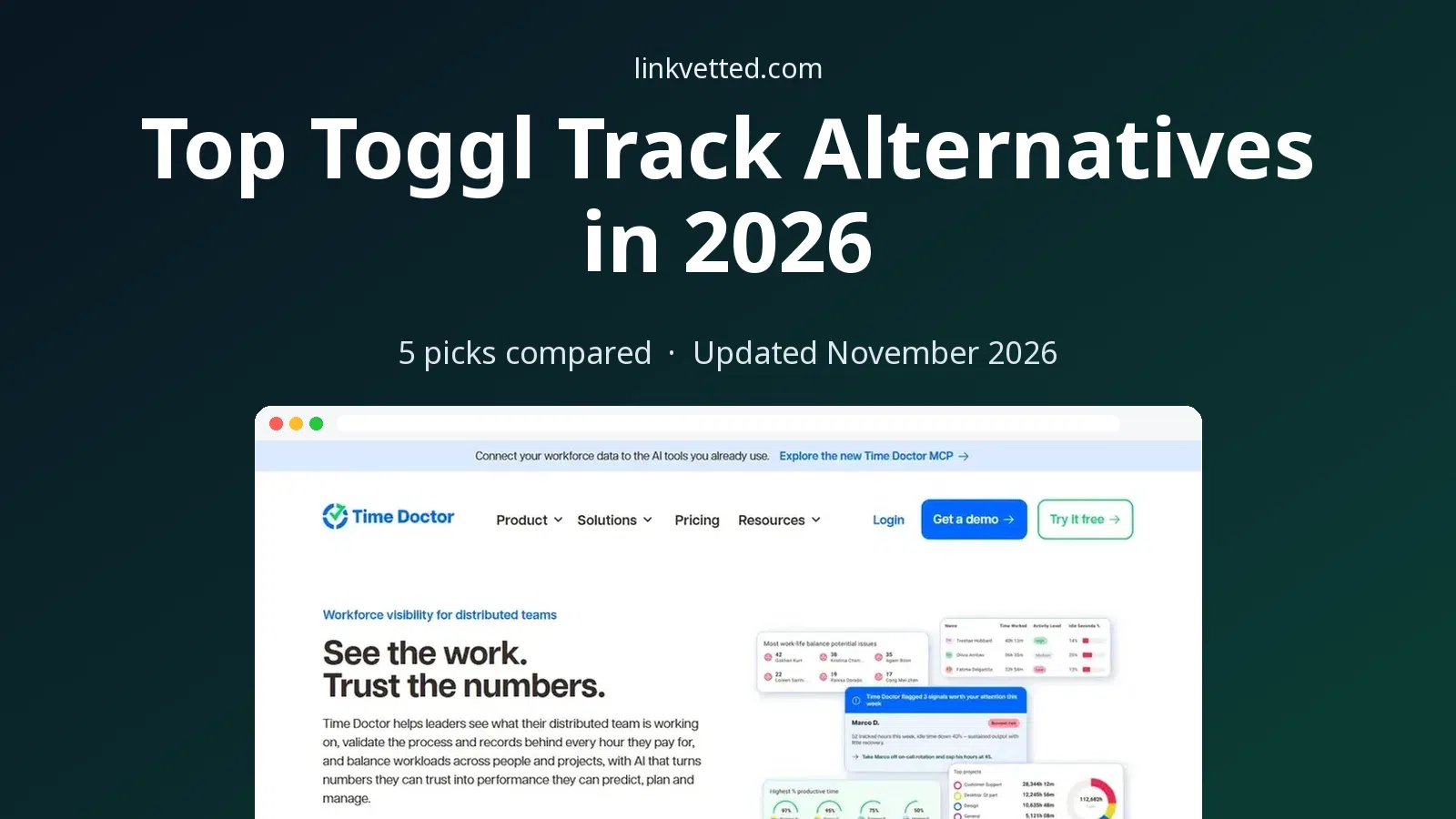
 Time Doctor
Workforce visibility for distributed teams
Starts at$6.67 per user a monthVisit timedoctor.comFull review
Direct answer
For teams managing work, costs and payments, Hubstaff is where this list starts. Listed starting prices: Hubstaff from $10 per seat a month, RescueTime from $7 per month and Time Doctor from $6.67 per user a month. If your case is different, RescueTime suits automatic background time tracking and Time Doctor suits workforce visibility for distributed teams. The remaining 2 options are covered below with prices and limits.
TL;DR:
- Hubstaff takes the first slot, best suited to teams managing work, costs and payments.
- Clockify suits simple project time tracking and timesheets.
- The main caution on RescueTime: less centered on client invoicing.
- 2 of 5 tools offer a free plan: Everhour, Clockify.
Last checked November 2026. Prices and plan details were read from the vendors' own pages in November 2026; vendors change plans often, so confirm the current price on the vendor site before you buy.
Quick comparison
| Tool | Best for | Starts at | Free plan? | |
|---|---|---|---|---|
| Hubstaff | Teams managing work, costs and payments | $10 per seat a month | Free trial | Visit |
| RescueTime | Automatic background time tracking | $7 per month | Free trial | Visit |
| Time Doctor | Workforce visibility for distributed teams | $6.67 per user a month | Free trial | Visit |
 Everhour | Billing and budgets inside project tools | See website | Yes | Visit |
 Clockify | Straightforward project time tracking and timesheets | See website | Yes | Visit |
The 5 tools in detail
This LinkVetted guide covers 5 options for Toggl Track. Each profile lists a starting price, free plan details, strengths and drawbacks, so you can drop poor fits quickly.
Pick Hubstaff if this describes you: teams managing work, costs and payments. It suits organizations that require tracked hours to link with payroll-style payments and cost reporting, particularly where staff or contractors are premium based on approved time.
Reasons to shortlist it: cost and performance views.
The starting price for Hubstaff: $10 per seat per month. Trial and free access: Free trial.
Where it is weaker: Broader scope than straightforward time logging.
- Links work
- Turns approved hours into payments
- Productivity monitoring may not suit every team
For automatic background time tracking, RescueTime is a natural candidate. RescueTime provides automatic time tracking built to help people take control of their time. It bundles a timesheet app and supports goals, project tracking and time management for freelancers, small companies and employees.
Where it falls short: Automatic tracking relies on consistent use.
On top of that, RescueTime is oriented toward personal and team productivity awareness instead of billing workflows, so consultancies that invoice by the hour may need a different tool. On top of that, since tracking runs automatically in the background, it fits people who find manual timers simple to forget and who want a clearer picture of how their day is actually spent. The starting price for RescueTime: $7 per month. On free options: Free trial.
- Goal setting and project tracking
- Timesheet app for individuals and teams
- Less centered on client invoicing
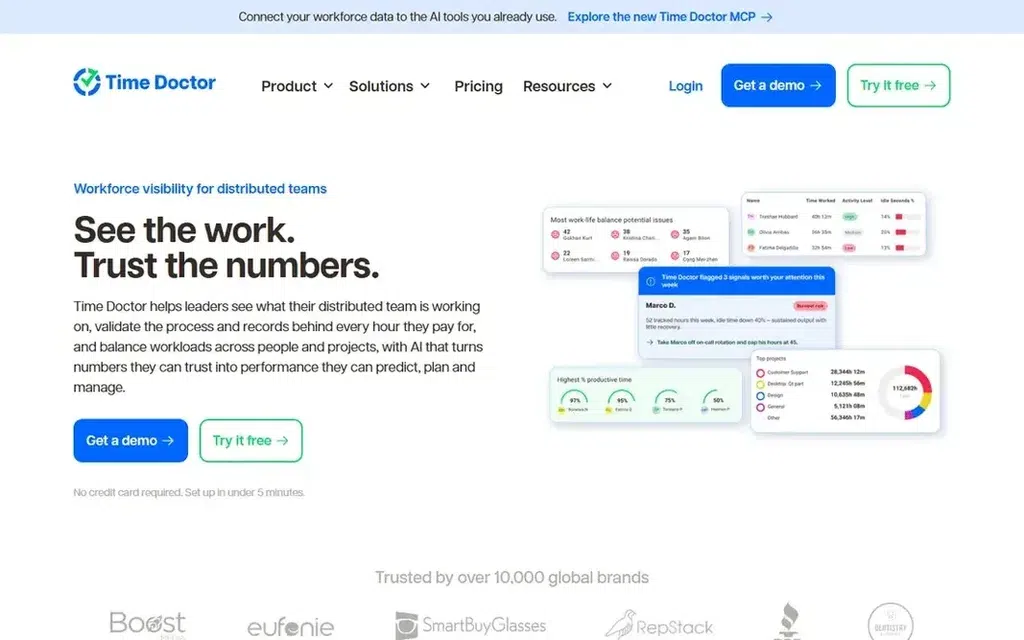
Time Doctor serves workforce visibility for distributed teams. It suits managers of remote or hybrid teams who require more context than a bare timer gives you, and who want tracking to feed into how work is reviewed and understood.
What you pay to start with Time Doctor: $6.67 per user per month. As for free access: Free trial.
Drawbacks to consider: Heavier than a straightforward timesheet tool.
- Helps validate the process behind hours
- Aimed at distributed team oversight
- May be more oversight than solo users need
For billing and budgets inside project tools, Everhour is a natural candidate. Since the value centers on billing, budgets and project tool integration, teams that just need a standalone timesheet may find it more than necessary.
Downsides: Budget features matter most to billable teams.
This comparison lists no price for Everhour; ask the vendor. A free plan is available with Everhour.
- Built-in billing and budget management
- Works inside widely used project management tools
- Narrower standalone tracking focus
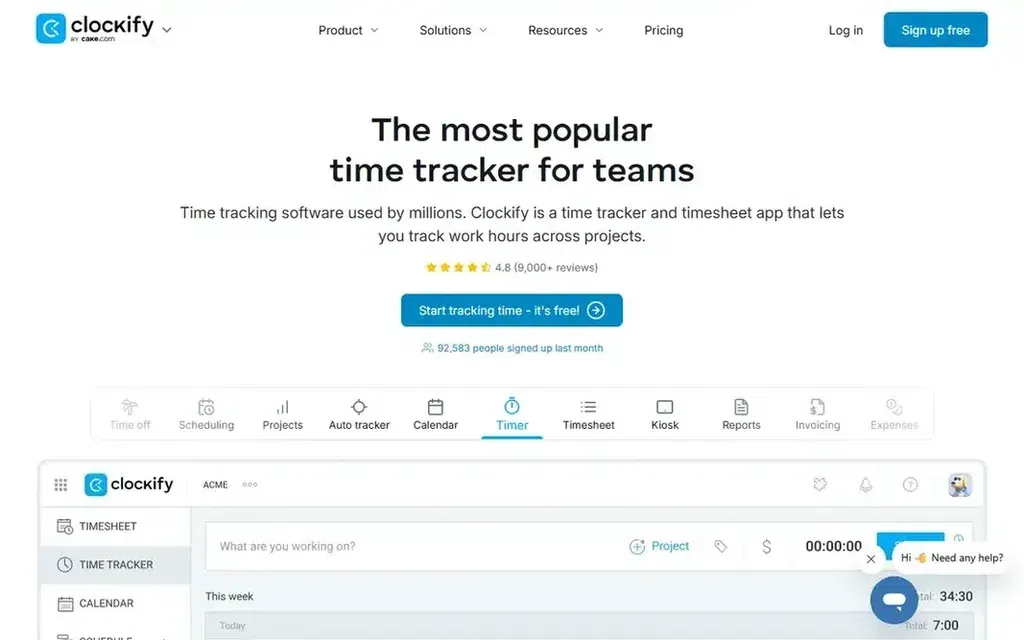
Clockify works best for straightforward project time tracking and timesheets. It suits individuals, freelancers and teams that primarily have to record where time goes and review it by project.
Honest limits: Billing and budgeting are not the focus.
More specifically, choose Clockify when clear project time records are the primary requirement. Pricing for Clockify is not stated here, so ask the vendor for current figures. You can start on Clockify without paying.
- Tracks work hours across projects
- Timesheet and straightforward tracker in one app
- Deeper workforce insight is restricted
How we built this list
Before you commit
- Get a written quote from Everhour and Clockify; the list shows no starting price for them.
- Look at free plan limits closely: Everhour and Clockify have one, and the caps decide whether it is usable for real work.
- Run a trial of Hubstaff, RescueTime and Time Doctor with real work before paying for a year; your own workflow is the best test.
- Before choosing Hubstaff, weigh its main limit: broader scope than straightforward time logging.
- Check whether RescueTime bills monthly or annually, and what cancelling early costs.
- Total up the real monthly cost of Time Doctor, including add-ons, extra users and usage-based fees.
FAQ
Which options for Toggl Track have a free plan?
On this list, Everhour and Clockify include a free plan. Caps on seats, usage or features are common, so test the free plan against your real workload. Several others offer a trial instead.
Do these tools publish their prices?
Not all of them. Everhour and Clockify publish no starting price, so expect a quote request for those. The rest, Hubstaff included, show a starting price, though seats and billing terms still change the final cost.
Which alternative is a good match for monitoring distributed teams?
Hubstaff comes first here and is built for teams managing work, costs and payments. Buyers with other needs may prefer RescueTime (for automatic background time tracking) or Time Doctor (for workforce visibility for distributed teams). Compare costs and limits first.
What is the cheapest option for Toggl Track in this list?
On published monthly entry prices, Time Doctor is the lowest here at $6.67 per user per month. Entry price is only part of the cost, because seats, add-ons and billing terms can change the total. Prices, free plan details and limits for all 5 tools in this Toggl Track alternatives roundup sit on the individual cards above.
Can I try these tools before paying?
Often, yes. Everhour and Clockify have a free plan and Hubstaff, RescueTime and Time Doctor offer a free trial. Use your own data and a real task during the test, and check what the free tier or trial limits before you rely on it.
What is the best Toggl Track alternative for freelancers?
The first pick on this list is Hubstaff, because it suits teams managing work, costs and payments. RescueTime is better for automatic background time tracking, and Time Doctor for workforce visibility for distributed teams. Check price and limits against your own needs before choosing.
Sources
- https://hubstaff.com
- https://www.rescuetime.com
- https://www.timedoctor.com
- https://everhour.com
- https://clockify.me