Who Offers the Best Nanny Payroll Services in 2026: 8 Services Compared
Find who offers the best nanny payroll services for tax filings, pay runs and year-end forms, with prices and trade-offs for families hiring a nanny today.
- Editor's choice
 Poppins Payroll
Simple all-in household payroll
Starts at$49 per monthVisit poppinspayroll.comFull review - Great alternative
 SurePayroll
Low-cost automated pay runs
Starts at$45 per monthVisit surepayroll.comFull review - Also consider
 HomePay
Care.com users and onboarding
Starts at$59 per monthVisit homepay.comFull review
TL;DR:
- Poppins Payroll offers the simplest all-in price at 49 dollars per month, with year-end forms included for active customers.
- SurePayroll is the cheapest monthly option for one employee at 45 dollars per month, but year-end forms can cost extra.
- HomePay suits families who already use Care.com, while GTM Payroll suits families who want deep expert support.
- HomeWork Solutions, Nest Payroll, Savvy Nanny Payroll and NannyPay cover budget, back-tax and low-volume needs that the big names miss.
- Always check what is included before you compare prices, because W-2 forms, Schedule H and state setup change the true annual cost.
Quick comparison
| Tool | Best for | Starts at | Free plan? | |
|---|---|---|---|---|
| Poppins Payroll | Simple all-in household payroll | $49 per month | Free trial | Visit |
| SurePayroll | Low-cost automated pay runs | $45 per month | No | Visit |
| HomePay | Care.com users and onboarding | $59 per month | No | Visit |
 GTM Payroll Services | Expert support | $70 per month | No | Visit |
 HomeWork Solutions | Payroll plus tax support | $195 per quarter | No | Visit |
 Nest Payroll | Nanny back taxes | $42 per month | No | Visit |
 Savvy Nanny Payroll | Budget payroll for two employees | $39 per month | No | Visit |
 NannyPay | Low-volume annual billing | $149.95 per year | No | Visit |
The best nanny payroll services
Hiring a nanny makes you a household employer in the eyes of the tax system, with withholding, filings and year-end forms to handle. The services below take on that work, but they differ on price, inclusions and support.

Poppins Payroll is our pick for most families because the price is easy to understand. One plan covers state and federal setup, pay runs, filings and year-end forms, with no separate charge for W-2 and Schedule H for active customers. Support comes from household payroll specialists, and the service operates in all 50 states.
The trade-off is that there is no budget tier. If you pay a nanny for a few hours a week and want the lowest possible cost, a cheaper service may fit better. For most full-time or regular part-time arrangements, though, the all-in price avoids surprise fees at year end, which is where many payroll comparisons fall apart.
- One all-in plan
- W-2 and Schedule H included
- Specialists across all 50 states
- No cheaper tier for very light use
- Additional employees cost 10 dollars per month each
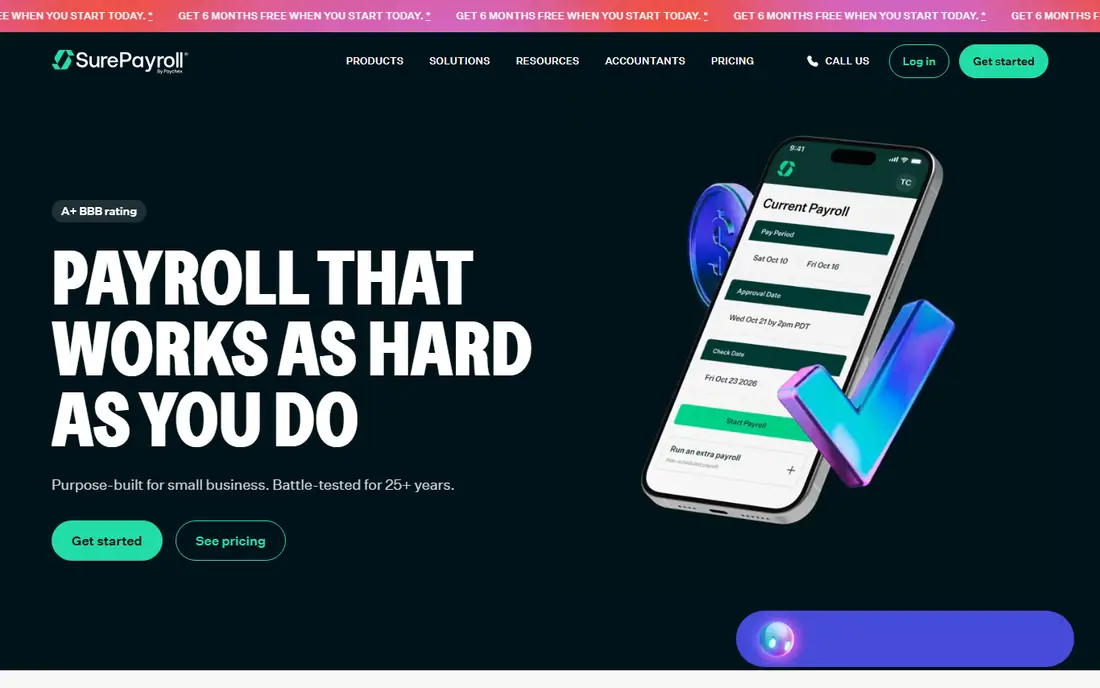
SurePayroll, by Paychex, offers household payroll at 45 dollars per month for one employee, with extra employees at 10 dollars per month each. Pay runs are automated, direct deposit is available, and the service handles federal and state tax work for household employers. For families who want a low monthly bill and are comfortable with a more general payroll tool, it is a strong option.
Read the fine print on year-end forms. W-2 preparation is a separate paid add-on on the household plan, so the annual total can rise above the monthly price suggests. If you compare SurePayroll with Poppins, add that year-end cost to SurePayroll before you decide.
- Lowest monthly price here for one employee
- Automated pay runs
- Nationwide coverage
- Year-end forms are paid add-ons on the household plan
- Small-business focus can feel less household-specific
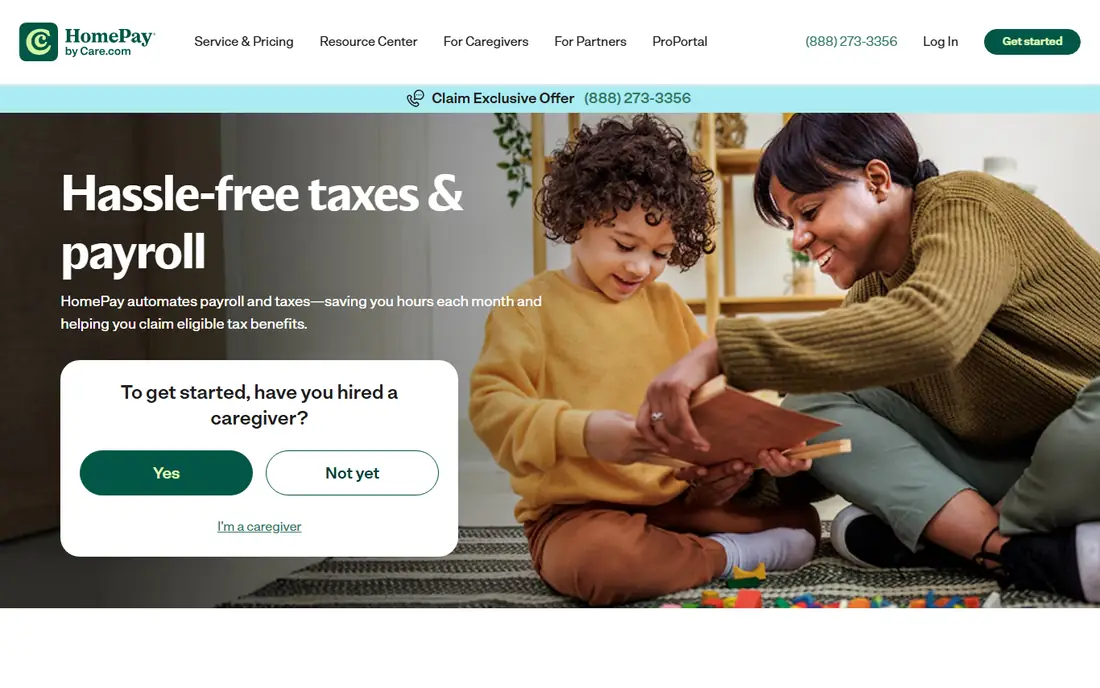
HomePay, by Care.com, suits families who found their nanny through Care.com or who want onboarding handled in one place. The Essentials plan covers payroll and tax filings, while the Plus plan adds a dedicated account management team and a free first month. That human help can matter when you are setting up household employment for the first time.
The cost needs care. Both plans charge 100 dollars extra for year-end forms, unless you opt out, and additional employees cost more than at Poppins. If you value Care.com integration or a dedicated team, that premium may be worth it. If you just want payroll handled, a cheaper all-in plan may serve you better.
- Care.com integration
- Onboarding help
- Plus plan adds a dedicated account team
- Year-end forms cost 100 dollars extra on both plans
- Higher price than Poppins or SurePayroll
GTM Payroll Services is built for families who want expert help, not just software. Its team handles household payroll, tax filings and compliance questions, and it is a good fit for multi-state situations, back pay, or households with several employees. If your case has complications, that expertise can prevent costly mistakes.
The price reflects that service level, at 70 dollars per month in recent comparisons. For a straightforward single nanny with regular hours, you may not need that depth. For a complex household, or for families who want to talk to a specialist rather than read help articles, GTM is worth the premium.
- Deep household payroll expertise
- Human support for complex cases
- Handles tricky state rules
- Highest monthly price in this list
- Overkill for a simple single-employee setup
HomeWork Solutions charges 195 dollars per quarter for one employee, which suits families who prefer quarterly billing over monthly charges. The service covers pay runs, tax filings and year-end support, with several payment options for how your nanny is paid. It has a long history in household payroll, which gives some families confidence.
The quarterly total is higher than a year of Poppins at 49 dollars per month, so do not assume quarterly billing means a discount. The value here is the tax support and the payment flexibility, not the lowest price. If you want a hands-on service with a traditional feel, it remains a solid choice.
- Quarterly billing option
- Payroll and tax support in one place
- Multiple payment options
- Quarterly price works out above some monthly rivals
- Interface feels more traditional than newer rivals
Nest Payroll stands out for families who need to fix the past, not just handle the future. If you paid a nanny without proper withholding or filings, Nest helps sort back taxes and get current. That niche matters, because back-tax cases carry penalties if handled badly.
For straightforward ongoing payroll, Nest is also priced below Poppins and HomePay, at 42 dollars per month for one employee in recent comparisons. The trade-off is scale: it is a smaller provider, so check support hours and add-on fees before you sign. For back-tax help, though, its focus is a clear advantage.
- Lower monthly price
- Help with back taxes and late filings
- Household focus
- Smaller provider than Poppins or HomePay
- Fewer public details on add-on fees
Savvy Nanny Payroll is the budget pick, at 39 dollars per month for two employees in recent comparisons. That makes it attractive for families with a nanny and a second household employee, such as a housekeeper, where other services charge per extra employee. Setup is simple, and the core payroll and tax work is covered.
The lower price comes with fewer extras. You will not get the dedicated account team of HomePay Plus or the deep expert bench of GTM. Check what year-end forms cost and how support works before you commit. For a simple household with two employees and a tight budget, Savvy is hard to beat on price.
- Lowest monthly price here
- Covers two employees at the starting price
- Simple setup
- Fewer premium support options than GTM or HomePay
- Check year-end inclusions carefully
NannyPay takes a different billing approach: 149.95 dollars per year for one employee, with extra employees at a low annual fee. That annual price works out far below monthly rivals, which suits families with a steady, simple arrangement who do not need frequent support. It calculates wages, withholds taxes, files forms and issues paystubs.
The limits are clear. NannyPay does not offer benefits administration or workers compensation insurance, and it suits simple cases better than complex ones. If your household is straightforward and you are comfortable with a low-touch annual service, the saving is real. If you need hands-on help, pay monthly elsewhere.
- Very low annual cost
- Simple pay and tax calculations
- Paystubs and filings included in the core offer
- No benefits administration or workers compensation help
- Best for simple, steady arrangements
How we picked these
We compared household payroll providers that serve US families hiring a nanny, using vendor pricing pages and recent independent comparisons of nanny payroll services. We checked starting prices, what year-end forms cost, state coverage and support style, and we favoured providers with clear household payroll focus over general small-business payroll tools that only handle nannies as an add-on. Prices change, so confirm the current rate and inclusions before you sign up.
What to check before you sign up
Add up the year-end cost
A low monthly price can hide a 100 dollar year-end fee, while an all-in plan may already include W-2 and Schedule H. Write down the monthly fee times twelve, plus year-end fees and extra-employee fees, and compare that annual total, not just the monthly headline.
Confirm your state rules
Household employment rules vary by state, including wage thresholds, overtime, paid sick leave and workers compensation. Ask whether the service sets up state accounts for you, handles state filings, and has specialists who know your state. A provider that works in all 50 states is not the same as one with state-specific help.
Decide how much support you need
Some families want software and a help article. Others want a person on the phone when a filing looks wrong. GTM and HomePay Plus offer more human support, while NannyPay and Savvy suit families who are comfortable managing the process themselves. Match the support level to your confidence, not just your budget.
FAQ
Who offers the best nanny payroll service overall?
Poppins Payroll is the strongest all-round pick for most families, because one 49 dollar monthly plan includes payroll, filings and year-end forms. SurePayroll is cheaper per month, but year-end forms cost extra, so compare annual totals.
How much does nanny payroll cost per month?
In this list, prices range from 39 dollars per month at Savvy Nanny Payroll to 70 dollars per month at GTM Payroll Services, with NannyPay offering an annual plan at 149.95 dollars per year. Extra employees, year-end forms and state setup can change the total.
Do I need a nanny payroll service if I pay cash?
Paying cash does not remove tax duties. If your nanny meets the household employee threshold, you still owe withholding and filings, and a payroll service helps you handle them correctly. Check current IRS household employer rules for your situation.
What tax forms does a nanny payroll service handle?
Most services handle federal and state withholding, quarterly filings where required, and year-end W-2 and Schedule H forms. Confirm whether year-end forms are included or charged separately, since that varies by provider.
Can a nanny payroll service help with back taxes?
Yes, some can. Nest Payroll is noted for back-tax help, and GTM Payroll also handles complex cases. If you have missed filings, contact a provider before filing anything new, so past and current filings are handled in the right order.