Top Synology DSM Alternatives in 2026: 5 Picks Ranked
5 tools for Synology DSM alternatives, compared on pricing, free plans and best-fit use. Price notes and drawbacks come with each one. Pick by budget.
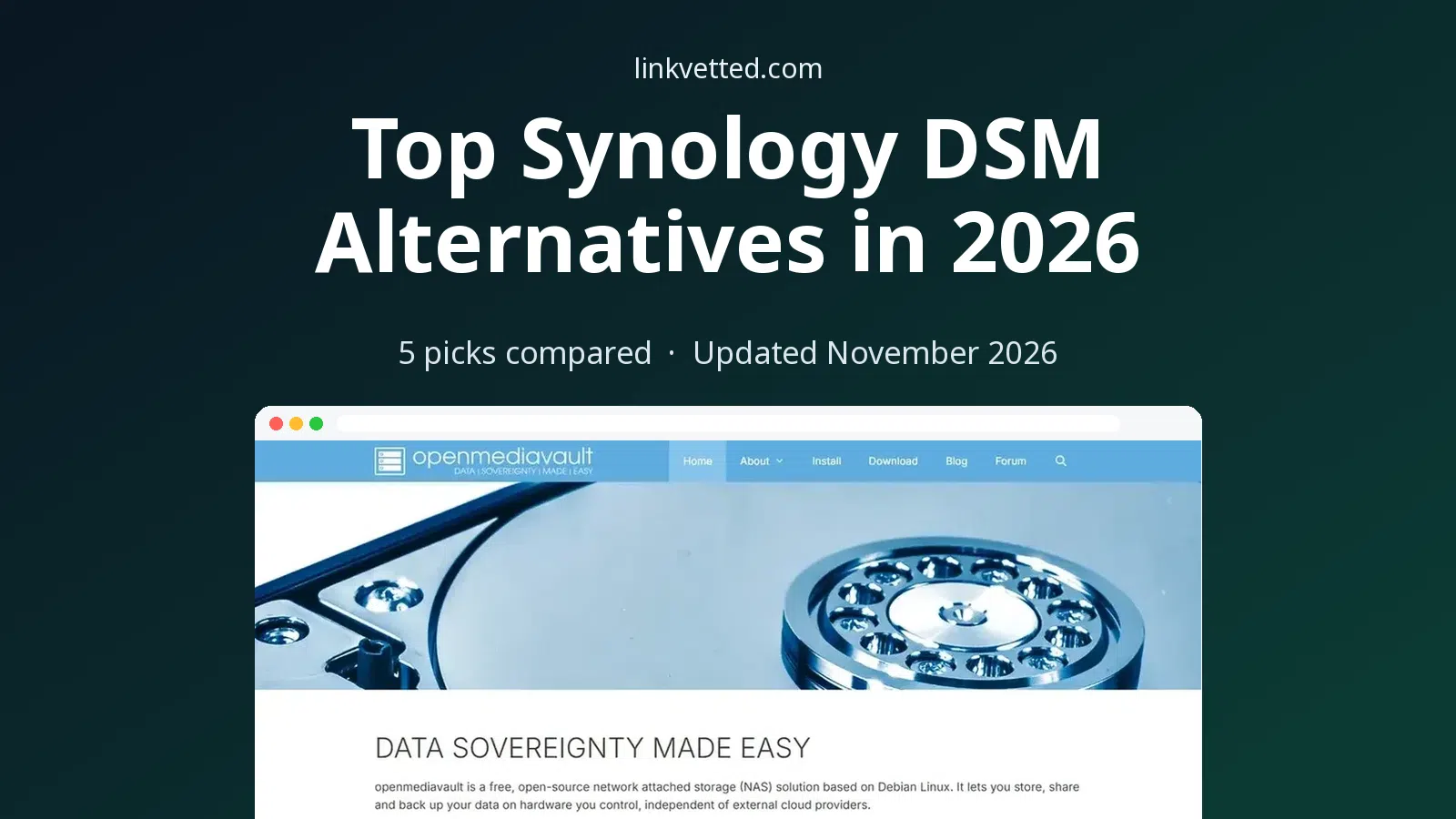
- Editor's choice
 XigmaNAS
Long-running open NAS tradition
Starts atSee websiteVisit xigmanas.comFull review - Great alternative
 OpenMediaVault
Light Debian-based NAS
Starts atSee websiteVisit openmediavault.orgFull review - Also consider
 Unraid
Mixed-drive home servers
Starts at$49 one-timeVisit unraid.netFull review
Direct answer
For long-running open NAS tradition, XigmaNAS is where this list starts. Listed starting prices: Unraid from $49 one-time. Alternatives: OpenMediaVault for light Debian-based NAS, and Unraid for mixed-drive home servers. The other 2 tools in the list cover narrower or pricier cases.
TL;DR:
- This list starts with XigmaNAS, which is built for long-running open NAS tradition.
- The main caution on TrueNAS SCALE: ZFS expects adequate memory.
- Expect to ask for a quote from XigmaNAS, OpenMediaVault, TrueNAS SCALE and Western Digital My Cloud OS; the other tools show a starting price.
- Neither XigmaNAS nor Western Digital My Cloud OS, nor any of the other 3 tools, has a permanent free plan; trials and quotes are the norm.
Last checked November 2026. Prices and plan details were read from the vendors' own pages in November 2026; vendors change plans often, so confirm the current price on the vendor site before you buy.
Quick comparison
| Tool | Best for | Starts at | Free plan? | |
|---|---|---|---|---|
| XigmaNAS | Long-running open NAS tradition | See website | Not stated | Visit |
| OpenMediaVault | Light Debian-based NAS | See website | Not stated | Visit |
| Unraid | Mixed-drive home servers | $49 one-time | No | Visit |
| TrueNAS SCALE | OpenZFS storage with containers | See website | Not stated | Visit |
| Western Digital My Cloud OS | Vendor hardware with remote access | See website | Not stated | Visit |
The full Synology DSM list
Choosing Synology DSM usually comes down to price, fit and limits. This LinkVetted guide sets 5 tools side by side on those three points, with the facts kept short and checkable.
XigmaNAS is a good fit for long-running open NAS tradition. Its interface and documentation feel less refined than newer products.
The main drawbacks: Interface feels dated.
The community is smaller than those around larger projects, so troubleshooting can take longer. XigmaNAS does not show a starting price in this comparison, so check the vendor site for current pricing. As for free access: Not stated.
- Free and open source
- Runs on modest hardware
- Smaller community than bigger products
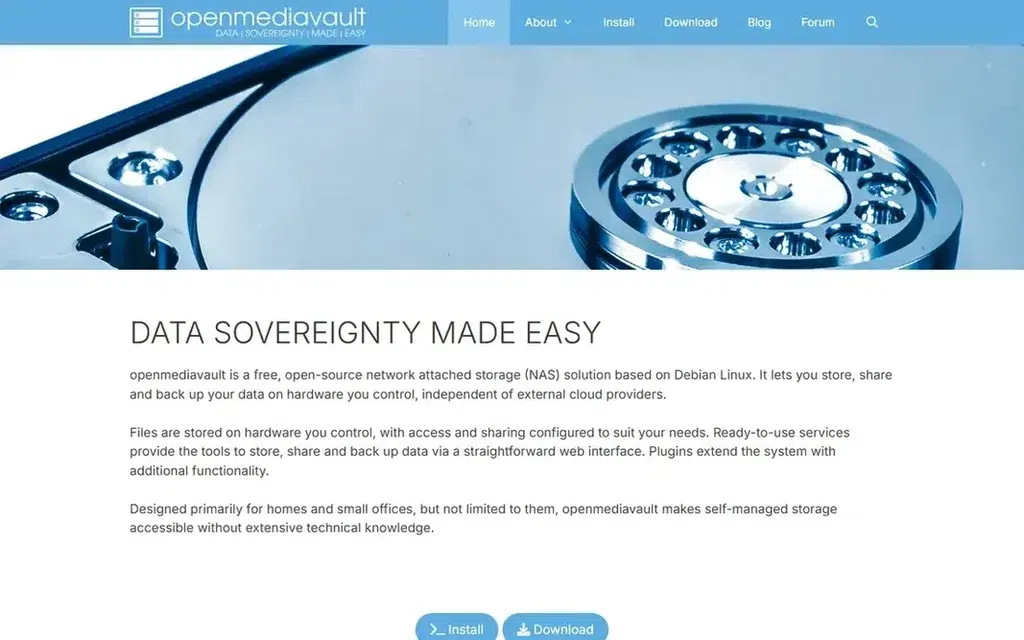
OpenMediaVault is built with light Debian-based NAS in mind. For someone leaving DSM who primarily needs shared folders, services and a manageable web interface, it gives you a lean alternative without the baggage of a bigger product. Its scope is narrower than full homelab systems, so advanced container or virtualization workflows may need additional setup or a different tool.
Watch-outs: Fewer built-in extras than bigger systems.
Worth adding: choose OpenMediaVault when a light Debian-based NAS is the goal and you do not need an all-in-one server system. OpenMediaVault is a free, open-source network attached storage option built on Debian Linux. OpenMediaVault shows no starting price here, so confirm the cost on the vendor site. Trial and free access: Not stated.
- Free and open source
- Modest resource footprint
- Plugins vary in maturity
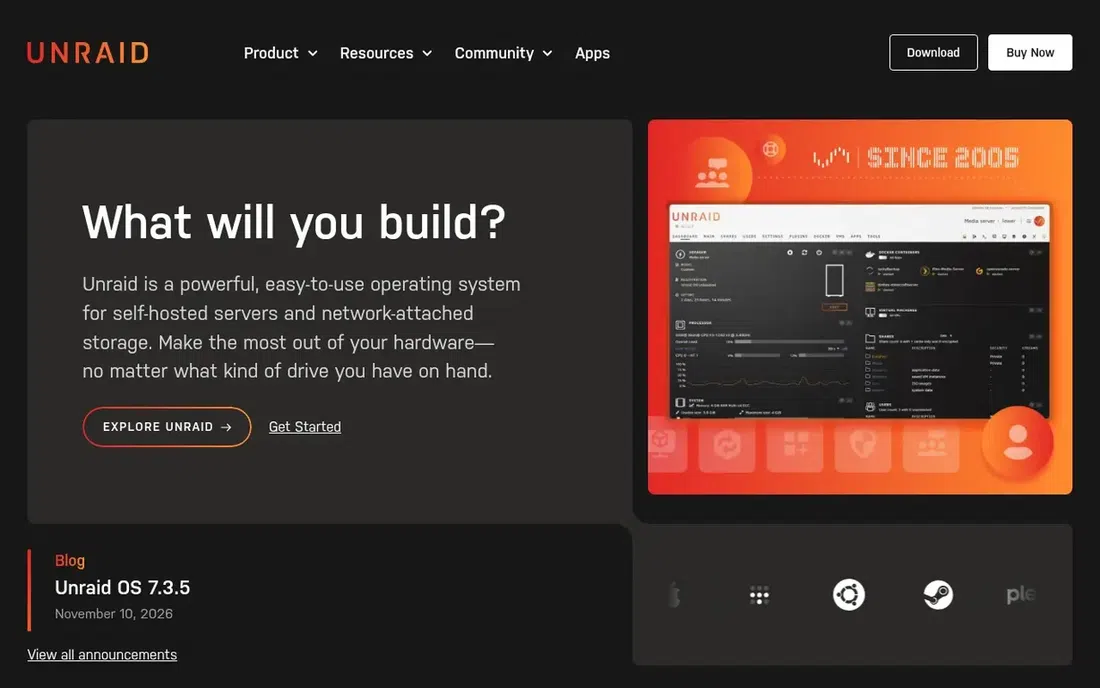
Unraid was built for mixed-drive home servers. Unraid is positioned as a homelab operating system that turns existing hardware into a home server combining NAS storage, Docker containers and virtual machines.
Drawbacks to consider: Array performance differs from striped pools.
As for the details, since it is built around adaptable mixed-drive arrays, its storage behavior differs from striped pool systems. The array model has its own concepts to learn. The starting price for Unraid: $49 one-time. Unraid has no permanent free option.
- Merges NAS
- No matching drives required
- Concepts take time to learn
TrueNAS SCALE
Best for: OpenZFS storage with containers
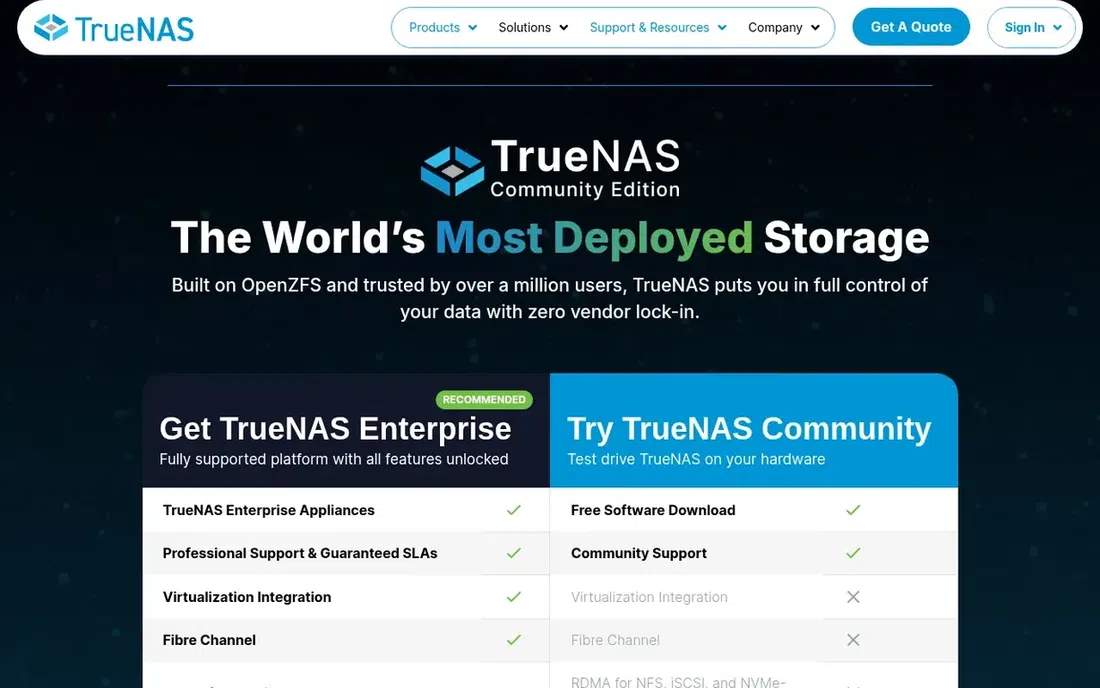
TrueNAS SCALE is a good fit for OpenZFS storage with containers. The trade-off is that ZFS rewards planning: pool layout, memory and drive choices matter, and mistakes are less forgiving than on more straightforward systems.
Honest limits: ZFS expects adequate memory.
No starting price is listed for TrueNAS SCALE here; confirm pricing on the vendor site. On free options: Not stated.
- Docker support for container workloads
- Built on OpenZFS for data integrity features
- Setup assumes some storage knowledge
Western Digital My Cloud OS
Best for: Vendor hardware with remote access
Pick Western Digital My Cloud OS if this describes you: vendor hardware with remote access. The primary limit is hardware lock-in: the software includes WD devices, so adaptability and customization are narrower than with open alternatives.
Choose WD when integrated hardware and remote access matter most. In daily use, Western Digital My Cloud OS ships with WD NAS drives and enclosures targeted at home and small business use, offering centralized always-on storage, RAID support on supported models and remote access. Western Digital My Cloud OS shows no starting price here, so confirm the cost on the vendor site. Free access: Not stated.
What to check first: Tied to WD hardware.
- Remote access features
- RAID support on supported enclosures
- Less adaptable than open systems
How the list was put together
LinkVetted used vendor pricing pages and product documentation as the base, then compared plans, free access and documented limits for 5 tools. Where a vendor does not publish a price, the entry says quote. Where a price depends on seats or billing term, the entry says so. Tools are placed by general fit for Synology DSM, with price clarity and free access as tie-breakers. A different team can reasonably rank them differently.
What to check before you buy
- Confirm the entry price on the vendor page. For XigmaNAS, OpenMediaVault, TrueNAS SCALE and Western Digital My Cloud OS that means a quote rather than a fixed price.
- Read the limits listed for XigmaNAS first: interface feels dated.
- Find out whether the entry plan of Western Digital My Cloud OS covers your must-haves or only a trimmed-down version.
- Ask OpenMediaVault about contract length, onboarding fees and user minimums before you sign.
- Work out what XigmaNAS costs with your real seat count, add-ons and usage, not just the entry price.
FAQ
How are the tools for Synology DSM ordered?
XigmaNAS sits first and Western Digital My Cloud OS last because the order follows typical fit for Synology DSM, then price clarity and free access. It is a judgement call, so read each profile for fit and limits.
Does any tool for Synology DSM here have a free plan?
No tool in this list, XigmaNAS and Western Digital My Cloud OS included, has a permanent free plan. Trials and quotes are the usual route, so plan a short evaluation period.
Which Synology DSM alternative is a good match for beginners?
This list starts with XigmaNAS, which fits long-running open NAS tradition. For other needs, OpenMediaVault is aimed at light Debian-based NAS, and Unraid at mixed-drive home servers. Check each tool's price and main limit first.
Is XigmaNAS the right pick for everyone comparing Synology DSM?
No single tool suits every team. XigmaNAS comes first because it fits long-running open NAS tradition, while OpenMediaVault suits lightweight Debian-based NAS and Unraid suits mixed-drive home servers. Match the tool to your own size, budget and workflow before deciding.
Can I try these tools before paying?
Not by default. None of the tools, from XigmaNAS to Western Digital My Cloud OS, lists a free plan or a free trial here, so ask each vendor for a demo before committing.
Sources
- https://www.xigmanas.com
- https://www.openmediavault.org
- https://unraid.net
- https://www.truenas.com/truenas-scale
- https://www.westerndigital.com/products/network-attached-storage