Best Simplify3D Alternatives for 2026 (5 Compared)
Shortlisting Simplify3D alternatives? 5 products compared on cost, free access and ideal buyer. Each pick comes with its main catch. Checked this month.
- Editor's choiceOrcaSlicer
Advanced calibration and smart support generation
Starts atPricing on requestVisit orcaslicer.comFull review - Great alternativeSlic3r
Open-source slicing with a long track record
Starts atPricing on requestVisit slic3r.orgFull review - Also consider
 Kiri:Moto
Browser-based slicing and CNC toolpaths
Starts atPricing on requestVisit grid.spaceFull review
Direct answer
Start with OrcaSlicer if you need advanced calibration and smart support generation. If your case is different, Slic3r suits open-source slicing with a long track record and Kiri:Moto suits browser-based slicing and CNC toolpaths. The remaining 2 options are covered below with pricing notes and limits. None of these vendors publish plan prices, so pricing is on request for every option.
TL;DR:
- OrcaSlicer is the opening pick, best for advanced calibration and smart support generation.
- A permanent free plan is missing from all 5 tools, OrcaSlicer and MatterControl included; plan for a trial or a premium start.
- Every tool from OrcaSlicer to MatterControl works by quote, with no list price shown.
- One limit worth knowing about UltiMaker Cura: deep settings can overwhelm beginners.
Last checked November 2026. Pricing on request: vendors did not publish plan prices when this guide was last checked (November 2026), so ask each vendor for a written quote.
Quick comparison
| Tool | Best for | Starts at | Free plan? | |
|---|---|---|---|---|
| OrcaSlicer | Advanced calibration and smart support generation | Pricing on request | Not stated | Visit |
| Slic3r | Open-source slicing with a long track record | Pricing on request | Not stated | Visit |
| Kiri:Moto | Browser-based slicing and CNC toolpaths | Pricing on request | Not stated | Visit |
 UltiMaker Cura | General-purpose slicing with broad printer support | Pricing on request | Not stated | Visit |
| MatterControl | Design, prepare and handle prints in one app | Pricing on request | Not stated | Visit |
Simplify3D profiles
If you are comparing Simplify3D, this page covers 5 tools in one place: what each is best for, what it costs to start, whether it has a free plan, and the main limit to know about.
OrcaSlicer
Best for: Advanced calibration and smart support generation
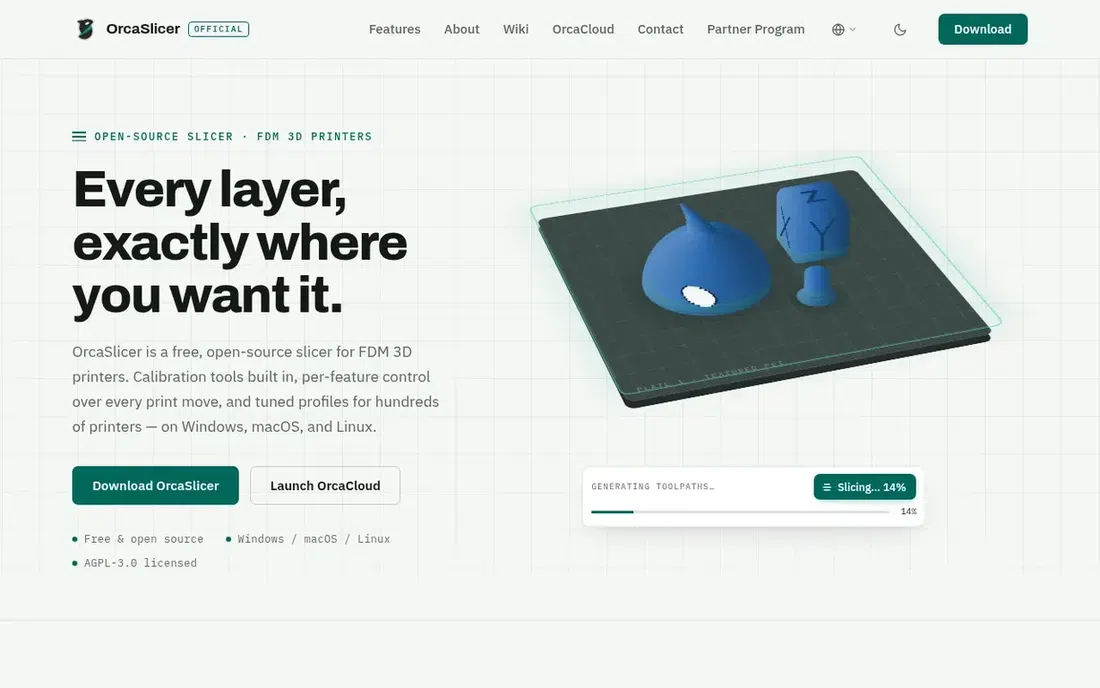
OrcaSlicer makes the most sense for advanced calibration and smart support generation. Check the official site for current platform support and documentation before switching. Worth adding: OrcaSlicer is a free, open-source slicer for Windows, macOS and Linux, distributed through its official website.
It emphasizes advanced calibration and smart supports, which makes it a solid fit for users who want to tune print quality closely and are comfortable exploring in-depth settings. Those leaving Simplify3D for a more customizable open-source tool frequently find the calibration features particularly relevant. OrcaSlicer shows no starting price here, so confirm the cost on the vendor site. Free plan details: Not stated.
The main drawbacks: Plenty of settings to learn.
- Smart supports
- Advanced calibration tools
- Setup varies by printer profile
Slic3r
Best for: Open-source slicing with a long track record
Slic3r targets open-source slicing with a long track record. Slic3r is an open-source 3D printing toolbox that has long served as a foundation for customizable slicing workflows.
The interface is less refined than newer alternatives, and setup frequently needs manual configuration. In practice, users who want guided calibration or a modern interface may prefer OrcaSlicer or Cura. This comparison lists no price for Slic3r; ask the vendor. Free options: Not stated.
Trade-offs to know: Interface feels dated.
- Customizable slicing settings
- Open-source toolbox
- Manual configuration is typical
Choose Kiri:Moto for browser-based slicing and CNC toolpaths. Kiri:Moto is a browser-based 3D slicer that also produces gcode and CNC toolpaths, based on its homepage.
As for the details, since it is browser-based, it relies on a network connection and provides fewer print-focused conveniences than desktop slicers. Users who require deep calibration features or large preset collections may prefer OrcaSlicer or Cura. Kiri:Moto does not show a starting price in this comparison, so check the vendor site for current pricing. Trial and free access: Not stated.
Drawbacks to consider: Fewer print-focused presets.
- No install required
- Also creates CNC toolpaths
- Browser workflow limits offline use
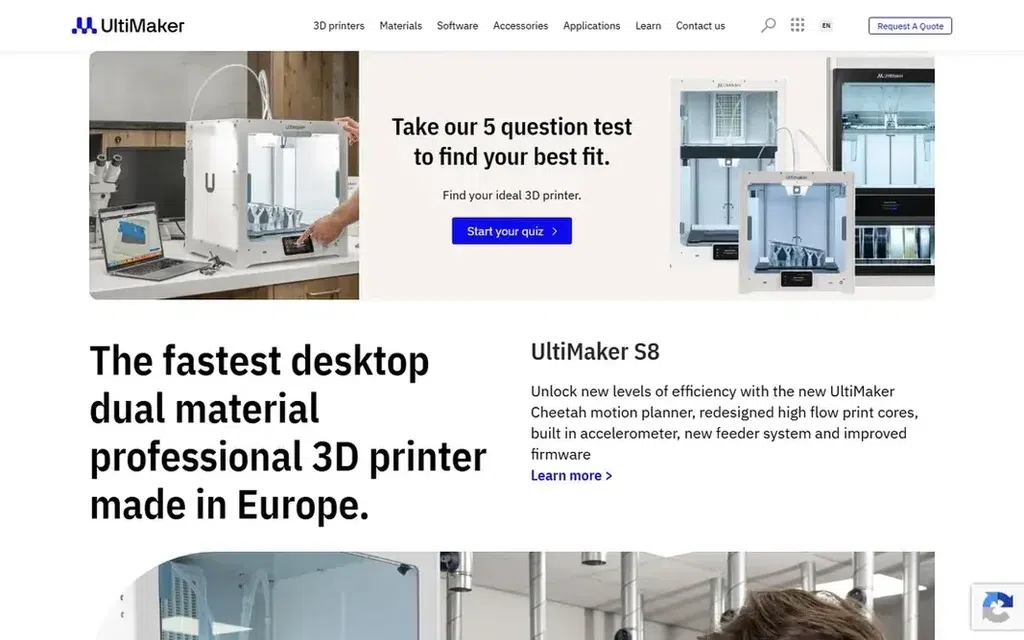
UltiMaker Cura is built with general-purpose slicing with broad printer support in mind. UltiMaker Cura is a slicing application for 3D printing that the vendor describes as quick and precise, with support for many different printers. Users coming from Simplify3D will find familiar profile and print preparation concepts.
The interface keeps typical tasks within reach whereas still exposing detailed settings for those who want them. Confirm printer compatibility on the vendor site before committing. UltiMaker Cura does not show a starting price in this comparison, so check the vendor site for current pricing. Trial and free access: Not stated.
The main drawbacks: Deep settings can overwhelm beginners. What UltiMaker Cura does well: precise slicing workflow.
- Quick
- Wide printer compatibility
- Advanced tuning takes time to learn
MatterControl
Best for: Design, prepare and handle prints in one app
For design, prepare and manage prints in one app, MatterControl is a natural candidate. MatterControl is free, open-source software from MatterHackers that lets users design, prepare and handle 3D prints, with design and print preparation capabilities plus templates in its Design App. In daily use, the interface and feature depth may feel less modern than newer slicers, and advanced calibration aids are restricted.
For Simplify3D users, it supplies a comparable prepare-and-manage workflow without a premium license. Users focused chiefly on slicing precision may prefer OrcaSlicer or Cura. Pricing for MatterControl is not stated here, so ask the vendor for current figures. Free options: Not stated.
Where it is weaker: Interface can feel dated.
- Bundles print management features
- Merges design and print preparation
- Fewer advanced calibration aids
What went into this list
The comparison looks at four things: starting price, free access, how well the feature set matches Simplify3D, and the main limit of each tool. Seat minimums, billing terms and add-ons can move the real cost, so the starting prices here are a guide and not a quote. We ordered the tools by general fit, then by how clearly pricing is shown, then by free access. A buyer with unusual needs may reorder them.
A buyer's checklist
- Confirm the entry price with every vendor: no tool from OrcaSlicer to MatterControl shows a fixed starting price.
- Read the limits listed for OrcaSlicer first: plenty of settings to learn.
- Look at which plan of Kiri:Moto unlocks the features you need; entry tiers are often cut down.
- Check how data leaves OrcaSlicer: formats, limits and whether exports are available on every plan.
- Run a one or two week pilot of MatterControl with the people who will use it every day.
FAQ
Do these tools publish their prices?
No. None of the tools, from OrcaSlicer to MatterControl, shows a fixed starting price here, so budget time for quotes.
Can I try these tools before paying?
Not by default. None of the tools, from OrcaSlicer to MatterControl, lists a free plan or a free trial here, so ask each vendor for a demo before committing.
Does any tool for Simplify3D here have a free plan?
A permanent free plan is not offered by OrcaSlicer, MatterControl or the other tools here. Plan a short evaluation period instead.
How are the tools for Simplify3D ordered?
OrcaSlicer sits first and MatterControl last because the order follows typical fit for Simplify3D, then price clarity and free access. It is a judgement call, so read each profile for fit and limits.
Sources
- https://www.orcaslicer.com
- https://slic3r.org
- https://grid.space/kiri
- https://ultimaker.com/software/ultimaker-cura
- https://www.matterhackers.com/store/l/mattercontrol/sk/MKZGTDW6