ProtoPie Alternatives in 2026: 5 Options Vetted
ProtoPie alternatives: 5 tools compared on price, free plans and fit. Sketch leads the list for Mac-based designers who value a focused workflow. Plain facts.
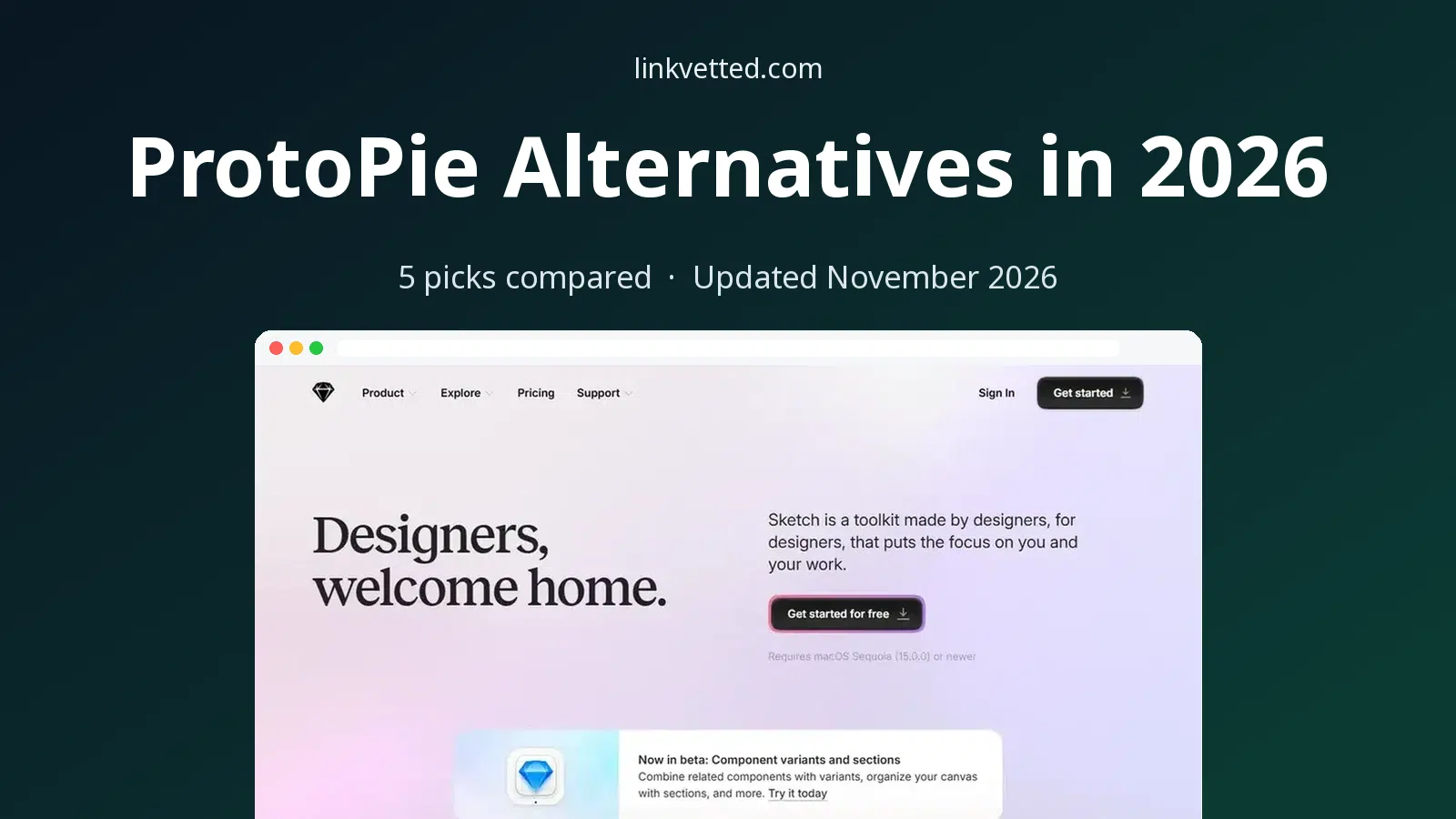
- Editor's choice
 Sketch
Mac-based designers who value a focused workflow
Starts at$12 per editor a monthVisit sketch.comFull review - Great alternative
 Framer
Turning designs into live, hosted websites
Starts at$10 a monthVisit framer.comFull review - Also consider
 Adobe XD
Designers already inside the Adobe ecosystem
Starts atSee websiteVisit adobe.comFull review
Direct answer
Our first pick is Sketch, best for Mac-based designers who value a focused workflow. Listed starting prices: Sketch from $12 per editor a month, Framer from $10 a month and Figma from $3 per month. Framer is the stronger choice for turning designs into live, hosted websites, while Adobe XD suits designers already inside the Adobe ecosystem. All 5 tools are compared below on price, free plan and limits.
TL;DR:
- Top of the list is Sketch, which targets Mac-based designers who value a focused workflow.
- Framer stands alone as the one tool in this list with a free plan.
- For the cheapest start, look at Figma: $3 per month.
- Axure RP is the one to check for detailed prototypes, specs and diagrams.
- The main caution on Figma: wide scope can overwhelm beginners.
Last checked November 2026. Prices and plan details were read from the vendors' own pages in November 2026; vendors change plans often, so confirm the current price on the vendor site before you buy.
Quick comparison
| Tool | Best for | Starts at | Free plan? | |
|---|---|---|---|---|
| Sketch | Mac-based designers who value a focused workflow | $12 per editor a month | Free trial | Visit |
| Framer | Turning designs into live, hosted websites | $10 a month | Yes | Visit |
| Adobe XD | Designers already inside the Adobe ecosystem | See website | Not stated | Visit |
 Figma | Collaborative design and prototyping in one place | $3 per month | Not stated | Visit |
 Axure RP | In-depth prototypes, specs and diagrams | $29 per user a month | Not stated | Visit |
Every option for ProtoPie explained
This LinkVetted guide covers 5 options for ProtoPie. Each profile lists a starting price, free plan details, strengths and drawbacks, so you can drop poor fits quickly.
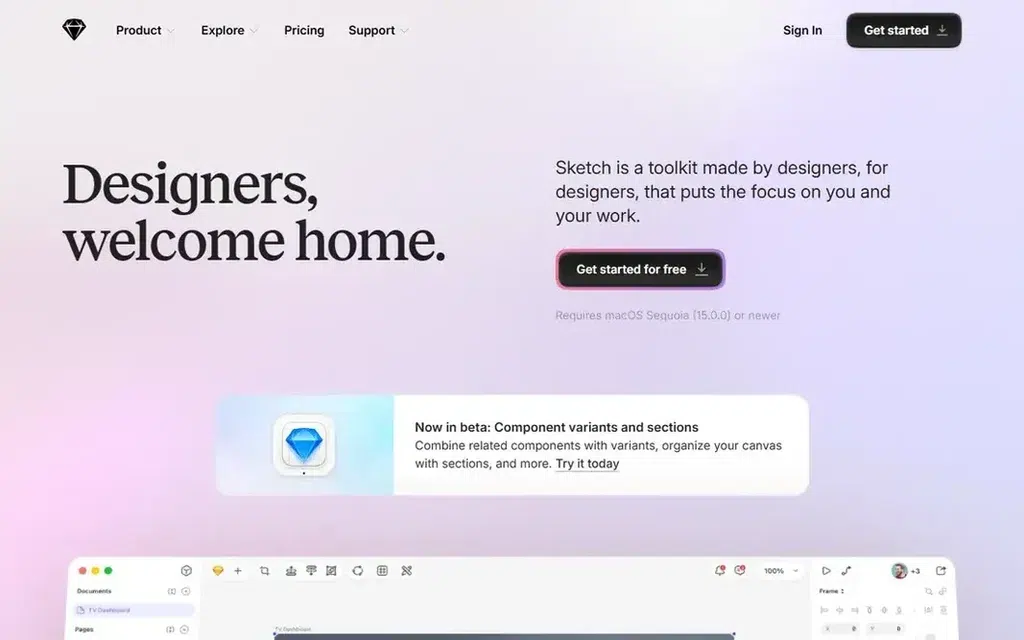
Sketch was built for Mac-based designers who value a focused workflow. If your team spans Windows and Mac or needs constant co-editing, a browser-based tool is the safer choice.
Sketch pricing: $12 per editor per month. Free options: Free trial.
What users get: Clean.
Limits to weigh: Live collaboration is restricted.
- Prototype and handoff
- Designer-focused interface
- Mac-only platform
Framer is built with turning designs into live, hosted websites in mind. Choose something else if your priority is in-depth interaction logic instead of shipping a live site.
It fits designers who want to publish real, editable sites instead of only clickable prototypes. Framer pricing: $10 per month. You can start on Framer without paying.
Downsides: Website focus over app prototyping.
- Changes stay editable after publishing
- Hosting
- Feature breadth takes time to learn
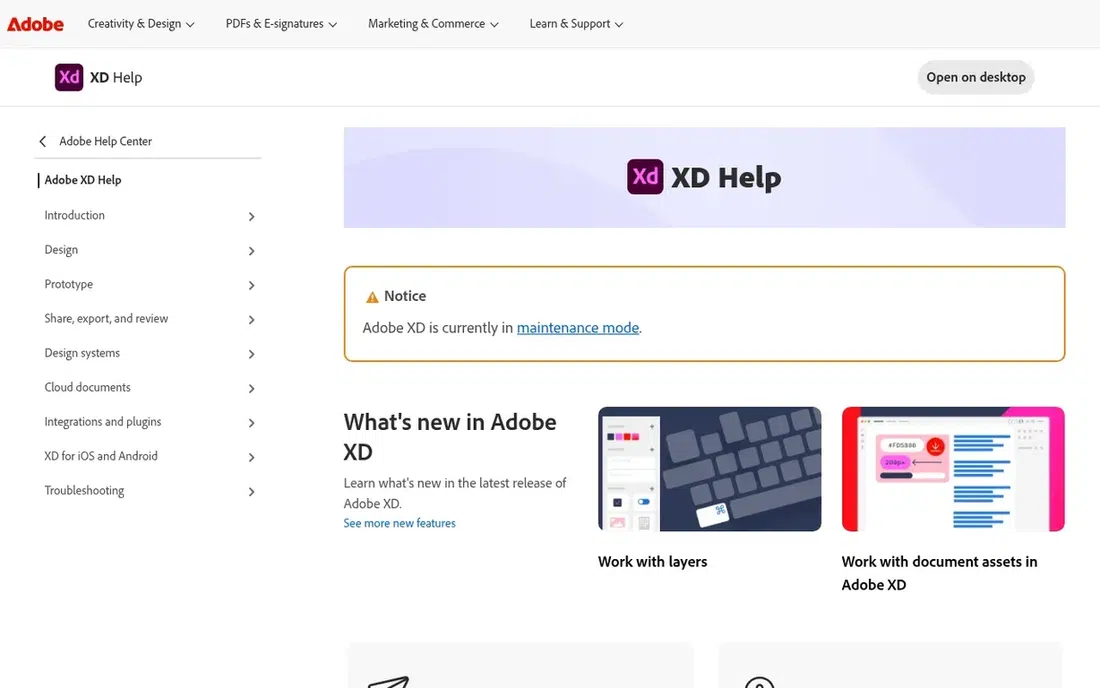
Adobe XD targets designers already inside the Adobe ecosystem. Adobe XD is Adobe's tool for interface design and interactive prototyping, geared toward designers who already work within Adobe's creative applications.
Adobe XD does not show a starting price in this comparison, so check the vendor site for current pricing. As for free access: Not stated.
Drawbacks to consider: Less momentum than newer tools.
- Takes care of design and prototyping
- Familiar interface for Adobe users
- Collaboration feels narrower
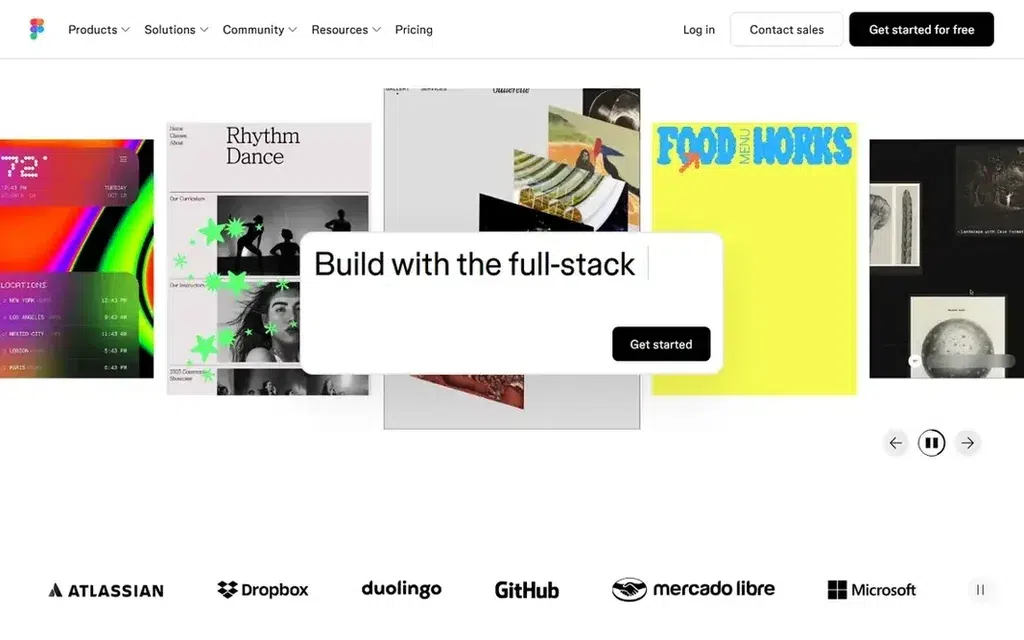
Figma is designed for collaborative design and prototyping in one place. Figma is a collaborative canvas where design, code and AI come together, letting an entire team move from first idea to shipped product in one place.
Beyond that, since it spans so much ground, the interface can feel busy for straightforward prototyping tasks, and highly specialized interaction work may call for a dedicated tool. In practice, pick something else if you primarily need light wireframes or documentation-heavy specifications. On cost, Figma starts like this: $3 per month. Free access: Not stated.
Where it falls short: Wide scope can overwhelm beginners.
- Moves from concept to production
- Code and AI on one canvas
- Complex prototypes may need extras
Axure RP works best for in-depth prototypes, specs and diagrams. The depth includes a steeper ramp-up time, and it feels heavier than light wireframing tools for early exploration.
Also, if you primarily need quick, shareable mockups or collaborative visual design, a more straightforward option will likely serve you better. On top of that, Axure RP is an all-in-one software design tool for creating prototypes, specifications and diagrams. On cost, Axure RP starts like this: $29 per user per month. Trial and free access: Not stated.
Highlights: Prototypes. What to check first: Steeper ramp-up time.
- Specifications and diagrams together
- Decent fit for documentation-heavy work
- Heavier than fast wireframing tools
How we built this list
Pricing pages, product documentation and feature lists were the main sources, and every entry carries at least one honest drawback. Prices and plan limits come from vendor pages and can change, so confirm them on the vendor site before you buy. The order reflects how well each tool fits the most common buying scenario for ProtoPie, then price clarity, then free plan access. It is a starting point, not a verdict.
What to check before you buy
- Ask Adobe XD for a written quote, since no starting price is shown.
- Look at the free plan from Framer closely: its caps decide whether it is usable for real work.
- Take the trial from Sketch and push a live task through it before you pay.
- Before choosing Sketch, weigh its main limit: Mac-only system.
- Confirm that Framer connects to the apps your team already uses, on the plan you would actually buy.
- Before you load data into Axure RP, check what an export looks like and who can run it.
FAQ
What is the cheapest option for ProtoPie in this list?
On published monthly entry prices, Figma is the lowest here at $3 per month. Entry price is only part of the cost, because seats, add-ons and billing terms can change the total. All 5 picks in this ProtoPie alternatives comparison list a starting price, free plan details and the main limits on their cards above.
Do these tools publish their prices?
Not all of them. Adobe XD publishes no starting price, so expect a quote request for it. The rest, Sketch included, show a starting price, though seats and billing terms still change the final cost. For the full picture, the cards above cover all 5 entries of this ProtoPie alternatives list, including price, free plan and limits.
Is Sketch the right pick for everyone comparing ProtoPie?
No single tool suits every team. Sketch comes first because it fits Mac-based designers who value a focused workflow, while Framer suits turning designs into live, hosted websites and Adobe XD suits designers already inside the Adobe ecosystem. Match the tool to your own size, budget and workflow before deciding.
How are the tools for ProtoPie ordered?
Sketch sits first and Axure RP last because the order follows typical fit for ProtoPie, then price clarity and free access. It is a judgement call, so read each profile for fit and limits.
Sources
- https://www.sketch.com
- https://www.framer.com
- https://www.adobe.com/products/xd.html
- https://www.figma.com
- https://www.axure.com