Rebelle Alternatives in 2026: 5 Options Vetted
Comparing Rebelle alternatives? 5 contenders, each with entry cost, free tier and best-fit buyer. Each listing flags where it falls short. Pick by budget.
- Editor's choice
 Clip Studio Paint
Comic and manga creation
Starts atPricing on requestVisit clipstudio.netFull review - Great alternative
 Sketchbook
Accessible sketching and drawing
Starts atPricing on requestVisit sketchbook.comFull review - Also considerArtRage
Natural media simulation
Starts atPricing on requestVisit artrage.comFull review
Direct answer
Start with Clip Studio Paint if you need comic and manga creation. Sketchbook fits accessible sketching and drawing; ArtRage fits natural media simulation. All 5 tools are compared below on fit, free plan and limits. None of these vendors publish plan prices, so pricing is on request for every option.
TL;DR:
- Number one here is Clip Studio Paint, a fit for comic and manga creation.
- A permanent free plan is missing from all 5 tools, Clip Studio Paint and Affinity Photo included; plan for a trial or a premium start.
- Clip Studio Paint, Affinity Photo and the 3 others all sell by quote; expect sales conversations before you see a price.
- Affinity Photo is the one to check for professional photo editing.
Last checked November 2026. Pricing on request: vendors did not publish plan prices when this guide was last checked (November 2026), so ask each vendor for a written quote.
Quick comparison
| Tool | Best for | Starts at | Free plan? | |
|---|---|---|---|---|
| Clip Studio Paint | Comic and manga creation | Pricing on request | Not stated | Visit |
| Sketchbook | Accessible sketching and drawing | Pricing on request | Not stated | Visit |
| ArtRage | Natural media simulation | Pricing on request | Not stated | Visit |
 Adobe Photoshop | Full photo editing and digital painting | Pricing on request | Not stated | Visit |
 Affinity Photo | Professional photo editing | Pricing on request | Not stated | Visit |
Tool-by-tool breakdown
If you are comparing Rebelle, this page covers 5 tools in one place: what each is best for, what it costs to start, whether it has a free plan, and the main limit to know about.
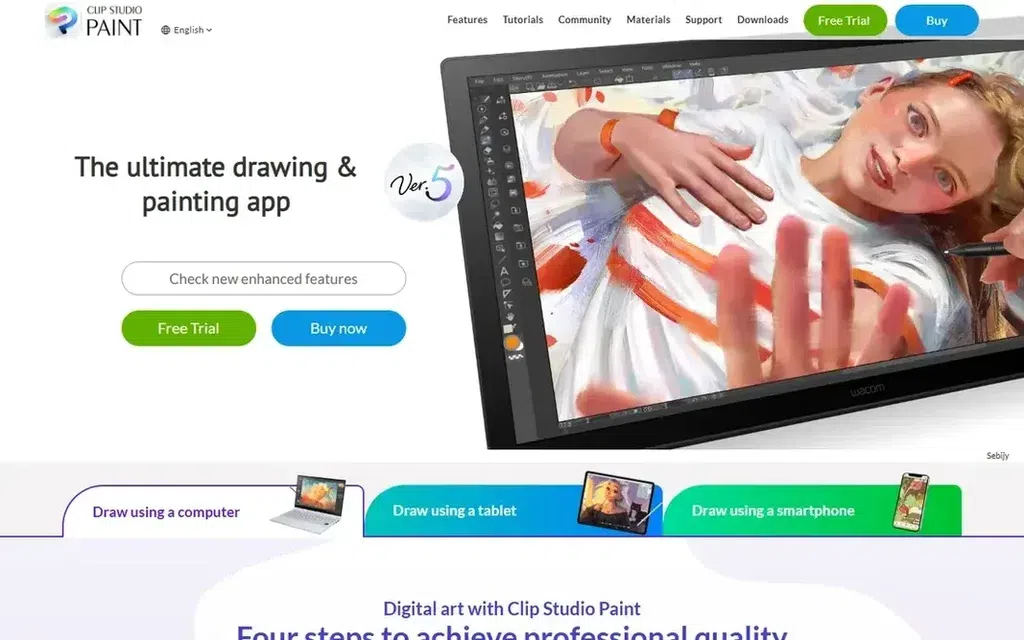
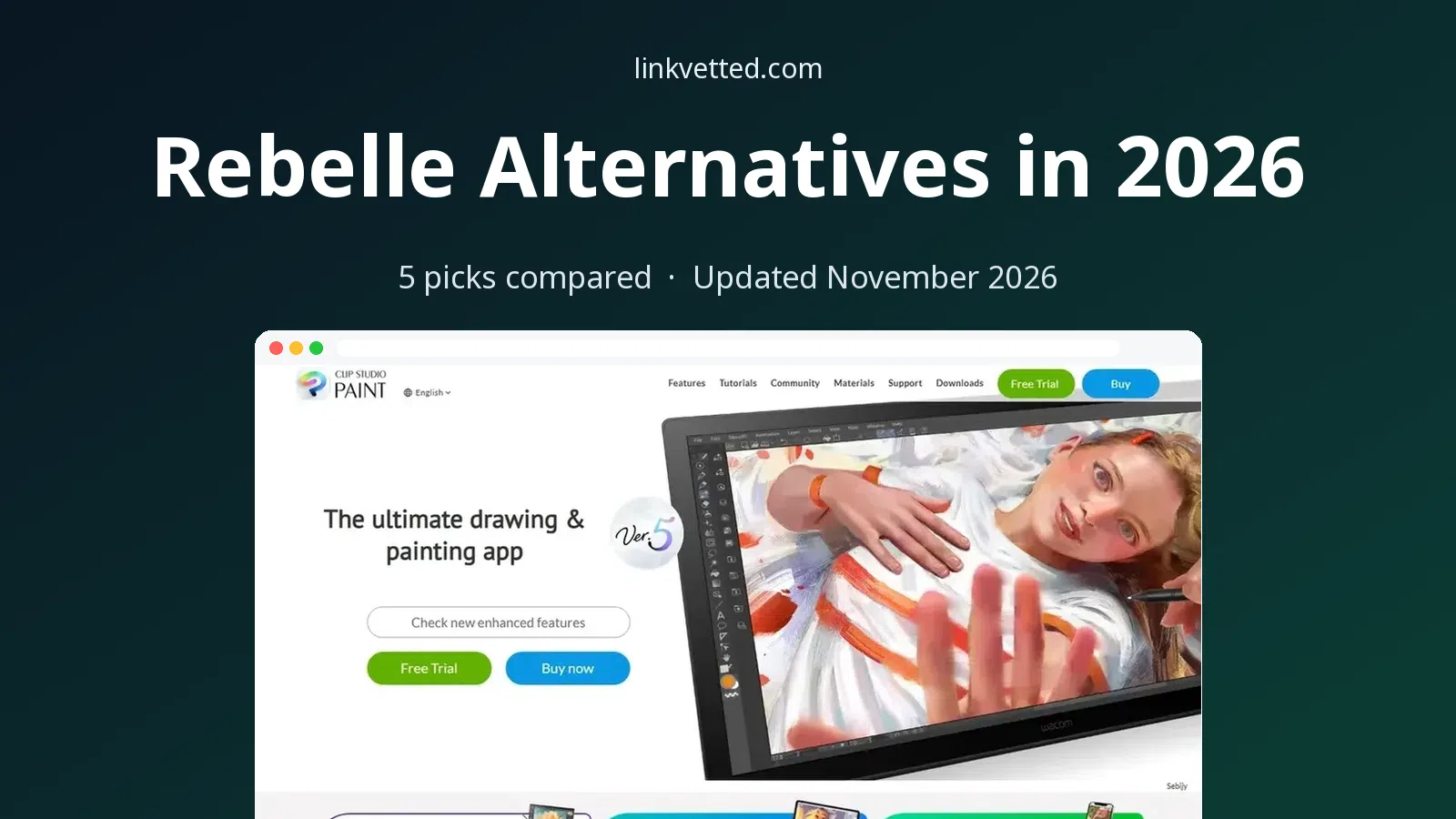
Choose Clip Studio Paint for comic and manga creation. Clip Studio Paint is aimed at creating comics, illustrations, and animations, with features like frame templates, speech bubbles, and 3D reference models. It is well suited to comic artists and illustrators who require specialized tools and a configurable workspace.
Points against: Interface can be complicated for beginners.
Beyond that, the app is available on several systems and supplies thousands of free brushes. The ramp-up time can be steep because of its broad feature set, and some advanced assets may need separate purchases. Clip Studio Paint does not show a starting price in this comparison, so check the vendor site for current pricing. On free options: Not stated.
- Large library of free brushes and assets
- Multi-platform support
- Some features need extra purchases
Choose Sketchbook for accessible sketching and drawing. Sketchbook is a sketching and illustration app made for artists of all levels, with a focus on simplicity and a beautiful interface.
It gives you professional-grade drawing tools and is available on several devices, making it accessible for fast sketches or in-depth artwork. No starting price is listed for Sketchbook here; confirm pricing on the vendor site. Free plan details: Not stated.
Points against: Restricted advanced features compared with full suites.
- Professional-grade drawing tools
- Available on several systems
- Some tools need a subscription on certain products
ArtRage
Best for: Natural media simulation
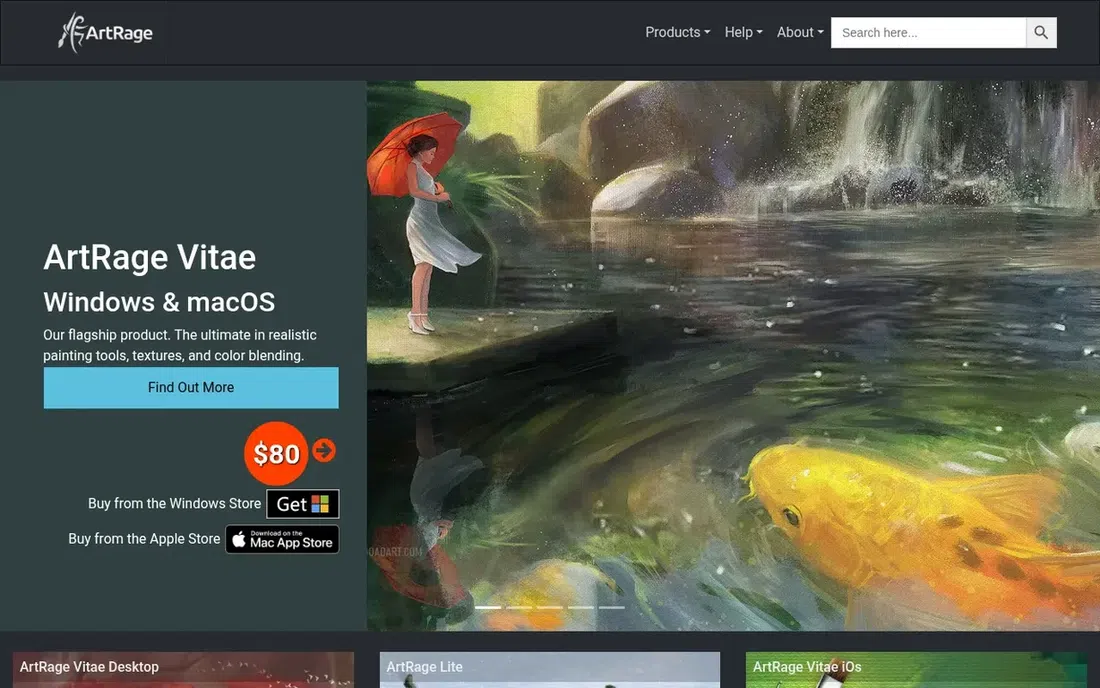
In short, ArtRage is for natural media simulation. It is well-suited for fine art and illustration, with an interface that mimics real-world tools and canvas textures.
On top of that, Whereas ArtRage excels at painting, it lacks some of the advanced editing and compositing capabilities found in Photoshop. ArtRage does not show a starting price in this comparison, so check the vendor site for current pricing. As for free access: Not stated.
Points against: Less a good match for complicated compositing.
- Easy-to-learn interface
- Realistic simulation of traditional media
- Restricted advanced editing features
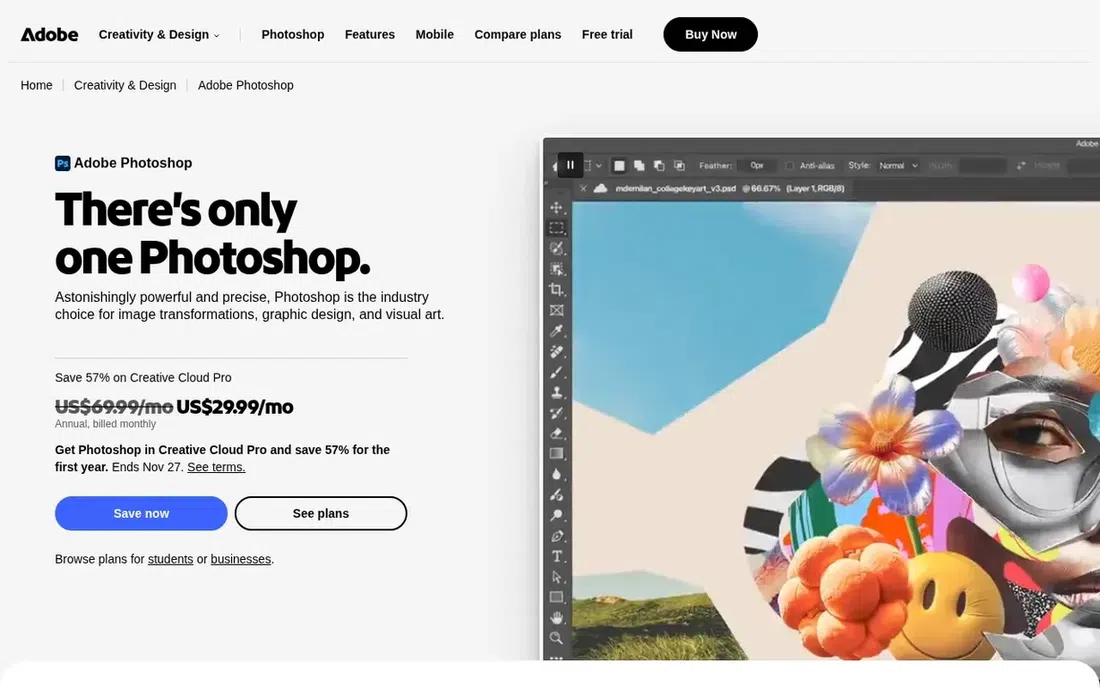
Choose Adobe Photoshop for thorough photo editing and digital painting. Adobe Photoshop is an industry-standard software for photo editing and digital painting, offering a vast array of tools for creating and manipulating images.
Where it falls short: Can be overwhelming for beginners.
The application supports complicated creative projects from concept to final output. Its deep feature set can also be intimidating for new users. Check the vendor site for Adobe Photoshop pricing; none is listed in this comparison. Free access: Not stated.
- Supports complicated workflows with layers and masks
- Deep toolset for editing and compositing
- Subscription-based model
Affinity Photo was built for professional photo editing. Affinity Photo is a professional photo editor with advanced tools for retouching, compositing, and raw development. It is targeted at photographers and designers who require capable editing capabilities without a subscription.
On top of that, Whereas Affinity Photo comes with painting tools, it is primarily a photo editor and may not satisfy artists seeking a natural media painting experience. For everyday use, for that, ArtRage or Rebelle would be more appropriate. Worth adding: the software provides a thorough set of features including focus stacking and HDR merge. Affinity Photo shows no starting price here, so confirm the cost on the vendor site. Free options: Not stated.
Downsides: Steeper ramp-up time for beginners. Main advantages: One-time purchase model.
- Precise editing tools with layer support
- Quick performance
- Less focus on natural painting
How the list was put together
For each of the 5 tools we noted price, free plan or trial, fit for Rebelle and the main limit, using vendor pages and documentation. Prices and plan limits come from vendor pages and can change, so confirm them on the vendor site before you buy. The ranking is editorial: typical fit first, then clear pricing, then free access. If your needs are unusual, read the profiles rather than relying on position.
What to check before you buy
- Ask each vendor, from Clip Studio Paint to Affinity Photo, for a written quote; none of them publishes a starting price.
- Read the limits listed for Clip Studio Paint first: interface can be complicated for beginners.
- Confirm minimum seats and billing terms with Clip Studio Paint before you commit to an annual plan.
- Confirm that Adobe Photoshop connects to the apps your team already uses, on the plan you would actually buy.
- Total up the real monthly cost of Sketchbook, including add-ons, extra users and usage-based fees.
FAQ
Do these tools publish their prices?
No. None of the tools, from Clip Studio Paint to Affinity Photo, shows a fixed starting price here, so budget time for quotes.
Is Clip Studio Paint the right pick for everyone comparing Rebelle?
No single tool suits every team. Clip Studio Paint comes first because it fits comic and manga creation, while Sketchbook suits accessible sketching and drawing and ArtRage suits natural media simulation. Match the tool to your own size, budget and workflow before deciding.
Does any tool for Rebelle here have a free plan?
A permanent free plan is not offered by Clip Studio Paint, Affinity Photo or the other tools here. Plan a short evaluation period instead.
Which Rebelle alternative is a good match for comic artists?
Clip Studio Paint is the pick this page puts first, mainly for comic and manga creation. If your situation differs, Sketchbook suits accessible sketching and drawing, and ArtRage suits natural media simulation. Compare price and limits before you decide.
How are the tools for Rebelle ordered?
Clip Studio Paint sits first and Affinity Photo last because the order follows typical fit for Rebelle, then price clarity and free access. It is a judgement call, so read each profile for fit and limits.
Sources
- https://www.clipstudio.net/en
- https://www.sketchbook.com
- https://www.artrage.com
- https://www.adobe.com/products/photoshop.html
- https://affinity.serif.com/en-us/photo