Top PowerPoint Presentation Alternatives in 2026: 5 Picks Ranked
Compare 5 picks for powerpoint presentation alternatives, with prices, free plans and who each fits. Honest caveats for every entry. Read before you buy.
- Editor's choice
 Canva
Design-led presentations and visual content
Starts atSee websiteVisit canva.comFull review - Great alternative
 Beautiful.ai
On-brand team decks with less layout work
Starts at$14.50 per monthVisit beautiful.aiFull review - Also consider
 Google Slides
Browser-based team collaboration
Starts atSee websiteVisit workspace.google.comFull review
Direct answer
Start with Canva if you need design-led presentations and visual content. Listed starting prices: Beautiful.ai from $14.50 per month and Pitch from €10 a month. For a different need, Beautiful.ai covers on-brand team decks with less layout work and Google Slides covers browser-based team collaboration. The full list of 5 tools follows, with prices and free plan facts.
TL;DR:
- Canva takes the first slot, best suited to design-led presentations and visual content.
- The cheapest monthly starting price in the list is $14.50 per month, offered by Beautiful.ai.
- Pitch stands alone as the one tool in this list with a free plan.
- The main caution on Google Slides: requires a Google account.
- Prezi suits interactive live presentations.
Last checked November 2026. Prices and plan details were read from the vendors' own pages in November 2026; vendors change plans often, so confirm the current price on the vendor site before you buy.
Quick comparison
| Tool | Best for | Starts at | Free plan? | |
|---|---|---|---|---|
| Canva | Design-led presentations and visual content | See website | Not stated | Visit |
| Beautiful.ai | On-brand team decks with less layout work | $14.50 per month | Free trial | Visit |
| Google Slides | Browser-based team collaboration | See website | Not stated | Visit |
 Pitch | Collaborative team presentation workspace | €10 a month | Yes | Visit |
 Prezi | Interactive live presentations | See website | Not stated | Visit |
Our 5 picks for powerpoint presentation
This LinkVetted guide covers 5 options for powerpoint presentation. Each profile lists a starting price, free plan details, strengths and drawbacks, so you can drop poor fits quickly.
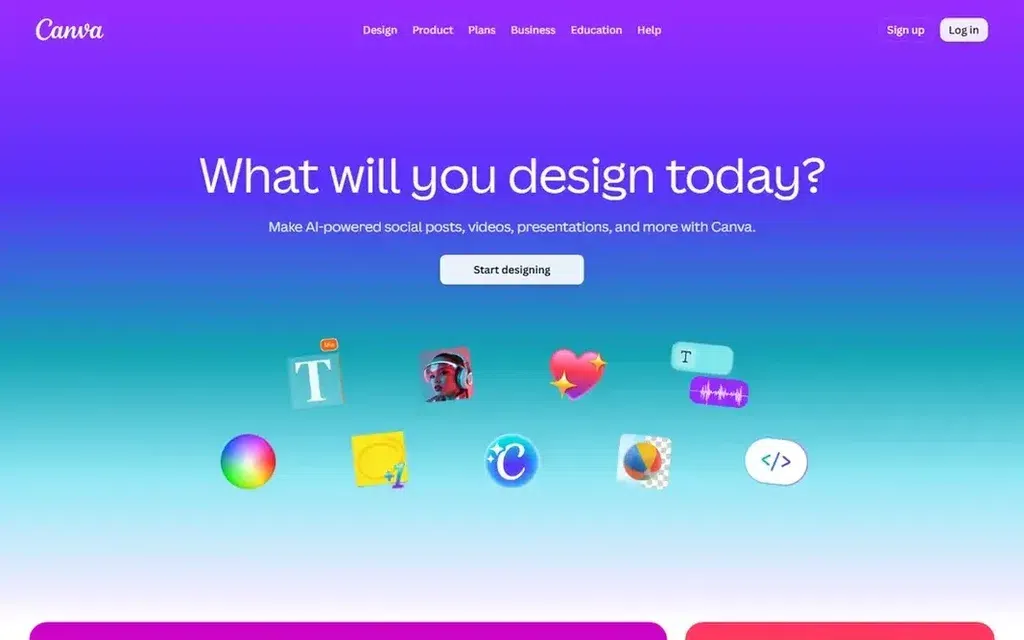
Canva makes the most sense for design-led presentations and visual content. Canva is an online graphic design tool positioned as a visual suite for everyone.
Worth adding: choose Canva when visual variety and multi-format design are the central goals. This comparison lists no price for Canva; ask the vendor. As for free access: Not stated.
Trade-offs to know: Less control over complicated animation.
- Large template library
- Drag-and-drop editing
- Can feel template-driven
Beautiful.ai is aimed squarely at on-brand team decks with less layout work. It is built to keep every deck on-brand and ready to share across a company, which helps when numerous people produce slides and consistency matters. Automatic layout can limit fine-grained control for users who want to place every element by hand.
Teams that want layout decisions handled automatically and a shared visual standard will find the approach appealing. If you need full creative freedom or produce plenty of non-presentation assets, a broader design tool may be a better fit. Beautiful.ai cost at the entry level: $14.50 per month. As for free access: Free trial.
Drawbacks to consider: Concentrated on business presentations.
- Brand consistency across teams
- Made for enterprise sharing
- Less manual layout control
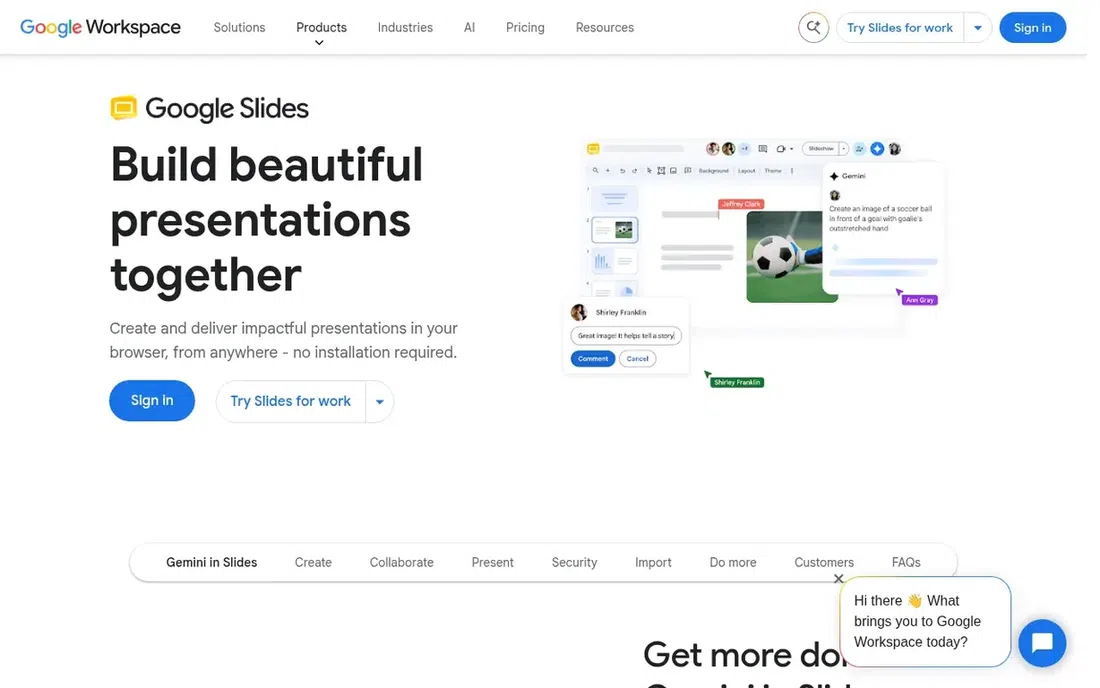
Google Slides is aimed squarely at browser-based team collaboration. The tool is built around online collaboration, so very complex animation and offline-only workflows may feel constrained.
Downsides: Needs a Google account.
As for the details, if your organization standardizes on desktop software or needs highly custom motion graphics, another choice may fit better. On top of that, since it lives online, it fits teams that already use Google tools and need several people editing the same file at once without installing software. No starting price is listed for Google Slides here; confirm pricing on the vendor site. Trial and free access: Not stated.
- Template gallery
- Runs in the browser
- Advanced animation is restricted
Pitch is designed for collaborative team presentation workspace. Pitch is described as the AI presentation workspace and a collaborative product for teams that want to produce, share and deliver better work.
Pick Pitch when collaboration and a unified workspace are priorities over established conventions. Beyond that, teams needing deep legacy compatibility should check export and import choices carefully. On cost, Pitch starts like this: €10 per month. Free access exists with Pitch.
Where it is weaker: Less established than older slide tools.
- Share and deliver in one place
- AI features for building decks
- Newer to some organizations
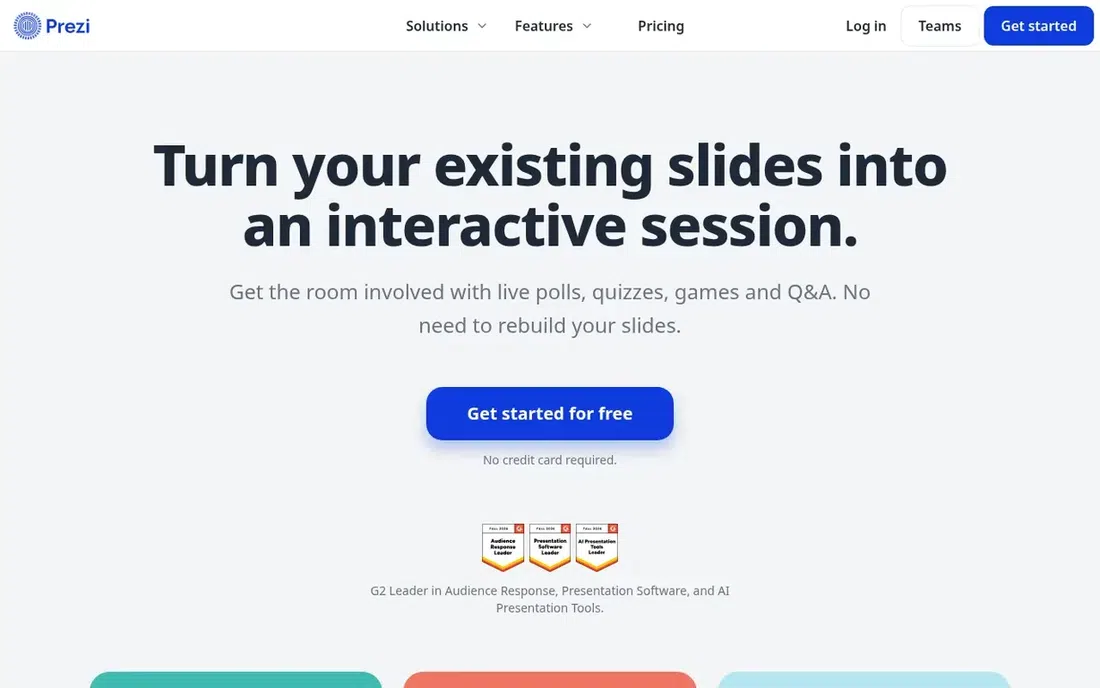
Pick Prezi if this describes you: interactive live presentations. Prezi describes itself as an interactive presentation product for educators, trainers and teams. It then supports sharing a single link.
This makes it a fit for sessions where audience engagement matters as much as the slides themselves. Prezi's strengths are tied to live, interactive delivery, so teams that chiefly circulate static decks may find it less direct than a standard slide editor. Its navigation style also differs from conventional slide tools, which can need adjustment. For everyday use, pick Prezi when training sessions, workshops or classes benefit from live participation. Check the vendor site for Prezi pricing; none is listed in this comparison. Trial and free access: Not stated.
Limits to weigh: Distinct navigation style.
- Import existing slides
- Phone-based audience participation
- Focus on live delivery over static decks
What went into this list
The comparison looks at four things: starting price, free access, how well the feature set matches powerpoint presentation, and the main limit of each tool. Treat prices as a snapshot: vendors change plans often, so check the vendor site for the figure that applies today. We ordered the tools by general fit, then by how clearly pricing is shown, then by free access. A buyer with unusual needs may reorder them.
What to confirm before you sign up
- Confirm the entry price on the vendor page. For Canva, Google Slides and Prezi that means a quote rather than a fixed price.
- Look at the free plan from Pitch closely: its caps decide whether it is usable for real work.
- Use real work to test the free trial from Beautiful.ai, rather than a demo project.
- Read the limits listed for Canva first: can feel template-driven.
- Compare total cost, not headline price: for Pitch, add extra seats, add-ons and any usage-based charges.
- Check how data leaves Beautiful.ai: formats, limits and whether exports are available on every plan.
FAQ
Can I try these tools before paying?
Often, yes. Pitch has a free plan and Beautiful.ai offers a free trial. Use your own data and a real task during the test, and check what the free tier or trial limits before you rely on it. For the full picture, the cards above cover all 5 entries of this Powerpoint presentation alternatives list, including price, free plan and limits.
What is the cheapest option for powerpoint presentation in this list?
On published monthly entry prices, Beautiful.ai is the lowest here at $14.50 per month. Entry price is only part of the cost, because seats, add-ons and billing terms can change the total. Prices, free plan details and limits for all 5 tools in this Powerpoint presentation alternatives roundup sit on the individual cards above.
Do these tools publish their prices?
Not all of them. Canva, Google Slides and Prezi publish no starting price, so expect a quote request for those. The rest, Beautiful.ai included, show a starting price, though seats and billing terms still change the final cost.
Can I make visually rich presentations without design skills?
Canva supplies a large template library across numerous formats, whereas Beautiful.ai centres on keeping business decks on-brand automatically. Consider how much layout control you want before choosing.
Which PowerPoint alternative is a good match for live collaboration?
This list starts with Canva, which fits design-led presentations and visual content. For other needs, Beautiful.ai is aimed at on-brand team decks with less layout work, and Google Slides at browser-based team collaboration. Check each tool's price and main limit first.
How are the tools for powerpoint presentation ordered?
The order follows typical fit for powerpoint presentation, with Canva first and Prezi last, then price clarity and free access. It is editorial judgement, not a score, so another team could rank the tools differently.
Sources
- https://www.canva.com
- https://www.beautiful.ai
- https://workspace.google.com/products/slides
- https://pitch.com
- https://prezi.com