Top PTE AV Studio Alternatives in 2026: 5 Picks Ranked
Weighing PTE AV Studio alternatives? We lined up 5 products by cost, free access and fit. Includes honest limits for each tool. Quick comparison inside.
- Editor's choice
 Vegas Pro
Windows editing with AI and audio tools
Starts atSee websiteVisit vegascreativesoftware.comFull review - Great alternative
 CyberLink PowerDirector
Quicker editing with guided AI tools
Starts at$54.99 a monthVisit cyberlink.comFull review - Also consider
 DaVinci Resolve
Editing with color and audio in one app
Starts atSee websiteVisit blackmagicdesign.comFull review
Direct answer
For Windows editing with AI and audio tools, Vegas Pro is where this list starts. Listed starting prices: CyberLink PowerDirector from $54.99 a month. CyberLink PowerDirector fits quicker editing with guided AI tools; DaVinci Resolve fits editing with color and audio in one app. All 5 tools are compared below on price, free plan and limits.
TL;DR:
- Top of the list is Vegas Pro, which targets Windows editing with AI and audio tools.
- The main caution on DaVinci Resolve: feature set can feel dense.
- For beginner-friendly creative editing, Magix Movie Edit Pro is worth a look.
- Vegas Pro, Magix Movie Edit Pro and the 3 others all need a premium plan or a trial, since no free plan is listed.
Last checked November 2026. Prices and plan details were read from the vendors' own pages in November 2026; vendors change plans often, so confirm the current price on the vendor site before you buy.
Quick comparison
| Tool | Best for | Starts at | Free plan? | |
|---|---|---|---|---|
| Vegas Pro | Windows editing with AI and audio tools | See website | Not stated | Visit |
| CyberLink PowerDirector | Quicker editing with guided AI tools | $54.99 a month | Not stated | Visit |
| DaVinci Resolve | Editing with color and audio in one app | See website | Not stated | Visit |
 Adobe Premiere Pro | Full professional editing and postproduction | See website | Not stated | Visit |
| Magix Movie Edit Pro | Beginner-friendly creative editing | See website | Not stated | Visit |
PTE AV Studio profiles
Short on time? The summary and table above give the quick view of 5 tools for PTE AV Studio, and the profiles that follow give the detail behind each entry.
Vegas Pro is a good fit for Windows editing with AI and audio tools. It suits editors who want a track-based environment with solid audio handling.
Drawbacks to consider: Interface takes adjustment.
It appeals to creators working on event videos, presentations and narrative projects who require effects and sound control in one place. No starting price is listed for Vegas Pro here; confirm pricing on the vendor site. Trial and free access: Not stated.
- Solid audio feature set
- AI tools for editing
- Windows only
In short, CyberLink PowerDirector is for quicker editing with guided AI tools. If you want deeper color and audio finishing, DaVinci Resolve is the more solid match.
Limits to weigh: Advanced control can be restricted.
In daily use, pick PowerDirector when speed and guided effects matter more than granular manual editing. Price to start with CyberLink PowerDirector: $54.99 per month. As for free access: Not stated.
- Large royalty-free asset library
- Pro-grade effects included
- Consumer-oriented interface
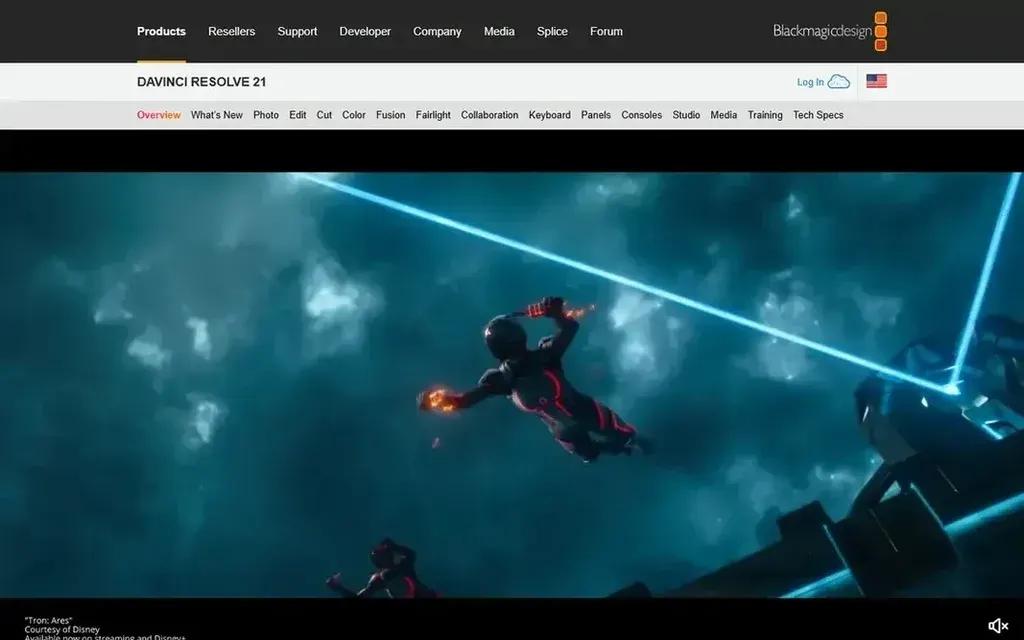
DaVinci Resolve is built with editing with color and audio in one app in mind. Editors who only need fast slideshows may prefer a more guided tool.
Pick Resolve when color and audio finishing are central to your work and you are willing to invest time in learning the layout. Pricing for DaVinci Resolve is not stated here, so ask the vendor for current figures. On free options: Not stated.
Upsides: VFX and audio together. Downsides: Feature set can feel dense.
- Available for Mac
- Free and premium versions offered
- Hardware demands for heavier work
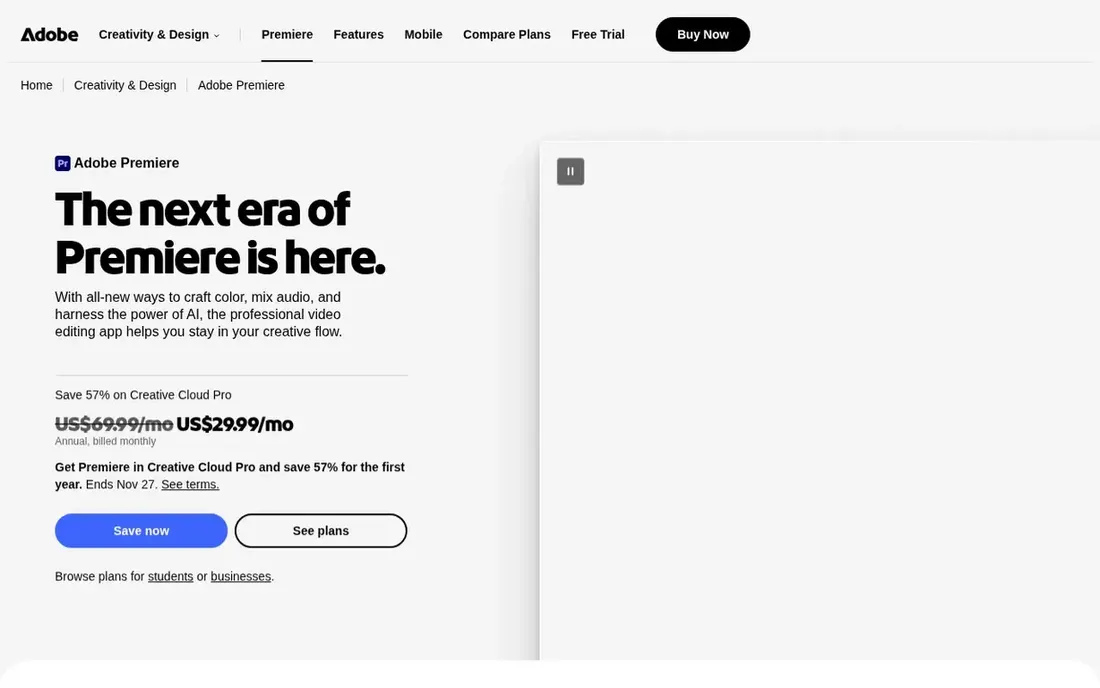
Adobe Premiere Pro makes the most sense for full professional editing and postproduction. Adobe Premiere Pro is professional video editing and postproduction software for trimming footage, adding effects, mixing audio and extending video. As for the details, teams already working inside Adobe applications will find the workflow familiar and adaptable.
If you primarily assemble photo slideshows with music, a simpler editor like Magix Movie Edit Pro may get you there quicker. Choose Premiere Pro when professional editing breadth matters more than simplicity. No starting price is listed for Adobe Premiere Pro here; confirm pricing on the vendor site. Free options: Not stated.
Reasons to shortlist it: effects and audio toolset. What to check first: Subscription-based access.
- Broad editing
- Capable integration with Adobe workflows
- Deeper ramp-up time
Magix Movie Edit Pro
Best for: Beginner-friendly creative editing
Where Magix Movie Edit Pro fits: beginner-friendly creative editing. Magix Movie Edit Pro, sold as Video deluxe, pairs beginner-friendly operation with diverse editing tools and creative content. It supplies a gentler entry point for anyone leaving presentation software behind.
It is less oriented toward advanced professional workflows, and editors needing extensive color or audio finishing may prefer DaVinci Resolve or Premiere Pro. Choose Movie Edit Pro when simplicity and creative templates matter most, and move to a professional tool once your projects demand finer control. Magix Movie Edit Pro does not show a starting price in this comparison, so check the vendor site for current pricing. Free options: Not stated.
Honest limits: Interface differs from pro tools.
- Diverse editing tools
- Creative content included
- Less suited to advanced workflows
Selection criteria
Selection started from tools commonly considered for PTE AV Studio, then narrowed to 5 that have clear pricing information or a clear quote process. Treat prices as a snapshot: vendors change plans often, so check the vendor site for the figure that applies today. Order on the page follows fit for the typical buyer first, then price transparency and free access. Your own requirements should decide the final pick.
Before you commit
- Get a written quote from Vegas Pro, DaVinci Resolve, Adobe Premiere Pro and Magix Movie Edit Pro; the list shows no starting price for them.
- Before choosing Vegas Pro, weigh its main limit: Windows only.
- Check how data leaves Magix Movie Edit Pro: formats, limits and whether exports are available on every plan.
- Test the integrations you rely on with DaVinci Resolve before committing; some connectors sit on upper tiers.
- The entry price of Vegas Pro is only the starting point; model the full cost with seats and extras.
FAQ
Can I try these tools before paying?
Not by default. None of the tools, from Vegas Pro to Magix Movie Edit Pro, lists a free plan or a free trial here, so ask each vendor for a demo before committing.
Which choice is easiest for beginners?
Magix Movie Edit Pro emphasizes beginner-friendly operation with creative content, and CyberLink PowerDirector gives you guided AI tools. Both aim to shorten the path from raw footage to a finished video.
Do these tools publish their prices?
Not all of them. Vegas Pro, DaVinci Resolve, Adobe Premiere Pro and Magix Movie Edit Pro publish no starting price, so expect a quote request for those. The rest, CyberLink PowerDirector included, show a starting price, though seats and billing terms still change the final cost.
How are the tools for PTE AV Studio ordered?
The order follows typical fit for PTE AV Studio, with Vegas Pro first and Magix Movie Edit Pro last, then price clarity and free access. It is editorial judgement, not a score, so another team could rank the tools differently.
Is Vegas Pro the right pick for everyone comparing PTE AV Studio?
No single tool suits every team. Vegas Pro comes first because it fits Windows editing with AI and audio tools, while CyberLink PowerDirector suits faster editing with guided AI tools and DaVinci Resolve suits editing with color and audio in one app. Match the tool to your own size, budget and workflow before deciding.
Sources
- https://www.vegascreativesoftware.com/us/vegas-pro
- https://www.cyberlink.com/products/powerdirector/overview_en_US.html
- https://www.blackmagicdesign.com/products/davinciresolve
- https://www.adobe.com/products/premiere.html
- https://www.magix.com/us/video/movie-edit-pro