Switching From Pitch? 5 Alternatives for 2026
Pitch alternatives: 5 contenders ranked by fit, with entry costs and free tiers. We put Prezi first for interactive live presentations. Refreshed for 2026.
- Editor's choice
 Prezi
Interactive live presentations
Starts atSee websiteVisit prezi.comFull review - Great alternative
 Beautiful.ai
On-brand decks for teams
Starts at$14.50 per monthVisit beautiful.aiFull review - Also consider
 Canva
Design-led slides and visuals
Starts atSee websiteVisit canva.comFull review
Direct answer
Start with Prezi if you need interactive live presentations. Listed starting prices: Beautiful.ai from $14.50 per month. Beautiful.ai fits on-brand decks for teams; Canva fits design-led slides and visuals. All 5 tools are compared below on price, free plan and limits.
TL;DR:
- Prezi is the opening pick, best for interactive live presentations.
- Prezi, Microsoft PowerPoint and the 3 others all need a premium plan or a trial, since no free plan is listed.
- Starting prices begin at $14.50 per month with Beautiful.ai.
- Before buying Prezi, weigh this: nonlinear format takes practice.
- Microsoft PowerPoint is the one to check for in-depth, structured pitch decks.
Last checked November 2026. Prices and plan details were read from the vendors' own pages in November 2026; vendors change plans often, so confirm the current price on the vendor site before you buy.
Quick comparison
| Tool | Best for | Starts at | Free plan? | |
|---|---|---|---|---|
| Prezi | Interactive live presentations | See website | Not stated | Visit |
| Beautiful.ai | On-brand decks for teams | $14.50 per month | Free trial | Visit |
| Canva | Design-led slides and visuals | See website | Not stated | Visit |
 Genially | Interactive and animated content | See website | Not stated | Visit |
 Microsoft PowerPoint | In-depth, structured pitch decks | See website | Not stated | Visit |
Tool-by-tool breakdown
This LinkVetted guide covers 5 options for Pitch. Each profile lists a starting price, free plan details, strengths and drawbacks, so you can drop poor fits quickly.
Choose Prezi for interactive live presentations. Prezi is an interactive presentation product aimed at educators, trainers and teams. It lets you bring existing slides or describe your content, then run live polls and quizzes that audiences join from their phones, and share one link afterward.
The main drawbacks: Less suited to conventional slide decks.
For everyday use, choose Prezi when audience participation and post-presentation sharing are central to your goals. Worth adding: the interactive, zooming style can feel unfamiliar to audiences expecting standard slides, and building a smooth flow takes some practice. Check the vendor site for Prezi pricing; none is listed in this comparison. On free options: Not stated.
- Shareable links after presenting
- Interactive presentation product
- Nonlinear format takes practice
Beautiful.ai targets on-brand decks for teams. Since the product emphasizes brand consistency and guided layouts, users who want total manual control over every element may feel constrained. It is also oriented toward team and enterprise use instead of casual solo projects.
Limits to weigh: Less manual layout control.
Consider a more adaptable design tool if creative freedom outweighs standardized, on-brand output. Also, beautiful.ai is an AI presentation system aimed at enterprise teams. It concentrates on keeping every deck on-brand and ready to share across an entire company, which fits organizations where numerous people produce presentations and consistency matters. Beautiful.ai starts at: $14.50 per month. On free options: Free trial.
- Made for enterprise sharing
- Keeps decks on-brand across a company
- Centred on team consistency over creative freedom
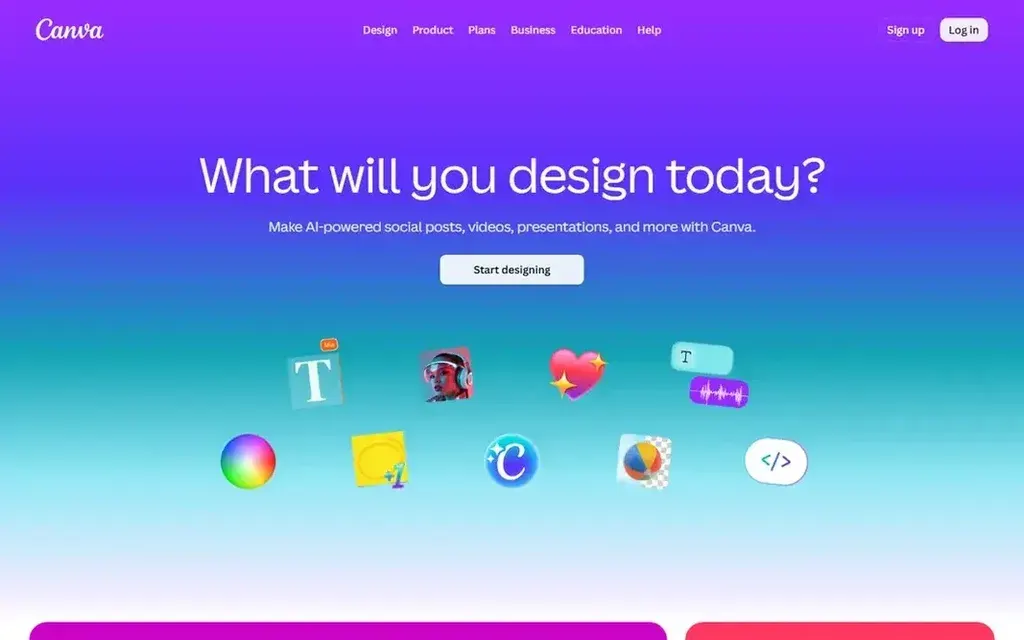
Where Canva fits: design-led slides and visuals. Teams needing precise slide master control or deep integration with office documents may prefer something else.
Where it falls short: Wide feature set can feel busy.
In practice, Canva is an online graphic design tool that also takes care of presentations alongside social media posts, posters, videos and logos. Its visual suite approach means a pitch deck can share styles and assets with other marketing materials. Canva does not show a starting price in this comparison, so check the vendor site for current pricing. As for free access: Not stated. Main advantages: Merges graphic design with presentations.
- Spans social posts
- Browser-based and approachable for non-designers
- Less centred on deep slide structuring
Pick Genially if this describes you: interactive and animated content. Teams creating engaging explainers or interactive pitch experiences will find the range of content types handy within a single product.
Points against: Interactive features may exceed straightforward pitch needs.
For everyday use, the broad scope means a ramp-up time, and straightforward pitch decks may not need the interactive layer Genially gives you. No starting price is listed for Genially here; confirm pricing on the vendor site. As for free access: Not stated.
- Handles presentations
- Infographics and quizzes
- Wide scope can be complicated to learn
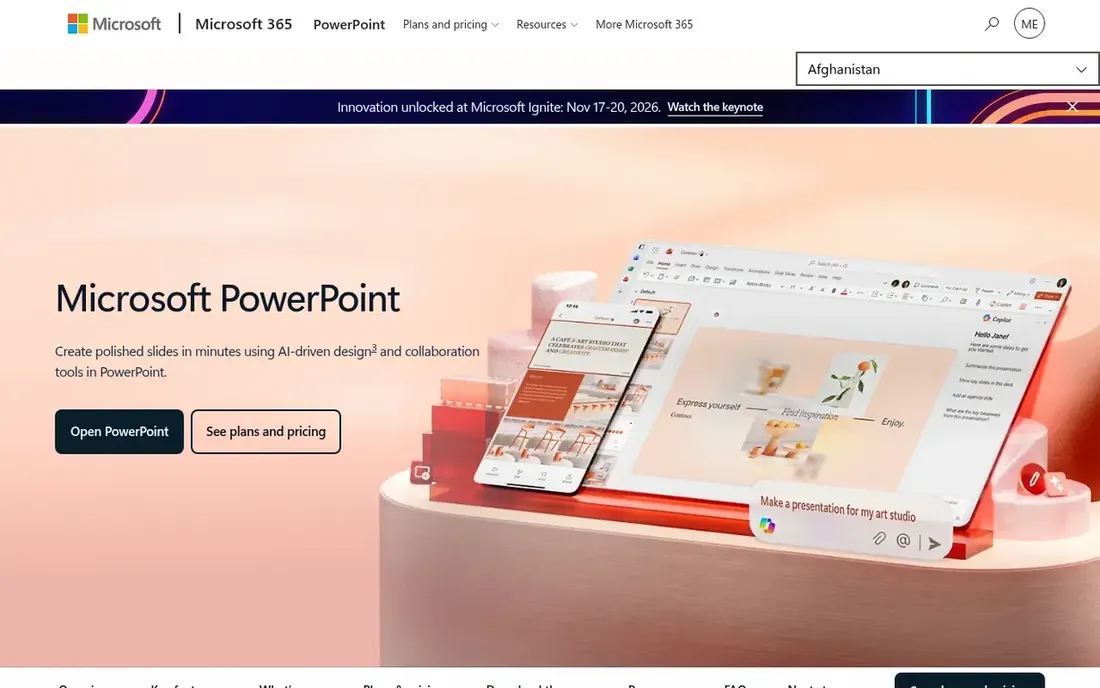
Microsoft PowerPoint targets in-depth, structured pitch decks. If your priority is quick, template-driven visuals instead of granular slide control, a design-first choice may serve you better.
Limits to weigh: Design work may need additional tools.
Worth adding: the depth of PowerPoint can slow down people who just need fast, good-looking slides, and heavy visual design frequently benefits from a dedicated design tool. Pricing for Microsoft PowerPoint is not stated here, so ask the vendor for current figures. Trial and free access: Not stated.
- Familiar slide-based workflow
- Feature-rich presentation maker for intricate decks
- Feature depth can overwhelm new users
How we built this list
Questions to settle before buying
- Get a written quote from Prezi, Canva, Genially and Microsoft PowerPoint; the list shows no starting price for them.
- Take the trial from Beautiful.ai and push a live task through it before you pay.
- Before choosing Prezi, weigh its main limit: nonlinear format takes practice.
- List the apps you already depend on and check that Prezi supports each one on the plan you would buy.
- Find out what support Beautiful.ai includes on your plan, and whether onboarding help costs extra.
FAQ
How should teams choose between these pitch alternatives?
Match the tool to how you build and deliver decks: collaboration needs, brand consistency, interactivity and ecosystem fit all matter. Confirm current features on vendor sites before deciding.
What is the best Canva alternative for formal pitch decks?
For most readers this guide would start with Prezi, built for interactive live presentations. Beautiful.ai is the alternative for on-brand decks for teams, and Canva for design-led slides and visuals. The right answer depends on budget and workflow.
Can I try these tools before paying?
Often, yes. Beautiful.ai offers a free trial. Use your own data and a real task during the test, and check what the free tier or trial limits before you rely on it.
Do these tools publish their prices?
Not all of them. Prezi, Canva, Genially and Microsoft PowerPoint publish no starting price, so expect a quote request for those. The rest, Beautiful.ai included, show a starting price, though seats and billing terms still change the final cost.
Is Prezi the right pick for everyone comparing Pitch?
No single tool suits every team. Prezi comes first because it fits interactive live presentations, while Beautiful.ai suits on-brand decks for teams and Canva suits design-led slides and visuals. Match the tool to your own size, budget and workflow before deciding.
Which pitch tool is a good match for interactive presentations?
Start with Prezi if you need interactive live presentations. Beautiful.ai is the better match for on-brand decks for teams, and Canva for design-led slides and visuals. The best choice depends on budget, team size and workflow.
Sources
- https://prezi.com
- https://www.beautiful.ai
- https://www.canva.com
- https://genially.com
- https://www.microsoft.com/microsoft-365/powerpoint