Switching From Optix? 5 Alternatives for 2026
Shortlisting Optix alternatives? 5 products compared on cost, free access and ideal buyer. Weaknesses are named for every tool. Updated November 2026.
- Editor's choice
 Smartsheet
Enterprise work execution with governance
Starts at$12 per Member/monthVisit smartsheet.comFull review - Great alternative
 ClickUp
Task and project management with AI
Starts at$9 per user a monthVisit clickup.comFull review - Also consider
 Monday.com
AI workspace for people and agents
Starts at$9 per seat a monthVisit monday.comFull review
Direct answer
Start with Smartsheet if you need enterprise work execution with governance. Listed starting prices: Smartsheet from $12 per Member/month, ClickUp from $9 per user a month and Monday.com from $9 per seat a month. Look at ClickUp for task and project management with AI, and at Monday.com for AI workspace for people and agents. The other 2 tools in the list cover narrower or pricier cases.
TL;DR:
- The list opens with Smartsheet, aimed at enterprise work execution with governance.
- For all-in-one workspace with AI agents, Notion is worth a look.
- ClickUp, Monday.com, Airtable, Notion: these are the 4 tools out of 5 that offer a free plan.
- The lowest published monthly entry price here is $9 per user per month, from ClickUp.
- Check the limits for Monday.com before you commit: can get pricey for bigger teams.
Last checked November 2026. Prices and plan details were read from the vendors' own pages in November 2026; vendors change plans often, so confirm the current price on the vendor site before you buy.
Quick comparison
| Tool | Best for | Starts at | Free plan? | |
|---|---|---|---|---|
| Smartsheet | Enterprise work execution with governance | $12 per Member/month | Not stated | Visit |
| ClickUp | Task and project management with AI | $9 per user a month | Yes | Visit |
| Monday.com | AI workspace for people and agents | $9 per seat a month | Yes | Visit |
 Airtable | Relational databases and automatic workflows | $20 per user a month | Yes | Visit |
 Notion | All-in-one workspace with AI agents | $10 per member a month | Yes | Visit |
Optix compared in detail
LinkVetted compared 5 tools for Optix. The goal is a practical shortlist: published prices, free plan facts, best-fit use cases and honest limits for every entry.
Smartsheet makes the most sense for enterprise work execution with governance. Consider alternatives if you need lightweight collaboration or creative freedom over governance.
Its interface can feel rigid compared with adaptable databases. Starting cost for Smartsheet: $12 per Member/month. On free options: Not stated.
The main drawbacks: Less adaptable for creative workflows.
- Spreadsheet-like interface
- Solid governance and visibility
- May need training for advanced use
ClickUp works best for task and project management with AI. As for the details, the breadth of features can result in a steep ramp-up time and interface clutter.
As for the details, teams needing a straightforward, focused tool may find it overkill. Price to start with ClickUp: $9 per user per month. ClickUp includes a free tier.
What to check first: Customization needs time.
- All-in-one app for tasks, docs, goals, chat
- Broad range of views and features
- Can feel feature-heavy and cluttered
Monday.com was built for AI workspace for people and agents. Monday.com is an AI workspace where AI agents work side by side with people to execute, run, and operate together. Its colorful interface and automation features appeal to cross-functional teams.
Downsides: Some features need setup.
Pick a different tool if your primary need is a knowledge base or relational database. Also, Monday.com may become expensive as teams grow, and its feature set can feel overwhelming for straightforward projects. It is less concentrated on document collaboration than some alternatives. The starting price for Monday.com: $9 per seat per month. Monday.com includes a free tier.
- Visual project management
- Configurable workflows
- Can get pricey for bigger teams
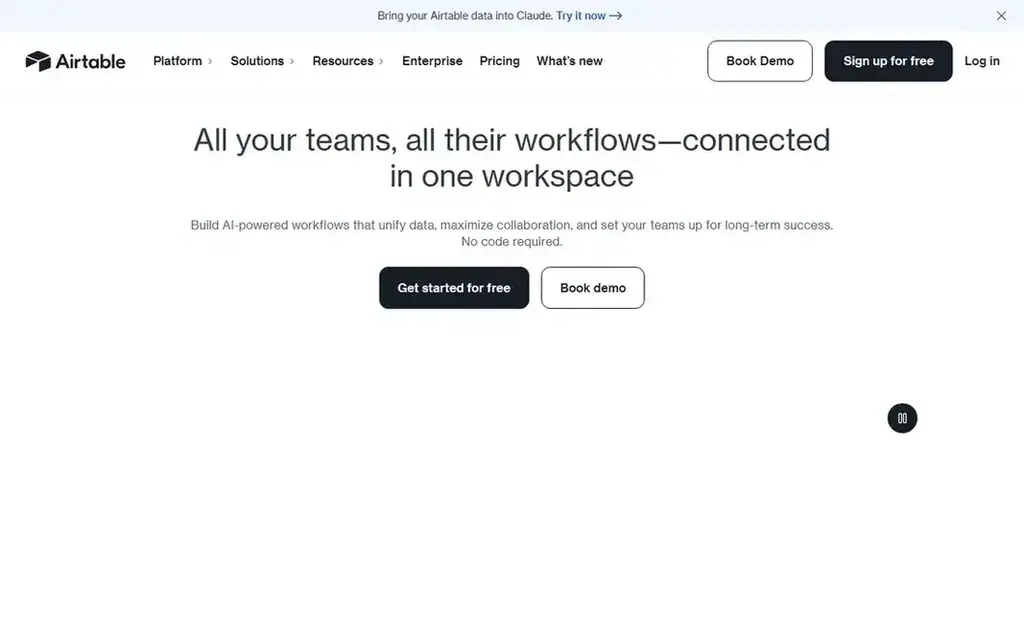
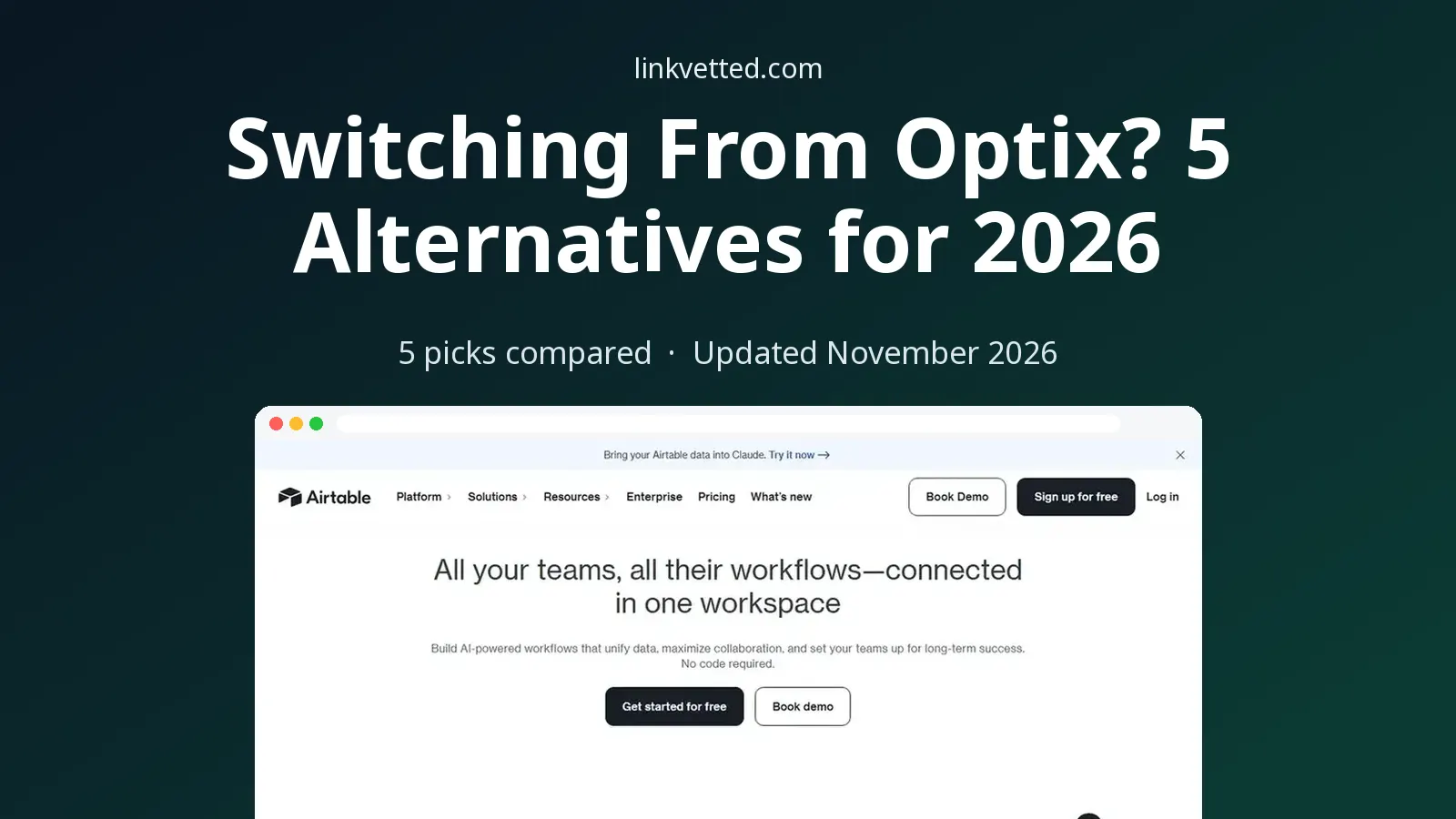
Airtable was built for Relational databases and automatic workflows. Teams focused primarily on writing or wikis may find it less natural. In practice, pick a different tool if your work is largely narrative content instead of structured data.
Where it is weaker: Less suited for freeform documents.
Airtable is a product for building enterprise-ready AI workflows, apps, and agents. It centers on structured databases that link records and automate processes, making it a fit for operations, marketing, and product teams that require to organize complicated information. On cost, Airtable starts like this: $20 per user per month. Free access exists with Airtable.
- Automation of repetitive tasks
- Capable relational data modeling
- Ramp-up time for advanced features
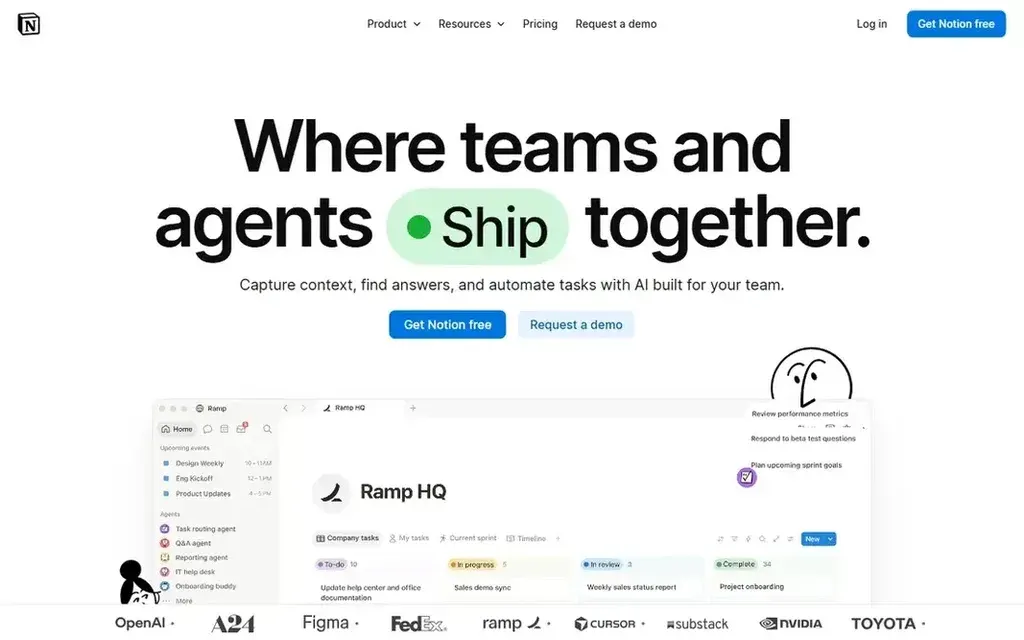
For all-in-one workspace with AI agents, Notion is a natural candidate. Notion is an AI workspace that lets teams build custom agents, search across connected apps, and automate busywork. It blends documents, wikis, and databases, making it right for teams that want a single hub for knowledge and light project tracking.
Best features of Notion: Automation of routine tasks.
Points against: Can become complicated for large datasets.
Its adaptability appeals to startups and creative teams that value customization over rigid structure. More specifically, teams needing advanced permissions or enterprise-grade governance might outgrow it. As for the details, Notion may feel less structured for heavy relational data or strict process enforcement compared with dedicated database tools. Notion cost at the entry level: $10 per member per month. A free plan is available with Notion.
- AI in one tool
- Custom agents and app search
- Needs setup for advanced workflows
How these tools were picked
We compared the tools on published pricing, free plan or trial availability, feature coverage for Optix, and the limits each vendor documents. Treat prices as a snapshot: vendors change plans often, so check the vendor site for the figure that applies today. Order on the page follows fit for the typical buyer first, then price transparency and free access. Your own requirements should decide the final pick.
A buyer's checklist
- Confirm the entry price on the vendor page: ClickUp starts at $9 per user per month, but seat counts and billing terms change the total.
- Look at free plan limits closely: ClickUp, Monday.com, Airtable and Notion have one, and the caps decide whether it is usable for real work.
- Before choosing Smartsheet, weigh its main limit: less adaptable for creative workflows.
- Look at the renewal terms for ClickUp: auto-renewal, notice periods and price changes can matter more than the first-year price.
- Verify that exporting from Airtable is possible on your plan and covers all your records.
FAQ
Is Smartsheet the right pick for everyone comparing Optix?
No single tool suits every team. Smartsheet comes first because it fits enterprise work execution with governance, while ClickUp suits task and project management with AI and Monday.com suits AI workspace for people and agents. Match the tool to your own size, budget and workflow before deciding.
What is the cheapest option for Optix in this list?
On published monthly entry prices, ClickUp is the lowest here at $9 per user per month. Entry price is only part of the cost, because seats, add-ons and billing terms can change the total. Prices, free plan details and limits for all 5 tools in this Optix alternatives roundup sit on the individual cards above.
Can I use ClickUp or monday.com as a direct replacement for Optix?
ClickUp and monday.com focus on task and project management with AI features. So they can replace Optix for teams whose primary need is workflow and task tracking. Even so, they may not match Optix's specific database or document capabilities. Evaluate based on your core use cases.
Which options for Optix have a free plan?
On this list, ClickUp, Monday.com, Airtable and Notion include a free plan. Caps on seats, usage or features are common, so test the free plan against your real workload.
Do these tools publish their prices?
Yes. Every tool from Smartsheet to Notion shows a starting price, though seats, add-ons and billing terms still change the final cost.
What is the best Optix alternative for teams that require both databases and documents?
Smartsheet comes first here and is built for enterprise work execution with governance. Buyers with other needs may prefer ClickUp (for task and project management with AI) or Monday.com (for AI workspace for people and agents). Compare costs and limits first.
Sources
- https://www.smartsheet.com
- https://clickup.com
- https://monday.com
- https://www.airtable.com
- https://www.notion.so