5 Pikzels Alternatives Worth Switching To in 2026
Pikzels alternatives in 2026: 5 contenders with entry costs and free tiers. We put Figma first for collaborative interface and product design. Prices checked.
- Editor's choice
 Figma
Collaborative interface and product design
Starts at$3 per monthVisit figma.comFull review - Great alternative
 VistaCreate
Template-based social and print design
Starts atSee websiteVisit create.vista.comFull review - Also consider
 Canva
All-around visual design and templates
Starts atSee websiteVisit canva.comFull review
Direct answer
Figma leads the list, best for collaborative interface and product design. Listed starting prices: Figma from $3 per month and Picsart from $10.5 a month. Alternatives: VistaCreate for template-based social and print design, and Canva for all-around visual design and templates. All 5 tools are compared below on price, free plan and limits.
TL;DR:
- Figma is the opening pick, best for collaborative interface and product design.
- Starting prices begin at $3 per month with Figma.
- Canva comes with a trade-off: advanced editing is restricted.
- VistaCreate stands alone as the one tool in this list with a free plan.
- Adobe Photoshop fits professional photo editing and compositing.
Last checked November 2026. Prices and plan details were read from the vendors' own pages in November 2026; vendors change plans often, so confirm the current price on the vendor site before you buy.
Quick comparison
| Tool | Best for | Starts at | Free plan? | |
|---|---|---|---|---|
| Figma | Collaborative interface and product design | $3 per month | Not stated | Visit |
| VistaCreate | Template-based social and print design | See website | Yes | Visit |
| Canva | All-around visual design and templates | See website | Not stated | Visit |
 Picsart | AI-assisted content creation | $10.5 a month | Not stated | Visit |
 Adobe Photoshop | Professional photo editing and compositing | See website | Not stated | Visit |
Tool-by-tool breakdown
LinkVetted compared 5 Pikzels. The goal is a practical shortlist: published prices, free plan facts, best-fit use cases and honest limits for every entry.
Figma was built for collaborative interface and product design. Figma is a collaborative canvas where design, code, and AI come together from concept to production.
It is designed for product teams, UX designers, and developers who require shared files, prototyping, and handoff in one place. Figma pricing: $3 per month. Free access: Not stated.
Watch-outs: Not aimed at photo editing.
- Live team collaboration
- Developer handoff support
- Steeper ramp-up time for beginners
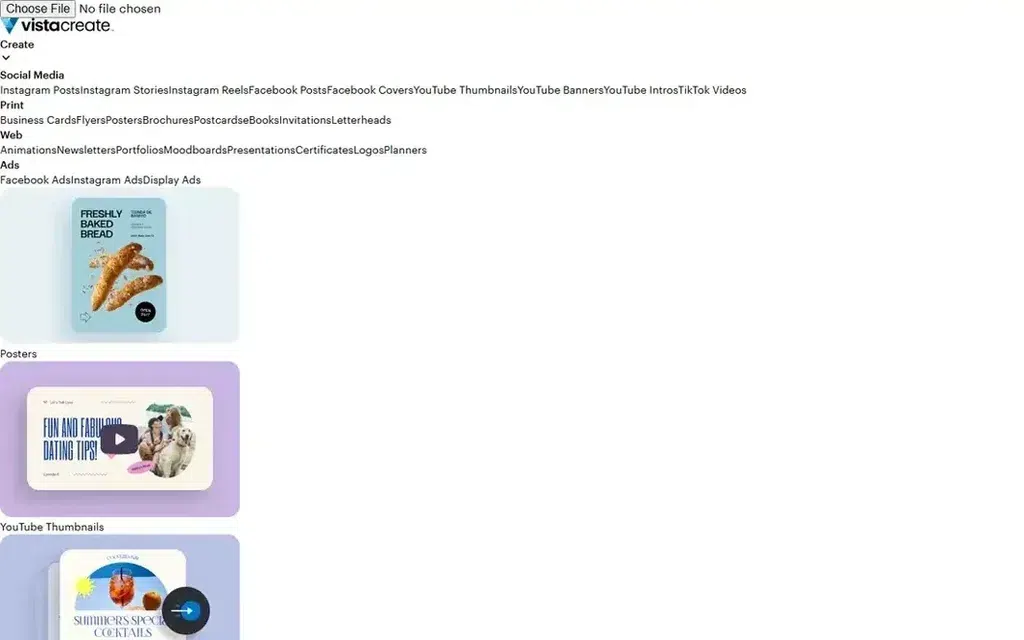
Think of VistaCreate for template-based social and print design. The product is less suited to deep photo manipulation or collaborative product design.
Beyond that, if your work centers on retouching or interface prototyping, Adobe Photoshop or Figma would be a better match. Check the vendor site for VistaCreate pricing; none is listed in this comparison. VistaCreate includes a free tier.
Where it falls short: Smaller ecosystem than bigger suites.
- AI-assisted design tools
- Browser-based workflow
- Restricted advanced photo editing
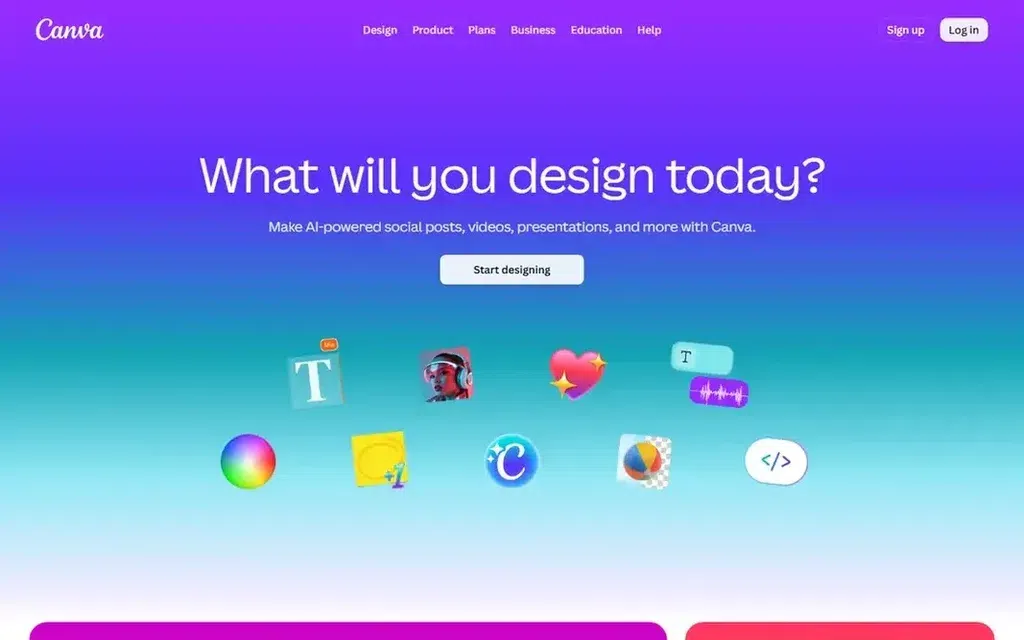
Choose Canva for all-around visual design and templates. Canva is an online visual suite for social posts, presentations, posters, videos, logos, and more.
What to check first: Template-heavy output can feel generic.
Also, Canva's limits display up in precision work such as advanced photo retouching, complicated vector editing, or highly custom layouts. Canva shows no starting price here, so confirm the cost on the vendor site. Free access: Not stated.
- Broad template library
- Supports social, print, video, logos
- Advanced editing is restricted
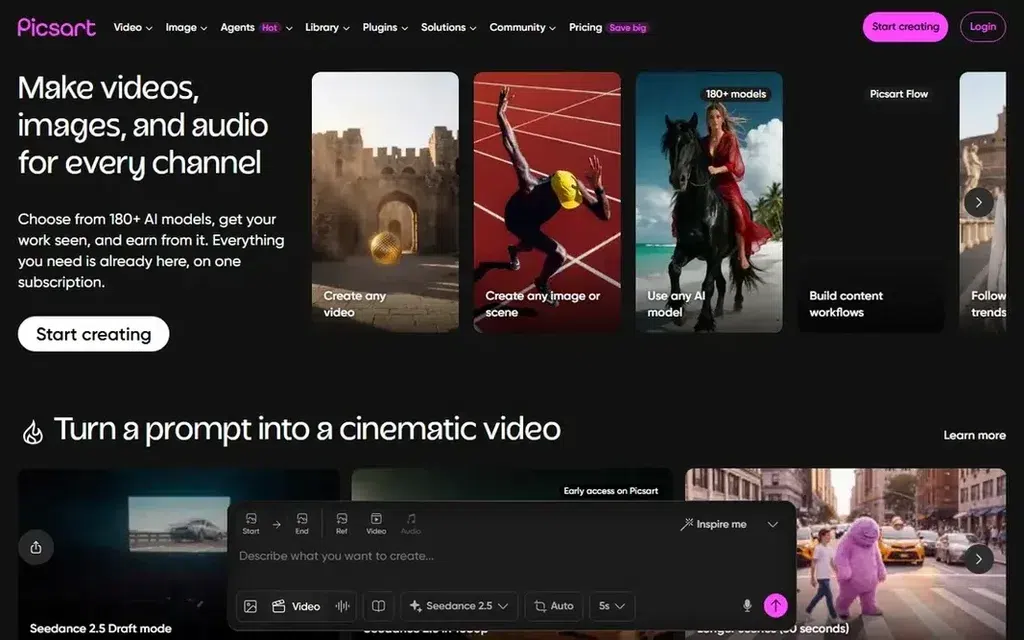
Picsart serves AI-assisted content creation. Picsart is an all-in-one creative product with a selection of AI design tools, templates, and asset libraries.
Also, Picsart is less appropriate for precision retouching, print production, or interface design. Price to start with Picsart: $10.5 per month. Free plan details: Not stated.
Trade-offs to know: Output quality varies by prompt.
- Expert-crafted templates
- Generative AI tools
- Less precise than pro editors
Adobe Photoshop serves professional photo editing and compositing. Adobe Photoshop is a professional photo and design application for complicated edits, custom scenes, and image compositing.
Photoshop's depth includes a ramp-up time and a subscription model, which may not suit occasional users. For more straightforward template work or collaborative interface design, Canva or Figma is more approachable. Adobe Photoshop shows no starting price here, so confirm the cost on the vendor site. On free options: Not stated.
What to check first: Subscription required.
- Industry-standard editing tools
- Capable compositing and retouching
- Complicated for casual users
Selection criteria
We compared the tools on published pricing, free plan or trial availability, feature coverage for Pikzels, and the limits each vendor documents. Treat prices as a snapshot: vendors change plans often, so check the vendor site for the figure that applies today. The ranking is editorial: typical fit first, then clear pricing, then free access. If your needs are unusual, read the profiles rather than relying on position.
What to check before you buy
- Get a written quote from VistaCreate, Canva and Adobe Photoshop; the list shows no starting price for them.
- Look at the free plan from VistaCreate closely: its caps decide whether it is usable for real work.
- Read the limits listed for Figma first: not designed for photo editing.
- Verify that exporting from Figma is possible on your plan and covers all your records.
- Pick one real project and run it in VistaCreate first; a small pilot shows fit faster than a checklist.
FAQ
What is the best Pikzels alternative for social media design?
This list starts with Figma, which fits collaborative interface and product design. For other needs, VistaCreate is aimed at template-based social and print design, and Canva at all-around visual design and templates. Check each tool's price and main limit first.
Which Pikzels alternative is best for professional photo editing?
For most readers this guide would start with Figma, built for collaborative interface and product design. VistaCreate is the alternative for template-based social and print design, and Canva for all-around visual design and templates. The right answer depends on budget and workflow.
Can I use Figma as a Pikzels alternative?
Figma is a collaborative design canvas aimed at interface and product design. So it suits teams working on apps and websites instead of fast social graphics. If you need template-based marketing visuals, Canva or VistaCreate is a better match.
How are the Pikzels ordered?
The order follows typical fit for Pikzels, with Figma first and Adobe Photoshop last, then price clarity and free access. It is editorial judgement, not a score, so another team could rank the tools differently.
Which Pikzels have a free plan?
VistaCreate is the only tool in this list with a free plan. Free plans usually cap users, projects or features, so check the limits on the vendor page.
Can I try these tools before paying?
Often, yes. VistaCreate has a free plan. Use your own data and a real task during the test, and check what the free tier or trial limits before you rely on it. Each of the 5 options in this Pikzels alternatives guide has its own card above with the price, free plan and limits.
Sources
- https://www.figma.com
- https://create.vista.com
- https://www.canva.com
- https://picsart.com
- https://www.adobe.com/products/photoshop.html