5 Piktochart Alternatives Worth Switching To in 2026
Comparing Piktochart alternatives? 5 contenders, each with entry cost, free tier and best-fit buyer. Each tool gets a one-line verdict. Narrow your shortlist.
- Editor's choiceLucidpress
Brand-controlled team templates
Starts at$12 a monthVisit lucidpress.comFull review - Great alternativeEaselly
Print and sign design services
Starts atSee websiteVisit easel.lyFull review - Also consider
 Snappa
Prompt-driven social graphics
Starts at$10 a monthVisit snappa.comFull review
Direct answer
Start with Lucidpress if you need brand-controlled team templates. Listed starting prices: Lucidpress from $12 a month, Snappa from $10 a month and Venngage from $10 a month. Alternatives: Easelly for print and sign design services, and Snappa for prompt-driven social graphics. Details, prices and limits for the rest of the 5 tools are below.
TL;DR:
- Lucidpress is the opening pick, best for brand-controlled team templates.
- Snappa has the lowest monthly starting price in this list: $10 per month.
- Only 3 of the 5 tools have a free plan (Lucidpress, Snappa, Venngage), so check the caps.
- Canva is the one to check for wide all-purpose visual design.
Last checked November 2026. Prices and plan details were read from the vendors' own pages in November 2026; vendors change plans often, so confirm the current price on the vendor site before you buy.
Quick comparison
| Tool | Best for | Starts at | Free plan? | |
|---|---|---|---|---|
| Lucidpress | Brand-controlled team templates | $12 a month | Yes | Visit |
| Easelly | Print and sign design services | See website | Not stated | Visit |
| Snappa | Prompt-driven social graphics | $10 a month | Yes | Visit |
| Venngage | Business infographics and templates | $10 a month | Yes | Visit |
 Canva | Wide all-purpose visual design | See website | Not stated | Visit |
Every option for Piktochart explained
If you are comparing Piktochart, this page covers 5 tools in one place: what each is best for, what it costs to start, whether it has a free plan, and the main limit to know about.
Lucidpress
Best for: Brand-controlled team templates
Lucidpress was built for brand-controlled team templates. Lucidpress now operates as Marq, described as brand enablement software that turns any design into a branded template for teams to customize without losing brand control.
For organizations where numerous people produce documents, that lock-and-release approach solves a real problem. In practice, solo users may find the structure heavier than needed. Lucidpress pricing: $12 per month. Free access exists with Lucidpress.
Honest limits: Template governance is the core focus.
- Turns designs into branded templates
- Fits multi-author content
- Less of a general infographic library
Easelly
Best for: Print and sign design services
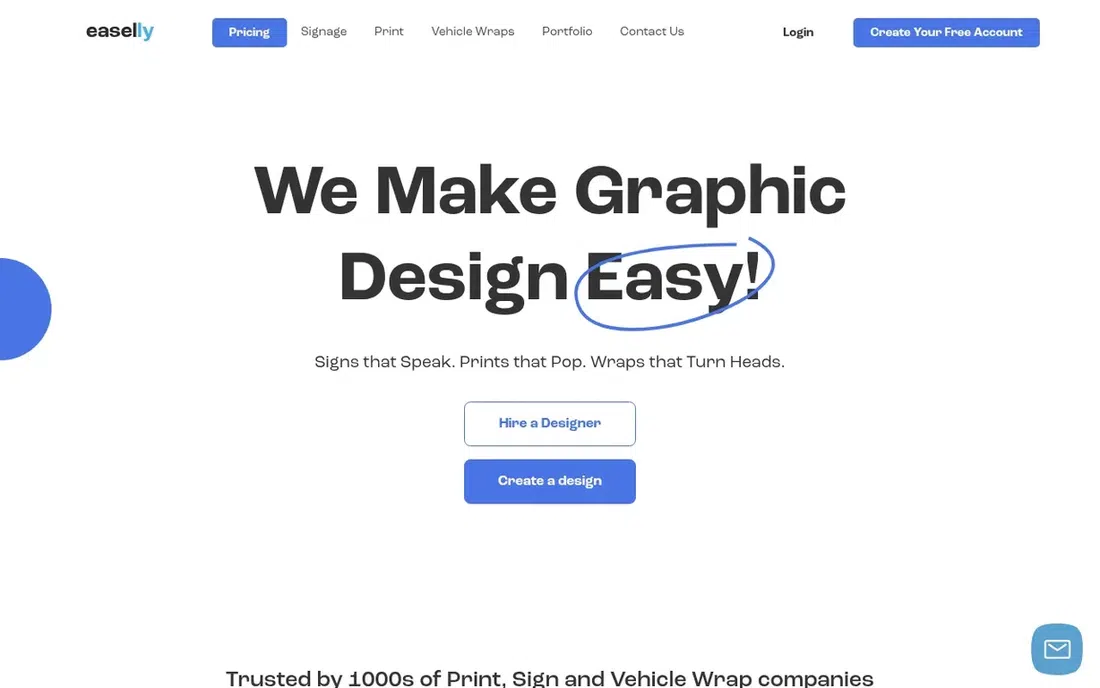
Where Easelly fits: print and sign design services. It suits sign makers and print shops that want design handled by specialists.
On top of that, consider it only if you run a print or sign business and want design delivered instead of built in-house. Easelly does not show a starting price in this comparison, so check the vendor site for current pricing. Free options: Not stated.
The main drawbacks: Not a self-serve design app.
- Designed for sign and wrap shops
- Designers deal with the work
- Restricted fit for general marketing
Pick Snappa if this describes you: prompt-driven social graphics. Snappa presents itself as AI graphic design software that turns a single prompt into graphics for social media, ads, blogs and more.
Honest limits: Narrower than a full design suite.
For everyday use, the pitch is speed: describe what you need and get a usable visual without starting from a template grid. Prompt-driven output is convenient but narrows fine control, and Snappa is not positioned for multi-page reports, presentations or interactive content. Starting cost for Snappa: $10 per month. A free plan is available with Snappa.
- Concentrated on social and ads
- Straightforward output formats
- Less suited to long documents
Venngage
Best for: Business infographics and templates
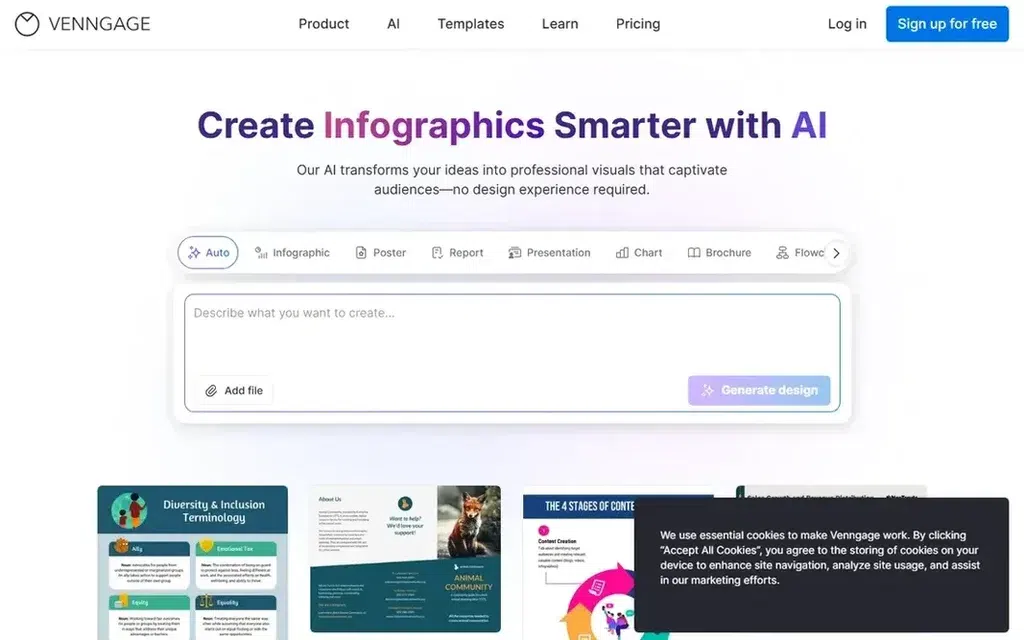
Venngage is a good fit for business infographics and templates. Venngage positions itself as professional infographic software with a large library of templates made for companies.
Where it falls short: Template-led design can feel constrained.
The homepage frames it around professional audiences picking from thousands of templates, which points to a workflow built for reports, explainers and internal communication. Venngage pricing: $10 per month. A free plan is available with Venngage.
- Targeted at business communication
- Large professional template library
- Narrower format range than a full suite
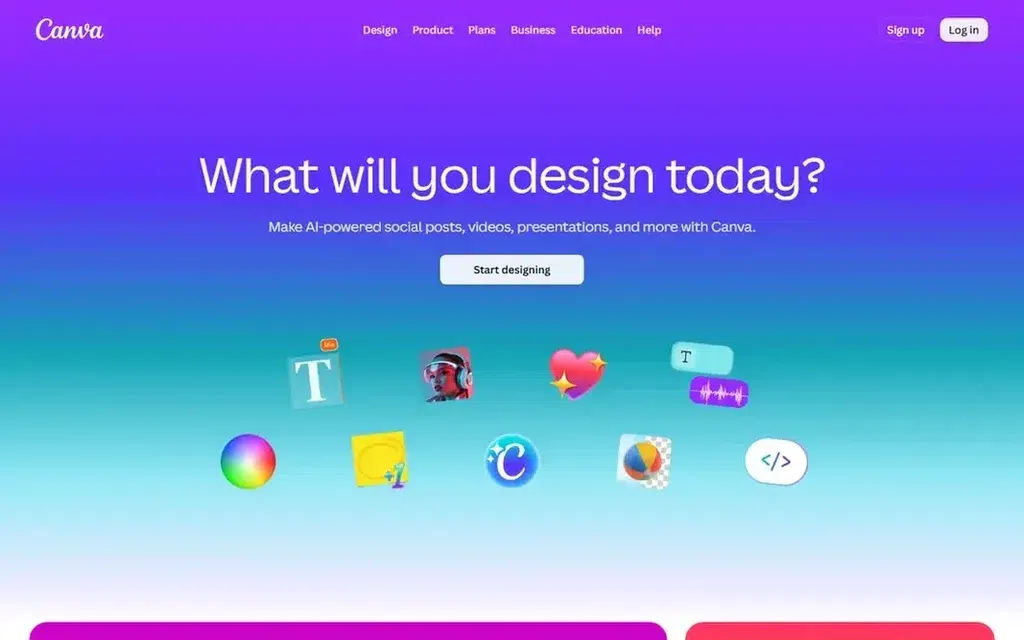
In short, Canva is for wide all-purpose visual design. Canva presents itself as a visual suite for everyone, built around an online graphic design tool for social media posts, presentations, posters, videos, logos and more.
Watch-outs: Very wide, can feel busy.
Worth adding: teams with strict brand governance may prefer a tool centered on templates and brand control. Pick something else if your primary output is interactive or animated content instead of static graphics. No starting price is listed for Canva here; confirm pricing on the vendor site. As for free access: Not stated.
- Broad format coverage
- Straightforward drag-and-drop editing
- Less concentrated on data infographics
Selection criteria
For each of the 5 tools we noted price, free plan or trial, fit for Piktochart and the main limit, using vendor pages and documentation. Where a vendor does not publish a price, the entry says quote. Where a price depends on seats or billing term, the entry says so. The ranking is editorial: typical fit first, then clear pricing, then free access. If your needs are unusual, read the profiles rather than relying on position.
What to check before you buy
- Confirm the entry price on the vendor page. For Easelly and Canva that means a quote rather than a fixed price.
- Check what the free option really includes: Lucidpress, Snappa and Venngage offer a free plan, and usage caps differ.
- Read the limits listed for Lucidpress first: template governance is the core focus.
- Total up the real monthly cost of Snappa, including add-ons, extra users and usage-based fees.
- Verify that exporting from Canva is possible on your plan and covers all your records.
FAQ
Which options for Piktochart have a free plan?
On this list, Lucidpress, Snappa and Venngage include a free plan. Caps on seats, usage or features are common, so test the free plan against your real workload.
Do these tools publish their prices?
Not all of them. Easelly and Canva publish no starting price, so expect a quote request for those. The rest, Lucidpress included, show a starting price, though seats and billing terms still change the final cost.
How are the tools for Piktochart ordered?
Lucidpress sits first and Canva last because the order follows typical fit for Piktochart, then price clarity and free access. It is a judgement call, so read each profile for fit and limits.
Is Lucidpress the right pick for everyone comparing Piktochart?
No single tool suits every team. Lucidpress comes first because it fits brand-controlled team templates, while Easelly suits print and sign design services and Snappa suits prompt-driven social graphics. Match the tool to your own size, budget and workflow before deciding.
Which Piktochart alternative is a good match for infographics?
This list starts with Lucidpress, which fits brand-controlled team templates. For other needs, Easelly is aimed at print and sign design services, and Snappa at prompt-driven social graphics. Check each tool's price and main limit first.
What if I need brand consistency across a team?
Lucidpress, now Marq, is made for brand enablement, turning designs into branded templates that teams customize whereas staying within brand rules. That fits organizations with numerous content contributors. For looser collaboration, a general design suite may be more straightforward.
Sources
- https://lucidpress.com
- https://www.easel.ly
- https://snappa.com
- https://venngage.com
- https://www.canva.com