Switching From OpenAI Codex? 5 Alternatives for 2026
OpenAI Codex alternatives in 2026: 5 tools with starting prices, free plans and limits. Trade-offs are spelled out for each entry. Current for November 2026.
- Editor's choice
 Claude Code
Terminal-first agentic coding workflows
Starts at$17 a monthVisit anthropic.comFull review - Great alternative
 JetBrains AI Assistant
JetBrains IDE users wanting agent adaptability
Starts atSee websiteVisit jetbrains.comFull review - Also consider
 Sourcegraph Cody
Code intelligence across large codebases
Starts atSee websiteVisit sourcegraph.comFull review
Direct answer
Claude Code comes first here, mainly for terminal-first agentic coding workflows. Listed starting prices: Claude Code from $17 a month and Cursor from $8 per month. For a different need, JetBrains AI Assistant covers JetBrains IDE users wanting agent adaptability and Sourcegraph Cody covers Code intelligence across large codebases. The full list of 5 tools follows, with prices and free plan facts.
TL;DR:
- Claude Code is the opening pick, best for terminal-first agentic coding workflows.
- Before buying Cursor, weigh this: needs adopting a separate editor.
- Claude Code, Cursor: these are the 2 tools out of 5 that offer a free plan.
- For end-to-end work across editor and GitHub, GitHub Copilot is worth a look.
- Cursor has the lowest monthly starting price in this list: $8 per month.
Last checked November 2026. Prices and plan details were read from the vendors' own pages in November 2026; vendors change plans often, so confirm the current price on the vendor site before you buy.
Quick comparison
| Tool | Best for | Starts at | Free plan? | |
|---|---|---|---|---|
| Claude Code | Terminal-first agentic coding workflows | $17 a month | Yes | Visit |
| JetBrains AI Assistant | JetBrains IDE users wanting agent adaptability | See website | Not stated | Visit |
| Sourcegraph Cody | Code intelligence across large codebases | See website | Not stated | Visit |
 Cursor | Handing off bigger tasks to agents | $8 per month | Yes | Visit |
 GitHub Copilot | End-to-end work across editor and GitHub | See website | Not stated | Visit |
OpenAI Codex, one by one
LinkVetted put together this guide to OpenAI Codex for readers who want a clear shortlist without reading every vendor page. It compares 5 tools on starting price, free plans, who each one suits and where each one falls short.

In short, Claude Code is for terminal-first agentic coding workflows. Claude Code is Anthropic's agentic coding tool for the terminal and IDE.
Its strengths come with responsibility, since an agent that edits files and runs commands needs review and sensible guardrails. As for the details, developers who prefer a purely graphical, suggestion-based experience may be better served by an editor-integrated assistant instead. Claude Code pricing: $17 per month. A free plan is available with Claude Code.
Downsides: Command execution needs oversight.
- Understands the codebase and edits files
- Runs commands from the terminal and IDE
- Terminal-centric style may not suit everyone
JetBrains AI Assistant was built for JetBrains IDE users wanting agent flexibility. It works with the agents you already use and any ACP-compatible agent.
Also, since the offering centers on agent compatibility, confirm which agents and workflows are supported on the vendor site before standardizing on it. JetBrains AI Assistant shows no starting price here, so confirm the cost on the vendor site. As for free access: Not stated.
Where it is weaker: Agent compatibility details need checking.
- Supports ACP-compatible agents
- Works with agents you already use
- Most handy inside JetBrains tooling
Sourcegraph Cody makes the most sense for Code intelligence across large codebases. Cody is Sourcegraph's AI coding assistant, documented alongside the company's code intelligence system. It is pitched at developers who want help grounded in an understanding of their code, and it suits organizations already using Sourcegraph to search and navigate large codebases.
The main drawbacks: Best value inside the Sourcegraph ecosystem.
Teams without Sourcegraph in place may get less benefit, and those wanting a self-contained editor agent might prefer a different choice. The vendor documentation is the place to confirm current capabilities. Sourcegraph Cody does not show a starting price in this comparison, so check the vendor site for current pricing. Free plan details: Not stated.
- Geared toward understanding code in context
- Tied to Sourcegraph code intelligence
- Documentation page is sparse on features
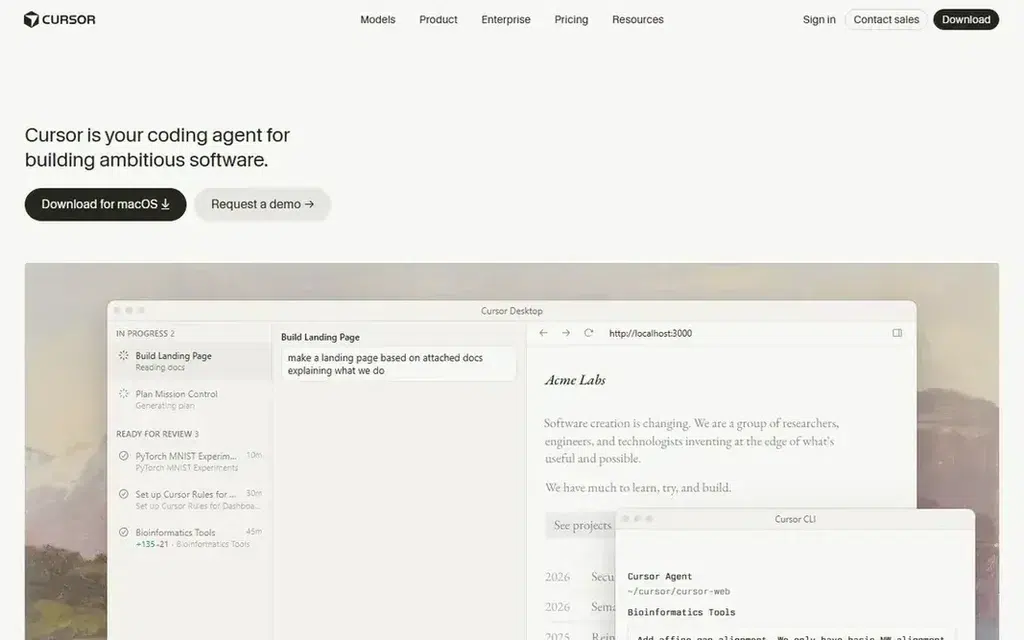
Choose Cursor for handing off bigger tasks to agents. Cursor describes itself as an AI coding agent for building ambitious software, built to make developers extraordinarily productive. Its agents turn ideas into code, and you can accelerate development by handing off tasks to Cursor.
Drawbacks to consider: Agent output still needs review.
On top of that, handing off tasks to agents also means reviewing generated changes carefully. When you prefer light assistance inside an existing editor, another choice may fit better. Cursor cost at the entry level: $8 per month. A free plan is available with Cursor.
- Supports task handoff during development
- Targeted at turning ideas into code rapidly
- Needs adopting a separate editor
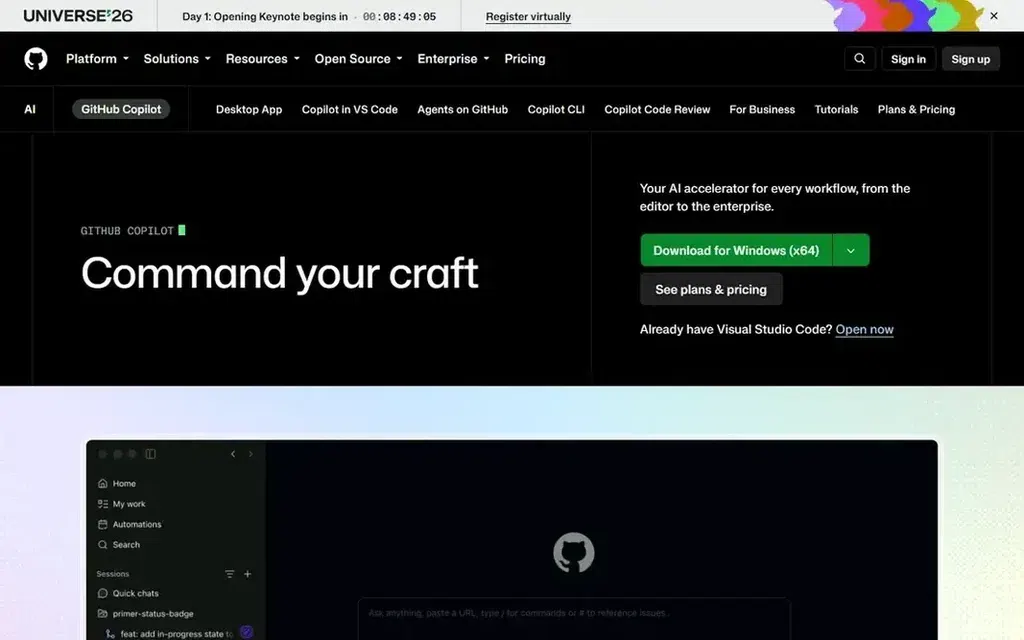
GitHub Copilot is aimed squarely at end-to-end work across editor and GitHub. Teams working chiefly outside GitHub should weigh whether another tool matches their daily flow more closely before committing. GitHub Copilot is presented as an AI coding agent that works every step of the way, from an open issue through reviewing and merging a pull request.
Where it is weaker: Value relies on how much you stay inside GitHub.
That range makes it a natural fit for teams whose repositories, reviews and planning already happen on GitHub and who want one assistant across those surfaces. On top of that, since Copilot spreads across plenty of surfaces, developers who want a single tightly focused agent experience may find it less specialized than a dedicated coding environment. GitHub Copilot does not show a starting price in this comparison, so check the vendor site for current pricing. Free options: Not stated.
Where it shines: Works in editor, terminal.
- Supports the path from open issue to merged pull request
- Fits teams already living in GitHub
- Breadth may feel overwhelming for narrow use
Our selection method
Pre-purchase checklist
- Ask JetBrains AI Assistant, Sourcegraph Cody and GitHub Copilot for a written quote, since no starting price is shown.
- Look at free plan limits closely: Claude Code and Cursor have one, and the caps decide whether it is usable for real work.
- Read the limits listed for Claude Code first: terminal-centric style may not suit everyone.
- Ask GitHub Copilot which support channels and response times come with the plan you would buy.
- Check how data leaves Claude Code: formats, limits and whether exports are available on every plan.
FAQ
What should I look for in an OpenAI Codex alternative?
Then confirm the tool supports that surface, that you are comfortable with how it edits files and runs commands, and that its documentation includes setup and guardrails.
How are the tools for OpenAI Codex ordered?
The order follows typical fit for OpenAI Codex, with Claude Code first and GitHub Copilot last, then price clarity and free access. It is editorial judgement, not a score, so another team could rank the tools differently.
Do these tools replace code review?
No. Agentic tools can edit files and run commands, so human review remains important. Treat generated changes as drafts to inspect, and keep your existing review process in place.
What is the cheapest option for OpenAI Codex in this list?
On published monthly entry prices, Cursor is the lowest here at $8 per month. Entry price is only part of the cost, because seats, add-ons and billing terms can change the total. For the full picture, the cards above cover all 5 entries of this OpenAI Codex alternatives list, including price, free plan and limits.
Which choice is a good match for terminal-focused developers?
This list starts with Claude Code, which fits terminal-first agentic coding workflows. For other needs, JetBrains AI Assistant is aimed at JetBrains IDE users wanting agent adaptability, and Sourcegraph Cody at Code intelligence across large codebases. Check each tool's price and main limit first.
Can I try these tools before paying?
Often, yes. Claude Code and Cursor have a free plan. Use your own data and a real task during the test, and check what the free tier or trial limits before you rely on it. Prices, free plan details and limits for all 5 tools in this OpenAI Codex alternatives roundup sit on the individual cards above.
Sources
- https://www.anthropic.com/claude-code
- https://www.jetbrains.com/ai
- https://sourcegraph.com/cody
- https://cursor.com
- https://github.com/features/copilot