Top MPulse Alternatives in 2026: 5 Picks Ranked
5 tools for MPulse alternatives, compared on pricing, free plans and best-fit use. Fit and flaws are laid out for each entry. Last reviewed November 2026.
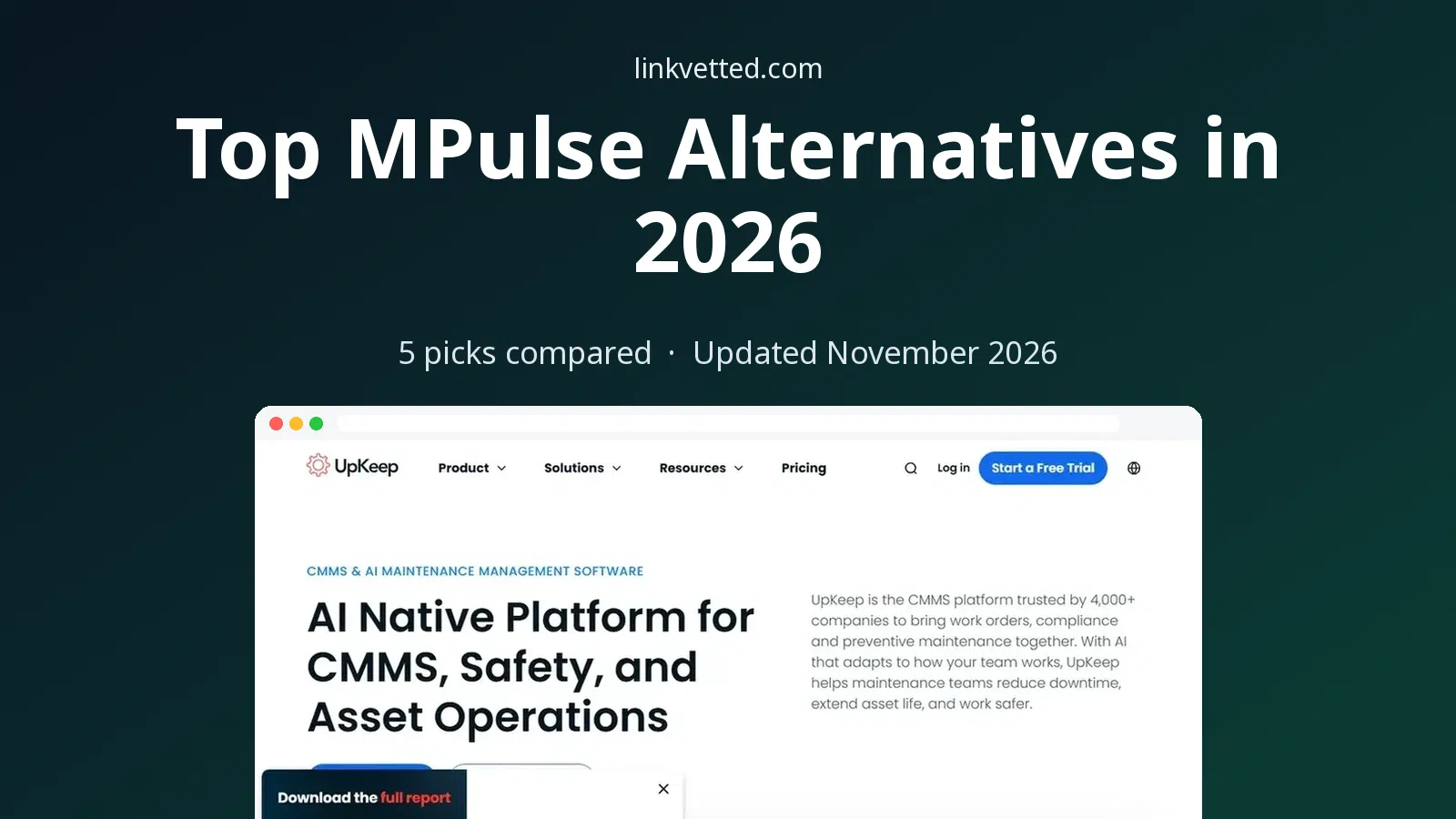
- Editor's choice
 UpKeep
Mobile-first maintenance management
Starts at$24 per user per monthVisit upkeep.comFull review - Great alternativeMaintenance Connection
Complete CMMS with inventory tracking
Starts at$58 per user a monthVisit maintenanceconnection.comFull review - Also consider
 eMaint
Reducing downtime and extending equipment life
Starts atSee websiteVisit emaint.comFull review
Direct answer
This list puts UpKeep first for mobile-first maintenance management. Listed starting prices: UpKeep from $24 per user per month, Maintenance Connection from $58 per user a month and Fiix from $45 per user a month. Alternatives: Maintenance Connection for complete CMMS with inventory tracking, and eMaint for reducing downtime and extending equipment life. The remaining 2 options are covered below with prices and limits.
TL;DR:
- UpKeep is the opening pick, best for mobile-first maintenance management.
- For the cheapest start, look at UpKeep: $24 per user per month.
- For Maintenance and capital planning, Asset Essentials is worth a look.
- Just one of the 5 tools, Fiix, has a free plan.
- eMaint comes with a trade-off: may need training for full use.
Last checked November 2026. Prices and plan details were read from the vendors' own pages in November 2026; vendors change plans often, so confirm the current price on the vendor site before you buy.
Quick comparison
| Tool | Best for | Starts at | Free plan? | |
|---|---|---|---|---|
| UpKeep | Mobile-first maintenance management | $24 per user per month | Free trial | Visit |
| Maintenance Connection | Complete CMMS with inventory tracking | $58 per user a month | Free trial | Visit |
| eMaint | Reducing downtime and extending equipment life | See website | Not stated | Visit |
 Fiix | AI-powered maintenance with integrations | $45 per user a month | Yes | Visit |
| Asset Essentials | Maintenance and capital planning | See website | Not stated | Visit |
MPulse, one by one
Choosing MPulse usually comes down to price, fit and limits. This LinkVetted guide sets 5 tools side by side on those three points, with the facts kept short and checkable.
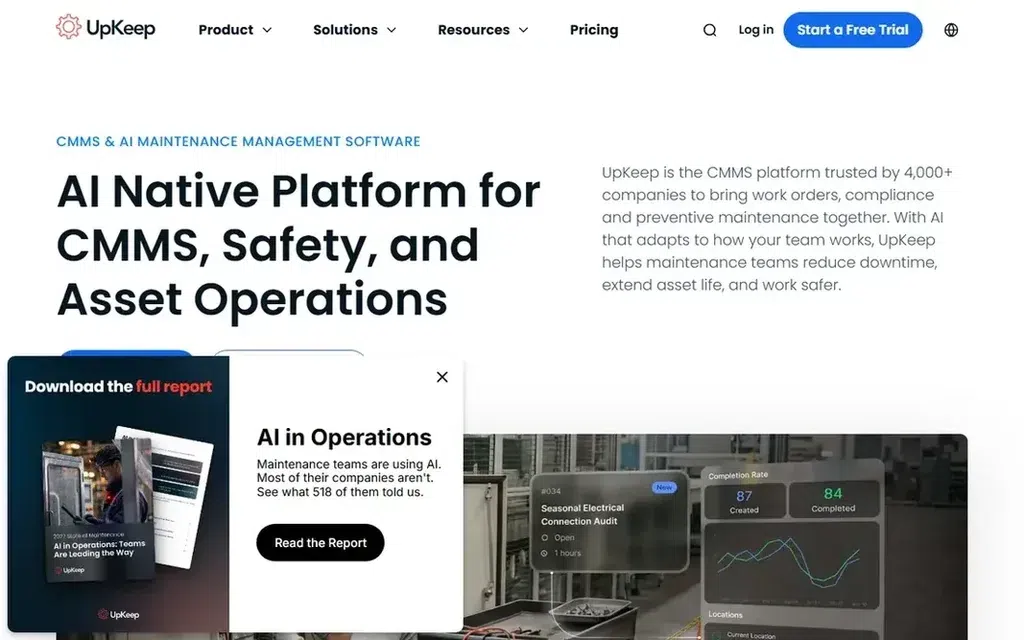
UpKeep works best for mobile-first maintenance management. UpKeep is a CMMS software with an AI-powered maintenance system that helps teams handle work orders, assets, and preventive tasks efficiently from any device.
It is well-suited for mobile maintenance teams that require to access and update information in the field. In daily use, UpKeep may be less a strong match for organizations that need deep on-premises customization or very complicated workflows. What you pay to start with UpKeep: $24 per user per month. On free options: Free trial.
The main drawbacks: Advanced features may need training.
- AI-powered maintenance system
- Asset and preventive task tracking
- Pricing not shown on homepage
Maintenance Connection
Best for: Complete CMMS with inventory tracking
Think of Maintenance Connection for complete CMMS with inventory tracking. Maintenance Connection is a complete CMMS and maintenance management software that eases asset management. It includes work orders, inventory tracking, and more, making it a fit for organizations that require a full-featured system to run maintenance operations and spare parts.
Its interface may not feel as modern as some alternatives. Consider other choices if user experience is a top priority or if you need a highly specialized option. What you pay to start with Maintenance Connection: $58 per user per month. Free plan details: Free trial.
The main drawbacks: Interface may feel dated to some users.
- Inventory tracking included
- Thorough work order management
- Pricing not listed on homepage
eMaint was built for reducing downtime and extending equipment life. eMaint is a CMMS software option meant to help cut downtime, increase productivity, and extend equipment lifespan. It offers maintenance management features that support preventive maintenance and asset care.
Downsides: Pricing not shown on homepage.
Beyond that, consider your team's technical capacity before choosing. As for the details, eMaint may be more than small teams need, and its feature depth can need training. eMaint shows no starting price here, so confirm the cost on the vendor site. Trial and free access: Not stated.
- Focus on reducing downtime
- Productivity and asset lifespan features
- May need training for full use
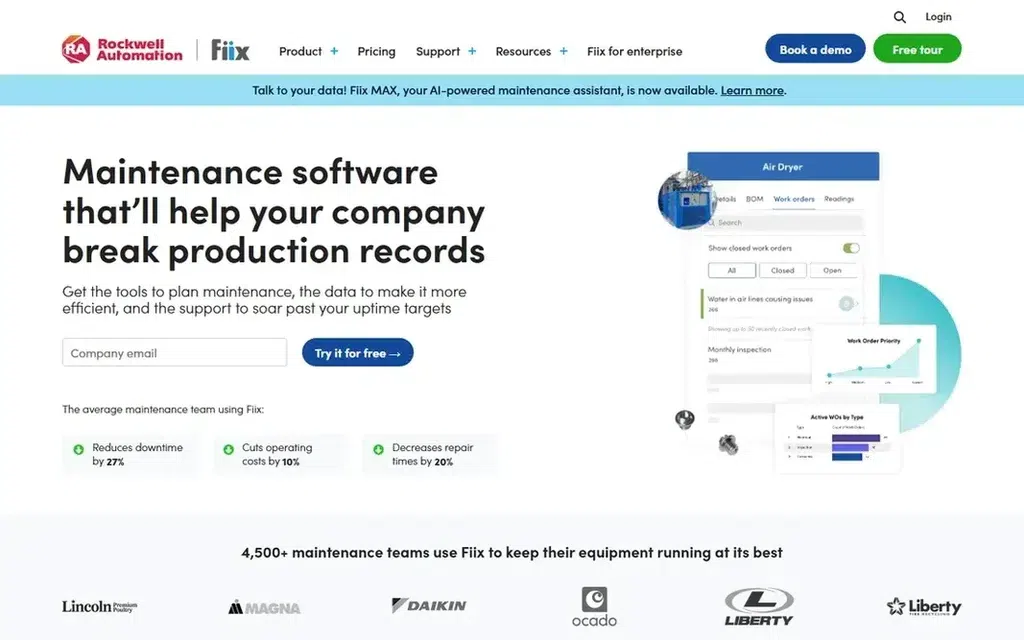
Fiix was built for AI-powered maintenance with integrations. Fiix may be more than needed for very small teams or those seeking a straightforward, standalone tool. Its advanced features can need onboarding time.
What to check first: Pricing not shown on homepage.
Fiix is a cloud-based CMMS that helps maintenance teams plan, track, and optimize work orders. It contains embedded AI tools, feature-rich integrations, and reporting capabilities. Fiix pricing: $45 per user per month. You can start on Fiix without paying.
- Cloud-based CMMS with embedded AI tools
- Capable integrations and reporting
- May need training to use advanced features
Asset Essentials
Best for: Maintenance and capital planning
Asset Essentials is designed for Maintenance and capital planning. Asset Essentials is part of Siemens asset management software, offering maintenance and work order tracking along with analytics and capital planning. It eases and accelerates workflows for organizations that require a thorough view of asset lifecycle and maintenance operations.
In daily use, Asset Essentials may be more solid than small teams need, and its advanced features can need training. More specifically, if you need a light, standalone CMMS or prefer a non-enterprise option, consider other choices. Also, evaluate integration needs with existing Siemens systems. Pricing for Asset Essentials is not stated here, so ask the vendor for current figures. Free options: Not stated.
Honest limits: Pricing not listed on homepage.
- Part of Siemens asset management
- Work order tracking
- May be complicated for small teams
How we chose
Pre-purchase checklist
- Confirm the entry price on the vendor page. For eMaint and Asset Essentials that means a quote rather than a fixed price.
- Look at the free plan from Fiix closely: its caps decide whether it is usable for real work.
- Use real work to test the free trial from UpKeep and Maintenance Connection, rather than a demo project.
- Read the limits listed for UpKeep first: advanced features may need training.
- Ask the daily users to test Fiix on a live task before you roll it out to everyone.
- Before you load data into Maintenance Connection, check what an export looks like and who can run it.
FAQ
What is the cheapest option for MPulse in this list?
On published monthly entry prices, UpKeep is the lowest here at $24 per user per month. Entry price is only part of the cost, because seats, add-ons and billing terms can change the total. Each of the 5 options in this MPulse alternatives guide has its own card above with the price, free plan and limits.
Which options for MPulse have a free plan?
Fiix is the only tool in this list with a free plan. Free plans usually cap users, projects or features, so check the limits on the vendor page. Several others offer a trial instead. All 5 picks in this MPulse alternatives comparison list a starting price, free plan details and the main limits on their cards above.
Do these tools publish their prices?
Not all of them. eMaint and Asset Essentials publish no starting price, so expect a quote request for those. The rest, UpKeep included, show a starting price, though seats and billing terms still change the final cost.
How do these tools differ in target users?
Fiix and Limble emphasize modern, approachable interfaces for wide adoption. UpKeep centres on mobile teams, whereas Maintenance Connection and eMaint offer full features for bigger operations. Asset Essentials plugs into Siemens' broader asset management suite.
Can I try these tools before buying?
Plenty of vendors offer demos or trial periods, but availability varies. Check each vendor's website for current choices. Some may need a consultation before supplying access.
Are these alternatives cloud-based?
Most tools listed here are cloud-based, offering access from any device. Even so, deployment choices can vary, so check each vendor's specifications. Some may offer on-premises or hybrid choices.
Sources
- https://www.upkeep.com
- https://www.maintenanceconnection.com
- https://www.emaint.com
- https://www.fiixsoftware.com
- https://www.dudesolutions.com