Best Luminar Neo Alternatives for 2026 (5 Compared)
Luminar Neo alternatives in 2026: 5 tools with starting prices, free plans and limits. Each listing flags where it falls short. A comparison table is included.

- Editor's choice
 Adobe Lightroom
Editing and organizing photo libraries
Starts atSee websiteVisit adobe.comFull review - Great alternative
 ON1 Photo RAW
All-in-one raw editing without subscription
Starts at$49.99Visit on1.comFull review - Also consider
 Adobe Photoshop
Deep layer-based creative editing
Starts atSee websiteVisit adobe.comFull review
Direct answer
If you need editing and organizing photo libraries, Adobe Lightroom is the first tool to look at here. Listed starting prices: ON1 Photo RAW from $49.99 and Topaz Photo AI from $19 per month. If your case is different, ON1 Photo RAW suits all-in-one raw editing without subscription and Adobe Photoshop suits deep layer-based creative editing. The remaining 2 options are covered below with prices and limits.
TL;DR:
- Adobe Lightroom takes the first slot, best suited to editing and organizing photo libraries.
- Topaz Photo AI is the lowest-priced starter here at $19 per month.
- Check the limits for ON1 Photo RAW before you commit: smaller ecosystem than major suites.
- Affinity Photo fits precise editing with creative freedom.
Last checked November 2026. Prices and plan details were read from the vendors' own pages in November 2026; vendors change plans often, so confirm the current price on the vendor site before you buy.
Quick comparison
| Tool | Best for | Starts at | Free plan? | |
|---|---|---|---|---|
| Adobe Lightroom | Editing and organizing photo libraries | See website | Not stated | Visit |
| ON1 Photo RAW | All-in-one raw editing without subscription | $49.99 | Free trial | Visit |
| Adobe Photoshop | Deep layer-based creative editing | See website | Not stated | Visit |
 Topaz Photo AI | Sharpen, denoise and upscale images | $19 per month | Not stated | Visit |
 Affinity Photo | Precise editing with creative freedom | See website | Not stated | Visit |
Luminar Neo profiles
LinkVetted compared 5 tools for Luminar Neo. The goal is a practical shortlist: published prices, free plan facts, best-fit use cases and honest limits for every entry.

For editing and organizing photo libraries, Adobe Lightroom is a natural candidate. Adobe Lightroom is a photo editing and organizing application for desktop, web and mobile, positioned by the vendor for professional photographers and enthusiasts alike. It centers on developing images and keeping libraries organized, so edits stay consistent across devices.
Watch-outs: Less suited to complicated compositing.
For everyday use, Lightroom is not a full compositing or layer-heavy design environment, so intricate retouching commonly points to Photoshop. Its subscription licensing is also a consideration for buyers seeking a perpetual license. Pricing for Adobe Lightroom is not stated here, so ask the vendor for current figures. Free options: Not stated.
- Editing and organizing in one place
- Web and mobile
- Subscription-based licensing
ON1 Photo RAW is aimed squarely at all-in-one raw editing without subscription. ON1 Photo RAW is described by its vendor as an all-in-one, AI-powered raw photo editor for editing, organizing and processing images at pro-level quality. It merges browsing, raw development and effects in a single application.
Strengths: AI-powered raw processing.
Points against: Feature depth varies by workflow.
Worth adding: consider it when an integrated raw workflow is the central goal. As a smaller ecosystem, it may lack the breadth of plug-ins and integrations offered by bigger suites, and performance relies on your hardware and file sizes. More specifically, users needing advanced compositing or extensive design features may still pair it with a dedicated pixel editor. The starting price for ON1 Photo RAW: $49.99. Trial and free access: Free trial.
- One-time purchase model
- Organize and process in one app
- Smaller ecosystem than major suites
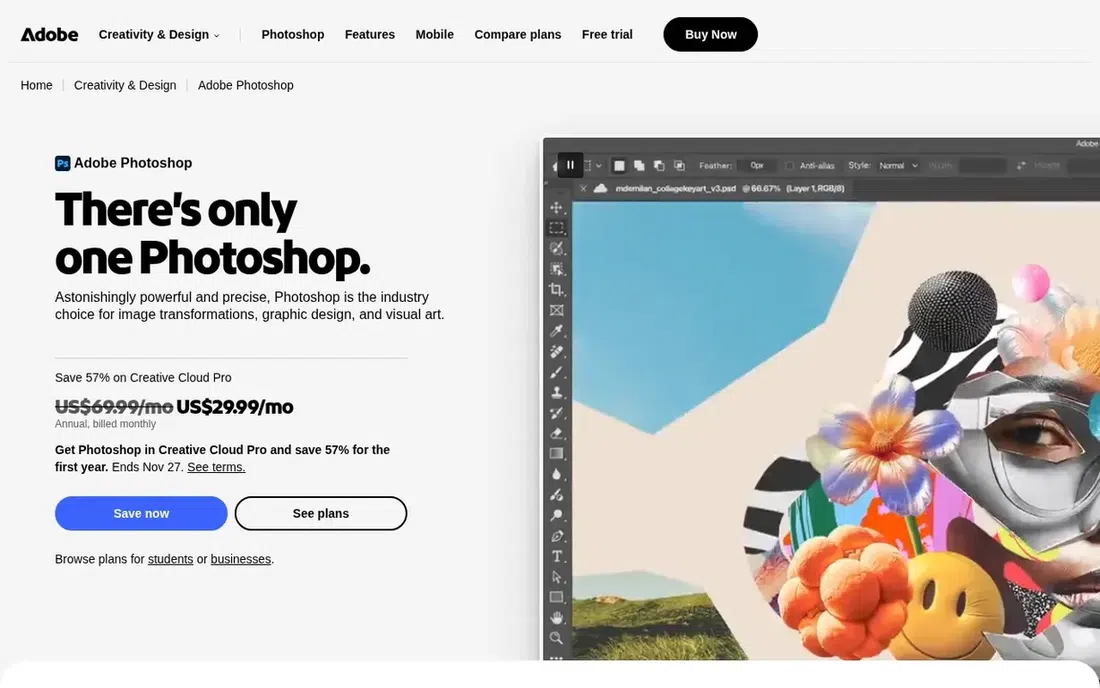
Adobe Photoshop is built with deep layer-based creative editing in mind. Users who primarily want quick, slider-driven enhancements may find a more straightforward organizer-and-editor combination more efficient. Photoshop's depth includes a ramp-up time, and its subscription model may not suit everyone.
Adobe Photoshop is a long-standing professional image editor built around layers, selections and compositing. Also, the vendor flags fast ways to produce custom scenes, make complicated edits and combine images online or through the mobile app. No starting price is listed for Adobe Photoshop here; confirm pricing on the vendor site. On free options: Not stated.
Points against: Interface can feel complicated for beginners.
- Works online and with a mobile app
- Capable support for custom scene creation
- Subscription-based licensing
Topaz Photo AI was built for Sharpen, denoise and upscale images. Topaz Photo AI is image enhancement software centred on sharpening, denoising, unblurring and upscaling photos. It frequently performs well as a companion to a primary editor instead of a replacement for one.
Limits to weigh: Best used alongside an editor.
Its scope is narrower than a full editing suite, so it does not replace cataloging, compositing or wide creative retouching. Pick a full editor when you need end-to-end workflow, and consider this for targeted enhancement tasks. Results rely on the source image, and heavy correction can look unnatural if pushed too far. Topaz Photo AI starts at: $19 per month. Trial and free access: Not stated.
- Focused enhancement workflow
- Unblur and upscale capabilities
- Narrower than full editing suites
Affinity Photo serves precise editing with creative freedom. Affinity Photo is a professional photo editor designed for precision, speed and creative freedom, based on its vendor.
Choose Affinity Photo when precise, practical pixel editing is the priority over automatic enhancement workflows. Worth adding: advanced tools carry a ramp-up time, and the external ecosystem is smaller than that of longer-established suites. Check the vendor site for Affinity Photo pricing; none is listed in this comparison. On free options: Not stated.
Watch-outs: Smaller external ecosystem.
- Professional feature set
- Speed-oriented performance
- Ramp-up time for advanced tools
Selection criteria
LinkVetted looked at what each vendor publishes: pricing, plan limits, feature coverage for Luminar Neo and stated drawbacks. No hands-on testing is claimed. Prices and plan limits come from vendor pages and can change, so confirm them on the vendor site before you buy. We ordered the tools by general fit, then by how clearly pricing is shown, then by free access. A buyer with unusual needs may reorder them.
Before you commit
- Confirm the entry price on the vendor page. For Adobe Lightroom, Adobe Photoshop and Affinity Photo that means a quote rather than a fixed price.
- Run a trial of ON1 Photo RAW with real work before paying for a year; your own workflow is the best test.
- Before choosing Adobe Lightroom, weigh its main limit: subscription-based licensing.
- See whether Adobe Lightroom offers onboarding or training, and whether it is included in the price.
- Ask Topaz Photo AI about contract length, onboarding fees and user minimums before you sign.
FAQ
What is the cheapest option for Luminar Neo in this list?
On published monthly entry prices, Topaz Photo AI is the lowest here at $19 per month. Entry price is only part of the cost, because seats, add-ons and billing terms can change the total. All 5 picks in this Luminar Neo alternatives comparison list a starting price, free plan details and the main limits on their cards above.
Which Luminar Neo alternative is best for beginners?
The first pick on this list is Adobe Lightroom, because it suits editing and organizing photo libraries. ON1 Photo RAW is better for all-in-one raw editing without subscription, and Adobe Photoshop for deep layer-based creative editing. Check price and limits against your own needs before choosing.
Is Adobe Lightroom the right pick for everyone comparing Luminar Neo?
No single tool suits every team. Adobe Lightroom comes first because it fits editing and organizing photo libraries, while ON1 Photo RAW suits all-in-one raw editing without subscription and Adobe Photoshop suits deep layer-based creative editing. Match the tool to your own size, budget and workflow before deciding.
Are there alternatives without a subscription?
ON1 Photo RAW is described by its vendor as a one-time purchase with no subscription required, and Affinity Photo is presented as a professional editor without subscription emphasis. Subscription-based choices like Adobe Photoshop and Lightroom remain available for comparison.
How are the tools for Luminar Neo ordered?
Adobe Lightroom sits first and Affinity Photo last because the order follows typical fit for Luminar Neo, then price clarity and free access. It is a judgement call, so read each profile for fit and limits.
Can I try these tools before paying?
Often, yes. ON1 Photo RAW offers a free trial. Use your own data and a real task during the test, and check what the free tier or trial limits before you rely on it. For the full picture, the cards above cover all 5 entries of this Luminar Neo alternatives list, including price, free plan and limits.
Sources
- https://www.adobe.com/products/photoshop-lightroom.html
- https://www.on1.com/products/photo-raw
- https://www.adobe.com/products/photoshop.html
- https://www.topazlabs.com/topaz-photo-ai
- https://affinity.serif.com/en-us/photo