5 Looka Alternatives Worth Switching To in 2026
5 products for Looka alternatives, ranked by fit, with starting costs and free tiers. Includes honest limits for each tool. Last reviewed November 2026.
- Editor's choice
 Tailor Brands
Guided business setup and branding
Starts at$199 a yearVisit tailorbrands.comFull review - Great alternative
 LogoMakr
Original logos with vector output
Starts at$29 one-timeVisit logomakr.comFull review - Also consider
 Canva
All-around design and branding
Starts atSee websiteVisit canva.comFull review
Direct answer
Our first pick is Tailor Brands, best for guided business setup and branding. Listed starting prices: Tailor Brands from $199 a year, LogoMakr from $29 one-time and DesignEvo from $24.99 USD one time. If your case is different, LogoMakr suits original logos with vector output and Canva suits all-around design and branding. The other 2 tools in the list cover narrower or pricier cases.
TL;DR:
- Tailor Brands is the opening pick, best for guided business setup and branding.
- Hatchful is the one to check for quick AI-generated logo drafts.
- A free plan is available from 2 of the 5 tools: Tailor Brands, DesignEvo.
- Hatchful is the lowest-priced starter here at $19 per month.
- The main caution on Tailor Brands: less focus on pure design freedom.
Last checked November 2026. Prices and plan details were read from the vendors' own pages in November 2026; vendors change plans often, so confirm the current price on the vendor site before you buy.
Quick comparison
| Tool | Best for | Starts at | Free plan? | |
|---|---|---|---|---|
| Tailor Brands | Guided business setup and branding | $199 a year | Yes | Visit |
| LogoMakr | Original logos with vector output | $29 one-time | No | Visit |
| Canva | All-around design and branding | See website | Not stated | Visit |
 DesignEvo | Straightforward online custom logo creation | $24.99 USD one time | Yes | Visit |
 Hatchful | Quick AI-generated logo drafts | $19 a month | Free trial | Visit |
The best Looka
Choosing Looka usually comes down to price, fit and limits. This LinkVetted guide sets 5 tools side by side on those three points, with the facts kept short and checkable.
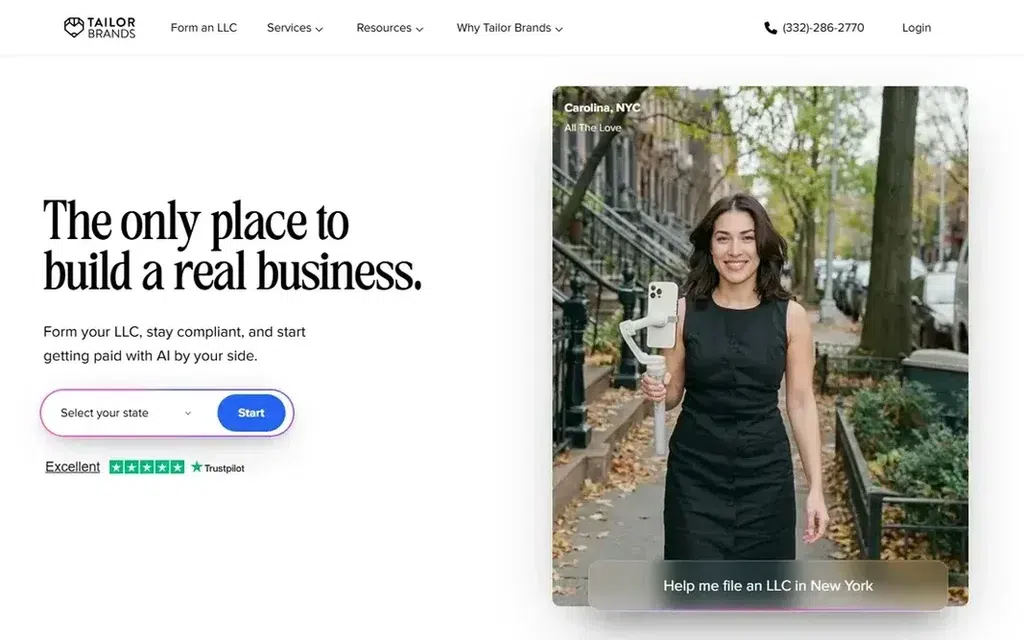
Tailor Brands is a good fit for guided business setup and branding. Tailor Brands presents itself as a guided business building product that helps you set up, handle and grow a business, with logo creation as one part of that journey. For everyday use, the platform is oriented toward guided outcomes instead of open-ended design experimentation.
More specifically, if your priority is fine-grained control over logo artwork, a dedicated editor may feel more adaptable. Consider a canvas-based tool when you want to tweak every element yourself. On top of that, the guided flow is the central draw for people new to building a brand. What you pay to start with Tailor Brands: $199 per year. You can start on Tailor Brands without paying.
Where it falls short: Less focus on pure design freedom.
- Logo plus business building tools
- Spans more than logo design
- Feature depth varies by need
For original logos with vector output, LogoMakr is a natural candidate. The vector and print-ready focus is its central differentiator among logo makers.
Limits to weigh: Best results need some design sense.
For everyday use, the editing experience is functional instead of refined, so beginners may need time to get comfortable. The starting price for LogoMakr: $29 one-time. LogoMakr has no free tier.
- Vector conversion for any logo
- Print-ready file focus
- Interface is fairly utilitarian
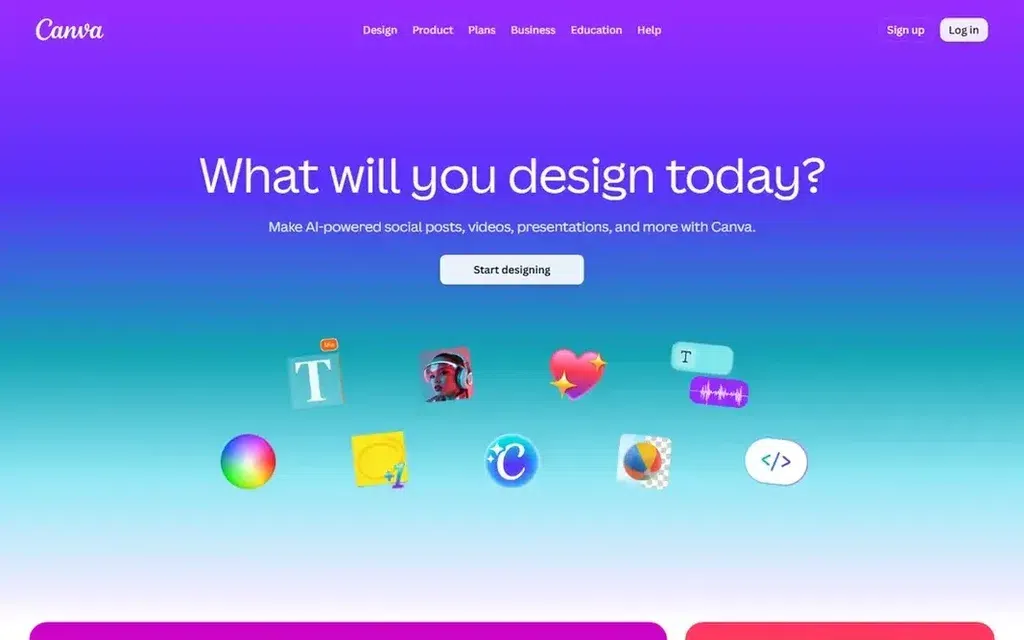
In short, Canva is for all-around design and branding. Canva is an online graphic design suite used for social media posts, presentations, posters, videos and logos. Its homepage describes a visual suite for everyone, which makes it a practical Looka alternative if you want one place to design a logo and then carry that look across marketing materials.
As for the details, export choices for true vector files can also be restricted based on what you use. Since Canva is a general design tool, it gives you less guided logo automation than dedicated makers, so you build more by hand. Pricing for Canva is not stated here, so ask the vendor for current figures. Trial and free access: Not stated.
Drawbacks to consider: Vector export relies on the plan.
- Handles logos plus social posts and presentations
- Wide template and asset library
- Logo-specific automation is restricted
DesignEvo is built with straightforward online custom logo creation in mind. DesignEvo is a free logo maker for creating custom logo designs online, as its homepage title states.
The main drawbacks: Restricted beyond logo use.
The narrow focus keeps the workflow straightforward for first-time logo creators. DesignEvo cost at the entry level: $24.99 USD one time. DesignEvo includes a free tier.
- Focused logo-making workflow
- Straightforward for beginners
- Narrower than full design suites
Hatchful makes the most sense for quick AI-generated logo drafts. Hatchful is Shopify's AI logo maker, described as generating unique, high-resolution logo designs in minutes with no design skills needed. For everyday use, choose a template or canvas tool if you want more practical control over the final file.
AI-generated output can need refinement, and manual editing choices are narrower than in canvas editors. It is also closely tied to the Shopify ecosystem, which may matter if you sell elsewhere. What you pay to start with Hatchful: $19 per month. Free options: Free trial.
Limits to weigh: Tied to the Shopify ecosystem.
- No design skills required
- AI logo generation
- Less manual editing depth
How we built this list
LinkVetted looked at what each vendor publishes: pricing, plan limits, feature coverage for Looka and stated drawbacks. No hands-on testing is claimed. Seat minimums, billing terms and add-ons can move the real cost, so the starting prices here are a guide and not a quote. We ordered the tools by general fit, then by how clearly pricing is shown, then by free access. A buyer with unusual needs may reorder them.
Questions to settle before buying
- Confirm the entry price on the vendor page. For Canva that means a quote rather than a fixed price.
- Check what the free option really includes: Tailor Brands and DesignEvo offer a free plan, and usage caps differ.
- Use real work to test the free trial from Hatchful, rather than a demo project.
- Before choosing Tailor Brands, weigh its main limit: less focus on pure design freedom.
- Test how quickly DesignEvo answers a pre-sales question; it hints at how support will feel later.
- Pick one real project and run it in LogoMakr first; a small pilot shows fit faster than a checklist.
FAQ
Which alternative hands me a vector logo file?
LogoMakr states that it can turn any logo into a vector and supplies print-ready files, which matters for scaling and printing. Other tools vary in export choices, so confirm vector support on the vendor site before relying on it.
Do these tools publish their prices?
Not all of them. Canva publishes no starting price, so expect a quote request for it. The rest, Tailor Brands included, show a starting price, though seats and billing terms still change the final cost.
Which options for Looka have a free plan?
On this list, Tailor Brands and DesignEvo include a free plan. Caps on seats, usage or features are common, so test the free plan against your real workload. One other tool offers a trial instead.
How are the tools for Looka ordered?
Tailor Brands sits first and Hatchful last because the order follows typical fit for Looka, then price clarity and free access. It is a judgement call, so read each profile for fit and limits.
What is the best free Looka alternative for beginners?
Start with Tailor Brands if you need guided business setup and branding. LogoMakr is the better match for original logos with vector output, and Canva for all-around design and branding. The best choice depends on budget, team size and workflow.
Is Tailor Brands the right pick for everyone comparing Looka?
No single tool suits every team. Tailor Brands comes first because it fits guided business setup and branding, while LogoMakr suits original logos with vector output and Canva suits all-around design and branding. Match the tool to your own size, budget and workflow before deciding.
Sources
- https://www.tailorbrands.com
- https://logomakr.com
- https://www.canva.com
- https://www.designevo.com
- https://hatchful.shopify.com