5 Kissflow Alternatives Worth Switching To in 2026
Kissflow alternatives: 5 contenders ranked by fit, with entry costs and free tiers. Each tool is judged on the same checks. Current for November 2026.
- Editor's choice
 Pega Platform
Enterprise transformation and workflow automation
Starts atSee websiteVisit pega.comFull review - Great alternative
 Appian
Orchestrating critical enterprise processes
Starts atSee websiteVisit appian.comFull review - Also consider
 Microsoft Power Apps
Organizations inside the Microsoft ecosystem
Starts at$12.00 per user a monthVisit microsoft.comFull review
Direct answer
For enterprise transformation and workflow automation, Pega Platform is where this list starts. Listed starting prices: Microsoft Power Apps from $12.00 per user a month. For a different need, Appian covers orchestrating critical enterprise processes and Microsoft Power Apps covers organizations inside the Microsoft ecosystem. The full list of 5 tools follows, with prices and free plan facts.
TL;DR:
- Pega Platform takes the first slot, best suited to enterprise transformation and workflow automation.
- One limit worth knowing about Appian: enterprise scope can mean longer setup.
- Just one of the 5 tools, Microsoft Power Apps, has a free plan.
- Microsoft Power Apps has the lowest monthly starting price in this list: $12.00 per user per month.
Last checked November 2026. Prices and plan details were read from the vendors' own pages in November 2026; vendors change plans often, so confirm the current price on the vendor site before you buy.
Quick comparison
| Tool | Best for | Starts at | Free plan? | |
|---|---|---|---|---|
| Pega Platform | Enterprise transformation and workflow automation | See website | Not stated | Visit |
| Appian | Orchestrating critical enterprise processes | See website | Not stated | Visit |
| Microsoft Power Apps | Organizations inside the Microsoft ecosystem | $12.00 per user a month | Yes | Visit |
 Zoho Creator | Business teams building custom AI apps | See website | Not stated | Visit |
 Nintex | End-to-end process and workflow automation | See website | Free trial | Visit |
The 5 tools in detail
Choosing Kissflow usually comes down to price, fit and limits. This LinkVetted guide sets 5 tools side by side on those three points, with the facts kept short and checkable.
Pega Platform makes the most sense for enterprise transformation and workflow automation. Pega Platform is positioned as an AI-powered product for enterprise transformation, used to automate workflows, personalize customer experiences and modernize legacy systems.
Teams with narrow workflow needs may find a more straightforward alternative quicker to adopt, whereas enterprises with legacy modernization goals are closer to its stated focus. More specifically, the product targets substantial transformation programs, so initial configuration and skills requirements can be significant. Pega Platform shows no starting price here, so confirm the cost on the vendor site. Trial and free access: Not stated.
Limits to weigh: Needs skilled implementation resources.
- AI-powered enterprise system positioning
- Supports legacy system modernization
- Enterprise complexity can slow initial delivery
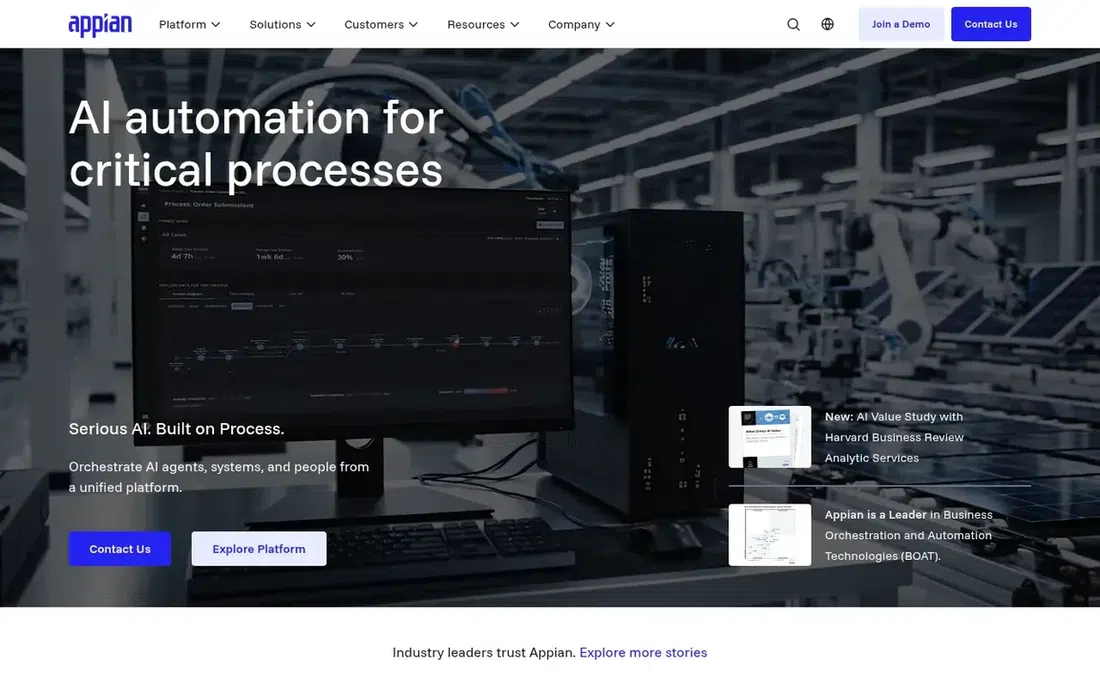
In short, Appian is for orchestrating critical enterprise processes. Smaller teams with straightforward approval workflows may prefer a lighter low-code builder, whereas Appian fits where process complexity and system integration are the central challenge. Appian presents itself as an AI-powered process orchestration system for critical enterprise processes.
It is built to coordinate AI agents, systems and people on one enterprise system without replacing the systems a company already runs, which fits large organizations modernizing complicated operations incrementally. That enterprise orientation can translate into more configuration and governance work at the start. Pricing for Appian is not stated here, so ask the vendor for current figures. Trial and free access: Not stated.
Where it is weaker: Enterprise scope can mean longer setup.
- Systems and people
- Orchestrates AI agents
- May be more than small teams need
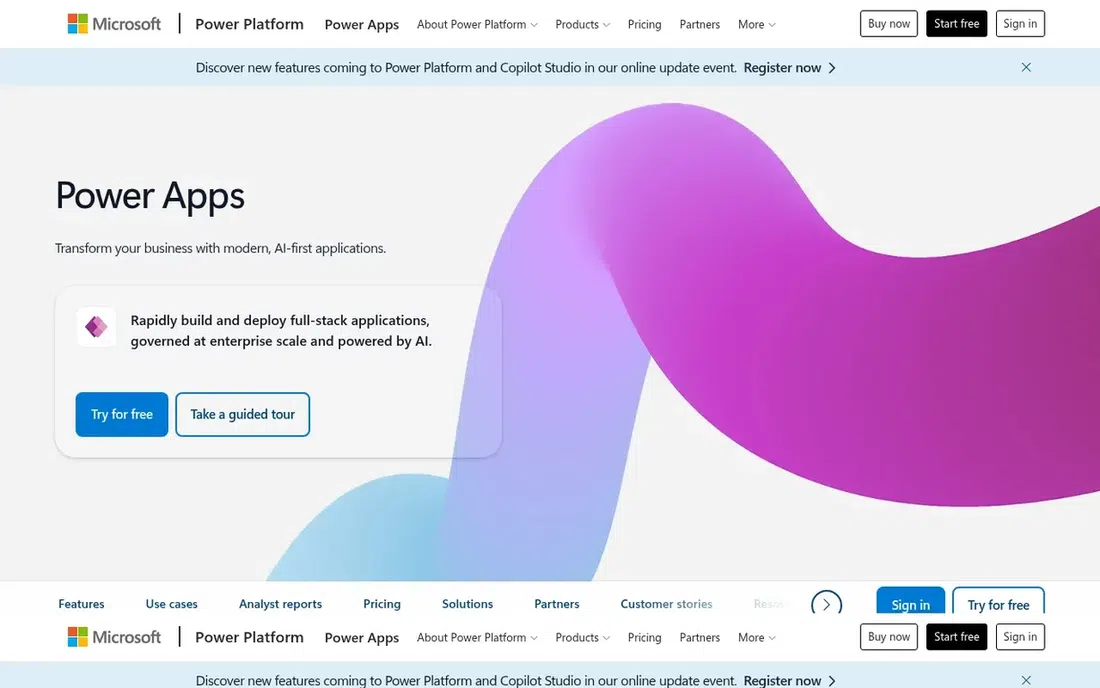
Microsoft Power Apps is aimed squarely at organizations inside the Microsoft ecosystem. The system spans a very wide set of capabilities, which can mean more administrative overhead to govern apps and environments.
Beyond that, teams outside the Microsoft ecosystem may find the surrounding dependencies harder to justify, so compare it against more straightforward builders before committing. The starting price for Microsoft Power Apps: $12.00 per user per month. Microsoft Power Apps has a free plan.
The main drawbacks: Connector and licensing structure can be complicated.
- Geared toward simplifying organizational processes
- Suits teams already using Microsoft services
- Governance needs planning at scale
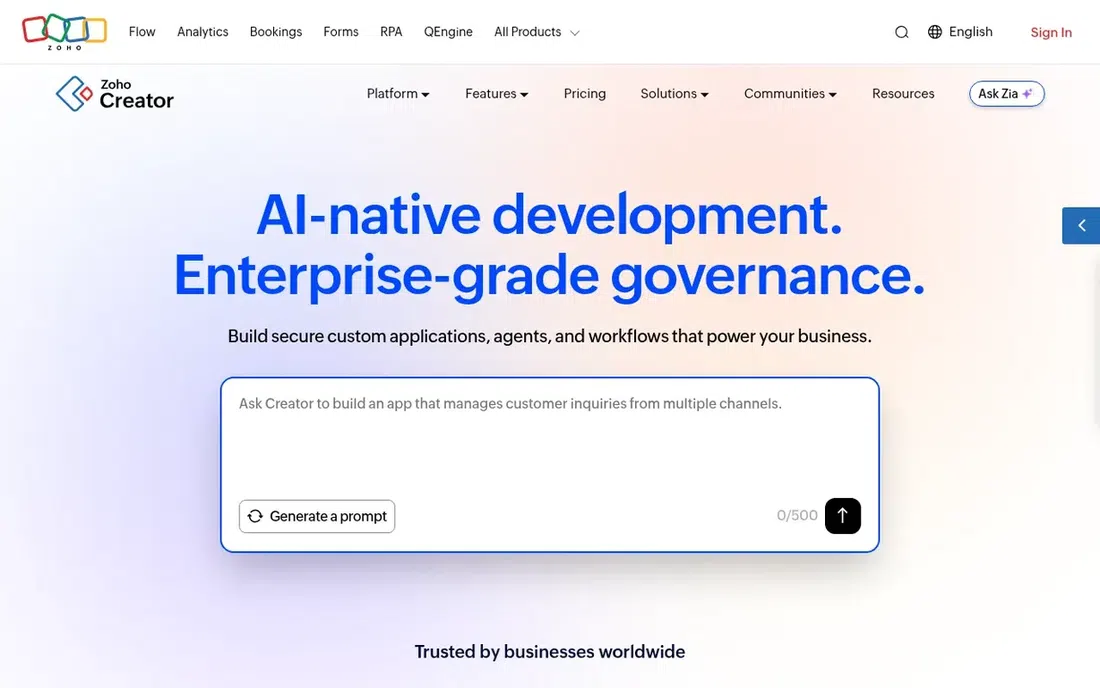
Zoho Creator was built for business teams building custom AI apps. Zoho Creator is described as an AI app development system that helps companies build custom applications, agents and workflows securely.
Drawbacks to consider: Best value inside the wider Zoho ecosystem.
Best features of Zoho Creator: agents and workflows.
It does well for departments that require several small applications instead of one large enterprise system. Check the vendor site for Zoho Creator pricing; none is listed in this comparison. Free access: Not stated.
- Merges app building
- Positioned for secure custom application development
- Deep customization may need technical skills
Nintex is built with end-to-end process and workflow automation in mind. Nintex describes itself around process management and workflow automation software, with custom app development for integrated workflow automation. It appeals to teams that think in terms of end-to-end processes, notably where approvals, forms and document-heavy steps have to move together across departments.
Drawbacks to consider: Advanced scenarios may need specialist skills.
For everyday use, because the product spans a broad set of process scenarios, planning which capabilities you actually need matters before rollout. In practice, organizations seeking a minimal app builder may find it broader than necessary, whereas process-heavy operations are more likely to benefit from its emphasis on workflow automation. No starting price is listed for Nintex here; confirm pricing on the vendor site. As for free access: Free trial.
- Handles document and process-heavy scenarios
- Process management and workflow automation focus
- Breadth of features needs careful scoping
Selection criteria
Things to verify first
- Ask Pega Platform, Appian, Zoho Creator and Nintex for a written quote, since no starting price is shown.
- Look at the free plan from Microsoft Power Apps closely: its caps decide whether it is usable for real work.
- Use real work to test the free trial from Nintex, rather than a demo project.
- Read the limits listed for Pega Platform first: enterprise complexity can slow initial delivery.
- List the apps you already depend on and check that Microsoft Power Apps supports each one on the plan you would buy.
- Check whether the features you need in Appian sit on the entry plan or only on higher tiers.
FAQ
What is the cheapest option for Kissflow in this list?
On published monthly entry prices, Microsoft Power Apps is the lowest here at $12.00 per user per month. Entry price is only part of the cost, because seats, add-ons and billing terms can change the total.
When do enterprise platforms like Appian or Pega make sense?
These products target complicated, cross-system processes and legacy modernization instead of isolated apps. Beyond that, if your workflows span plenty of departments and existing systems, their orchestration focus may be a better fit than a straightforward form builder.
How are the tools for Kissflow ordered?
Pega Platform sits first and Nintex last because the order follows typical fit for Kissflow, then price clarity and free access. It is a judgement call, so read each profile for fit and limits.
Which alternative fits small business teams?
Zoho Creator and Microsoft Power Apps are the most approachable starting points for teams building custom apps and workflows. Both emphasize low-code creation, though governance planning still matters as usage grows.
Is Pega Platform the right pick for everyone comparing Kissflow?
No single tool suits every team. Pega Platform comes first because it fits enterprise transformation and workflow automation, while Appian suits orchestrating critical enterprise processes and Microsoft Power Apps suits organizations inside the Microsoft ecosystem. Match the tool to your own size, budget and workflow before deciding.
Can these products replace existing systems?
Multiple vendors state that their systems orchestrate or modernize around systems you already run instead of requiring wholesale replacement. Confirm the specific integration and migration approach with each vendor before planning a transition.
Sources
- https://www.pega.com
- https://appian.com
- https://www.microsoft.com/en-us/power-platform/products/power-apps
- https://www.zoho.com/creator
- https://www.nintex.com