5 MasterClass Alternatives Worth Switching To in 2026
MasterClass alternatives: 5 tools compared on price, free plans and fit. edX is the first pick for University-backed courses and degrees. Checked this month.
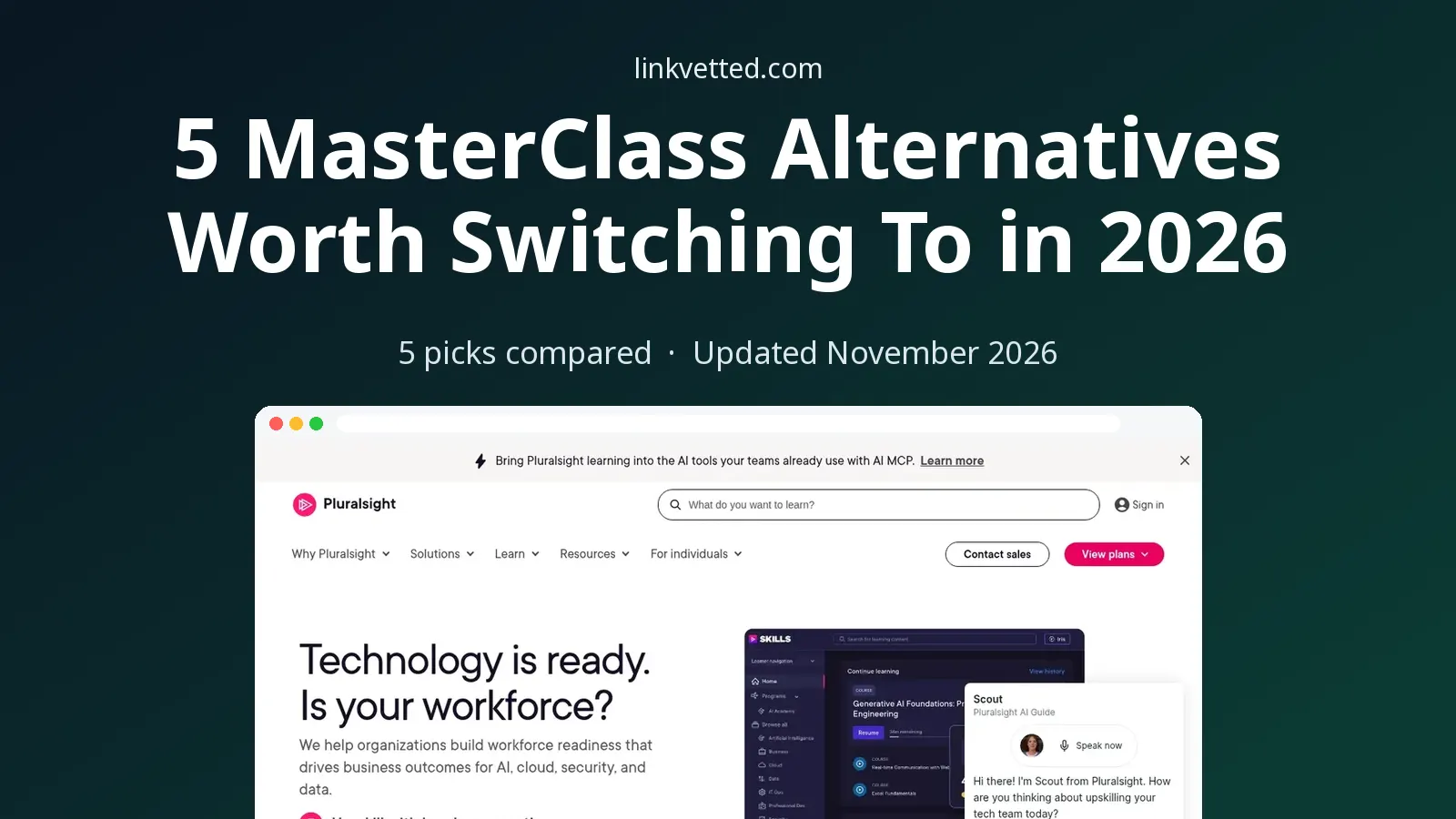
- Editor's choice
 edX
University-backed courses and degrees
Starts atSee websiteVisit edx.orgFull review - Great alternativePluralsight
Technical and IT team training
Starts at$399 a month per userVisit pluralsight.comFull review - Also consider
 Coursera
Wide skills, certificates and degrees
Starts atSee websiteVisit coursera.orgFull review
Direct answer
This list puts edX first for University-backed courses and degrees. Listed starting prices: Pluralsight from $399 a month per user. Pluralsight is better for technical and IT team training, and Coursera is better for wide skills, certificates and degrees. The other 2 tools in the list cover narrower or pricier cases.
TL;DR:
- The list opens with edX, aimed at University-backed courses and degrees.
- Pluralsight is the lowest-priced starter here at $399 per month per user.
- Neither edX nor CreativeLive, nor any of the other 3 tools, has a permanent free plan; trials and quotes are the norm.
- What to know about Pluralsight first: narrow focus outside tech and IT.
- For creative skills from working creators, CreativeLive is worth a look.
Last checked November 2026. Prices and plan details were read from the vendors' own pages in November 2026; vendors change plans often, so confirm the current price on the vendor site before you buy.
Quick comparison
| Tool | Best for | Starts at | Free plan? | |
|---|---|---|---|---|
| edX | University-backed courses and degrees | See website | Not stated | Visit |
| Pluralsight | Technical and IT team training | $399 a month per user | Free trial | Visit |
| Coursera | Wide skills, certificates and degrees | See website | Not stated | Visit |
 LinkedIn Learning | Career-linked skill building and teams | See website | Not stated | Visit |
| CreativeLive | Creative skills from working creators | See website | Not stated | Visit |
Our 5 picks for MasterClass
Choosing MasterClass usually comes down to price, fit and limits. This LinkVetted guide sets 5 tools side by side on those three points, with the facts kept short and checkable.
edX works best for University-backed courses and degrees. edX is an online learning product offering courses, certificates and degrees delivered by leading institutions such as Harvard, Google and Amazon.
Downsides: Degree paths need major commitment.
As for the details, for purely technical team training, a dedicated tech system may be a better match. Since content comes from plenty of institutions, formats, schedules and workloads vary widely, and degree programs represent a serious commitment. edX shows no starting price here, so confirm the cost on the vendor site. Free access: Not stated.
- Includes names like Harvard
- Courses and degrees from leading institutions
- Formats and schedules vary by institution
Pluralsight
Best for: Technical and IT team training
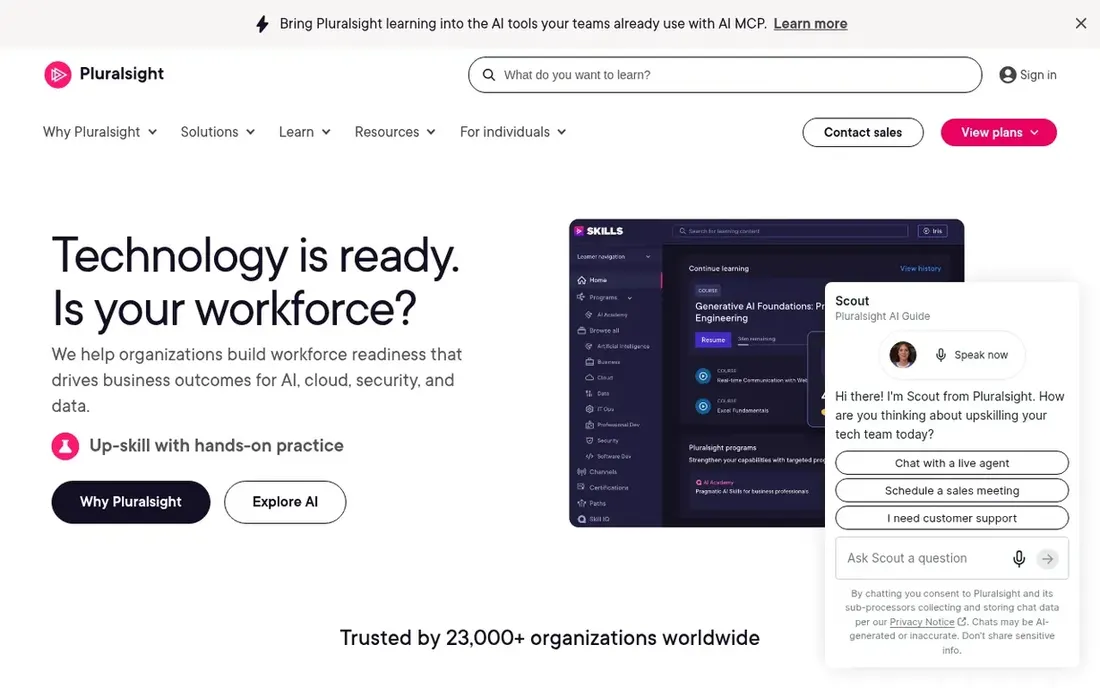
Pluralsight is a good fit for technical and IT team training. Individuals exploring wide career choices may prefer a wider catalog. For everyday use, choose Pluralsight when the goal is specifically technical team development with practice environments.
What users get: Made for team and organization learning.
Where it is weaker: Less suited to general creative learning. In daily use, the practical lab component makes it a solid alternative for organizations that want measurable technical upskilling. Its focus is deliberately technical, so learners interested in business, creative or academic subjects will find restricted coverage. On cost, Pluralsight starts like this: $399 per month per user. Free access: Free trial.
- Data and security skills
- Courses paired with practical labs
- Narrow focus outside tech and IT
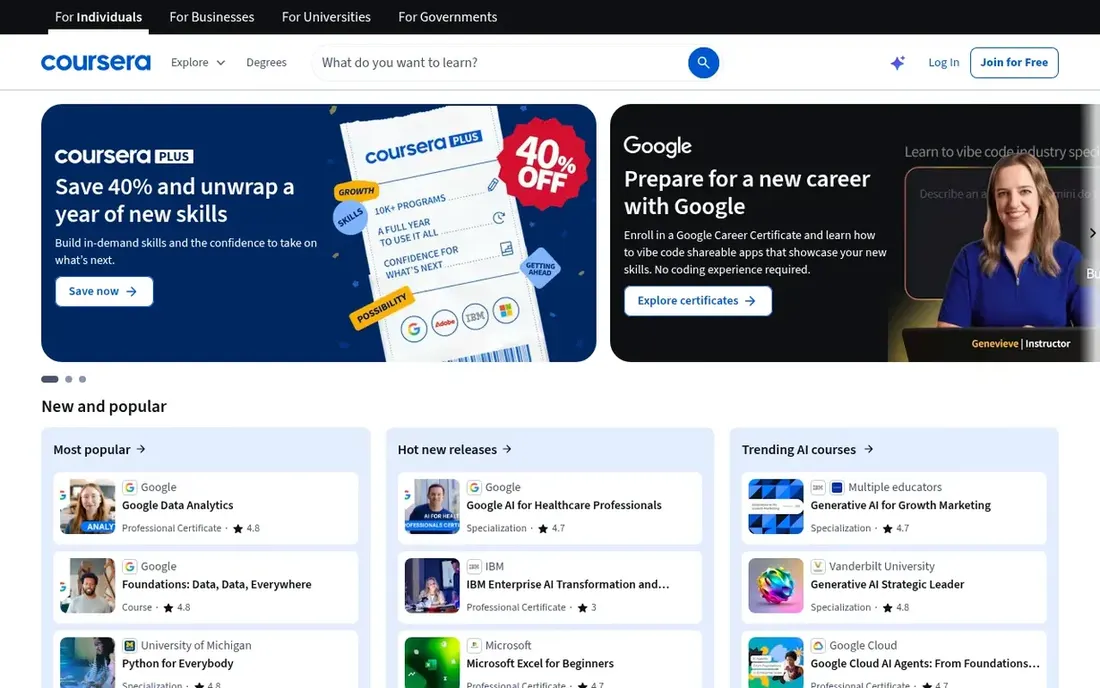
Coursera was built for wide skills, certificates and degrees. Coursera is an online learning platform offering courses, Professional Certificates, Specializations and degrees from universities and firms for example Google, Meta, Anthropic, DeepLearning.AI and Stanford.
The breadth makes it a strong general-purpose alternative for career changers, students and professionals building a documented skill set. Those focused purely on technical team training might prefer a system built around labs and practical tech content. Pricing for Coursera is not stated here, so ask the vendor for current figures. Free plan details: Not stated.
What Coursera does well: Content from universities and major firms. Where it falls short: Some programs need significant time.
- Spans job-ready and academic subjects
- Specializations and degrees
- Catalog is large and can feel overwhelming

LinkedIn Learning makes the most sense for Career-linked skill building and teams. LinkedIn Learning is an online training product for skill building and career development, geared toward both individuals and teams. Its library spans business, AI, tech and creative skills.
Limits to weigh: Course depth varies by topic.
The professional-network context makes it convenient for learners who already run their careers through LinkedIn. For everyday use, the system is most handy if you actively use LinkedIn, since much of its appeal is the connection between learning and professional visibility. In daily use, course depth varies, so specialized technical learners may want more practical labs. No starting price is listed for LinkedIn Learning here; confirm pricing on the vendor site. Free options: Not stated.
- Business, AI
- Tech and creative course library
- Value relies on active LinkedIn use
CreativeLive
Best for: Creative skills from working creators
Think of CreativeLive for creative skills from working creators. CreativeLive supplies online classes in photography, design, video, business and more, taught by working creators. The system is oriented toward creative and business skills instead of academic credentials.
So it is not the place for degrees or formal certificates. Beyond that, for learners drawn to MasterClass for its creator-led style but wanting more applied, craft-focused content, CreativeLive is a natural comparison point. CreativeLive does not show a starting price in this comparison, so check the vendor site for current pricing. Free access: Not stated.
Drawbacks to consider: Less academic or credential-focused.
- Wide creative and small-business coverage
- Video and business classes
- Depth relies on the instructor
Selection criteria
LinkVetted used vendor pricing pages and product documentation as the base, then compared plans, free access and documented limits for 5 tools. Seat minimums, billing terms and add-ons can move the real cost, so the starting prices here are a guide and not a quote. Tools are placed by general fit for MasterClass, with price clarity and free access as tie-breakers. A different team can reasonably rank them differently.
Things to verify first
- Ask edX, Coursera, LinkedIn Learning and CreativeLive for a written quote, since no starting price is shown.
- Use real work to test the free trial from Pluralsight, rather than a demo project.
- Read the limits listed for edX first: formats and schedules vary by institution.
- Ask the daily users to test LinkedIn Learning on a live task before you roll it out to everyone.
- Ask CreativeLive about contract length, onboarding fees and user minimums before you sign.
FAQ
Does any tool for MasterClass here have a free plan?
No tool in this list, edX and CreativeLive included, has a permanent free plan. Pluralsight offer a trial. Trials and quotes are the usual route, so plan a short evaluation period.
Can I earn a certificate or degree from these systems?
Coursera and edX both offer certificates and degree paths, with edX emphasizing courses and degrees from leading institutions. Check each vendor site for the specific credential tied to a program before enrolling.
How are the tools for MasterClass ordered?
The order follows typical fit for MasterClass, with edX first and CreativeLive last, then price clarity and free access. It is editorial judgement, not a score, so another team could rank the tools differently.
What is the cheapest option for MasterClass in this list?
On published monthly entry prices, Pluralsight is the lowest here at $399 per month per user. Entry price is only part of the cost, because seats, add-ons and billing terms can change the total. Prices, free plan details and limits for all 5 tools in this MasterClass alternatives roundup sit on the individual cards above.
Is edX the right pick for everyone comparing MasterClass?
No single tool suits every team. edX comes first because it fits University-backed courses and degrees, while Pluralsight suits technical and IT team training and Coursera suits broad skills, certificates and degrees. Match the tool to your own size, budget and workflow before deciding.
Which alternative is a good match for technical or IT teams?
edX is the pick this page puts first, mainly for University-backed courses and degrees. If your situation differs, Pluralsight suits technical and IT team training, and Coursera suits wide skills, certificates and degrees. Compare price and limits before you decide.
Sources
- https://www.edx.org
- https://www.pluralsight.com
- https://www.coursera.org
- https://www.linkedin.com/learning
- https://www.creativelive.com