HiPDF Alternatives in 2026: 5 Options Vetted
5 tools for HiPDF alternatives, compared on pricing, free plans and best-fit use. Soda PDF comes first for desktop and online PDF adaptability. Easy to scan.
- Editor's choice
 Soda PDF
Desktop and online PDF adaptability
Starts atSee websiteVisit sodapdf.comFull review - Great alternative
 Smallpdf
Fast browser-based PDF tasks
Starts atSee websiteVisit smallpdf.comFull review - Also consider
 PDF Expert
Mac users needing reading and annotation
Starts at$1.53 per week billed annually at $79.99Visit pdfexpert.comFull review
Direct answer
Soda PDF leads the list, best for desktop and online PDF adaptability. Listed starting prices: PDF Expert from $1.53 per week billed annually at $79.99. Smallpdf is better for fast browser-based PDF tasks, and PDF Expert is better for Mac users needing reading and annotation. The remaining 2 options are covered below with prices and limits.
TL;DR:
- This list starts with Soda PDF, which is built for desktop and online PDF flexibility.
- A permanent free plan is missing from all 5 tools, Soda PDF and Foxit PDF Editor included; plan for a trial or a premium start.
- Check the limits for Adobe Acrobat Pro before you commit: can feel heavy for straightforward tasks.
- For Soda PDF, Smallpdf, Adobe Acrobat Pro and Foxit PDF Editor, you have to request a quote because no starting price is shown.
Last checked November 2026. Prices and plan details were read from the vendors' own pages in November 2026; vendors change plans often, so confirm the current price on the vendor site before you buy.
Quick comparison
| Tool | Best for | Starts at | Free plan? | |
|---|---|---|---|---|
| Soda PDF | Desktop and online PDF adaptability | See website | Not stated | Visit |
| Smallpdf | Fast browser-based PDF tasks | See website | Not stated | Visit |
| PDF Expert | Mac users needing reading and annotation | $1.53 per week billed annually at $79.99 | No | Visit |
 Adobe Acrobat Pro | Full-featured PDF editing and sharing | See website | Not stated | Visit |
 Foxit PDF Editor | AI-assisted editing and signing | See website | Not stated | Visit |
The full HiPDF list
LinkVetted compared 5 tools for HiPDF. The goal is a practical shortlist: published prices, free plan facts, best-fit use cases and honest limits for every entry.
Soda PDF serves desktop and online PDF adaptability. Those who switch between devices or prefer an online choice for some tasks may find the dual approach convenient.
As for the details, choose Soda PDF when adaptability between desktop and online use matters for your PDF tasks. In practice, the available features can differ between the desktop and online versions, and online work relies on a connection. Soda PDF shows no starting price here, so confirm the cost on the vendor site. Trial and free access: Not stated.
Honest limits: Online use relies on connection.
- Tools to modify PDF files
- Easy-to-use interface
- Feature set varies by mode
Where Smallpdf fits: fast browser-based PDF tasks. Smallpdf is an online product that makes it simple to convert and edit PDF files in one place. Pick Smallpdf when speed and simplicity in a browser matter more than deep editing features.
On top of that, people who deal with PDFs occasionally and prefer browser-based tools may find it convenient for everyday tasks. In practice, online use also depends on a connection. Check the vendor site for Smallpdf pricing; none is listed in this comparison. Free access: Not stated.
The main drawbacks: Online use needs a connection.
- Straightforward conversion and editing
- Accessible in a browser
- May lack deep desktop editing
PDF Expert is a good fit for Mac users needing reading and annotation. PDF Expert is a PDF editor and reader made for Mac. Also, the vendor flags advanced reading layouts, feature-rich PDF editing, and classical annotation tools.
Points against: Mac-focused.
More specifically, since it is Mac-focused, teams working across Windows and other systems may need a different tool. For everyday use, pick PDF Expert when your work is centered on a Mac and reading plus annotation are priorities. On cost, PDF Expert starts like this: $1.53 per week billed annually at $79.99. PDF Expert has no free plan.
- Aimed at Mac
- Editing and annotation tools
- May not suit cross-platform teams
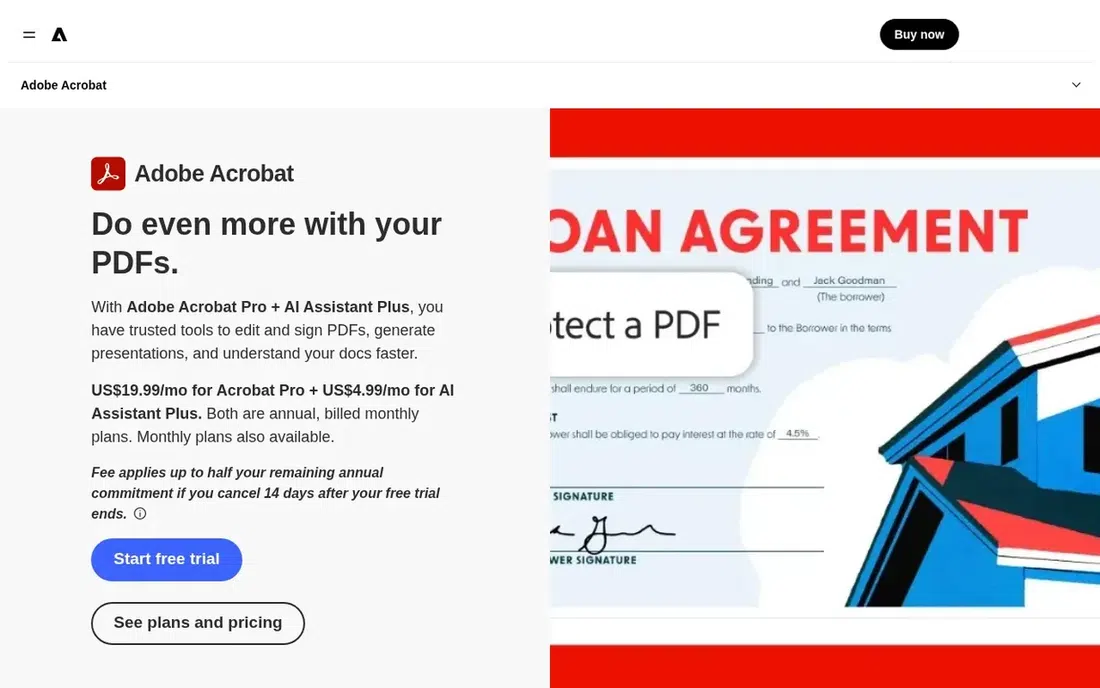
Adobe Acrobat Pro serves full-featured PDF editing and sharing. It suits users who require a broad feature set for document work and who want a familiar name in PDF tools.
The main drawbacks: Can feel heavy for straightforward tasks.
The depth of features can be more than occasional users need, and the interface may feel heavy for fast edits. Adobe Acrobat Pro shows no starting price here, so confirm the cost on the vendor site. Free plan details: Not stated.
- Share functionality built in
- Well-known PDF standard
- Feature set may exceed casual needs
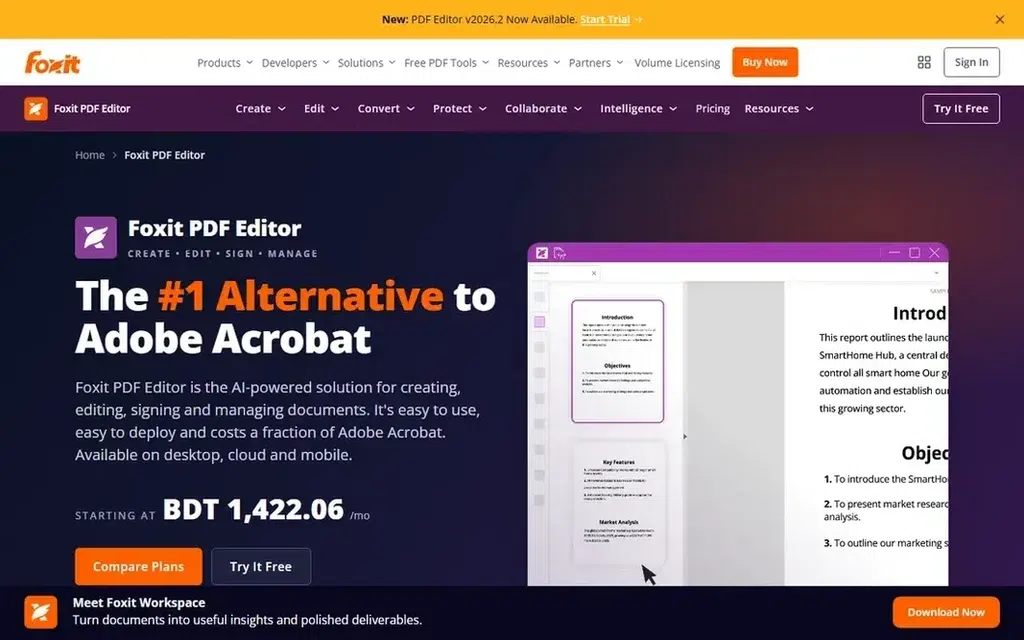
Foxit PDF Editor is built with AI-assisted editing and signing in mind. Foxit PDF Editor is described as an AI-powered PDF editor for editing, converting, and signing PDFs. Beyond that, the AI features may take time to learn, and the available tools can vary by edition.
What to check first: Feature depth varies by edition.
Beyond that, pick Foxit when editing and signing are central to your workflow and you want an Adobe alternative. Worth adding: the vendor positions it as an alternative to Adobe. Those comparing choices may find it a practical middle ground. Check the vendor site for Foxit PDF Editor pricing; none is listed in this comparison. As for free access: Not stated.
- Editing, converting
- Signing in one tool
- AI features may need time to learn
What went into this list
Selection started from tools commonly considered for HiPDF, then narrowed to 5 that have clear pricing information or a clear quote process. Plan names, prices and limits change often. Treat the figures here as a starting point and verify them with the vendor. Order on the page follows fit for the typical buyer first, then price transparency and free access. Your own requirements should decide the final pick.
Things to verify first
- Get a written quote from Soda PDF, Smallpdf, Adobe Acrobat Pro and Foxit PDF Editor; the list shows no starting price for them.
- Read the limits listed for Soda PDF first: feature set varies by mode.
- Ask Soda PDF whether prices are locked for the first term and what happens at renewal.
- Make sure PDF Expert lets you export your data in a format another tool can read.
- Confirm the exact Smallpdf plan that includes your must-have features.
FAQ
Are there online alternatives to HiPDF?
Soda PDF also supplies an online choice alongside its desktop software. Online tools are convenient for fast tasks but may rely on a connection.
How do I choose between these PDF tools?
Then check each vendor page for current features and system requirements. A focused tool may be more straightforward, whereas a full suite includes more workflows.
How are the tools for HiPDF ordered?
The order follows typical fit for HiPDF, with Soda PDF first and Foxit PDF Editor last, then price clarity and free access. It is editorial judgement, not a score, so another team could rank the tools differently.
Can I try these tools before paying?
Not by default. None of the tools, from Soda PDF to Foxit PDF Editor, lists a free plan or a free trial here, so ask each vendor for a demo before committing.
Do these tools publish their prices?
Not all of them. Soda PDF, Smallpdf, Adobe Acrobat Pro and Foxit PDF Editor publish no starting price, so expect a quote request for those. The rest, PDF Expert included, show a starting price, though seats and billing terms still change the final cost.
What is the best HiPDF alternative for full PDF editing?
Soda PDF comes first here and is built for desktop and online PDF flexibility. Buyers with other needs may prefer Smallpdf (for quick browser-based PDF tasks) or PDF Expert (for Mac users needing reading and annotation). Compare costs and limits first.
Sources
- https://www.sodapdf.com
- https://smallpdf.com
- https://pdfexpert.com
- https://www.adobe.com/acrobat/acrobat-pro.html
- https://www.foxit.com/pdf-editor