ILovePDF Alternatives in 2026: 5 Options Vetted
5 tools for iLovePDF alternatives, compared on pricing, free plans and best-fit use. Price notes and drawbacks come with each one. Refreshed for 2026.
- Editor's choice
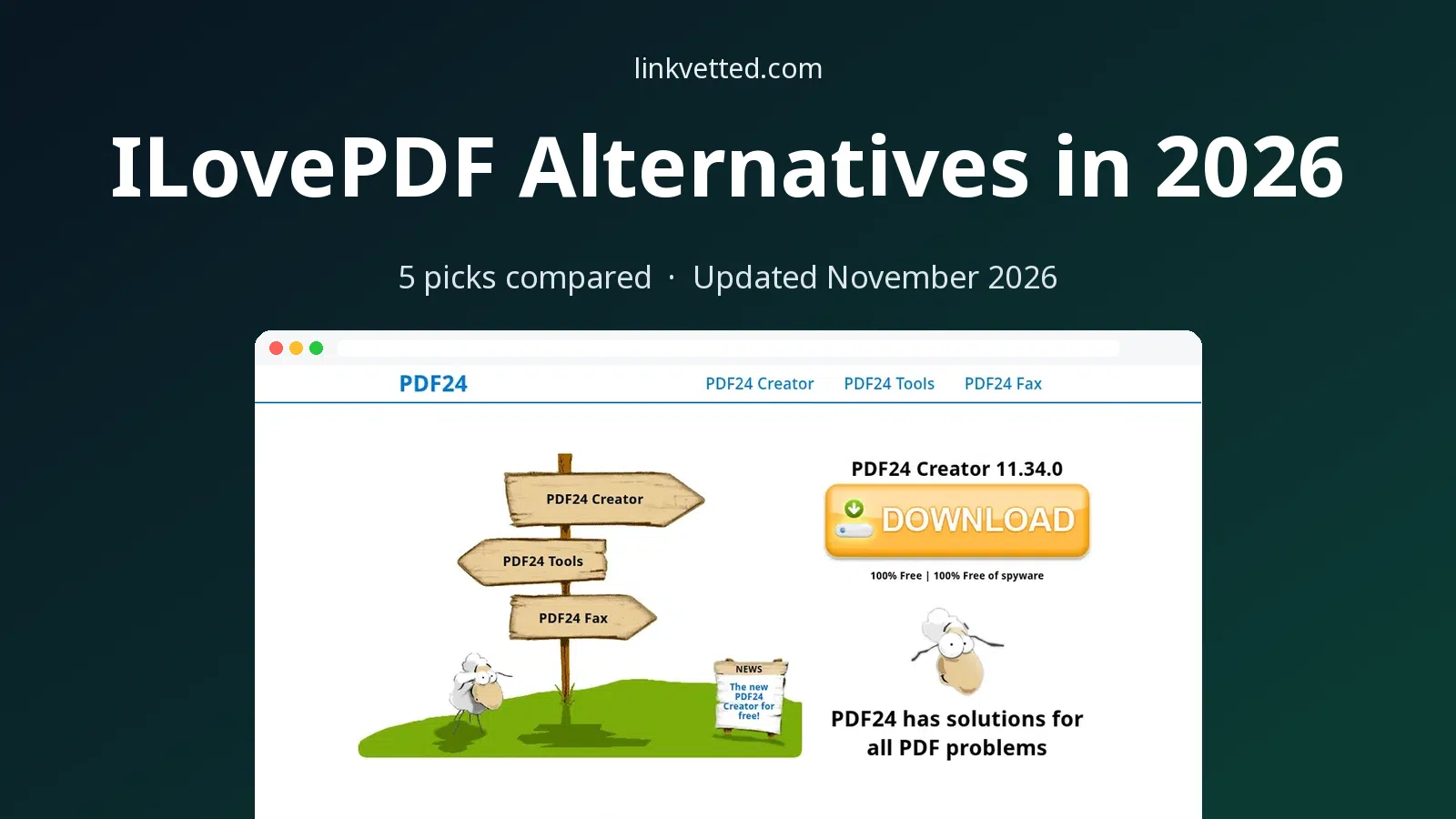
 PDF24
Free PDF options online and offline
Starts atSee websiteVisit pdf24.orgFull review - Great alternative
 Nitro PDF Pro
Business document workflows and eSign
Starts atSee websiteVisit gonitro.comFull review - Also considerSejda PDF
Straightforward online PDF tasks without installation
Starts at$5 per user for 7 daysVisit sejda.comFull review
Direct answer
PDF24 is the first pick on this list for free PDF options online and offline. Listed starting prices: Sejda PDF from $5 per user for 7 days. Nitro PDF Pro is the stronger choice for business document workflows and eSign, while Sejda PDF suits straightforward online PDF tasks without installation. Details, prices and limits for the rest of the 5 tools are below.
TL;DR:
- PDF24 is the opening pick, best for free PDF options online and offline.
- Sejda PDF is the only tool of the 5 with a free plan.
- One limit worth knowing about Nitro PDF Pro: may be overkill for personal use.
- The cheapest monthly starting price in the list is $5 per user for 7 days, offered by Sejda PDF.
Last checked November 2026. Prices and plan details were read from the vendors' own pages in November 2026; vendors change plans often, so confirm the current price on the vendor site before you buy.
Quick comparison
| Tool | Best for | Starts at | Free plan? | |
|---|---|---|---|---|
| PDF24 | Free PDF options online and offline | See website | Not stated | Visit |
| Nitro PDF Pro | Business document workflows and eSign | See website | Free trial | Visit |
| Sejda PDF | Straightforward online PDF tasks without installation | $5 per user for 7 days | Yes | Visit |
 Adobe Acrobat | Thorough PDF editing and signing | See website | Not stated | Visit |
 Smallpdf | Fast online PDF conversion and editing | See website | Not stated | Visit |
Our 5 picks for iLovePDF
LinkVetted put together this guide to iLovePDF for readers who want a clear shortlist without reading every vendor page. It compares 5 tools on starting price, free plans, who each one suits and where each one falls short.
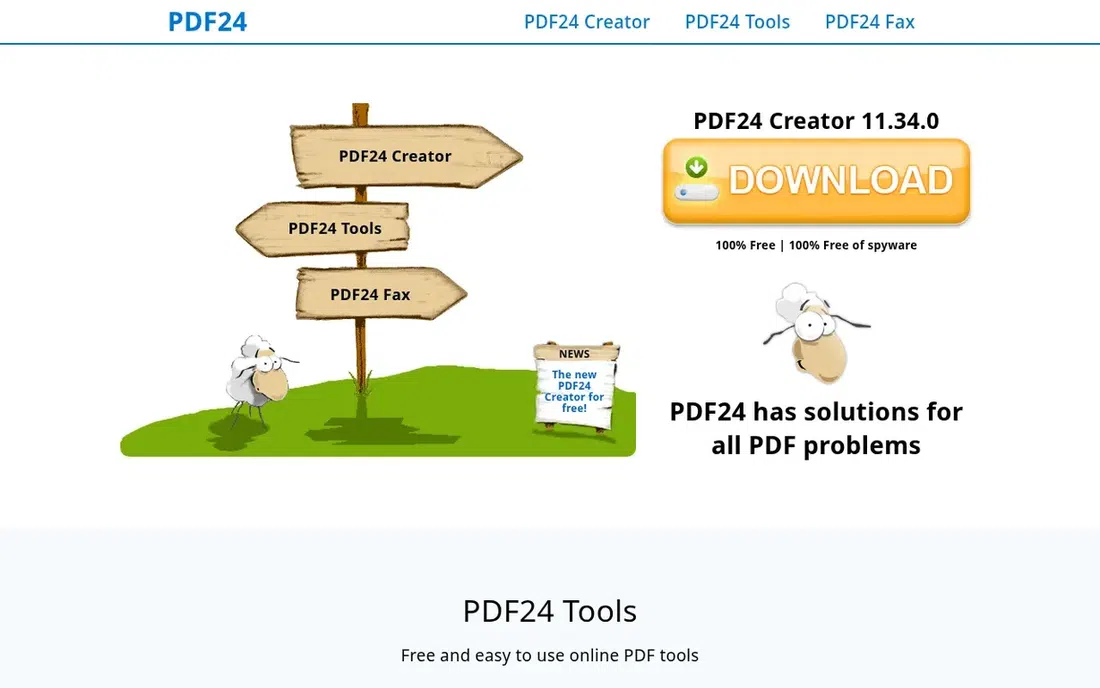
Where PDF24 fits: free PDF options online and offline. Whereas PDF24 is free, its interface and feature set may not match premium tools in polish or advanced capabilities. PDF24 gives you free options for all PDF problems, available both online and offline.
Limits to weigh: Interface may feel dated.
It comes with tools for merging, compressing, editing, and converting PDFs, making it a versatile choice for budget-conscious users. The offline version gives you privacy and convenience for those who prefer not to upload files. PDF24 shows no starting price here, so confirm the cost on the vendor site. Free access: Not stated.
- Both online and offline choices
- Full set of PDF tools
- Offline version needs installation
Where Nitro PDF Pro fits: business document workflows and eSign. Nitro PDF Pro is meant to ease how firms work by simplifying document workflows, boosting productivity, and ensuring data security. Nitro PDF Pro may be more than individual users need, and its subscription model could be a consideration for budget-focused buyers.
Honest limits: May be overkill for personal use.
The tool connects with business systems to support collaborative document processes. For personal or occasional use, free tools like PDF24 or online services like Smallpdf might suffice. This comparison lists no price for Nitro PDF Pro; ask the vendor. As for free access: Free trial.
- ESign capabilities
- Focus on data security
- Subscription-based pricing
Sejda PDF
Best for: Straightforward online PDF tasks without installation
Sejda PDF is designed for straightforward online PDF tasks without installation. For more solid editing or business workflows, consider Adobe Acrobat or Nitro PDF Pro.
Starting cost for Sejda PDF: $5 per user for 7 days. Sejda PDF offers a free plan.
Downsides: File size and usage limits may apply.
- Fast online service
- Supports splitting, merging, converting
- Restricted advanced editing
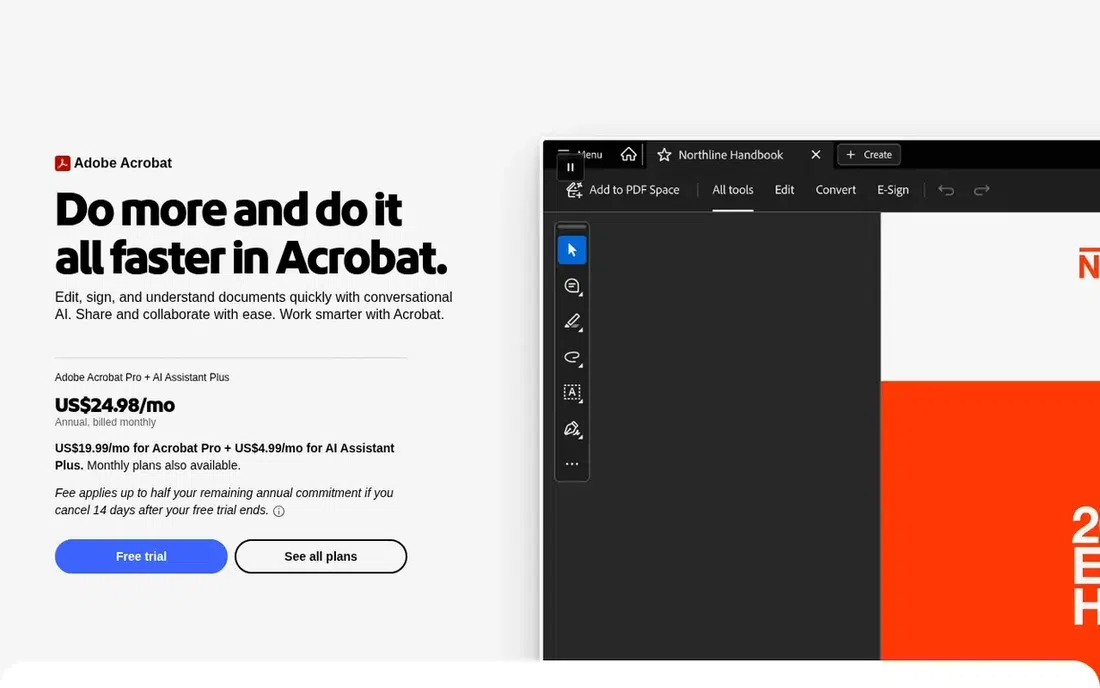
Where Adobe Acrobat fits: thorough PDF editing and signing. Adobe Acrobat is a complete PDF toolkit that lets you produce, edit, sign, and manage documents, enhanced with AI. If you only need occasional conversions or entry-level edits, a more straightforward online tool like Smallpdf or Sejda PDF might be sufficient and simpler to use.
More specifically, the product plugs into other Adobe services and supports advanced features like form filling and document security. That said, Adobe Acrobat may be more than casual users need, and its full capabilities frequently need a premium subscription. This comparison lists no price for Adobe Acrobat; ask the vendor. As for free access: Not stated.
Points against: May need a subscription for full features.
- Trusted brand in document management
- Build, edit, sign
- Can be complicated for straightforward tasks
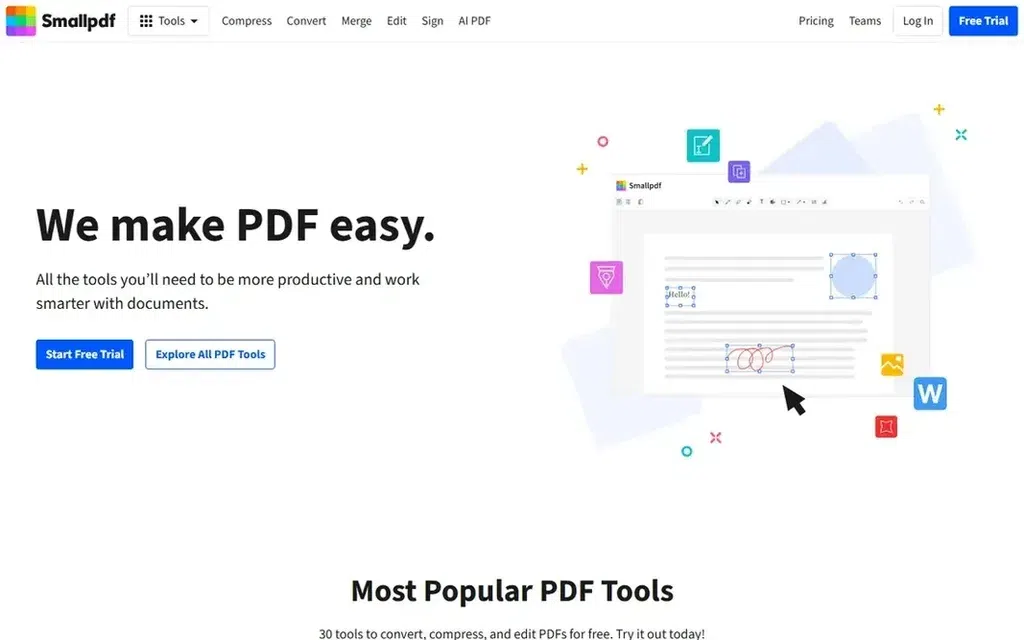
Smallpdf is designed for fast online PDF conversion and editing. Smallpdf may not offer the depth of desktop editors for complicated document workflows, and certain features might be restricted without a subscription.
The service emphasizes simplicity and accessibility, with a clean interface that guides users through typical PDF tasks. Smallpdf is an online product built to make PDF tasks simple, including converting, editing, and merging files. Check the vendor site for Smallpdf pricing; none is listed in this comparison. Free options: Not stated.
Limits to weigh: Restricted advanced editing features.
- Approachable interface
- No installation required
- Some features may need a subscription
How the list was put together
Pre-purchase checklist
- Confirm the entry price on the vendor page. For PDF24, Nitro PDF Pro, Adobe Acrobat and Smallpdf that means a quote rather than a fixed price.
- Test the free plan from Sejda PDF against your real workload before relying on it.
- Use real work to test the free trial from Nitro PDF Pro, rather than a demo project.
- Before choosing PDF24, weigh its main limit: interface may feel dated.
- Total up the real monthly cost of PDF24, including add-ons, extra users and usage-based fees.
- List the apps you already depend on and check that Smallpdf supports each one on the plan you would buy.
FAQ
Is PDF24 the right pick for everyone comparing iLovePDF?
No single tool suits every team. PDF24 comes first because it fits free PDF solutions online and offline, while Nitro PDF Pro suits business document workflows and eSign and Sejda PDF suits simple online PDF tasks without installation. Match the tool to your own size, budget and workflow before deciding.
What is the best free alternative to iLovePDF?
PDF24 is the pick this page puts first, mainly for free PDF options online and offline. If your situation differs, Nitro PDF Pro suits business document workflows and eSign, and Sejda PDF suits straightforward online PDF tasks without installation. Compare price and limits before you decide.
What is the cheapest option for iLovePDF in this list?
On published monthly entry prices, Sejda PDF is the lowest here at $5 per user for 7 days. Entry price is only part of the cost, because seats, add-ons and billing terms can change the total. All 5 picks in this iLovePDF alternatives comparison list a starting price, free plan details and the main limits on their cards above.
Which options for iLovePDF have a free plan?
Sejda PDF is the only tool in this list with a free plan. Free plans usually cap users, projects or features, so check the limits on the vendor page. One other tool offers a trial instead.
How are the tools for iLovePDF ordered?
The order follows typical fit for iLovePDF, with PDF24 first and Smallpdf last, then price clarity and free access. It is editorial judgement, not a score, so another team could rank the tools differently.
Sources
- https://www.pdf24.org
- https://www.gonitro.com
- https://www.sejda.com
- https://www.adobe.com/acrobat.html
- https://smallpdf.com