Best Google Stitch Alternatives for 2026 (5 Compared)
Google Stitch alternatives in 2026: 5 tools with starting prices, free plans and limits. Visily comes first for AI-powered UI design for teams. Costs up front.
- Editor's choice
 Visily
AI-powered UI design for teams
Starts atSee websiteVisit visily.aiFull review - Great alternative
 Framer
AI-assisted website building and design
Starts at$10 per monthVisit framer.comFull review - Also consider
 Figma
Collaborative UI design and prototyping
Starts at$3 a monthVisit figma.comFull review
Direct answer
Visily comes first here, mainly for AI-powered UI design for teams. Listed starting prices: Framer from $10 per month, Figma from $3 a month and Webflow from $15 per month. Framer fits AI-assisted website building and design; Figma fits collaborative UI design and prototyping. Details, prices and limits for the rest of the 5 tools are below.
TL;DR:
- The list opens with Visily, aimed at AI-powered UI design for teams.
- 3 of 5 tools offer a free plan: Framer, Webflow, Uizard.
- For beginner-friendly AI UI design, Uizard is worth a look.
- Figma has the lowest monthly starting price in this list: $3 per month.
Last checked November 2026. Prices and plan details were read from the vendors' own pages in November 2026; vendors change plans often, so confirm the current price on the vendor site before you buy.
Quick comparison
| Tool | Best for | Starts at | Free plan? | |
|---|---|---|---|---|
| Visily | AI-powered UI design for teams | See website | Not stated | Visit |
| Framer | AI-assisted website building and design | $10 per month | Yes | Visit |
| Figma | Collaborative UI design and prototyping | $3 a month | Not stated | Visit |
 Webflow | Scalable web design and development | $15 per month | Yes | Visit |
 Uizard | Beginner-friendly AI UI design | $12 per month | Yes | Visit |
5 options for Google Stitch in detail
Choosing Google Stitch usually comes down to price, fit and limits. This LinkVetted guide sets 5 tools side by side on those three points, with the facts kept short and checkable.
Visily is aimed squarely at AI-powered UI design for teams. Since Visily concentrates on accessibility and speed, it may not match the depth of established design tools for intricate, production-level work.
Watch-outs: Restricted information available on its homepage.
For everyday use, teams with complicated design system requirements might need a more solid platform. Check the vendor site for Visily pricing; none is listed in this comparison. As for free access: Not stated.
- Approachable for team collaboration
- Helps turn ideas into designs rapidly
- May lack advanced features for complicated projects
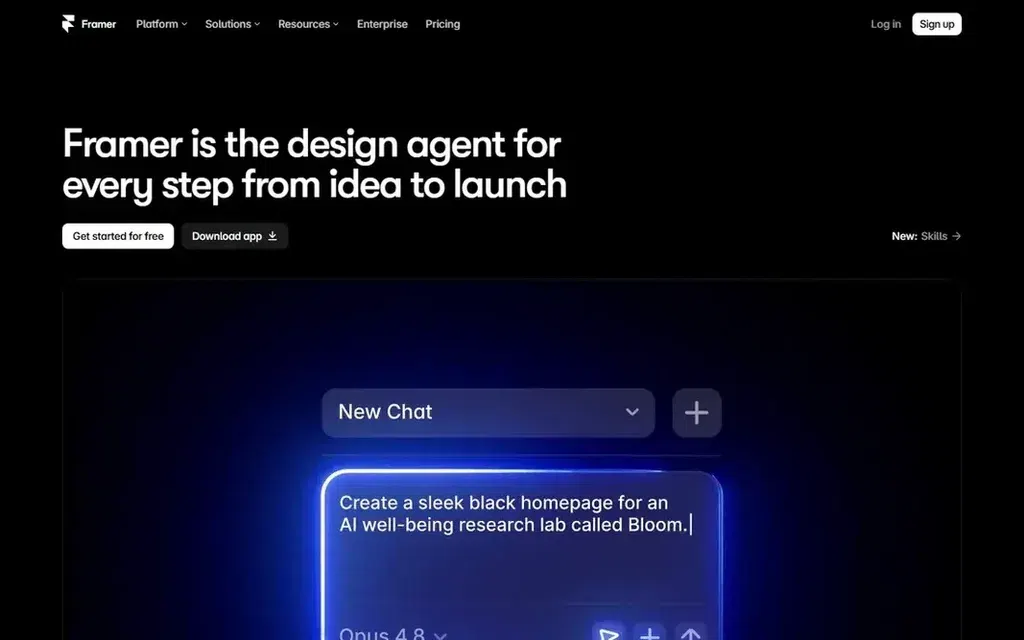
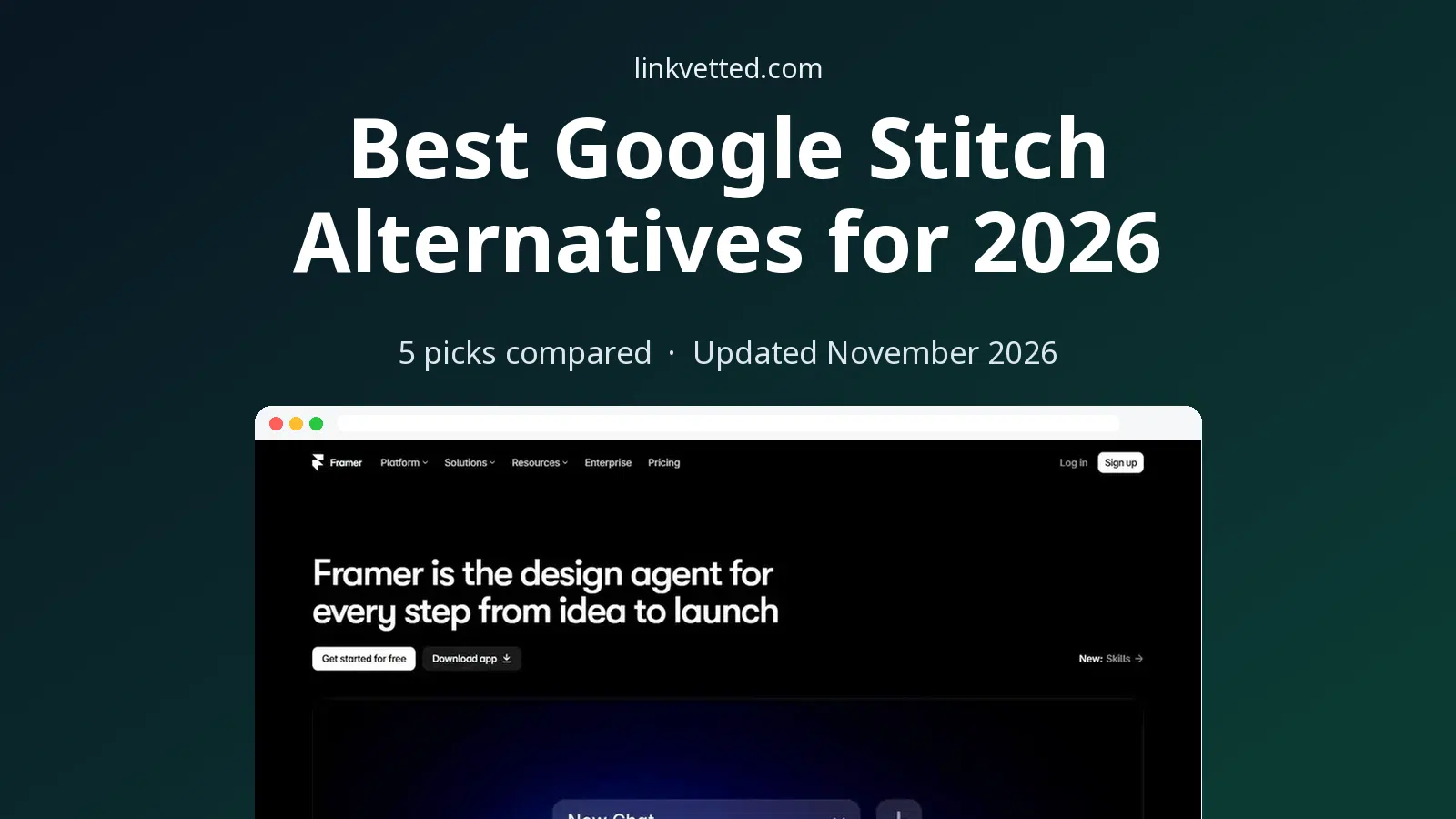
Framer targets AI-assisted website building and design. Framer is a website builder with an AI design agent that guides you from idea to launch, as described on its homepage.
Downsides: Primarily concentrated on websites instead of app UI.
As for the details, consider Framer when a quick, editable website is the primary goal. Framer pricing: $10 per month. Framer offers a free plan.
- Hosting, CMS, analytics, SEO
- Changes remain editable throughout the process
- May need learning its specific workflow for advanced customization
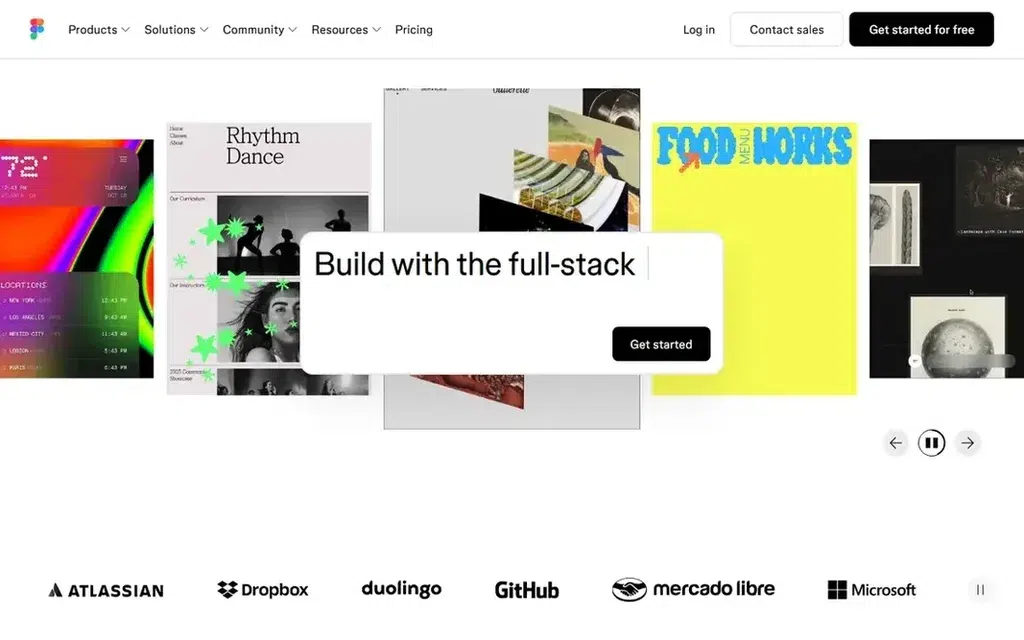
Figma is aimed squarely at collaborative UI design and prototyping. If your priority is a fast, AI-generated website instead of a full design environment, a more focused builder could be a better match. From a buyer's view, Figma's breadth of features can feel complicated for newcomers or for very straightforward projects.
Limits to weigh: Needs a stable internet connection for full functionality.
Teams that only need a light wireframing tool might find it more than necessary. This makes it a solid fit for product designers, developers, and cross-functional teams who want a central hub for UI design and prototyping. On cost, Figma starts like this: $3 per month. Free plan details: Not stated.
- Supports the full journey from concept to production
- Live collaboration on a shared canvas
- Can be overwhelming for absolute beginners
Webflow is designed for scalable web design and development. Webflow is an agentic web product for modern companies, based on its homepage. It lets you design, build, optimize, and rank in AI search in one place, with enterprise-grade security, CMS, hosting, and AEO built in.
It is used by a large number of teams, making it a solid choice for organizations that require a scalable, professional web presence with design control. In daily use, Webflow's power includes a ramp-up time, so beginners may find it less at once approachable than more straightforward AI builders. The starting price for Webflow: $15 per month. Free access exists with Webflow.
Points against: Needs time to learn its visual development approach.
- Enterprise-grade security, CMS, hosting, AEO
- Design, build, optimize
- Can be complicated for beginners
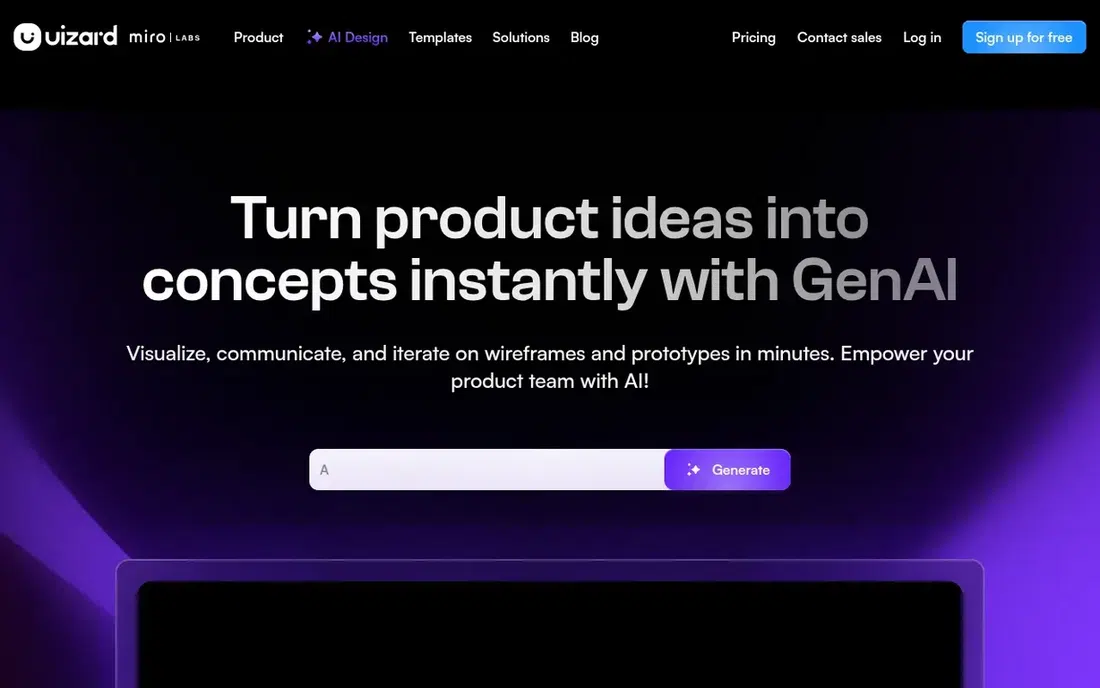
Pick Uizard if this describes you: beginner-friendly AI UI design. Choose Uizard when rapid, approachable UI creation matters more than deep control. Uizard prioritizes speed and accessibility, so it may not offer the deep customization or advanced prototyping that experienced designers expect.
Uizard is an AI-powered UI design tool for apps, websites, and desktop software, based on its homepage. It is meant to be simple to pick up, notably for people who are comfortable with tools like Google Slides or PowerPoint. This makes it a decent choice for non-designers, founders, and teams that require to visualize ideas rapidly without a steep ramp-up time. From a buyer's view, teams building complicated, multi-screen products with in-depth design systems might outgrow it. Price to start with Uizard: $12 per month. Uizard offers a free plan.
Where it falls short: May lack the depth needed for advanced prototyping.
- Familiar if you can use presentation software
- Desktop software
- Less suited to highly complicated design systems
How these tools were picked
For each of the 5 tools we noted price, free plan or trial, fit for Google Stitch and the main limit, using vendor pages and documentation. Seat minimums, billing terms and add-ons can move the real cost, so the starting prices here are a guide and not a quote. Order on the page follows fit for the typical buyer first, then price transparency and free access. Your own requirements should decide the final pick.
Questions to settle before buying
- Ask Visily for a written quote, since no starting price is shown.
- Check what the free option really includes: Framer, Webflow and Uizard offer a free plan, and usage caps differ.
- Before choosing Visily, weigh its main limit: may lack advanced features for complicated projects.
- Test how quickly Figma answers a pre-sales question; it hints at how support will feel later.
- Ask Visily how an export works before you move any records in; an easy exit lowers the risk.
FAQ
What should I look for in a Google Stitch alternative?
Focus on whether you need UI design, website building, or both, and check collaboration features, AI assistance, and export choices. Review vendor documentation to confirm the tool suits your workflow.
Which options for Google Stitch have a free plan?
Framer, Webflow and Uizard offer a free plan in this list. Free plans usually cap users, projects or features, so check the limits on the vendor page.
What is the cheapest option for Google Stitch in this list?
On published monthly entry prices, Figma is the lowest here at $3 per month. Entry price is only part of the cost, because seats, add-ons and billing terms can change the total. Each of the 5 options in this Google Stitch alternatives guide has its own card above with the price, free plan and limits.
Do these alternatives support collaboration?
Figma is recognised for live collaboration on a shared canvas, and Webflow supports team workflows for web development. Check each vendor's documentation for specifics.
Do these tools publish their prices?
Not all of them. Visily publishes no starting price, so expect a quote request for it. The rest, Framer included, show a starting price, though seats and billing terms still change the final cost.
Can I try these tools before paying?
Often, yes. Framer, Webflow and Uizard have a free plan. Use your own data and a real task during the test, and check what the free tier or trial limits before you rely on it.
Sources
- https://www.visily.ai
- https://www.framer.com
- https://www.figma.com
- https://webflow.com
- https://uizard.io