Switching From Gigapixel AI? 5 Alternatives for 2026
Gigapixel AI alternatives: 5 contenders ranked by fit, with entry costs and free tiers. Each pick lists its main limit. A comparison table is included.
- Editor's choice
 Adobe Photoshop
Full image editing and design
Starts atSee websiteVisit adobe.comFull review - Great alternative
 Luminar Neo
Straightforward AI-driven photo editing
Starts atSee websiteVisit skylum.comFull review - Also consider
 ON1 Photo RAW
Raw editing with organization
Starts at$49.99Visit on1.comFull review
Direct answer
Adobe Photoshop comes first here, mainly for full image editing and design. Listed starting prices: ON1 Photo RAW from $49.99 and Topaz Photo AI from $19 a month. For a different need, Luminar Neo covers straightforward AI-driven photo editing and ON1 Photo RAW covers Raw editing with organization. All 5 tools are compared below on price, free plan and limits.
TL;DR:
- This list starts with Adobe Photoshop, which is built for comprehensive image editing and design.
- One limit worth knowing about ON1 Photo RAW: ramp-up time for beginners.
- Topaz Photo AI suits all-in-one sharpen, denoise, and upscale.
- Neither Adobe Photoshop nor Topaz Photo AI, nor any of the other 3 tools, has a permanent free plan; trials and quotes are the norm.
- Topaz Photo AI has the lowest monthly starting price in this list: $19 per month.
Last checked November 2026. Prices and plan details were read from the vendors' own pages in November 2026; vendors change plans often, so confirm the current price on the vendor site before you buy.
Quick comparison
| Tool | Best for | Starts at | Free plan? | |
|---|---|---|---|---|
| Adobe Photoshop | Full image editing and design | See website | Not stated | Visit |
| Luminar Neo | Straightforward AI-driven photo editing | See website | No | Visit |
| ON1 Photo RAW | Raw editing with organization | $49.99 | Free trial | Visit |
| ACDSee Photo Studio | Photo editing and asset management | See website | Not stated | Visit |
 Topaz Photo AI | All-in-one sharpen, denoise, and upscale | $19 a month | Not stated | Visit |
Tool-by-tool breakdown
Choosing Gigapixel AI usually comes down to price, fit and limits. This LinkVetted guide sets 5 tools side by side on those three points, with the facts kept short and checkable.
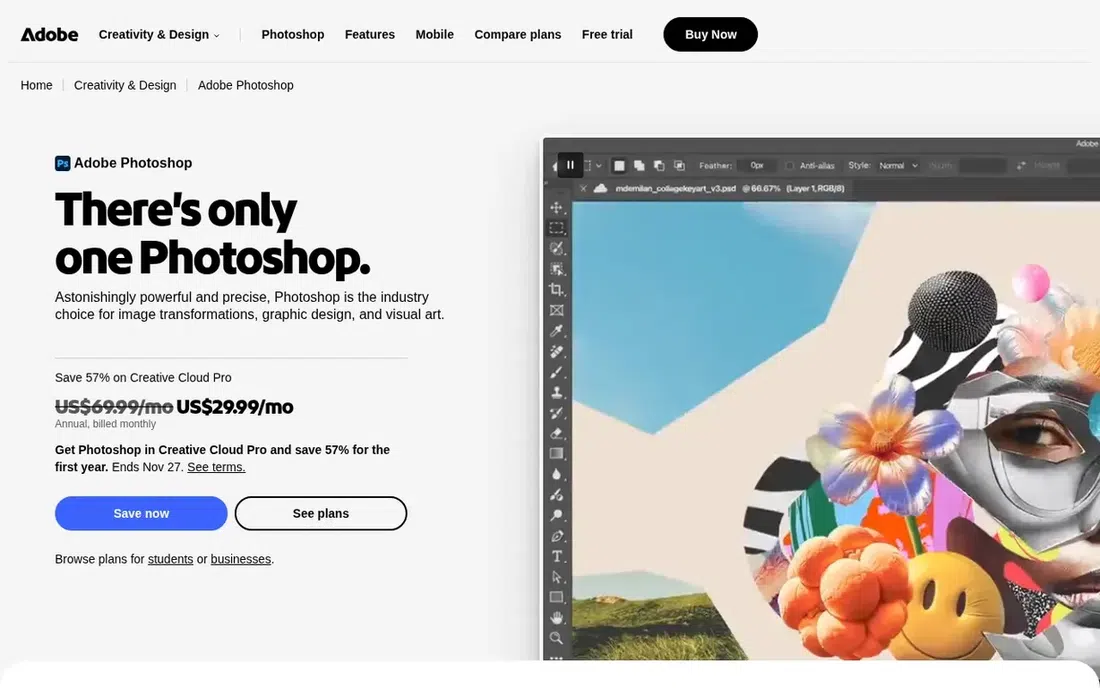
Where Adobe Photoshop fits: thorough image editing and design. Adobe Photoshop is a full-featured image editor for creating custom scenes, making complicated edits, and combining images online or on mobile. Photoshop is not a dedicated upscaler, so results rely on your resizing technique.
Its subscription model may not appeal to those who prefer one-time purchases. If your central goal is automatic enhancement, a specialized tool may be more direct. Pricing for Adobe Photoshop is not stated here, so ask the vendor for current figures. On free options: Not stated.
Where it falls short: Subscription-based model.
- Online and mobile app choices
- Broad editing and design capabilities
- Overkill for straightforward upscaling tasks
Luminar Neo was built for straightforward AI-driven photo editing. Luminar Neo is photo editing software for PC and Mac that uses AI to help edit photos as you imagine them. It is aimed at users who want straightforward, AI-assisted adjustments without deep technical controls.
The main drawbacks: Upscaling is part of a broader AI toolkit.
It can serve as a Gigapixel AI alternative for those who prefer a more straightforward editing environment with enhancement features built in. Users seeking granular control over upscaling parameters may find it less flexible than specialized tools. Luminar Neo shows no starting price here, so confirm the cost on the vendor site. There is no free plan with Luminar Neo.
- AI helps edit photos as imagined
- Available for PC and Mac
- Less manual control than pro suites
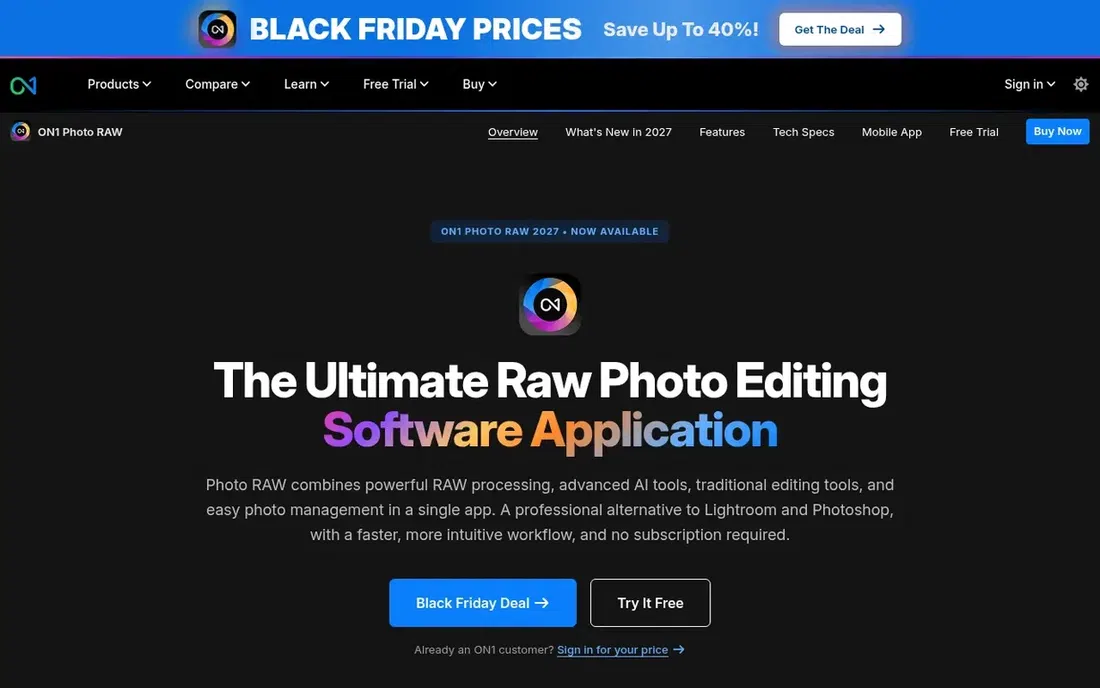
ON1 Photo RAW is built with Raw editing with organization in mind. ON1 Photo RAW is an all-in-one raw photo editor that uses AI to help edit, organize, and process images with pro-level quality. It is available as a one-time purchase without a subscription.
Also, the breadth of features can be overwhelming for casual users, and upscaling is not the sole focus. For everyday use, if you only have to enlarge images occasionally, a more straightforward dedicated tool might be simpler to learn. ON1 Photo RAW starts at: $49.99. On free options: Free trial.
What works well: process in one app; One-time purchase.
Watch-outs: Ramp-up time for beginners.
- Edit, organize
- AI-powered raw photo editing
- Upscaling is one feature among plenty
ACDSee Photo Studio
Best for: Photo editing and asset management
Where ACDSee Photo Studio fits: Photo editing and asset management. For pure upscaling, a specialized tool may offer more focused controls.
No starting price is listed for ACDSee Photo Studio here; confirm pricing on the vendor site. Free options: Not stated.
Limits to weigh: Feature set varies by product edition.
- Wide product range for different needs
- Also gives you video editing software
- Upscaling is one of many tools
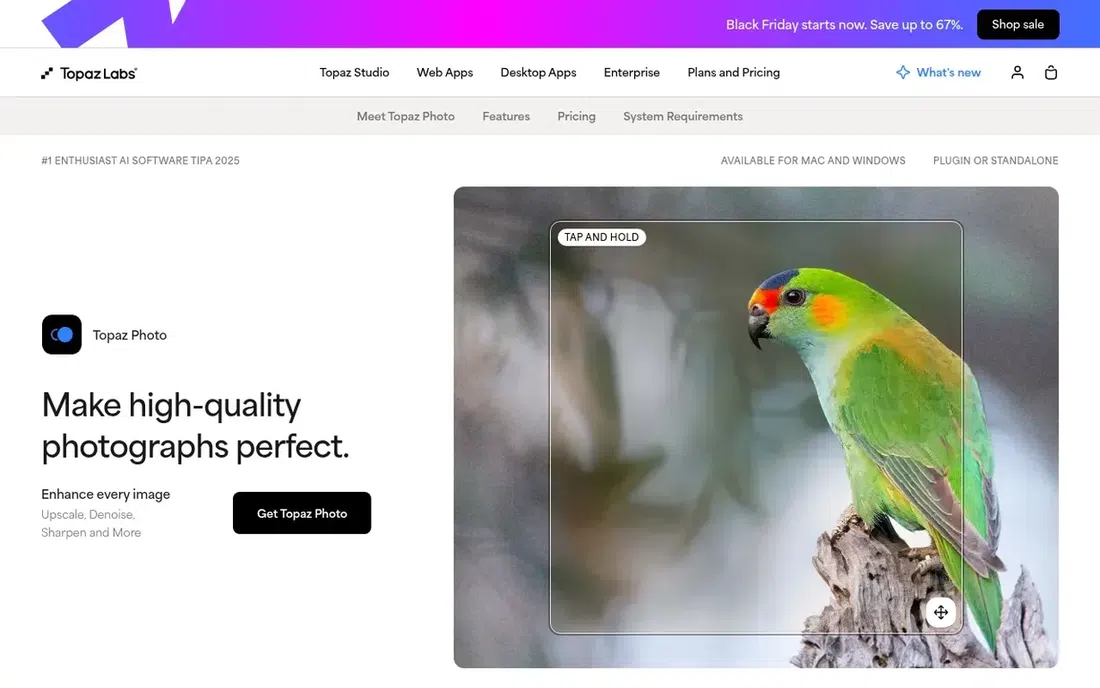
Choose Topaz Photo AI for all-in-one sharpen, denoise, and upscale. It is positioned as a tool for making decent photos excellent using what the vendor calls tomorrow's technology.
Where it falls short: Concentrated on enhancement instead of full editing.
It suits photographers and creatives who want a dedicated enhancement step alongside their central editor, notably those who previously relied on separate upscaling tools. Topaz Photo AI starts at: $19 per month. On free options: Not stated.
- Merges sharpening, denoising, unblur, upscaling
- Single app for multiple enhancement tasks
- May overlap with existing editor tools
How we built this list
A buyer's checklist
- Ask Adobe Photoshop, Luminar Neo and ACDSee Photo Studio for a written quote, since no starting price is shown.
- Use real work to test the free trial from ON1 Photo RAW, rather than a demo project.
- Read the limits listed for Adobe Photoshop first: subscription-based model.
- Check how data leaves ACDSee Photo Studio: formats, limits and whether exports are available on every plan.
- Get the contract term, renewal terms and any onboarding fees from Topaz Photo AI in writing.
FAQ
Do any of these alternatives offer a one-time purchase?
ON1 Photo RAW is explicitly offered as a one-time purchase without a subscription. Other tools may use different licensing models, so check each vendor's current terms before deciding.
Does any tool for Gigapixel AI here have a free plan?
No tool in this list, Adobe Photoshop and Topaz Photo AI included, has a permanent free plan. ON1 Photo RAW offer a trial. Trials and quotes are the usual route, so plan a short evaluation period.
Do these tools publish their prices?
Not all of them. Adobe Photoshop, Luminar Neo and ACDSee Photo Studio publish no starting price, so expect a quote request for those. The rest, ON1 Photo RAW included, show a starting price, though seats and billing terms still change the final cost. Prices, free plan details and limits for all 5 tools in this Gigapixel AI alternatives roundup sit on the individual cards above.
Which alternative is a good match for professional RAW workflows?
Adobe Photoshop comes first here and is built for full image editing and design. Buyers with other needs may prefer Luminar Neo (for straightforward AI-driven photo editing) or ON1 Photo RAW (for Raw editing with organization). Compare costs and limits first.
Can I try these tools before paying?
Often, yes. ON1 Photo RAW offers a free trial. Use your own data and a real task during the test, and check what the free tier or trial limits before you rely on it. Each of the 5 options in this Gigapixel AI alternatives guide has its own card above with the price, free plan and limits.
What is the best Gigapixel AI alternative for upscaling?
For most readers this guide would start with Adobe Photoshop, built for full image editing and design. Luminar Neo is the alternative for straightforward AI-driven photo editing, and ON1 Photo RAW for Raw editing with organization. The right answer depends on budget and workflow.
Sources
- https://www.adobe.com/products/photoshop.html
- https://skylum.com/luminar
- https://www.on1.com/products/photo-raw
- https://www.acdsee.com
- https://www.topazlabs.com/topaz-photo-ai