5 Find Best Self-Hosting Scheduling Tools Worth Shortlisting in 2026
Shortlisting find best self-hosting scheduling tools? 5 products compared on cost, free access and ideal buyer. Limits and pricing notes included. Facts only.
- Editor's choiceCronofy
Embedding calendar sync in products
Starts at$819 a monthVisit cronofy.comFull review - Great alternativeZimbra Collaboration
Email and calendar sovereignty
Starts atSee websiteVisit zimbra.comFull review - Also consider
 Cal.com
Full self-hosted booking product
Starts at$12 per user per monthVisit cal.comFull review
Direct answer
Cronofy is the first pick on this list for embedding calendar sync in products. Listed starting prices: Cronofy from $819 a month, Cal.com from $12 per user per month and Calendly from $10 per seat a month. Alternatives: Zimbra Collaboration for email and calendar sovereignty, and Cal.com for full self-hosted booking product. The remaining 2 options are covered below with prices and limits.
TL;DR:
- Number one here is Cronofy, a fit for embedding calendar sync in products.
- Only 2 of the 5 tools have a free plan (Cal.com, Calendly), so check the caps.
- Nextcloud Calendar is the one to check for scheduling inside a collaboration suite.
- A fair warning about Cronofy: infrastructure, not an end-user app.
- Starting prices begin at $10 per seat per month with Calendly.
Last checked November 2026. Prices and plan details were read from the vendors' own pages in November 2026; vendors change plans often, so confirm the current price on the vendor site before you buy.
Quick comparison
| Tool | Best for | Starts at | Free plan? | |
|---|---|---|---|---|
| Cronofy | Embedding calendar sync in products | $819 a month | Free trial | Visit |
| Zimbra Collaboration | Email and calendar sovereignty | See website | Not stated | Visit |
| Cal.com | Full self-hosted booking product | $12 per user per month | Yes | Visit |
 Calendly | Refined hosted meeting scheduling | $10 per seat a month | Yes | Visit |
| Nextcloud Calendar | Scheduling inside a collaboration suite | See website | Not stated | Visit |
Find Best Self-Hosting Scheduling Tools, one by one
Short on time? The summary and table above give the quick view of 5 find best self-hosting scheduling tools, and the profiles that follow give the detail behind each entry.
Cronofy
Best for: Embedding calendar sync in products
Cronofy makes the most sense for embedding calendar sync in products. It is pitched at software teams building scheduling features instead of at end users booking meetings straight.
Worth adding: businesses that want native calendar behavior inside their application should consider it. On cost, Cronofy starts like this: $819 per month. Trial and free access: Free trial.
Where it falls short: Needs development work.
- Scheduling and transcription APIs
- Calendar sync via one integration
- Not an end-user app
Zimbra Collaboration
Best for: Email and calendar sovereignty
Zimbra Collaboration is built with email and calendar sovereignty in mind. Zimbra Collaboration is a collaboration and email product positioned around open standards, low-risk alternatives and data sovereignty, with calendar features included.
What to check first: Heavy for scheduling alone.
From a buyer's view, adopting Zimbra for scheduling alone means running a substantial product, which is more administration than a booking tool needs. More specifically, teams replacing hosted email suites frequently evaluate it for that combined role. Pricing for Zimbra Collaboration is not stated here, so ask the vendor for current figures. As for free access: Not stated.
- Calendar alongside email and collaboration
- Data sovereignty positioning
- Administration effort is significant
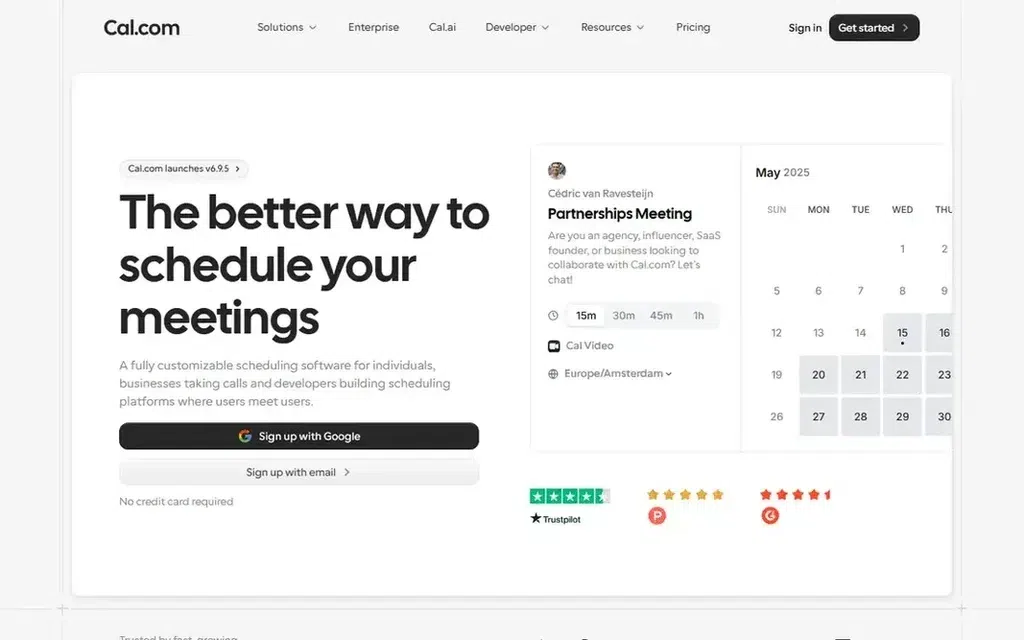
In short, Cal.com is for full self-hosted booking product. Cal.com is a scheduling system built around online bookings, positioned by its vendor as a way to grow a business and find time more easily.
Downsides: Feature depth can overwhelm small teams.
Beyond that, smaller teams or solo users who only need entry-level appointments may find lighter tools quicker to run. For teams that want a self-hosted scheduling layer with booking pages and calendar coordination, it is a natural starting point. The starting price for Cal.com: $12 per user per month. Free access exists with Cal.com.
- Broad scheduling feature set
- Online booking pages for teams
- Setup and upkeep fall on your team
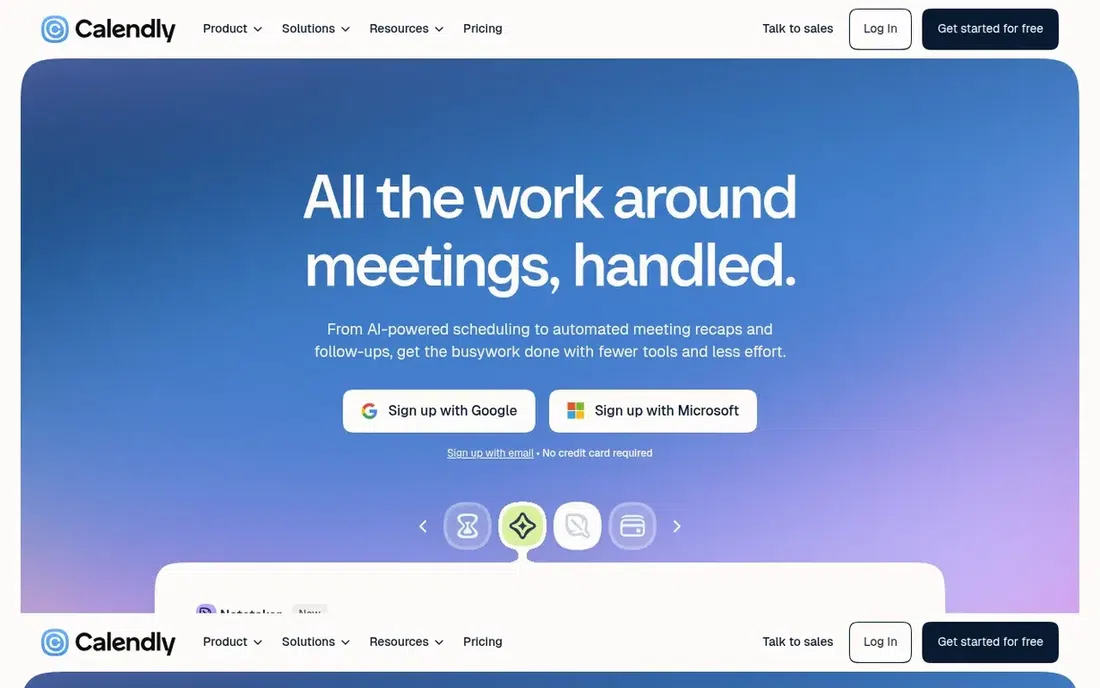
Think of Calendly for refined hosted meeting scheduling. Calendly is not designed around self-hosting, so organizations with strict data residency or on-premises requirements should look at open source alternatives instead.
Drawbacks to consider: Self-hosting is not the core model.
It remains a sensible reference point for feature expectations when evaluating self-hosted tools. The starting price for Calendly: $10 per seat per month. Calendly includes a free tier.
- Meeting scheduling and prep tools
- Payments and follow-up features
- Primarily a hosted service
Nextcloud Calendar
Best for: Scheduling inside a collaboration suite
Nextcloud Calendar serves scheduling inside a collaboration suite. As part of a broader system, it is not a dedicated appointment booking product, so public booking pages and client-facing scheduling may need extra tools.
Limits to weigh: Scheduling is one part of a bigger stack.
Beyond that, organizations that only need booking should weigh lighter choices first. Pricing for Nextcloud Calendar is not stated here, so ask the vendor for current figures. Free plan details: Not stated.
- Calendar integrated with Nextcloud
- Self-hosted data control
- Needs running Nextcloud itself
How we built this list
Selection started from tools commonly considered for find best self-hosting scheduling tools, then narrowed to 5 that have clear pricing information or a clear quote process. Prices and plan limits come from vendor pages and can change, so confirm them on the vendor site before you buy. Order on the page follows fit for the typical buyer first, then price transparency and free access. Your own requirements should decide the final pick.
A buyer's checklist
- Get a written quote from Zimbra Collaboration and Nextcloud Calendar; the list shows no starting price for them.
- Read the fine print on the free plans from Cal.com and Calendly; seat, project and feature caps differ.
- Use real work to test the free trial from Cronofy, rather than a demo project.
- Before choosing Cronofy, weigh its main limit: infrastructure, not an end-user app.
- Look at the help docs and support options for Nextcloud Calendar before you commit.
- Involve the people who will use Cal.com daily; a short pilot beats a long feature checklist.
FAQ
Which self-hosting scheduling tool is best for a small business?
Start with Cronofy if you need embedding calendar sync in products. Zimbra Collaboration is the better match for email and calendar sovereignty, and Cal.com for full self-hosted booking product. The best choice depends on budget, team size and workflow.
Can I try these options before paying?
Often, yes. Cal.com and Calendly have a free plan and Cronofy offers a free trial. Use your own data and a real task during the test, and check what the free tier or trial limits before you rely on it.
Which find best self-hosting scheduling tools have a free plan?
On this list, Cal.com and Calendly include a free plan. Caps on seats, usage or features are common, so test the free plan against your real workload. One other tool offers a trial instead.
Is Cronofy the right pick for everyone comparing find best self-hosting scheduling tools?
No single tool suits every team. Cronofy comes first because it fits embedding calendar sync in products, while Zimbra Collaboration suits email and calendar sovereignty and Cal.com suits full self-hosted booking platform. Match the tool to your own size, budget and workflow before deciding.
What is the cheapest option for find best self-hosting scheduling tools in this list?
On published monthly entry prices, Calendly is the lowest here at $10 per seat per month. Entry price is only part of the cost, because seats, add-ons and billing terms can change the total. Each of the 5 options in this find best Self-Hosting scheduling tools guide has its own card above with the price, free plan and limits.
Should I use Nextcloud Calendar or Zimbra for scheduling?
Choose Nextcloud Calendar if you already use or plan to adopt Nextcloud for collaboration and want calendars alongside it. Zimbra fits organizations that want email and calendar together under a data sovereignty approach, though it is heavier for scheduling alone.
Sources
- https://www.cronofy.com
- https://www.zimbra.com
- https://cal.com
- https://calendly.com
- https://nextcloud.com