Esko ArtiosCAD Alternatives in 2026: 5 Options Vetted
Esko ArtiosCAD alternatives, compared. 5 tools with published prices, free plans and limits. Strengths and weak spots are spelled out. See which fits.
- Editor's choice
 AutoCAD
General 2D drafting and DWG collaboration
Starts atPricing on requestVisit autodesk.comFull review - Great alternativeKongsberg Precision Cutting Systems
Digital cutting and production automation
Starts atPricing on requestVisit kongsbergsystems.comFull review - Also considerPackmage
Parameter-driven box templates and 3D
Starts atPricing on requestVisit packmage.comFull review
Direct answer
Start with AutoCAD if you need general 2D drafting and DWG collaboration. Look at Kongsberg Precision Cutting Systems for digital cutting and production automation, and at Packmage for Parameter-driven box templates and 3D. The full list of 5 tools follows, with free plan facts. None of these vendors publish plan prices, so pricing is on request for every option.
TL;DR:
- Number one here is AutoCAD, a fit for general 2D drafting and DWG collaboration.
- Adobe Illustrator is the one to check for packaging graphics and vector artwork.
- A permanent free plan is missing from all 5 tools, AutoCAD and Adobe Illustrator included; plan for a trial or a premium start.
- AutoCAD, Adobe Illustrator and the 3 others all sell by quote; expect sales conversations before you see a price.
- Before buying AutoCAD, weigh this: no built-in packaging libraries.
Last checked November 2026. Pricing on request: vendors did not publish plan prices when this guide was last checked (November 2026), so ask each vendor for a written quote.
Quick comparison
| Tool | Best for | Starts at | Free plan? | |
|---|---|---|---|---|
| AutoCAD | General 2D drafting and DWG collaboration | Pricing on request | Not stated | Visit |
| Kongsberg Precision Cutting Systems | Digital cutting and production automation | Pricing on request | Not stated | Visit |
| Packmage | Parameter-driven box templates and 3D | Pricing on request | Not stated | Visit |
| EngView Package Designer | Dedicated structural packaging CAD | Pricing on request | Not stated | Visit |
 Adobe Illustrator | Packaging graphics and vector artwork | Pricing on request | Not stated | Visit |
Esko ArtiosCAD, one by one
This LinkVetted guide covers 5 options for Esko ArtiosCAD. Each profile lists a starting price, free plan details, strengths and drawbacks, so you can drop poor fits quickly.
AutoCAD works best for general 2D drafting and DWG collaboration. AutoCAD from Autodesk is a general-purpose design and drafting system with DWG collaboration across desktop and web. Also, use AutoCAD when interoperability and general drafting matter more than packaging automation.
What to check first: No built-in packaging libraries.
In daily use, plenty of packaging teams use it for manual dieline drafting and for sharing drawings with suppliers and printers. Its strength is familiarity: files move easily between departments and external partners. It has no packaging-specific template or dieline automation, so structural work is manual and slower. No starting price is listed for AutoCAD here; confirm pricing on the vendor site. Free options: Not stated.
- Widely used drafting standard
- Shared DWG collaboration across desktop and web
- Dielines must be built manually
Kongsberg Precision Cutting Systems
Best for: Digital cutting and production automation
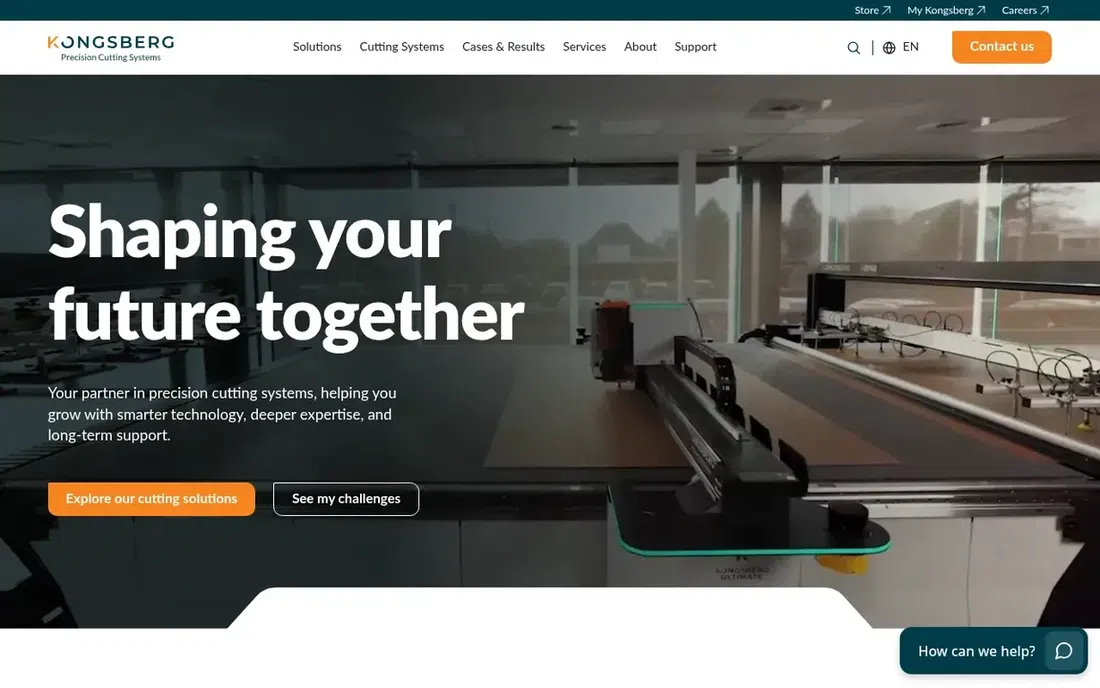
Kongsberg Precision Cutting Systems was built for digital cutting and production automation. Kongsberg Precision Cutting Systems supplies precision digital cutting tables, milling technology, software and automation options for production. In practice, teams without cutting equipment needs may find it unnecessary.
On top of that, the emphasis is on the physical production step, so it complements design software instead of replacing it. This is a production-oriented offering, so it does not serve as a design authoring tool for structural packaging. No starting price is listed for Kongsberg Precision Cutting Systems here; confirm pricing on the vendor site. Free plan details: Not stated.
Trade-offs to know: Hardware-centric instead of pure design.
- Digital cutting tables and milling
- Centred on production throughput
- Not a standalone structural design app
Packmage
Best for: Parameter-driven box templates and 3D
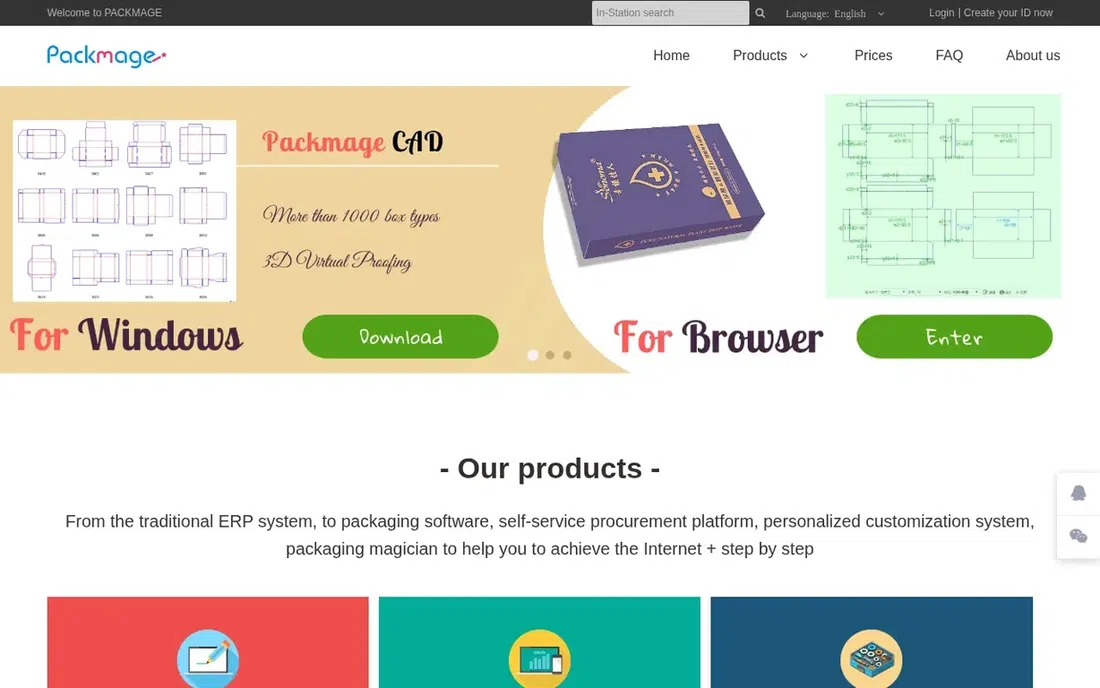
Choose Packmage for Parameter-driven box templates and 3D. It fits teams that want quick template generation tied to a quoting workflow.
Honest limits: Less familiar to Western packaging teams.
On top of that, the vendor materials are primarily in Chinese, which can slow adoption for other markets. Check the vendor site for Packmage pricing; none is listed in this comparison. As for free access: Not stated.
- Bundles quoting and order handling features
- Online 3D packaging design and rendering
- Interface and materials mostly in Chinese
EngView Package Designer
Best for: Dedicated structural packaging CAD
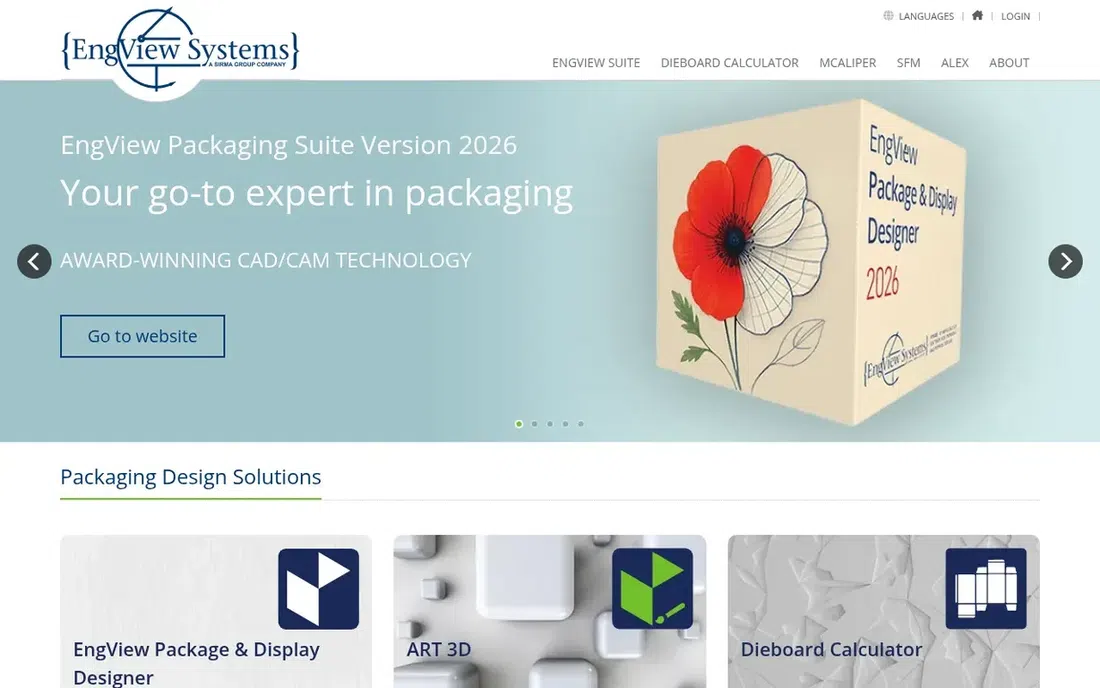
EngView Package Designer was built for dedicated structural packaging CAD. EngView Package Designer comes from a company specialized in packaging CAD/CAM software and solutions for measurement and aluminum extrusion industries.
Limits to weigh: Less suited to non-packaging drafting.
From a buyer's view, shops that require heavy 3D rendering or general vector artwork may pair it with another tool. In daily use, choose something else if your work is largely graphic design instead of packaging structure. EngView Package Designer does not show a starting price in this comparison, so check the vendor site for current pricing. Free options: Not stated.
- Packaging-focused CAD/CAM toolset
- Also handles measurement systems
- Narrower than general CAD suites
Adobe Illustrator is a good fit for packaging graphics and vector artwork. Designers usually use it alongside structural tools, placing dielines on layers and building the visual design on top.
The main drawbacks: Dielines handled as flat artwork.
Illustrator is not designed for structural packaging engineering, so box construction and folding logic must come from another source. Pricing for Adobe Illustrator is not stated here, so ask the vendor for current figures. Free options: Not stated.
- Capable for artwork and layout
- Generative AI vector features
- Not a structural design tool
What went into this list
We compared the tools on published pricing, free plan or trial availability, feature coverage for Esko ArtiosCAD, and the limits each vendor documents. Seat minimums, billing terms and add-ons can move the real cost, so the starting prices here are a guide and not a quote. The ranking is editorial: typical fit first, then clear pricing, then free access. If your needs are unusual, read the profiles rather than relying on position.
Pre-purchase checklist
- Ask each vendor, from AutoCAD to Adobe Illustrator, for a written quote; none of them publishes a starting price.
- Before choosing AutoCAD, weigh its main limit: no built-in packaging libraries.
- Check whether the features you need in AutoCAD sit on the entry plan or only on higher tiers.
- Pick one real project and run it in EngView Package Designer first; a small pilot shows fit faster than a checklist.
- Get the contract term, renewal terms and any onboarding fees from Adobe Illustrator in writing.
FAQ
How are the tools for Esko ArtiosCAD ordered?
The order follows typical fit for Esko ArtiosCAD, with AutoCAD first and Adobe Illustrator last, then price clarity and free access. It is editorial judgement, not a score, so another team could rank the tools differently.
How should I choose between EngView and Packmage?
EngView Package Designer is oriented toward packaging CAD/CAM and structural design. As for the details, Packmage emphasizes parameter-driven box templates, 3D rendering and quoting, with vendor materials mostly in Chinese, so language and workflow needs should guide the choice.
Is AutoCAD the right pick for everyone comparing Esko ArtiosCAD?
No single tool suits every team. AutoCAD comes first because it fits general 2D drafting and DWG collaboration, while Kongsberg Precision Cutting Systems suits digital cutting and production automation and Packmage suits Parameter-driven box templates and 3D. Match the tool to your own size, budget and workflow before deciding.
Can I try these tools before paying?
Not by default. None of the tools, from AutoCAD to Adobe Illustrator, lists a free plan or a free trial here, so ask each vendor for a demo before committing.
Do these tools publish their prices?
No. None of the tools, from AutoCAD to Adobe Illustrator, shows a fixed starting price here, so budget time for quotes.
Do I need cutting equipment to use Kongsberg PCS?
Kongsberg PCS centers on digital cutting tables, milling and automation for production. If you only need design files, a software-focused choice is a better fit, whereas cutting hardware matters when sampling and short runs are required.
Sources
- https://www.autodesk.com/products/autocad
- https://www.kongsbergsystems.com
- https://www.packmage.com
- https://www.engview.com
- https://www.adobe.com/products/illustrator.html