Dubbing Software in 2026: The 6 Best Options Side by Side
6 products for the best dubbing software, ranked by fit, with starting costs and free tiers. Every entry states what it lacks. Quick comparison inside.
- Editor's choicePapercup
Audio localization with expert talent
Starts atSee websiteVisit papercup.comFull review - Great alternative
 Rask AI
Multilingual video dubbing control
Starts at$28 a monthVisit rask.aiFull review - Also consider
 HeyGen
Avatar-based video creation
Starts at$29 a monthVisit heygen.comFull review
Direct answer
Start with Papercup if you need audio localization with expert talent. Listed starting prices: Rask AI from $28 a month, HeyGen from $29 a month and ElevenLabs from $6 a month. Rask AI is better for multilingual video dubbing control, and HeyGen is better for Avatar-based video creation. The full list of 6 tools follows, with prices and free plan facts.
TL;DR:
- Papercup takes the first slot, best suited to audio localization with expert talent.
- For voice generation with API access, ElevenLabs is worth a look.
- For the cheapest start, look at ElevenLabs: $6 per month.
- Check the limits for Papercup before you commit: narrower video feature set.
Last checked November 2026. Prices and plan details were read from the vendors' own pages in November 2026; vendors change plans often, so confirm the current price on the vendor site before you buy.
Quick comparison
| Tool | Best for | Starts at | Free plan? | |
|---|---|---|---|---|
| Papercup | Audio localization with expert talent | See website | Not stated | Visit |
| Rask AI | Multilingual video dubbing control | $28 a month | Free trial | Visit |
| HeyGen | Avatar-based video creation | $29 a month | Yes | Visit |
| Dubformer | Directing AI dubbing output | See website | Not stated | Visit |
| Deepdub | End-to-end production localization | See website | Not stated | Visit |
 ElevenLabs | Voice generation with API access | $6 a month | Yes | Visit |
Tool-by-tool breakdown
Short on time? The summary and table above give the quick view of 6 tools for dubbing software, and the profiles that follow give the detail behind each entry.
Papercup
Best for: Audio localization with expert talent
Papercup serves audio localization with expert talent. Its homepage focus is audio localization instead of wide video editing or avatar creation.
So teams needing on-camera presenters or heavy video tooling should look elsewhere. For everyday use, consider Papercup when the audio track is the product and quality of delivery is the priority. Check the vendor site for Papercup pricing; none is listed in this comparison. Free options: Not stated.
The main drawbacks: Narrower video feature set.
- Concentrated on audio localization
- Natural-sounding AI dubbing
- Blended service may suit bigger projects
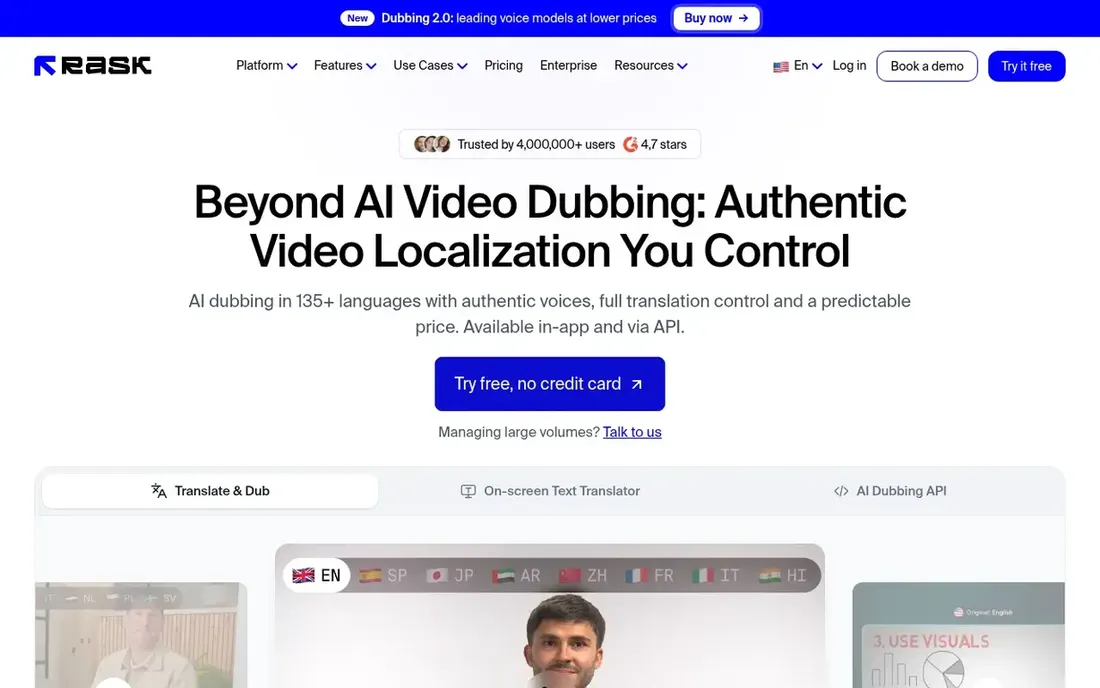
Rask AI is designed for multilingual video dubbing control. Rask AI presents itself as AI video dubbing and localization that you control, handling a very wide set of languages with authentic voices, full translation control and a fixed price per minute.
Trade-offs to know: Video-focused instead of audio-only.
That combination fits marketers, educators and media teams who publish video across numerous markets and want predictable, minute-based structure alongside practical editing of the translated script. What you pay to start with Rask AI: $28 per month. Free plan details: Free trial.
- Dubbing across a very broad language range
- Full translation control
- Control choices may take time to learn
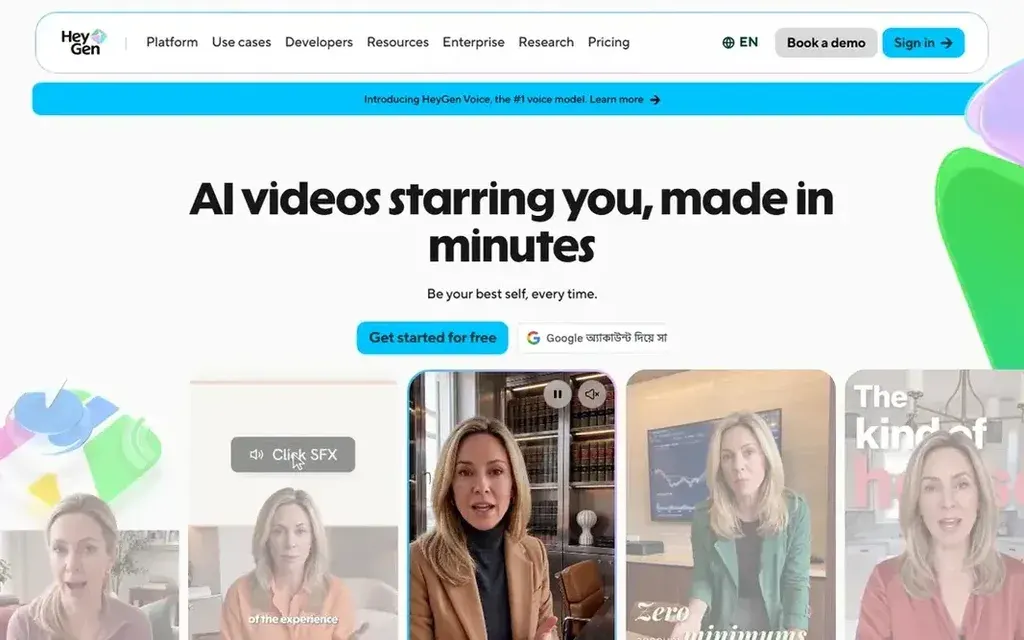
HeyGen makes the most sense for Avatar-based video creation. For dubbing-adjacent work, this suits creators and teams who want a consistent on-screen presenter across versions of a video, notably when the visual presence matters as much as the translated audio.
Its homepage emphasis is avatar video instead of granular translation control or audio-only localization, so projects that need in-depth script editing per language may prefer a dedicated dubbing system. Price to start with HeyGen: $29 per month. A free plan is available with HeyGen.
What HeyGen does well: Cuts the have to film repeatedly.
Where it is weaker: Less suited to pure audio dubbing.
- Clear video output
- Personal Avatar using your face and voice
- Avatar focus over deep localization controls
Dubformer
Best for: Directing AI dubbing output
Dubformer is a good fit for Directing AI dubbing output. Dubformer presents AI dubbing you direct, letting you build a voice, direct how it sounds and export when ready. It performs well for content where voice character is part of the brand.
Its homepage centers on the dubbing and voice direction workflow instead of a broad suite of video production features. So teams needing avatars or subtitle tooling may combine it with other services. Pick Dubformer when directing the voice is the priority. Pricing for Dubformer is not stated here, so ask the vendor for current figures. Free plan details: Not stated.
What to check first: Fewer details on broader video tools.
- Export when ready workflow
- Control over how it sounds
- Newer positioning in the market
Deepdub
Best for: End-to-end production localization
Where Deepdub fits: end-to-end production localization. It fits studios, distributors and production teams that deal with continuing localization work and want a product structured around voice production rather than a straightforward one-off dubbing tool.
Also, the production orientation means casual creators or solo video makers may find it heavier than necessary. Deepdub shows no starting price here, so confirm the cost on the vendor site. On free options: Not stated.
What to check first: May be more than casual creators need.
- Oriented around voice production
- End-to-end localization system
- Geared toward production teams
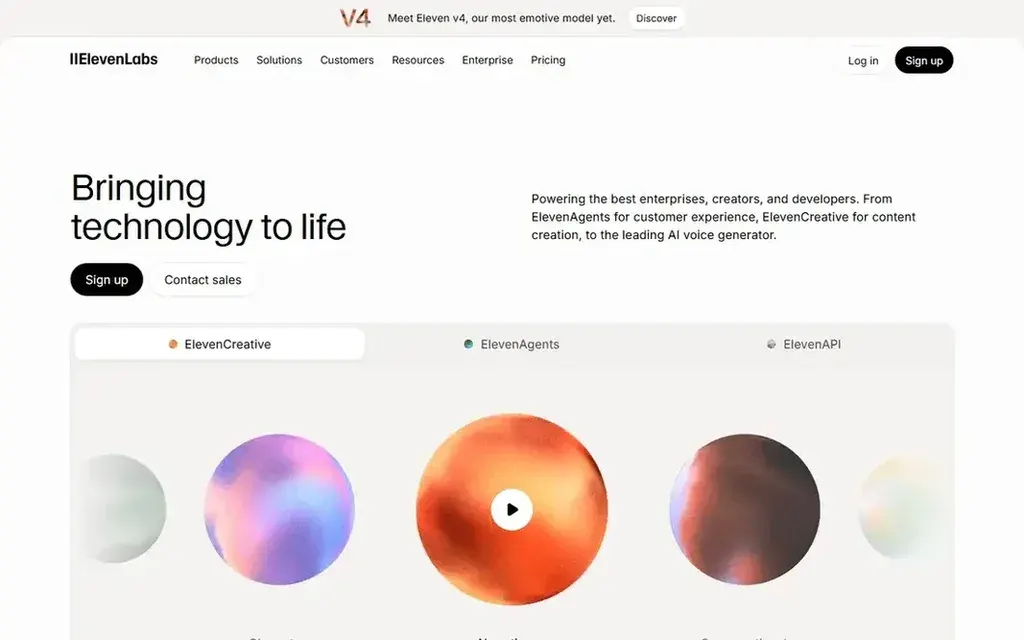
ElevenLabs makes the most sense for voice generation with API access. Since it is a voice platform first, video editing, lip sync and translation management are not its core focus. So teams wanting an end-to-end dubbing interface may have to pair it with other tools.
Watch-outs: Not a full video localization suite.
On top of that, ElevenLabs is an AI voice generator and voice agents product built around lifelike speech. Its homepage flags a very large voice catalog across numerous languages, plus secure APIs and SDKs, which makes it a practical base for teams that want to build dubbing or voice-over workflows into their own products. What you pay to start with ElevenLabs: $6 per month. You can start on ElevenLabs without paying.
- Secure APIs and SDKs for integration
- Large voice and language catalog
- Wide system may need setup time
How we compared the tools
The comparison looks at four things: starting price, free access, how well the feature set matches dubbing software, and the main limit of each tool. Seat minimums, billing terms and add-ons can move the real cost, so the starting prices here are a guide and not a quote. Position on the page reflects fit for a typical buyer first, with price clarity and free access breaking ties. Treat it as a guide, not a ruling.
Questions to settle before buying
- Get a written quote from Papercup, Dubformer and Deepdub; the list shows no starting price for them.
- Look at free plan limits closely: HeyGen and ElevenLabs have one, and the caps decide whether it is usable for real work.
- Take the trial from Rask AI and push a live task through it before you pay.
- Before choosing Papercup, weigh its main limit: narrower video feature set.
- Test the integrations you rely on with HeyGen before committing; some connectors sit on upper tiers.
- Look at the renewal terms for Papercup: auto-renewal, notice periods and price changes can matter more than the first-year price.
FAQ
Do these tools publish their prices?
Not all of them. Papercup, Dubformer and Deepdub publish no starting price, so expect a quote request for those. The rest, Rask AI included, show a starting price, though seats and billing terms still change the final cost.
Is AI dubbing decent enough for professional content?
Quality varies by tool and language, and multiple systems on this list combine synthetic voices with professional talent or detailed direction controls.
Which options for dubbing software have a free plan?
HeyGen and ElevenLabs offer a free plan in this list. Free plans usually cap users, projects or features, so check the limits on the vendor page. One other tool offers a trial instead.
Can I dub audio-only content such as podcasts?
Yes, several tools here focus on audio localization or voice production instead of video. In daily use, Papercup especially emphasizes audio localization with synthetic voices and expert talent, whereas voice products can support narration workflows.
How are the tools for dubbing software ordered?
Papercup sits first and ElevenLabs last because the order follows typical fit for dubbing software, then price clarity and free access. It is a judgement call, so read each profile for fit and limits.
What should I look for in dubbing software?
Start with the language coverage and voice quality you need, then check how much control you get over the translated script and timing.
Sources
- https://www.papercup.com
- https://www.rask.ai
- https://www.heygen.com
- https://dubformer.ai
- https://deepdub.ai
- https://elevenlabs.io