Editor Software for Startups in 2026: The 5 Best Options Side by Side
5 best editor software for startups, compared on pricing, free plans and best-fit use. Where a tool struggles is spelled out. Last reviewed November 2026.
- Editor's choice
 Sublime Text
Quick light text editing
Starts atSee websiteVisit sublimetext.comFull review - Great alternativeJetBrains IntelliJ IDEA
Java and Kotlin development
Starts atSee websiteVisit jetbrains.comFull review - Also consider
 Visual Studio Code
General purpose startup development
Starts atSee websiteVisit code.visualstudio.comFull review
Direct answer
Sublime Text comes first here, mainly for quick light text editing. Listed starting prices: Zed from $10 a month and Cursor from $8 a month. JetBrains IntelliJ IDEA is better for Java and Kotlin development, and Visual Studio Code is better for general purpose startup development. All 5 tools are compared below on price, free plan and limits.
TL;DR:
- Sublime Text takes the first slot, best suited to quick light text editing.
- Cursor is the one to check for AI agent driven development.
- 2 of 5 tools offer a free plan: Zed, Cursor.
- Starting prices begin at $8 per month with Cursor.
Last checked November 2026. Prices and plan details were read from the vendors' own pages in November 2026; vendors change plans often, so confirm the current price on the vendor site before you buy.
Quick comparison
| Tool | Best for | Starts at | Free plan? | |
|---|---|---|---|---|
| Sublime Text | Quick light text editing | See website | Not stated | Visit |
| JetBrains IntelliJ IDEA | Java and Kotlin development | See website | Not stated | Visit |
| Visual Studio Code | General purpose startup development | See website | Not stated | Visit |
 Zed | High-performance multiplayer editing | $10 a month | Yes | Visit |
 Cursor | AI agent driven development | $8 a month | Yes | Visit |
The best editor software for startups
LinkVetted put together this guide to editor software for startups for readers who want a clear shortlist without reading every vendor page. It compares 5 tools on starting price, free plans, who each one suits and where each one falls short.
Where Sublime Text fits: quick light text editing. It appeals to startup developers who want speed and a clean interface for editing files, scripts, and documentation without a full IDE footprint.
Honest limits: Fewer built-in IDE features.
It is an editor instead of a full IDE, so debugging, refactoring, and project tooling rely on packages and outside tools. Sublime Text shows no starting price here, so confirm the cost on the vendor site. On free options: Not stated.
- Deals with code, markup, prose
- Fast and responsive
- Depends on packages for extras
JetBrains IntelliJ IDEA
Best for: Java and Kotlin development
Where JetBrains IntelliJ IDEA fits: Java and Kotlin development. IntelliJ IDEA is the JetBrains IDE for Java and Kotlin, offering deep code intelligence and built-in tools. Its homepage describes running AI agents and verifying their work inside the IDE.
Honest limits: Heavier than plain editors.
Startups building JVM services or Android apps benefit from language-aware refactoring, navigation, and inspection that plain editors leave to plugins. Its strengths are concentrated in Java and Kotlin, so polyglot teams may need additional JetBrains IDEs. JetBrains IntelliJ IDEA does not show a starting price in this comparison, so check the vendor site for current pricing. Free plan details: Not stated.
- Agent verification support
- Deep code intelligence
- Concentrated on JVM languages
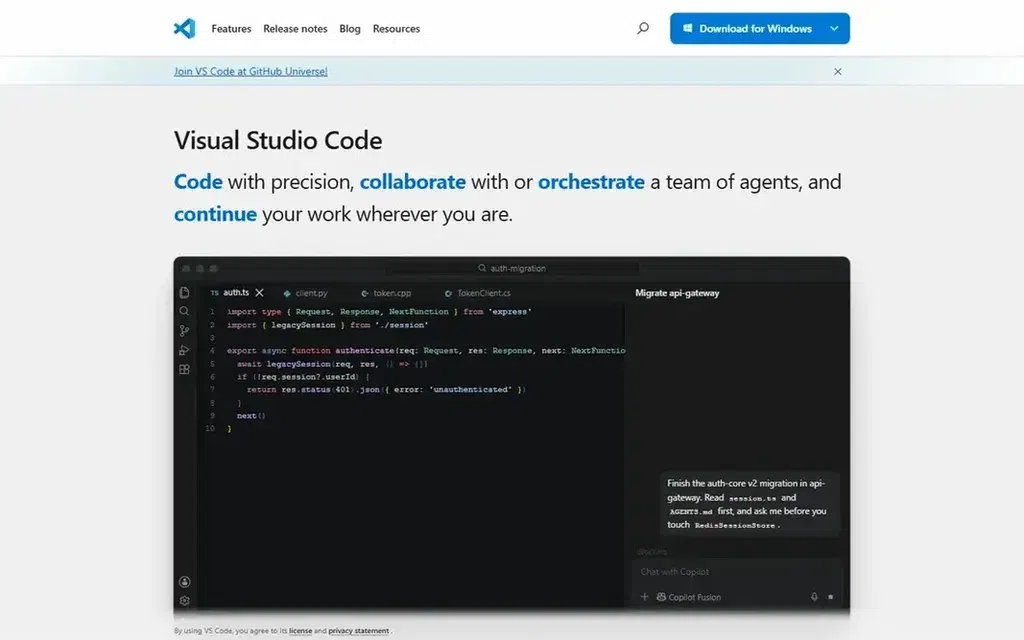
Pick Visual Studio Code if this describes you: general purpose startup development. Visual Studio Code is a widely used code editor built around precision editing and agent collaboration. Its homepage flags orchestrating a team of agents and continuing work wherever you are.
For startups, it suits teams that want one adaptable editor across languages, with extensions handling most stacks and a large community of documentation to draw on. Its adaptability means setup choices and extension management fall on you, and a heavily loaded install can feel slower. Visual Studio Code shows no starting price here, so confirm the cost on the vendor site. Free plan details: Not stated.
The main drawbacks: Heavy extensions slow startup.
- Works across systems
- Agent collaboration built in
- Configuration can pile up
Zed was built for high-performance multiplayer editing. The multiplayer angle suits startups where developers pair or review code together in live.
On top of that, as a newer editor, its extension and integration ecosystem is smaller than that of long-established tools. Zed cost at the entry level: $10 per month. A free plan is available with Zed.
Limits to weigh: Younger ecosystem.
- Built by experienced editor creators
- Performance-focused design
- Fewer integrations than mature editors
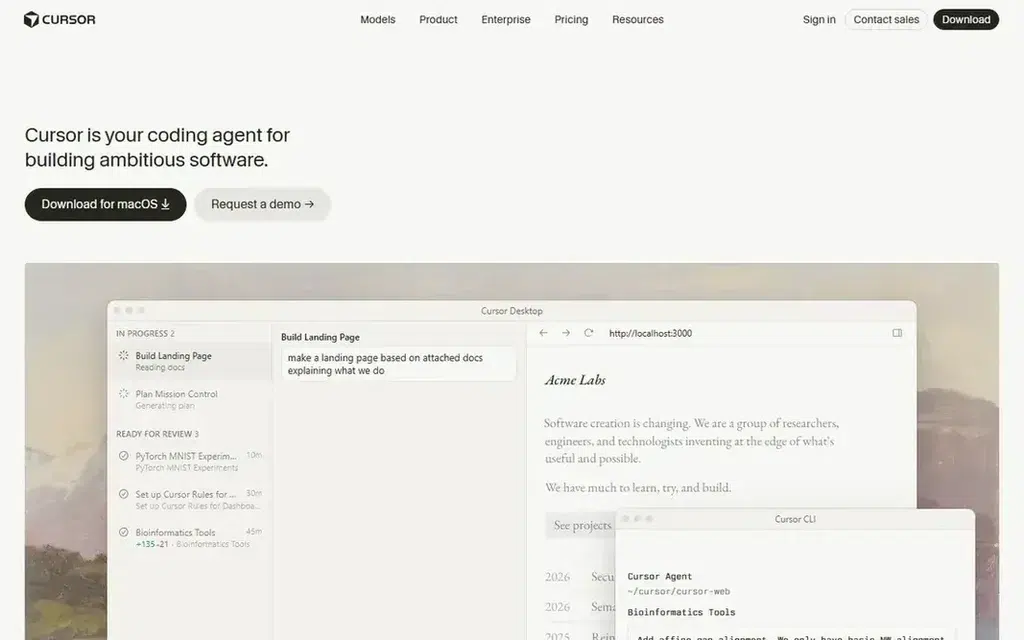
Cursor serves AI agent driven development. Cursor is positioned as an AI coding agent for building ambitious software, with agents that turn ideas into code.
Because the product leans on agent workflows, teams that prefer manual control may find the model less natural. Price to start with Cursor: $8 per month. Free access exists with Cursor.
Limits to weigh: Less handy without agent use.
- Agent-first workflow
- Task handoff to agents
- AI-centric ramp-up time
Our selection method
For each of the 5 tools we noted price, free plan or trial, fit for editor software for startups and the main limit, using vendor pages and documentation. Prices and plan limits come from vendor pages and can change, so confirm them on the vendor site before you buy. The order reflects how well each tool fits the most common buying scenario for editor software for startups, then price clarity, then free plan access. It is a starting point, not a verdict.
Things to verify first
- Get a written quote from Sublime Text, JetBrains IntelliJ IDEA and Visual Studio Code; the list shows no starting price for them.
- Check what the free option really includes: Zed and Cursor offer a free plan, and usage caps differ.
- Read the limits listed for Sublime Text first: fewer built-in IDE features.
- Pick one real project and run it in Sublime Text first; a small pilot shows fit faster than a checklist.
- Check the integration list for Cursor against the tools you run today, and note which ones need a higher plan.
FAQ
Is Sublime Text the right pick for everyone comparing editor software for startups?
No single tool suits every team. Sublime Text comes first because it fits fast lightweight text editing, while JetBrains IntelliJ IDEA suits Java and Kotlin development and Visual Studio Code suits general purpose startup development. Match the tool to your own size, budget and workflow before deciding.
What is the cheapest option for editor software for startups in this list?
On published monthly entry prices, Cursor is the lowest here at $8 per month. Entry price is only part of the cost, because seats, add-ons and billing terms can change the total. All 5 picks in this editor software for startups comparison list a starting price, free plan details and the main limits on their cards above.
Which editor is a good match for a small startup team?
The first pick on this list is Sublime Text, because it suits quick light text editing. JetBrains IntelliJ IDEA is better for Java and Kotlin development, and Visual Studio Code for general purpose startup development. Check price and limits against your own needs before choosing.
Can I try these tools before paying?
Often, yes. Zed and Cursor have a free plan. Use your own data and a real task during the test, and check what the free tier or trial limits before you rely on it.
Do these tools publish their prices?
Not all of them. Sublime Text, JetBrains IntelliJ IDEA and Visual Studio Code publish no starting price, so expect a quote request for those. The rest, Zed included, show a starting price, though seats and billing terms still change the final cost.
Sources
- https://www.sublimetext.com
- https://www.jetbrains.com/idea
- https://code.visualstudio.com
- https://zed.dev
- https://cursor.com