5 Doodly Alternatives Worth Switching To in 2026
Shortlisting Doodly alternatives? 5 products compared on cost, free access and ideal buyer. Strengths and weak spots are spelled out. Updated November 2026.
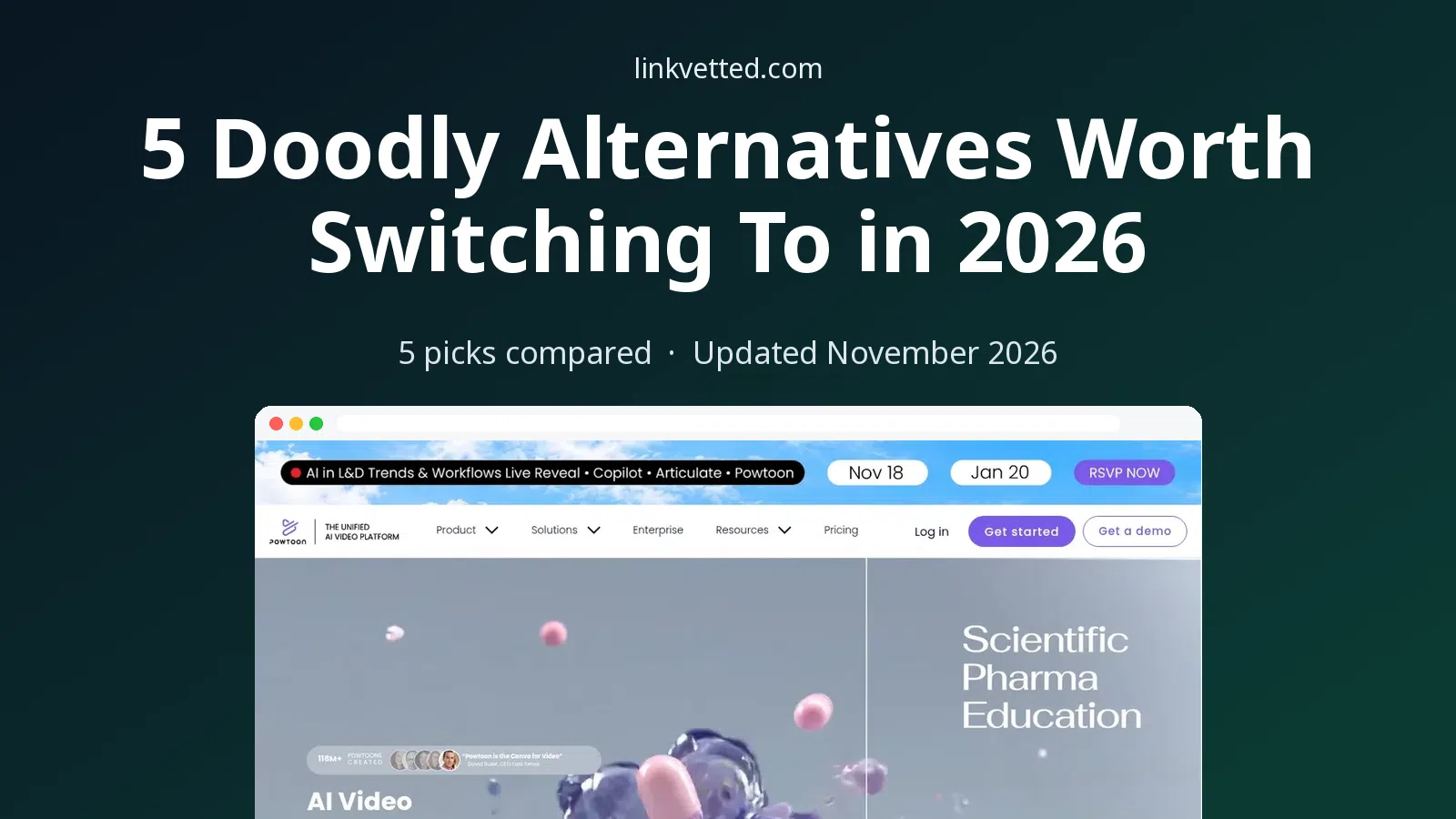
- Editor's choicePowtoon
Branded business videos and presentations
Starts at$8 per monthVisit powtoon.comFull review - Great alternativeVideoScribe
Whiteboard-style explainer videos
Starts at$7.58 per month per licenseVisit videoscribe.coFull review - Also consider
 Vyond
Business teams needing refined animated video
Starts at$58 a monthVisit vyond.comFull review
Direct answer
Start with Powtoon if you need branded business videos and presentations. Listed starting prices: Powtoon from $8 per month, VideoScribe from $7.58 per month per license and Vyond from $58 a month. Alternatives: VideoScribe for Whiteboard-style explainer videos, and Vyond for business teams needing refined animated video. The full list of 5 tools follows, with prices and free plan facts.
TL;DR:
- This list starts with Powtoon, which is built for branded business videos and presentations.
- Powtoon is the only tool of the 5 with a free plan.
- Animaker comes with a trade-off: general animation focus, not whiteboard-specific.
- Renderforest fits all-in-one video, design and website creation.
- Starting prices begin at $7.58 per month per license with VideoScribe.
Last checked November 2026. Prices and plan details were read from the vendors' own pages in November 2026; vendors change plans often, so confirm the current price on the vendor site before you buy.
Quick comparison
| Tool | Best for | Starts at | Free plan? | |
|---|---|---|---|---|
| Powtoon | Branded business videos and presentations | $8 per month | Yes | Visit |
| VideoScribe | Whiteboard-style explainer videos | $7.58 per month per license | Free trial | Visit |
| Vyond | Business teams needing refined animated video | $58 a month | Free trial | Visit |
 Animaker | Beginners and pros wanting animated video | $10 a month | Free trial | Visit |
 Renderforest | All-in-one video, design and website creation | See website | Not stated | Visit |
Doodly compared in detail
If you are comparing Doodly, this page covers 5 tools in one place: what each is best for, what it costs to start, whether it has a free plan, and the main limit to know about.
Powtoon
Best for: Branded business videos and presentations

Think of Powtoon for branded business videos and presentations. Powtoon describes itself as a unified AI video system for building business-ready branded videos and presentations in minutes.
Document-to-video conversion, AI avatars, text-to-speech and AI translation are all part of the stated feature set, which makes it a fit for teams that repurpose written material into visual content across languages. Consider a leaner whiteboard-focused choice for that narrow use case. Entry price for Powtoon: $8 per month. Powtoon includes a free tier.
Points against: Branded output focus may not suit casual projects.
- Text-to-speech and AI translation
- Doc-to-video and AI avatar features
- Breadth of features takes time to learn
VideoScribe
Best for: Whiteboard-style explainer videos
VideoScribe serves Whiteboard-style explainer videos. VideoScribe is whiteboard animation software for explainer videos, and its homepage stresses that no design skills are needed.
Trade-offs to know: Narrower style range than general systems.
As for the details, the whiteboard focus is also the limit: if you need live-action elements, avatars or a broad mix of animation styles, a broader product will serve you better. VideoScribe cost at the entry level: $7.58 per month per license. Trial and free access: Free trial.
- Aimed at attention-holding explainers
- No design skills required
- Less suited to non-whiteboard video needs
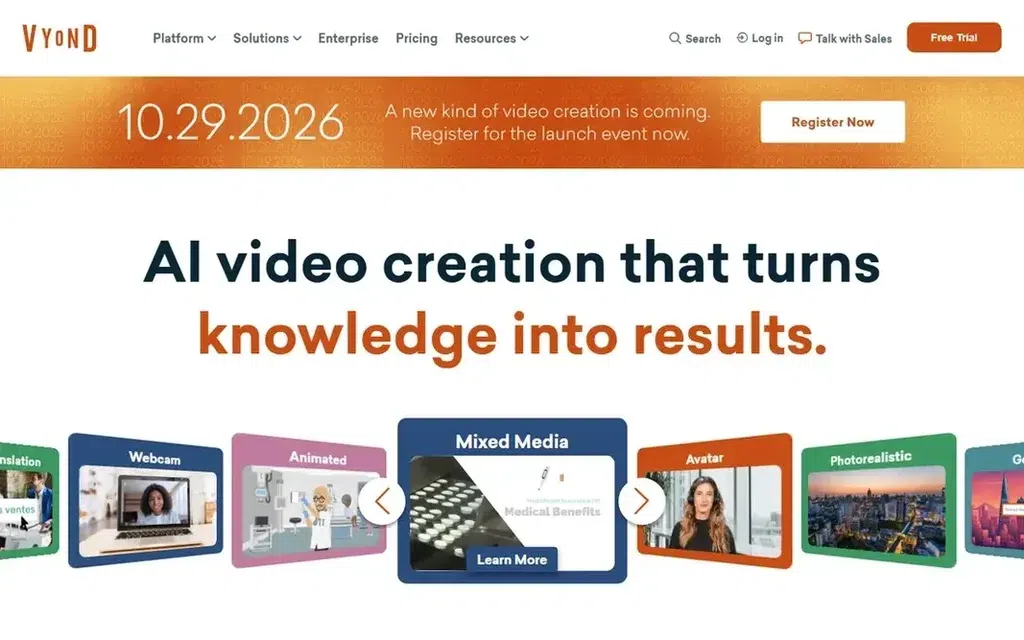
For business teams needing refined animated video, Vyond is a natural candidate. Vyond presents itself as an AI video creation product for business, letting teams produce videos in a set of styles rapidly. It does well when more than one person contributes to video projects.
Where it falls short: Targeted at business use, not casual hobbyists.
If your only goal is hand-drawn style explainers, a dedicated whiteboard tool is a more straightforward match. From a buyer's view, choose Vyond when variety and professional output matter more than minimalism. Vyond cost at the entry level: $58 per month. Trial and free access: Free trial.
- Wide style range beyond whiteboard
- AI-assisted video creation in numerous styles
- Feature depth can feel heavy for straightforward clips
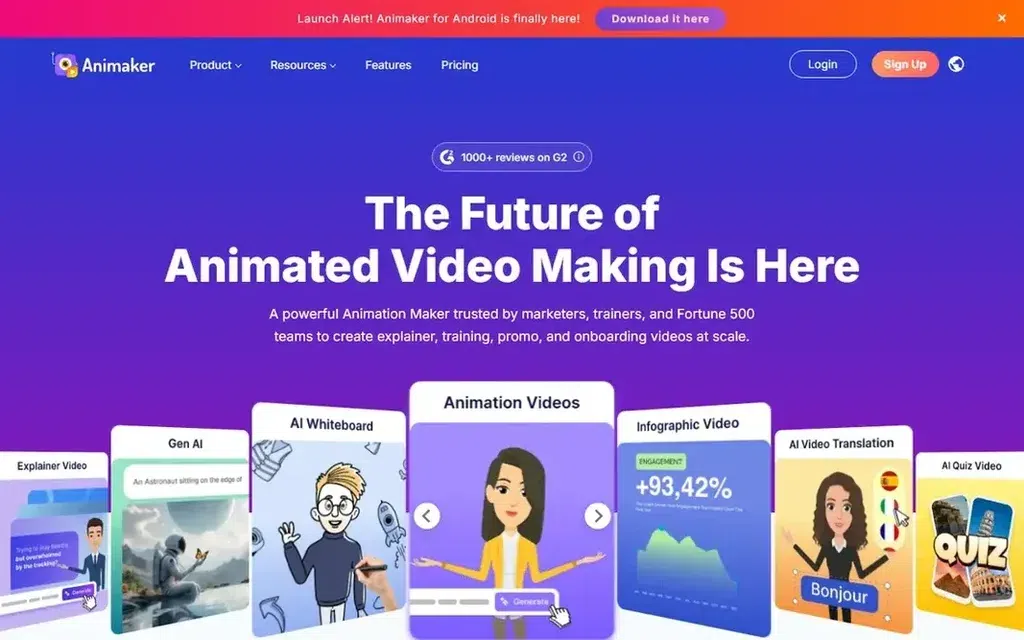
Animaker works best for beginners and pros wanting animated video. Animaker is an online animation maker positioned for both beginners and pros, with the goal of creating animated videos in minutes. It works for marketing clips, explainers and social content where variety in scenes and characters is handy.
Downsides: General animation focus, not whiteboard-specific.
Pick Animaker when you want an adaptable animation studio and are comfortable exploring a broader set of scene types. Users who specifically want hand-drawn explainer visuals may prefer a dedicated whiteboard tool. On cost, Animaker starts like this: $10 per month. Free plan details: Free trial.
- Online animation maker with wide appeal
- Marketed for beginners and professionals
- Large feature set may overwhelm new users
Renderforest was built for all-in-one video, design and website creation. Renderforest is an AI-powered creative system for making professional videos, designs and websites in minutes. It appeals to small teams and solo creators who want one place to produce multiple kinds of visual assets, and video is one part of a wider toolkit instead of the only offering.
More specifically, choose it when you want a single system for several creative formats and can accept a more general approach to animation. Since it spans videos, designs and websites, Renderforest is not a specialist whiteboard animation tool, and creators who require precise hand-drawn explainer control may find it less targeted. Pricing for Renderforest is not stated here, so ask the vendor for current figures. Free plan details: Not stated.
Honest limits: Spreading across formats can dilute depth.
- Fast professional-looking output
- Designs and websites
- Not concentrated on whiteboard animation
How we compared the tools
Selection started from tools commonly considered for Doodly, then narrowed to 5 that have clear pricing information or a clear quote process. Prices and plan limits come from vendor pages and can change, so confirm them on the vendor site before you buy. The order reflects how well each tool fits the most common buying scenario for Doodly, then price clarity, then free plan access. It is a starting point, not a verdict.
A buyer's checklist
- Ask Renderforest for a written quote, since no starting price is shown.
- Look at the free plan from Powtoon closely: its caps decide whether it is usable for real work.
- Take the trial from VideoScribe, Vyond and Animaker and push a live task through it before you pay.
- Read the limits listed for Powtoon first: breadth of features takes time to learn.
- Price VideoScribe for your actual team size; headline prices rarely include add-ons or overage.
- A short pilot of Powtoon with your real workflow tells you more than a feature table.
FAQ
How should I choose between these animation tools?
Start with the output style you need, then check workflow fit, export choices and collaboration needs. Confirm current features and licensing on each vendor site before deciding.
Do these tools publish their prices?
Not all of them. Renderforest publishes no starting price, so expect a quote request for it. The rest, Powtoon included, show a starting price, though seats and billing terms still change the final cost.
Which options for Doodly have a free plan?
Powtoon is the only tool in this list with a free plan. Free plans usually cap users, projects or features, so check the limits on the vendor page. Several others offer a trial instead. Each of the 5 options in this Doodly alternatives guide has its own card above with the price, free plan and limits.
What is the cheapest option for Doodly in this list?
On published monthly entry prices, VideoScribe is the lowest here at $7.58 per month per license. Entry price is only part of the cost, because seats, add-ons and billing terms can change the total.
Can I try these tools before paying?
Often, yes. Powtoon has a free plan and VideoScribe, Vyond and Animaker offer a free trial. Use your own data and a real task during the test, and check what the free tier or trial limits before you rely on it.
Sources
- https://www.powtoon.com
- https://www.videoscribe.co
- https://www.vyond.com
- https://www.animaker.com
- https://www.renderforest.com