5 DiskGenius Alternatives Worth Switching To in 2026
5 products for DiskGenius alternatives, ranked by fit, with starting costs and free tiers. Every pick includes one clear drawback. Checked this month.
- Editor's choiceAOMEI Partition Assistant
Mixed desktop and server disk management
Starts atSee websiteVisit aomeitech.comFull review - Great alternativeEaseUS Partition Master
Everyday Windows partition resizing and merging
Starts at$19.90 per monthVisit easeus.comFull review - Also considerAcronis Disk Director
Existing users planning a migration
Starts atSee websiteVisit acronis.comFull review
Direct answer
AOMEI Partition Assistant is the first pick on this list for mixed desktop and server disk management. Listed starting prices: EaseUS Partition Master from $19.90 per month. For a different need, EaseUS Partition Master covers Everyday Windows partition resizing and merging and Acronis Disk Director covers existing users planning a migration. All 5 tools are compared below on price, free plan and limits.
TL;DR:
- Number one here is AOMEI Partition Assistant, a fit for mixed desktop and server disk management.
- A permanent free plan is missing from all 5 tools, AOMEI Partition Assistant and Macrorit Partition Expert included; plan for a trial or a premium start.
- Before buying AOMEI Partition Assistant, weigh this: advanced tools may sit in higher editions.
- Starting prices begin at $19.90 per month with EaseUS Partition Master.
- For straightforward partition work on Windows, Macrorit Partition Expert is worth a look.
Last checked November 2026. Prices and plan details were read from the vendors' own pages in November 2026; vendors change plans often, so confirm the current price on the vendor site before you buy.
Quick comparison
| Tool | Best for | Starts at | Free plan? | |
|---|---|---|---|---|
| AOMEI Partition Assistant | Mixed desktop and server disk management | See website | Not stated | Visit |
| EaseUS Partition Master | Everyday Windows partition resizing and merging | $19.90 per month | Not stated | Visit |
| Acronis Disk Director | Existing users planning a migration | See website | Not stated | Visit |
| Paragon Partition Manager | Optimizing hard disk structure | See website | Not stated | Visit |
| Macrorit Partition Expert | Straightforward partition work on Windows | See website | Not stated | Visit |
The full DiskGenius list
Choosing DiskGenius usually comes down to price, fit and limits. This LinkVetted guide sets 5 tools side by side on those three points, with the facts kept short and checkable.
AOMEI Partition Assistant
Best for: Mixed desktop and server disk management
AOMEI Partition Assistant is aimed squarely at mixed desktop and server disk management. Confirm which edition bundles the conversion and server tools you need, and consider a more straightforward choice if your work is restricted to entry-level resizing.
On top of that, AOMEI Partition Assistant is described by its vendor as a simple partition manager, disk converter and all-around hard disk tool for Windows 11, 10, 8.1, 8, 7, Vista and XP, plus Windows Server releases. AOMEI Partition Assistant does not show a starting price in this comparison, so check the vendor site for current pricing. Trial and free access: Not stated.
What to check first: Interface can feel dense for beginners.
- Handles Windows client and Server editions
- Partition manager plus disk converter
- Advanced tools may sit in higher editions
EaseUS Partition Master
Best for: Everyday Windows partition resizing and merging
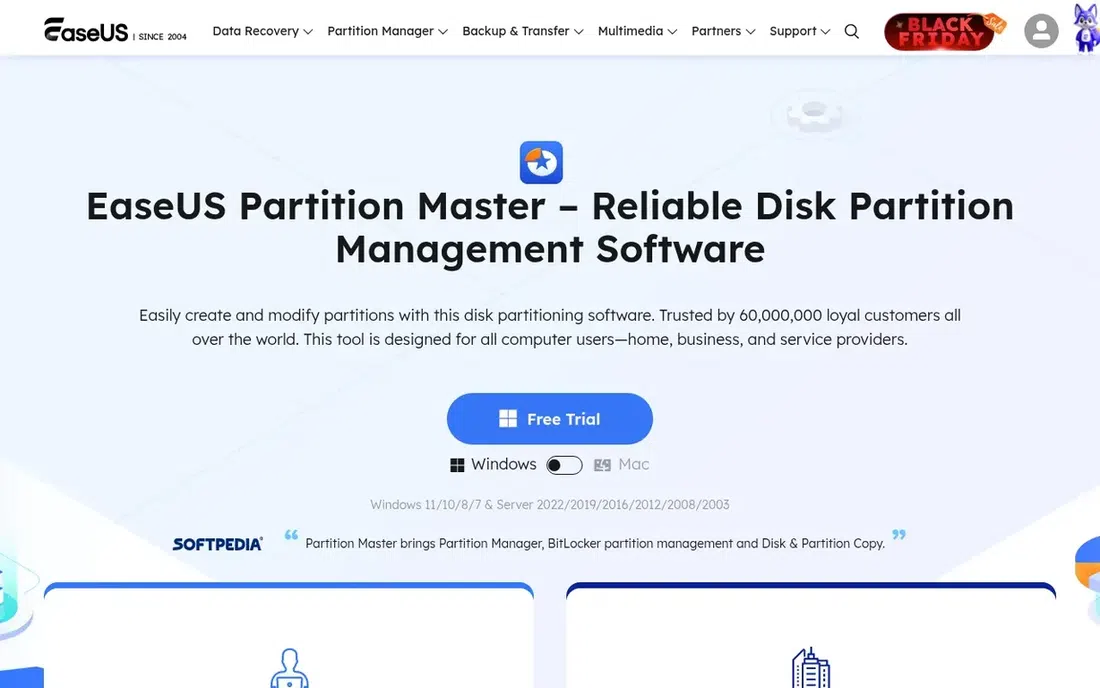
Think of EaseUS Partition Master for Everyday Windows partition resizing and merging. EaseUS Partition Master is positioned as partition management software for Windows users, with documented abilities to resize, merge and split partitions.
Some capabilities differ between the home and server builds, so check which edition matches your machine before committing. EaseUS Partition Master starts at: $19.90 per month. On free options: Not stated.
Honest limits: Feature depth varies by edition.
- Wide Windows and Server version coverage
- Resize
- Server support needs the right build
Acronis Disk Director
Best for: Existing users planning a migration
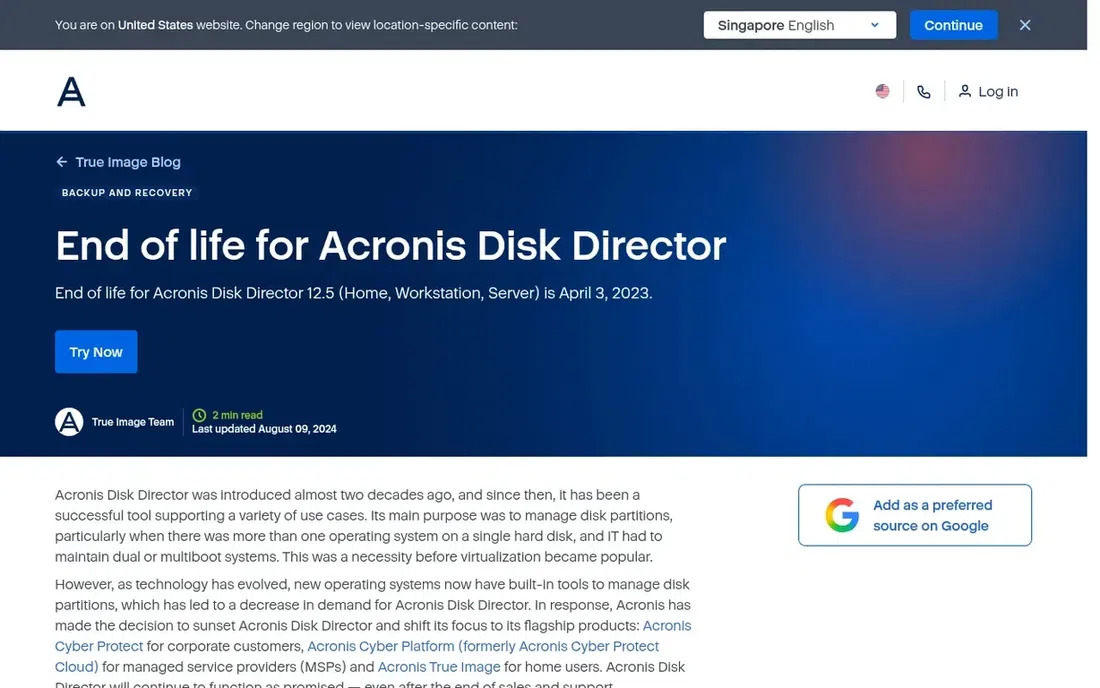
Acronis Disk Director targets existing users planning a migration. Acronis Disk Director is a disk management product from a well-known backup and storage vendor, offered in home, workstation and server editions.
Drawbacks to consider: No new feature development expected.
Check the vendor site for Acronis Disk Director pricing; none is listed in this comparison. Free plan details: Not stated.
- Workstation and server editions
- Spans home
- Listed as end of life
Paragon Partition Manager
Best for: Optimizing hard disk structure
Pick Paragon Partition Manager if this describes you: optimizing hard disk structure. Paragon is an established name in storage and partitioning software, and this product targets users who want to reorganize disk layouts rather than only perform one-off resizes.
More specifically, Paragon Partition Manager is presented by its vendor as a tool to optimize hard disk structure. If you want extensive published compatibility lists, EaseUS or MiniTool make comparison simpler. Check the vendor site for Paragon Partition Manager pricing; none is listed in this comparison. As for free access: Not stated.
The main drawbacks: Edition differences need checking.
- Established storage software vendor
- Centred on disk structure optimization
- Less detail on the product page
Macrorit Partition Expert
Best for: Straightforward partition work on Windows
In short, Macrorit Partition Expert is for straightforward partition work on Windows. Macrorit Partition Expert is a partition management tool from Macrorit, a vendor that concentrates on disk and partition utilities. It is geared toward Windows users who want a dedicated partition manager for routine disk layout changes.
If you need server coverage or disk conversion in the same product, compare with AOMEI or MiniTool first. More specifically, public documentation is thinner than for some bigger vendors, so confirm supported Windows versions and feature limits on the vendor site before you commit. No starting price is listed for Macrorit Partition Expert here; confirm pricing on the vendor site. As for free access: Not stated.
The main drawbacks: Restricted public documentation detail.
- Straightforward product focus
- Dedicated partition manager tool
- Fewer published compatibility notes
How the list was put together
Selection started from tools commonly considered for DiskGenius, then narrowed to 5 that have clear pricing information or a clear quote process. Prices and plan limits come from vendor pages and can change, so confirm them on the vendor site before you buy. We ordered the tools by general fit, then by how clearly pricing is shown, then by free access. A buyer with unusual needs may reorder them.
Things to verify first
- Get a written quote from AOMEI Partition Assistant, Acronis Disk Director, Paragon Partition Manager and Macrorit Partition Expert; the list shows no starting price for them.
- Read the limits listed for AOMEI Partition Assistant first: advanced tools may sit in higher editions.
- Confirm that Paragon Partition Manager connects to the apps your team already uses, on the plan you would actually buy.
- Find out what support Macrorit Partition Expert includes on your plan, and whether onboarding help costs extra.
- Ask EaseUS Partition Master whether prices are locked for the first term and what happens at renewal.
FAQ
What is the cheapest option for DiskGenius in this list?
On published monthly entry prices, EaseUS Partition Master is the lowest here at $19.90 per month. Entry price is only part of the cost, because seats, add-ons and billing terms can change the total. Each of the 5 options in this DiskGenius alternatives guide has its own card above with the price, free plan and limits.
Why would someone look for a DiskGenius alternative?
Users frequently look for alternatives when they want a different interface, broader Windows Server coverage or a vendor with more published documentation. Others just prefer a tool family they already use for backup or disk work.
How are the tools for DiskGenius ordered?
AOMEI Partition Assistant sits first and Macrorit Partition Expert last because the order follows typical fit for DiskGenius, then price clarity and free access. It is a judgement call, so read each profile for fit and limits.
Does any tool for DiskGenius here have a free plan?
A permanent free plan is not offered by AOMEI Partition Assistant, Macrorit Partition Expert or the other tools here. Plan a short evaluation period instead.
Can I try these tools before paying?
Not by default. None of the tools, from AOMEI Partition Assistant to Macrorit Partition Expert, lists a free plan or a free trial here, so ask each vendor for a demo before committing.
Sources
- https://www.aomeitech.com/pa
- https://www.easeus.com/partition-manager
- https://www.acronis.com/en-us/products/disk-director
- https://www.paragon-software.com/home/partition-manager
- https://macrorit.com/partition-magic-manager/partition-expert.html