Best Desygner Alternatives for 2026 (5 Compared)
Compare 5 picks for Desygner alternatives, with prices, free plans and who each fits. Where a tool struggles is spelled out. Current for November 2026.
- Editor's choice
 VistaCreate
Template-led social and print design
Starts atSee websiteVisit create.vista.comFull review - Great alternative
 Piktochart
Infographics, reports and data visuals
Starts at$10 per member per monthVisit piktochart.comFull review - Also consider
 Snappa
Prompt-driven social graphics
Starts at$10 a monthVisit snappa.comFull review
Direct answer
If you need template-led social and print design, VistaCreate is the first tool to look at here. Listed starting prices: Piktochart from $10 per member per month, Snappa from $10 a month and DesignWizard from $9.99 a month. Piktochart is the stronger choice for Infographics, reports and data visuals, while Snappa suits prompt-driven social graphics. All 5 tools are compared below on price, free plan and limits.
TL;DR:
- This list starts with VistaCreate, which is built for template-led social and print design.
- Free plans exist at 4 of 5 tools (VistaCreate, Piktochart, Snappa, DesignWizard).
- Before buying Piktochart, weigh this: narrower fit for general social graphics.
- Canva suits all-around visual design work.
Last checked November 2026. Prices and plan details were read from the vendors' own pages in November 2026; vendors change plans often, so confirm the current price on the vendor site before you buy.
Quick comparison
| Tool | Best for | Starts at | Free plan? | |
|---|---|---|---|---|
| VistaCreate | Template-led social and print design | See website | Yes | Visit |
| Piktochart | Infographics, reports and data visuals | $10 per member per month | Yes | Visit |
| Snappa | Prompt-driven social graphics | $10 a month | Yes | Visit |
| DesignWizard | Straightforward free online graphic design | $9.99 a month | Yes | Visit |
 Canva | All-around visual design work | See website | Not stated | Visit |
The best Desygner
If you are comparing Desygner, this page covers 5 tools in one place: what each is best for, what it costs to start, whether it has a free plan, and the main limit to know about.
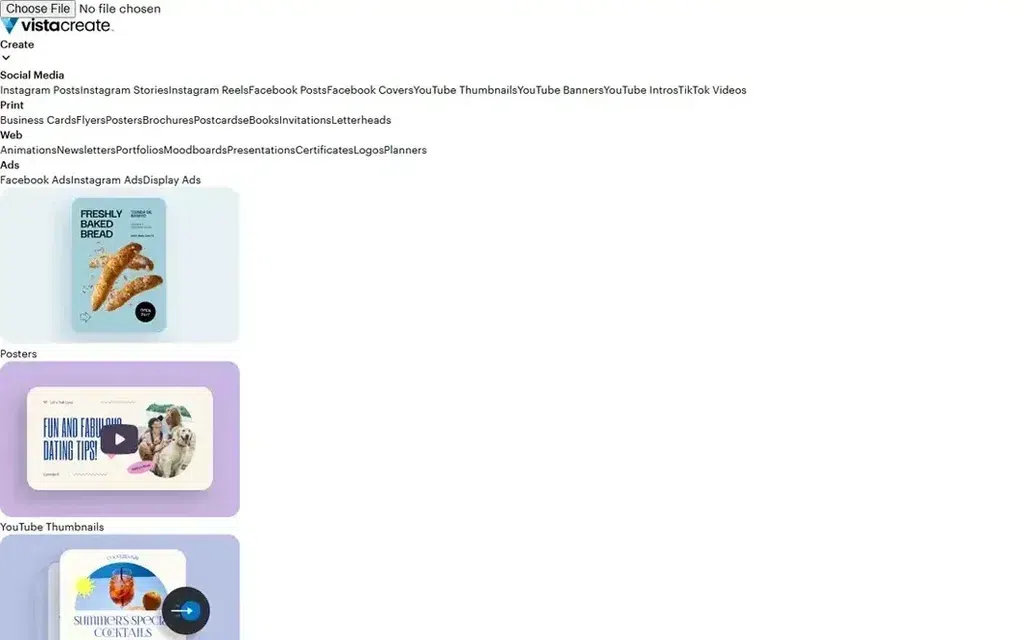
VistaCreate is aimed squarely at template-led social and print design. Pick VistaCreate when speed and ready-made formats matter more than bespoke design.
What to check first: Less depth for complicated data visuals.
For everyday use, designers wanting fine control over every element may find it limiting. Pricing for VistaCreate is not stated here, so ask the vendor for current figures. VistaCreate includes a free tier.
- AI-assisted design for quicker starts
- Ads and print
- Template style may feel repetitive across projects
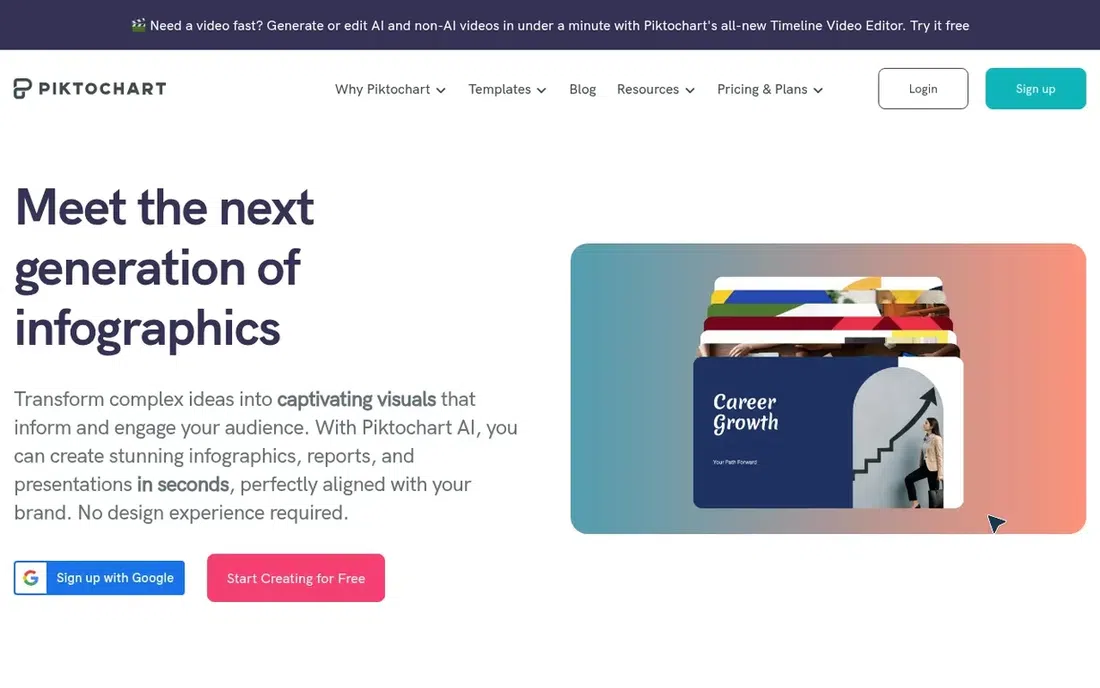
Think of Piktochart for Infographics, reports and data visuals. Piktochart positions its AI infographic tools around turning data into visuals rapidly, with a studio for designs, presentations, reports, ebooks and videos and no design experience required.
Drawbacks to consider: Narrower fit for general social graphics.
Best features of Piktochart: AI studio pitched at non-designers.
Price to start with Piktochart: $10 per member per month. Piktochart offers a free plan.
- Ebooks and video
- Supports reports, presentations
- Data-heavy layouts can need more setup
Where Snappa fits: prompt-driven social graphics. Prompt-driven output can limit fine control, and the tool is not designed for presentations, reports or print-heavy work.
Pick Snappa when speed on social and blog graphics is the primary goal. Snappa starts at: $10 per month. Snappa includes a free tier.
The main drawbacks: Fewer layout choices than full suites.
- Straightforward workflow for quick output
- Single prompt creates graphics
- Less suited to long-form or print design
DesignWizard
Best for: Straightforward free online graphic design
For straightforward free online graphic design, DesignWizard is a natural candidate. Its pitch is simplicity: open the browser, pick a starting point and produce a graphic without learning a complicated editor. That makes it a reasonable alternative for beginners and small firms that primarily need entry-level promotional images and social visuals.
Watch-outs: Lighter feature set than full suites.
Also, pick DesignWizard when simplicity outweighs depth. From a buyer's view, the lighter feature set presents on advanced projects. It is not the place for in-depth infographics, video editing or extensive brand systems. Worth adding: users who outgrow straightforward templates will likely move to Canva or VistaCreate. DesignWizard cost at the entry level: $9.99 per month. DesignWizard offers a free plan.
- Straightforward editor for fast graphics
- Positioned as accessible for beginners
- Less suited to advanced or data-heavy projects
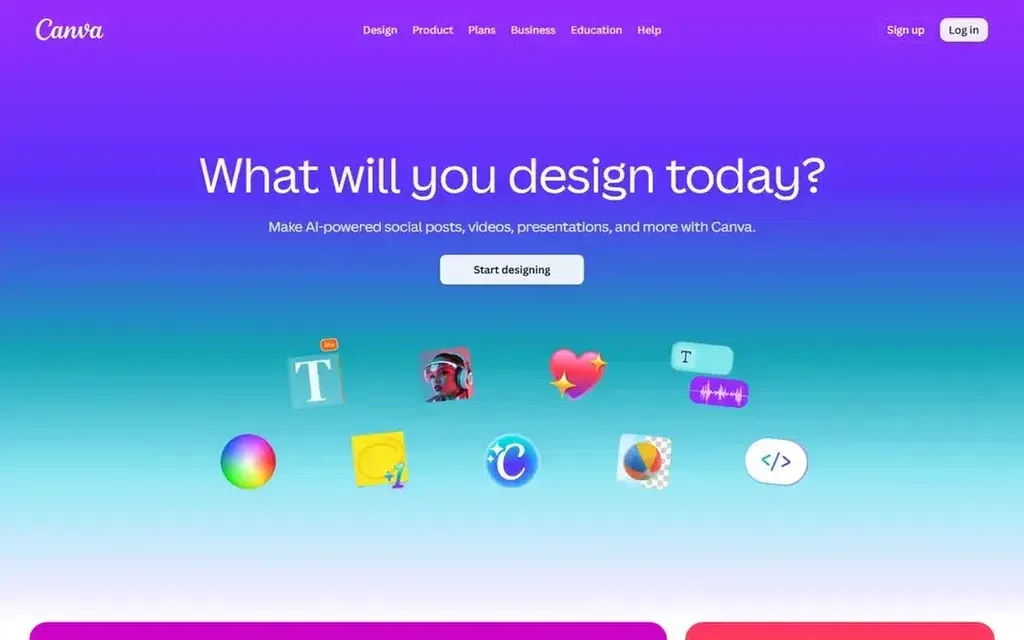
Canva is a good fit for all-around visual design work. Choose Canva when variety and a shared workspace matter most. The trade-off is complexity: the sheer number of templates and choices can slow down fast jobs.
Watch-outs: Feature depth can feel overwhelming for straightforward tasks.
Some brand and team controls are reserved for premium levels. Canva presents itself as a visual suite for everyone. Its homepage describes an online graphic design tool for social media posts, presentations, posters, videos, logos and more. That breadth makes it a natural landing spot for people leaving Desygner who want one workspace for plenty of formats. As for the details, if your work is narrowly concentrated on data visuals or single-prompt graphics, a more specialized tool may be more straightforward. Pricing for Canva is not stated here, so ask the vendor for current figures. On free options: Not stated.
- Video and logos
- Browser-based with collaborative editing
- Advanced brand controls sit behind higher levels
Our selection method
Each tool was reviewed on what its vendor publishes: price, plan limits, core features and stated drawbacks. We did not run hands-on tests. Treat prices as a snapshot: vendors change plans often, so check the vendor site for the figure that applies today. The order reflects how well each tool fits the most common buying scenario for Desygner, then price clarity, then free plan access. It is a starting point, not a verdict.
A buyer's checklist
- Confirm the entry price on the vendor page. For VistaCreate and Canva that means a quote rather than a fixed price.
- Read the fine print on the free plans from VistaCreate, Piktochart, Snappa and DesignWizard; seat, project and feature caps differ.
- Read the limits listed for VistaCreate first: less depth for complicated data visuals.
- Verify that exporting from Canva is possible on your plan and covers all your records.
- Look at the renewal terms for Piktochart: auto-renewal, notice periods and price changes can matter more than the first-year price.
FAQ
What is the cheapest option for Desygner in this list?
On published monthly entry prices, DesignWizard is the lowest here at $9.99 per month. Entry price is only part of the cost, because seats, add-ons and billing terms can change the total.
Which options for Desygner have a free plan?
On this list, VistaCreate, Piktochart, Snappa and DesignWizard include a free plan. Caps on seats, usage or features are common, so test the free plan against your real workload.
Do these tools publish their prices?
Not all of them. VistaCreate and Canva publish no starting price, so expect a quote request for those. The rest, Piktochart included, show a starting price, though seats and billing terms still change the final cost.
Which alternative is best for infographics and reports?
This list starts with VistaCreate, which fits template-led social and print design. For other needs, Piktochart is aimed at Infographics, reports and data visuals, and Snappa at prompt-driven social graphics. Check each tool's price and main limit first.
How are the tools for Desygner ordered?
The order follows typical fit for Desygner, with VistaCreate first and Canva last, then price clarity and free access. It is editorial judgement, not a score, so another team could rank the tools differently.
Are there simple choices for beginners?
DesignWizard emphasizes creating designs online in seconds, and Snappa turns a single prompt into graphics. Both cut the number of decisions a beginner faces.
Sources
- https://create.vista.com
- https://piktochart.com
- https://snappa.com
- https://www.designwizard.com
- https://www.canva.com