Switching From Coursera? 5 Alternatives for 2026
Comparing Coursera alternatives? 5 contenders, each with entry cost, free tier and best-fit buyer. Each pick comes with its main catch. Prices included.
- Editor's choice
 DataCamp
Data science and AI practice
Starts at$5 a month billed yearlyVisit datacamp.comFull review - Great alternative
 LinkedIn Learning
Career-linked skill development
Starts atSee websiteVisit linkedin.comFull review - Also consider
 edX
Institution-backed courses and degrees
Starts atSee websiteVisit edx.orgFull review
Direct answer
If you need data science and AI practice, DataCamp is the first tool to look at here. Listed starting prices: DataCamp from $5 a month billed yearly and Pluralsight from $399 per month per user. LinkedIn Learning is the stronger choice for Career-linked skill development, while edX suits Institution-backed courses and degrees. The other 2 tools in the list cover narrower or pricier cases.
TL;DR:
- DataCamp is the opening pick, best for data science and AI practice.
- Only DataCamp offers a free plan among these 5 tools.
- Before buying DataCamp, weigh this: centered on data and AI subjects.
- The lowest published monthly entry price here is $5 per month billed annually, from DataCamp.
Last checked November 2026. Prices and plan details were read from the vendors' own pages in November 2026; vendors change plans often, so confirm the current price on the vendor site before you buy.
Quick comparison
| Tool | Best for | Starts at | Free plan? | |
|---|---|---|---|---|
| DataCamp | Data science and AI practice | $5 a month billed yearly | Yes | Visit |
| LinkedIn Learning | Career-linked skill development | See website | Not stated | Visit |
| edX | Institution-backed courses and degrees | See website | Not stated | Visit |
| Pluralsight | Teams building tech skills | $399 per month per user | Free trial | Visit |
 Udacity | Career-focused technical programs | See website | Not stated | Visit |
Coursera profiles
This LinkVetted guide covers 5 options for Coursera. Each profile lists a starting price, free plan details, strengths and drawbacks, so you can drop poor fits quickly.
DataCamp was built for data science and AI practice. DataCamp teaches data science and AI online, with video tutorials and coding challenges run straight in the browser on topics like R, Python and statistics.
For everyday use, the practical format fits analysts and aspiring data professionals who learn best by doing. As for the details, anyone wanting a wide multi-subject product should look elsewhere, whereas those centred on data will find the depth handy. The starting price for DataCamp: $5 per month billed annually. DataCamp has a free plan.
Drawbacks to consider: Centered on data and AI subjects.
- Coding challenges in R and Python
- Handles statistics and data topics
- Not a general learning catalog
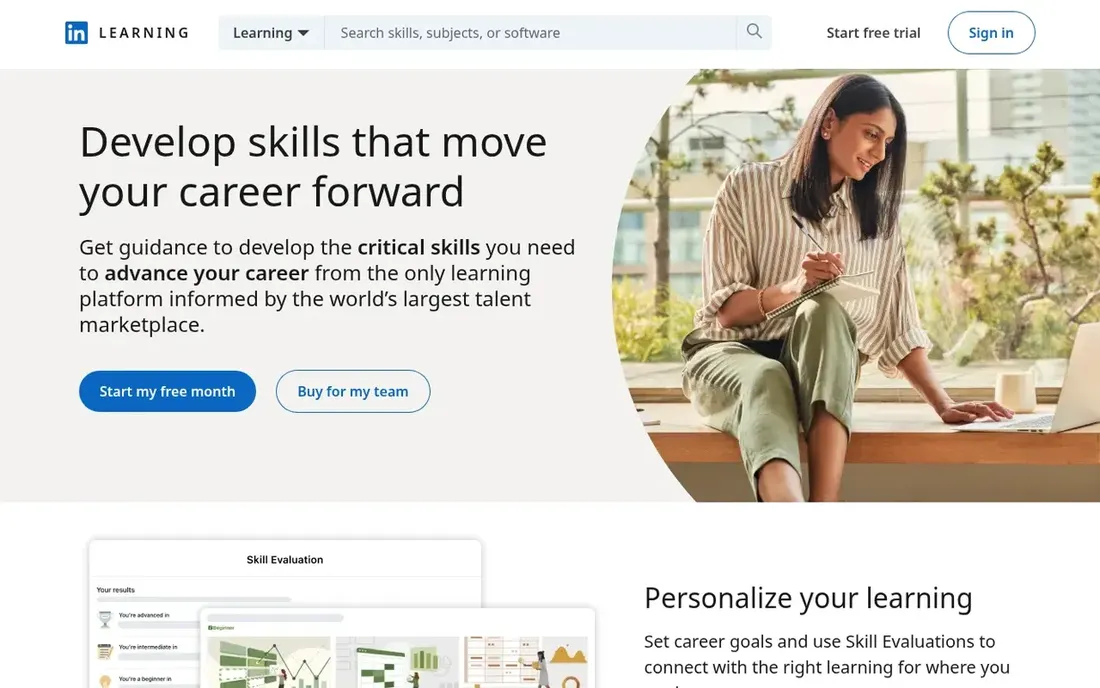
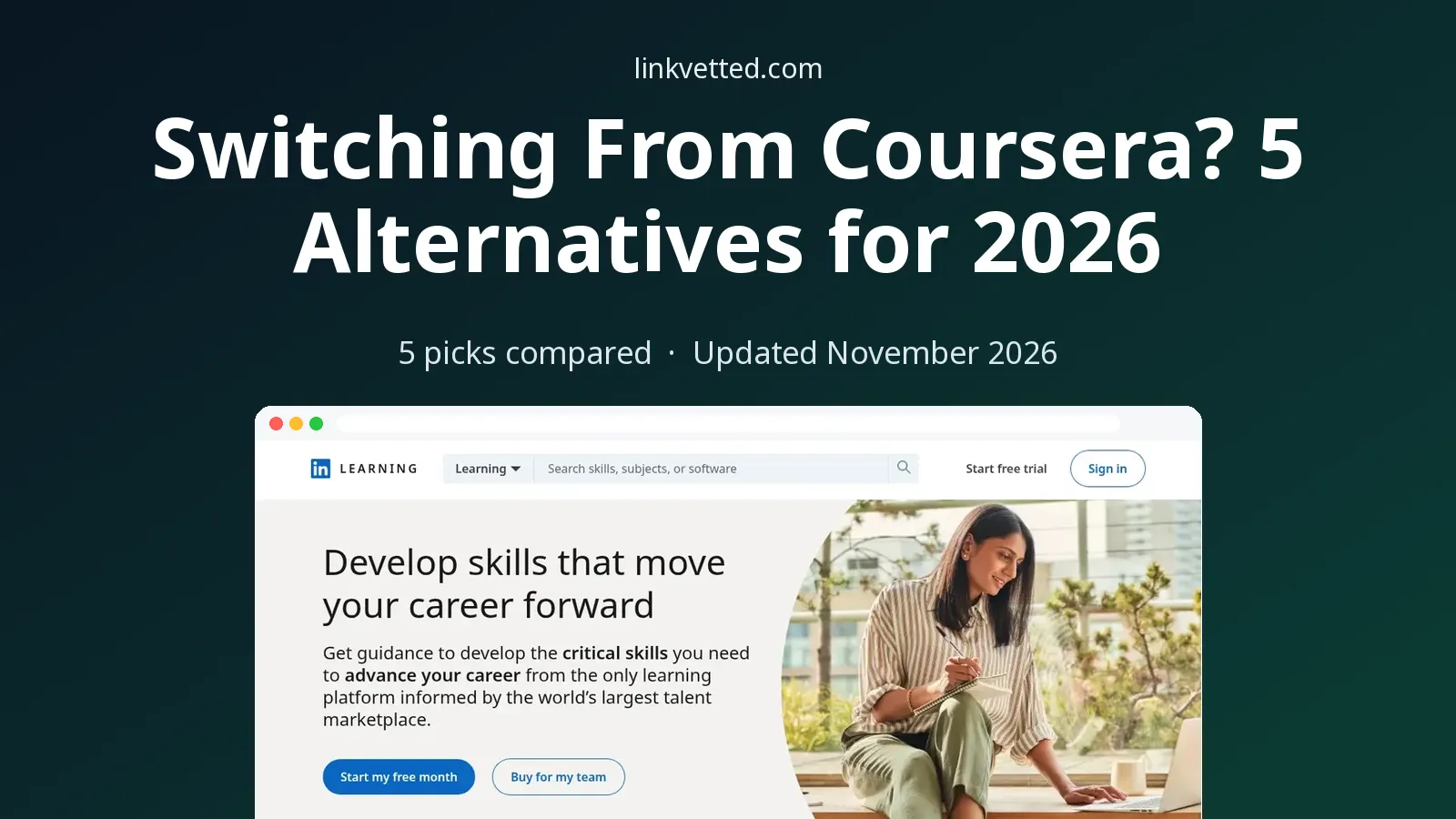
Where LinkedIn Learning fits: Career-linked skill development. LinkedIn Learning is an online training system built around skill building and career development for individuals and teams. Its catalog spans business, AI, technology and creative skills, which makes it a natural fit for professionals who want to add practical skills alongside their existing career path.
Watch-outs: Depth varies across topics.
The library emphasizes workplace and professional topics, so learners seeking deep academic study or formal degrees may find it restricted. Those wanting rigorous, project-heavy technical tracks should compare it with systems made for practical tech training. Team choices make it relevant for organizations that want consistent learning resources across staff. Check the vendor site for LinkedIn Learning pricing; none is listed in this comparison. As for free access: Not stated.
- Tech and creative skill courses
- Business, AI
- Catalog leans toward professional skills
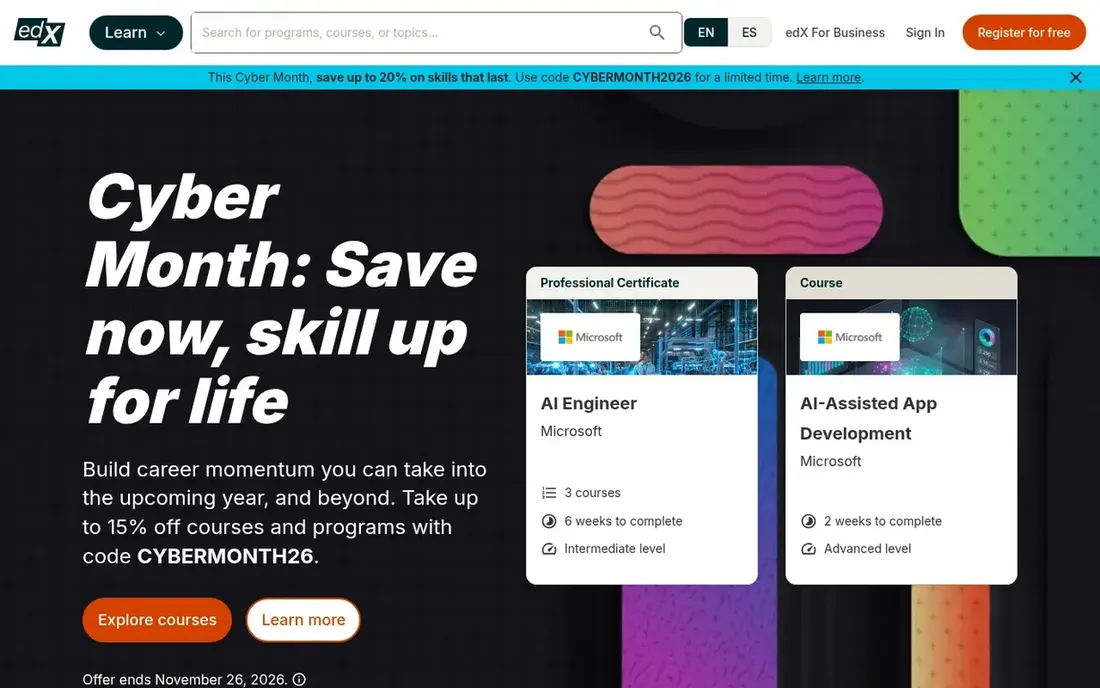
edX works best for Institution-backed courses and degrees. Learners who want a tightly structured, single-vendor curriculum in one technical field may prefer a specialist system instead.
It suits learners who value academic credibility or recognized credentials and who want a wide catalog spanning technology, business and general subjects. Check the vendor site for edX pricing; none is listed in this comparison. Free plan details: Not stated.
The main drawbacks: Quality and format vary by provider.
- Pathways that contain full degrees
- Spans many academic and professional subjects
- Degree choices involve formal enrollment
Pluralsight
Best for: Teams building tech skills
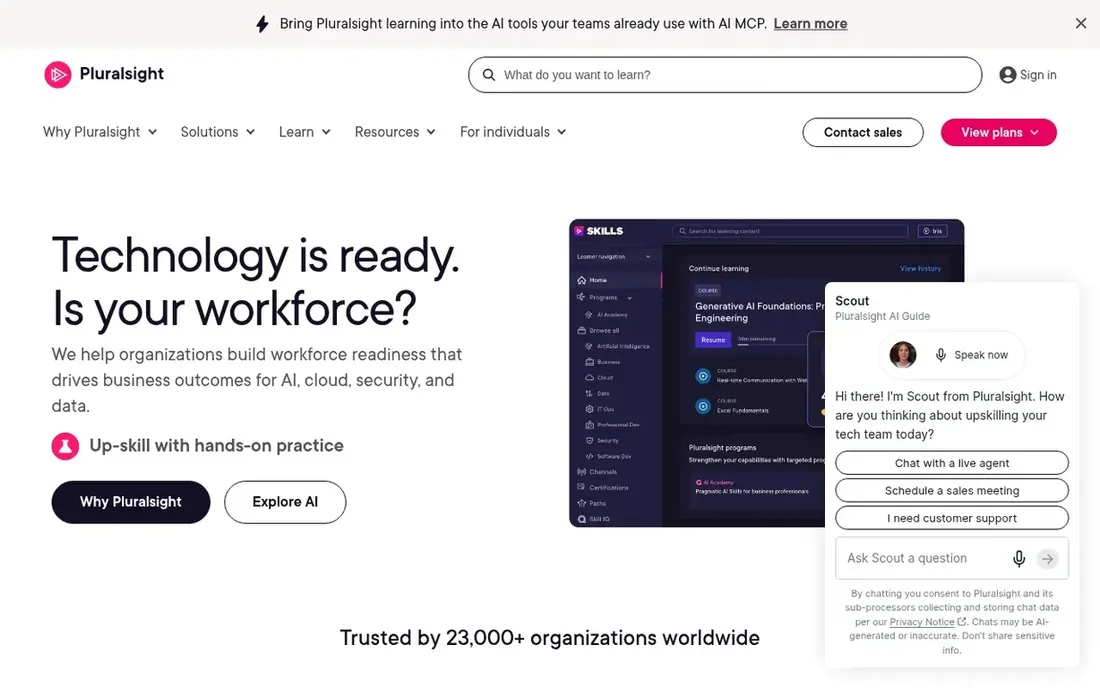
Think of Pluralsight for teams building tech skills. Organizations looking to align technical training across a department will find the team orientation handy.
Where it is weaker: Less suited to general or creative learning.
Its scope is deliberately technical, so it is a poor fit for learners interested in business, creative or academic subjects. Individuals who want a wide general catalog should look at edX or LinkedIn Learning instead. Starting cost for Pluralsight: $399 per month per user. Free access: Free trial.
- Data and security
- Aimed at team skill development
- Narrow focus on technical subjects
Udacity is a good fit for Career-focused technical programs. Udacity gives you online courses centred on in-demand technical skills like programming, data science, artificial intelligence and digital marketing.
Trade-offs to know: Program depth varies by subject.
Those targeting tech or data roles will find the focus handy. No starting price is listed for Udacity here; confirm pricing on the vendor site. As for free access: Not stated. Where it shines: Geared toward advancing technical careers.
- Data science and AI
- Also handles digital marketing
- Catalog is narrower than general products
How these tools were picked
The comparison looks at four things: starting price, free access, how well the feature set matches Coursera, and the main limit of each tool. Treat prices as a snapshot: vendors change plans often, so check the vendor site for the figure that applies today. The sequence is a judgement call: typical use case first, then pricing transparency, then free access. Use the profiles to check fit.
Questions to settle before buying
- Get a written quote from LinkedIn Learning, edX and Udacity; the list shows no starting price for them.
- Look at the free plan from DataCamp closely: its caps decide whether it is usable for real work.
- Use real work to test the free trial from Pluralsight, rather than a demo project.
- Read the limits listed for DataCamp first: centered on data and AI subjects.
- Confirm that Pluralsight connects to the apps your team already uses, on the plan you would actually buy.
- Check how data leaves DataCamp: formats, limits and whether exports are available on every plan.
FAQ
Can I try these tools before paying?
Often, yes. DataCamp has a free plan and Pluralsight offers a free trial. Use your own data and a real task during the test, and check what the free tier or trial limits before you rely on it.
Which Coursera alternative is best for academic credentials?
The first pick on this list is DataCamp, because it suits data science and AI practice. LinkedIn Learning is better for Career-linked skill development, and edX for Institution-backed courses and degrees. Check price and limits against your own needs before choosing.
How are the tools for Coursera ordered?
The order follows typical fit for Coursera, with DataCamp first and Udacity last, then price clarity and free access. It is editorial judgement, not a score, so another team could rank the tools differently.
Do these tools publish their prices?
Not all of them. LinkedIn Learning, edX and Udacity publish no starting price, so expect a quote request for those. The rest, DataCamp included, show a starting price, though seats and billing terms still change the final cost.
Is DataCamp the right pick for everyone comparing Coursera?
No single tool suits every team. DataCamp comes first because it fits data science and AI practice, while LinkedIn Learning suits Career-linked skill development and edX suits Institution-backed courses and degrees. Match the tool to your own size, budget and workflow before deciding.
What is the best choice for a team that needs tech training?
For most readers this guide would start with DataCamp, built for data science and AI practice. LinkedIn Learning is the alternative for Career-linked skill development, and edX for Institution-backed courses and degrees. The right answer depends on budget and workflow.
Sources
- https://www.datacamp.com
- https://www.linkedin.com/learning
- https://www.edx.org
- https://www.pluralsight.com
- https://www.udacity.com