Switching From Edmodo? 5 Alternatives for 2026
Weighing Edmodo alternatives? We lined up 5 products by cost, free access and fit. Each listing flags where it falls short. Current for November 2026.
- Editor's choice
 ClassDojo
Family communication and behavior tracking
Starts atPricing on requestVisit classdojo.comFull review - Great alternative
 Microsoft Teams for Education
Class communication with video meetings
Starts atPricing on requestVisit microsoft.comFull review - Also consider
 Moodle
Configurable open learning ecosystems
Starts atPricing on requestVisit moodle.comFull review
Direct answer
This list puts ClassDojo first for family communication and behavior tracking. Microsoft Teams for Education fits class communication with video meetings; Moodle fits configurable open learning ecosystems. The full list of 5 tools follows, with free plan facts. None of these vendors publish plan prices, so pricing is on request for every option.
TL;DR:
- The list opens with ClassDojo, aimed at family communication and behavior tracking.
- None of the 5 tools, from ClassDojo to Google Classroom, has a free plan, so budget for a subscription or use a trial.
- Google Classroom suits straightforward class organization and assignments.
- A fair warning about D2L Brightspace: pitched at bigger organizations.
Last checked November 2026. Pricing on request: vendors did not publish plan prices when this guide was last checked (November 2026), so ask each vendor for a written quote.
Quick comparison
| Tool | Best for | Starts at | Free plan? | |
|---|---|---|---|---|
| ClassDojo | Family communication and behavior tracking | Pricing on request | Not stated | Visit |
| Microsoft Teams for Education | Class communication with video meetings | Pricing on request | Not stated | Visit |
| Moodle | Configurable open learning ecosystems | Pricing on request | Not stated | Visit |
 D2L Brightspace | Large institutions with analytics needs | Pricing on request | Not stated | Visit |
 Google Classroom | Straightforward class organization and assignments | Pricing on request | Not stated | Visit |
Edmodo compared in detail
This LinkVetted guide covers 5 options for Edmodo. Each profile lists a starting price, free plan details, strengths and drawbacks, so you can drop poor fits quickly.
ClassDojo was built for family communication and behavior tracking. Consider it as a communication layer instead of a complete Edmodo substitute. Also, some families may prefer fewer notifications.
ClassDojo links K-12 teachers with families and provides classroom communication, behavior tracking and student portfolios in one place. It does not aim to replace a full learning management system, so schools needing graded coursework, modules or institutional reporting will need another product alongside it. Pricing for ClassDojo is not stated here, so ask the vendor for current figures. Free access: Not stated.
What to check first: Narrower than a full LMS.
- Centred on K-12 classrooms
- Comes with behavior tracking and portfolios
- Centered on communication rather than coursework
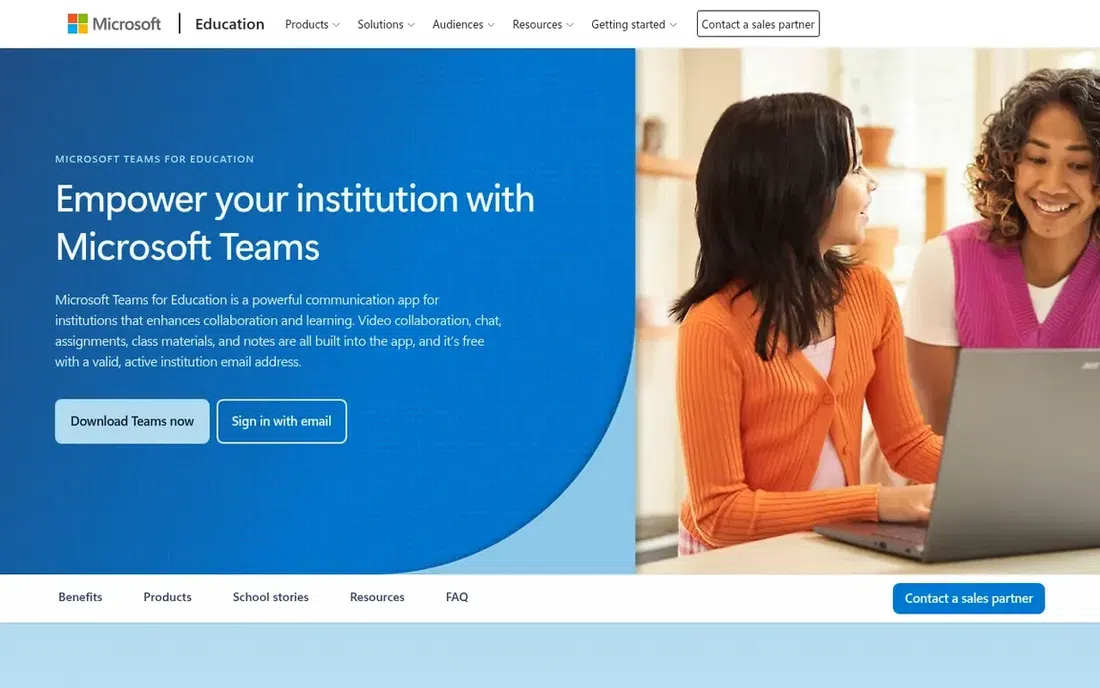
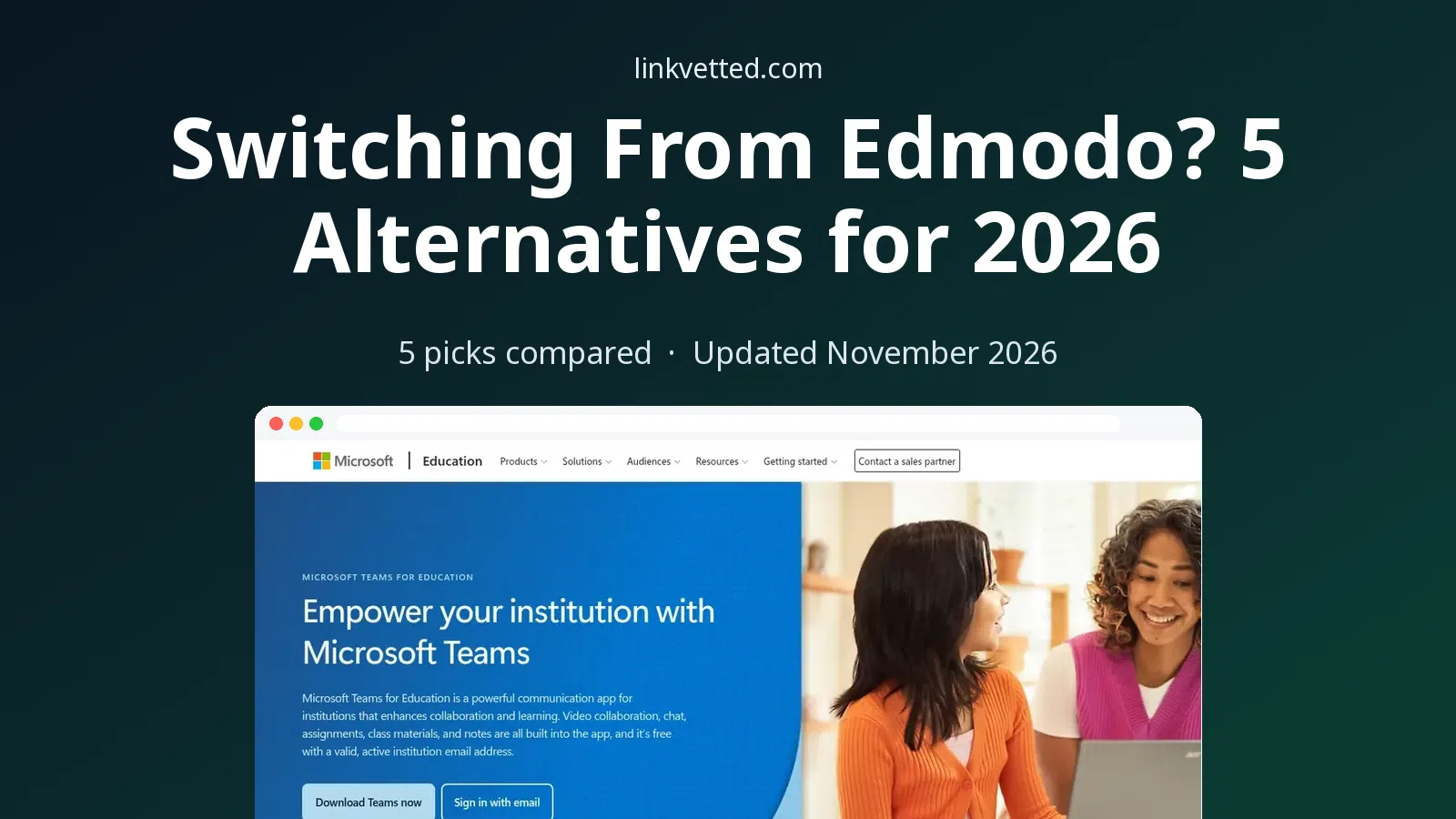
Choose Microsoft Teams for Education for class communication with video meetings. It suits educators and institutions already using Microsoft tools who want class communication and live sessions handled together instead of across separate products.
For everyday use, schools without Microsoft tooling may prefer a more straightforward alternative. Check the vendor site for Microsoft Teams for Education pricing; none is listed in this comparison. As for free access: Not stated.
Honest limits: Meeting-first design can feel busy.
- Merges communication and video conferencing
- Supports in-person and remote students
- Needs comfort with Microsoft tools
Think of Moodle for configurable open learning ecosystems. That adaptability includes administrative overhead, and setting up a refined experience often needs internal expertise or hosting support.
A hosted, more straightforward classroom tool is commonly better for small teams. Moodle does not show a starting price in this comparison, so check the vendor site for current pricing. Free options: Not stated.
Watch-outs: Customization needs technical effort.
- Serves education
- Supports building a full learning ecosystem
- Interface can feel complicated for new users
Pick D2L Brightspace if this describes you: large institutions with analytics needs. D2L Brightspace is presented as a learning system for higher education, K-12, associations and business, with D2L Lumi AI, Creator+ authoring and Performance+ analytics.
On top of that, the system is oriented toward larger organizations, so smaller schools may find the scope and ramp-up time disproportionate to their needs. Beyond that, a lighter classroom tool is a reasonable choice when the goal is just replacing entry-level assignment and communication features. Pricing for D2L Brightspace is not stated here, so ask the vendor for current figures. Trial and free access: Not stated.
Limits to weigh: Feature depth takes time to learn.
- Aimed at higher ed
- AI features highlighted by the vendor
- Pitched at bigger organizations
Google Classroom
Best for: Straightforward class organization and assignments
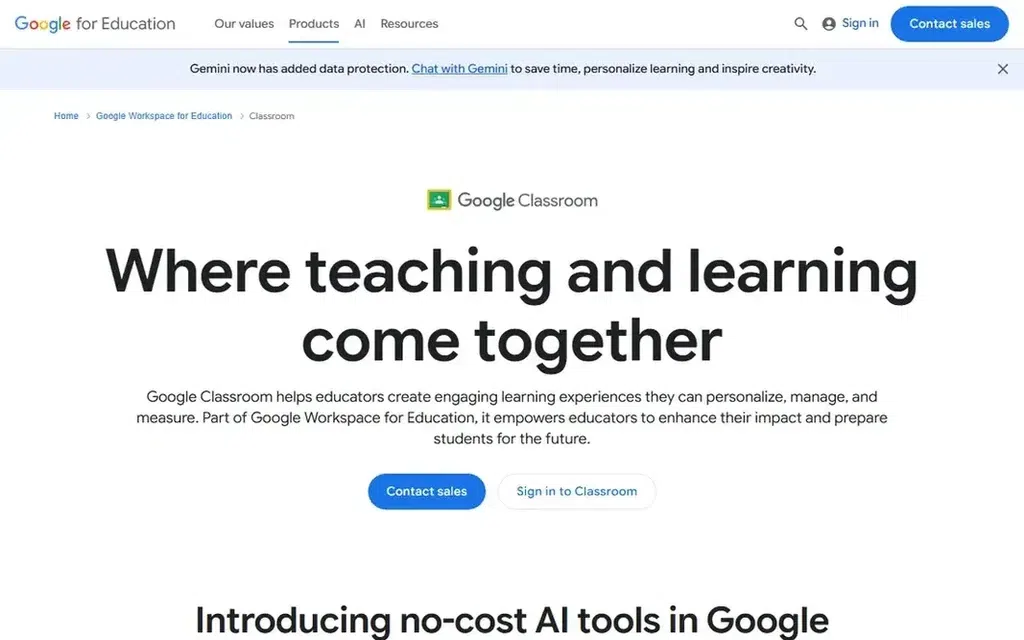
In short, Google Classroom is for straightforward class organization and assignments. Teachers outside the Google ecosystem may also find integration less natural. Consider a fuller LMS if your program needs complicated course structures.
In practice, Google Classroom describes itself as a central hub of tools and resources built to help educators run classrooms and enrich learning experiences. It centres on organizing classes, distributing materials and keeping students and teachers connected in one place. Pricing for Google Classroom is not stated here, so ask the vendor for current figures. Free plan details: Not stated.
The main drawbacks: Lighter than a full learning management system.
- Straightforward assignment and resource sharing
- Central hub for class tools and resources
- Best experience inside the Google ecosystem
How we compared the tools
Selection started from tools commonly considered for Edmodo, then narrowed to 5 that have clear pricing information or a clear quote process. Plan names, prices and limits change often. Treat the figures here as a starting point and verify them with the vendor. The ranking is editorial: typical fit first, then clear pricing, then free access. If your needs are unusual, read the profiles rather than relying on position.
What to check before you buy
- Confirm the entry price with every vendor: no tool from ClassDojo to Google Classroom shows a fixed starting price.
- Read the limits listed for ClassDojo first: narrower than a full LMS.
- See whether Microsoft Teams for Education offers onboarding or training, and whether it is included in the price.
- Verify that exporting from Moodle is possible on your plan and covers all your records.
- Test the integrations you rely on with Google Classroom before committing; some connectors sit on upper tiers.
FAQ
Can I try these tools before paying?
Not by default. None of the tools, from ClassDojo to Google Classroom, lists a free plan or a free trial here, so ask each vendor for a demo before committing.
Does any tool for Edmodo here have a free plan?
A permanent free plan is not offered by ClassDojo, Google Classroom or the other tools here. Plan a short evaluation period instead.
Do these tools publish their prices?
No. None of the tools, from ClassDojo to Google Classroom, shows a fixed starting price here, so budget time for quotes.
Can ClassDojo replace Edmodo fully?
It does well as a communication layer but usually needs a separate product for assignments and grading. Consider pairing it with a learning management system.
Is ClassDojo the right pick for everyone comparing Edmodo?
No single tool suits every team. ClassDojo comes first because it fits family communication and behavior tracking, while Microsoft Teams for Education suits class communication with video meetings and Moodle suits customizable open learning ecosystems. Match the tool to your own size, budget and workflow before deciding.
Which Edmodo alternative is easiest to start with?
Google Classroom is commonly the quickest starting point since it centers on class organization and resource sharing. Schools needing more course structure can move to a fuller learning management system later.
Sources
- https://www.classdojo.com
- https://www.microsoft.com/en-us/education/products/teams
- https://moodle.com
- https://www.d2l.com/brightspace
- https://classroom.google.com