5 CombinePDF Alternatives Worth Switching To in 2026
Need CombinePDF alternatives? We compare 5 tools on cost, free access and who each suits. Fit and flaws are laid out for each entry. Jump to the table.
- Editor's choice
 Smallpdf
All-in-one online PDF conversion and editing
Starts atSee websiteVisit smallpdf.comFull review - Great alternativePDF24 Creator
Free offline and online PDF tasks
Starts atSee websiteVisit pdf24.orgFull review - Also consider
 Adobe Acrobat
Full document creation and management
Starts atSee websiteVisit adobe.comFull review
Direct answer
Smallpdf comes first here, mainly for all-in-one online PDF conversion and editing. Listed starting prices: Sejda PDF from $5 per user for 7 days. If your case is different, PDF24 Creator suits free offline and online PDF tasks and Adobe Acrobat suits full document creation and management. Prices, free plans and limits for all 5 tools follow.
TL;DR:
- Smallpdf sits first on this list: all-in-one online PDF conversion and editing.
- For the cheapest start, look at Sejda PDF: $5 per user for 7 days.
- What to know about Adobe Acrobat first: feature depth can overwhelm casual users.
- Just one of the 5 tools, Sejda PDF, has a free plan.
- Sejda PDF suits fast browser-based PDF tasks.
Last checked November 2026. Prices and plan details were read from the vendors' own pages in November 2026; vendors change plans often, so confirm the current price on the vendor site before you buy.
Quick comparison
| Tool | Best for | Starts at | Free plan? | |
|---|---|---|---|---|
| Smallpdf | All-in-one online PDF conversion and editing | See website | Not stated | Visit |
| PDF24 Creator | Free offline and online PDF tasks | See website | Not stated | Visit |
| Adobe Acrobat | Full document creation and management | See website | Not stated | Visit |
 Foxit PDF Editor | Editing and signing as an Adobe alternative | See website | Not stated | Visit |
| Sejda PDF | Fast browser-based PDF tasks | $5 per user for 7 days | Yes | Visit |
The full CombinePDF list
Short on time? The summary and table above give the quick view of 5 tools for CombinePDF, and the profiles that follow give the detail behind each entry.
Smallpdf is aimed squarely at all-in-one online PDF conversion and editing. On top of that, the clean interface makes it approachable for occasional users who deal with a handful of documents at a time.
Working online means file handling happens remotely, which may not fit confidential material. In practice, if your needs stay straightforward and browser-based, Smallpdf is a convenient choice. No starting price is listed for Smallpdf here; confirm pricing on the vendor site. Free access: Not stated.
Trade-offs to know: Advanced editing is restricted.
- Browser-based with a straightforward interface
- Converts and edits in one place
- Online processing may not suit confidential files
PDF24 Creator
Best for: Free offline and online PDF tasks
Choose PDF24 Creator for free offline and online PDF tasks. PDF24 Creator provides free options for typical PDF problems, including merging, compressing, editing, and converting, available both online and as offline software.
In daily use, otherwise, PDF24 takes care of routine merging well. Pricing for PDF24 Creator is not stated here, so ask the vendor for current figures. Trial and free access: Not stated.
Watch-outs: Interface is utilitarian instead of refined.
- Free tools for merging and compressing
- Handles conversion and editing basics
- Advanced editing is restricted compared to premium suites
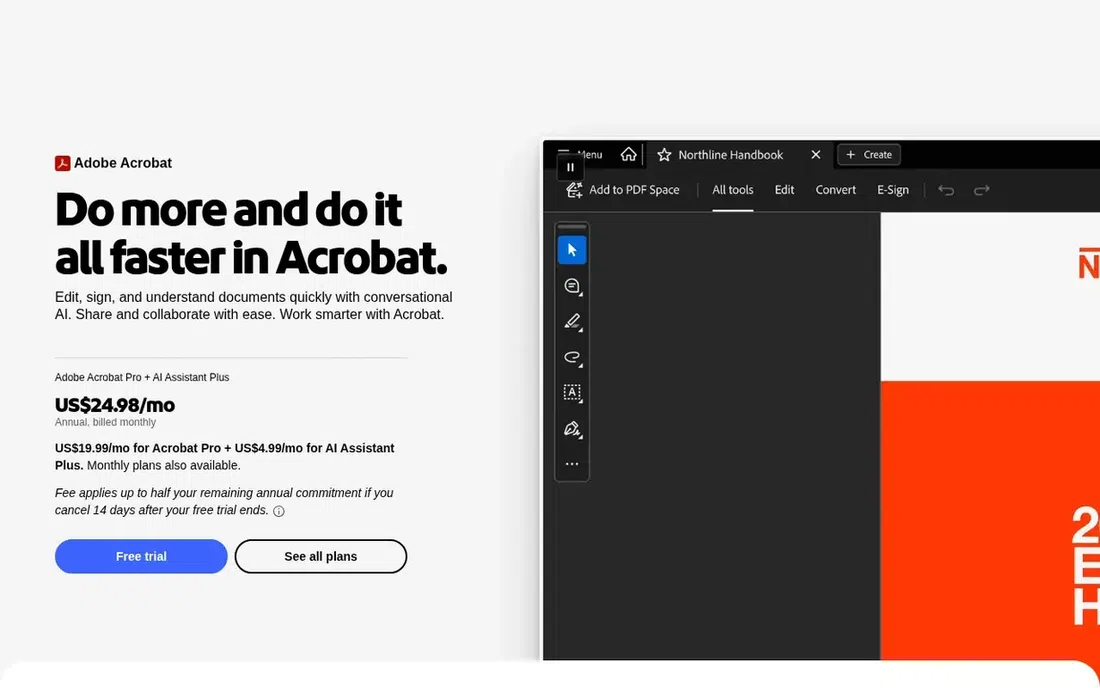
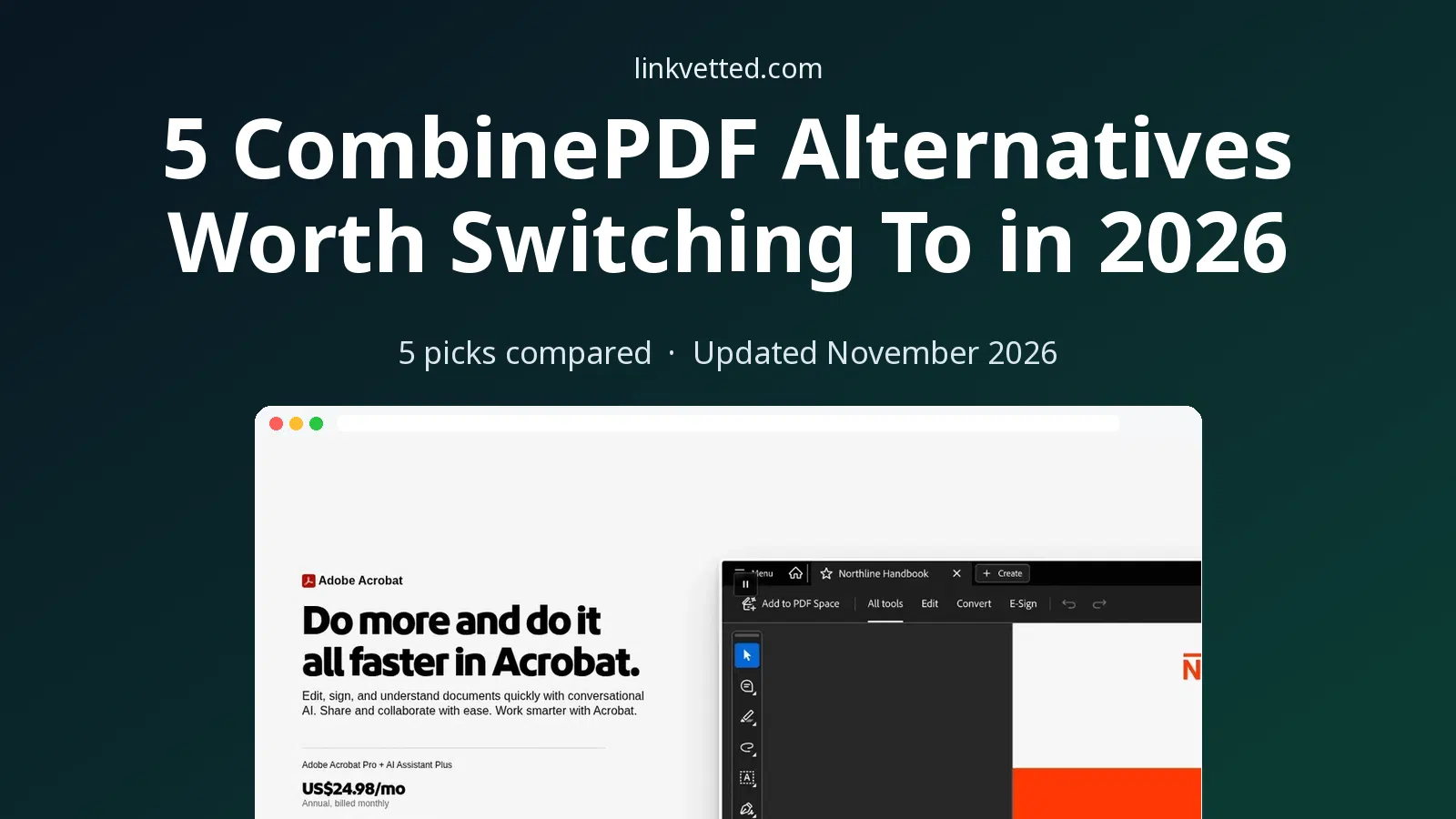
Think of Adobe Acrobat for full document creation and management. Adobe Acrobat is a complete PDF toolkit for creating, editing, signing, and managing documents, with AI features layered in.
More specifically, the breadth of features means more to learn, and casual users who only merge files may find it more than they need. It is also a commercial product, so check current terms on Adobe's site. Pricing for Adobe Acrobat is not stated here, so ask the vendor for current figures. Free options: Not stated.
Limits to weigh: Heavier than straightforward merge tools.
- Wide produce, edit, sign
- Works across numerous document workflows
- Feature depth can overwhelm casual users
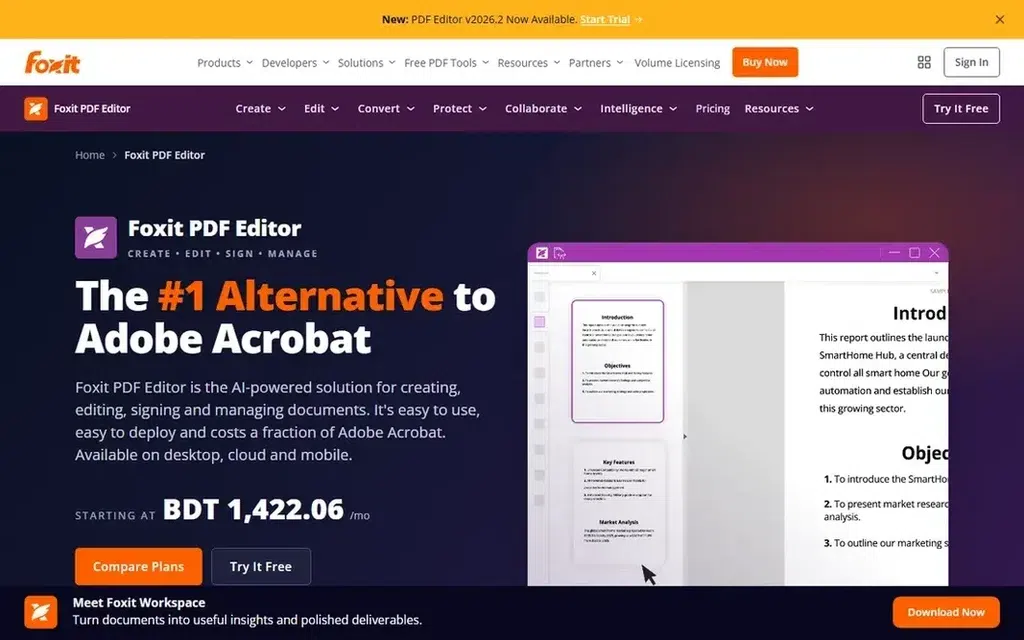
Foxit PDF Editor is a good fit for editing and signing as an Adobe alternative. Foxit PDF Editor is an AI-powered editor for editing, converting, and signing PDFs, and its vendor positions it as an alternative to Adobe.
A dedicated merge tool or a free utility could be the more straightforward route. This comparison lists no price for Foxit PDF Editor; ask the vendor. Free plan details: Not stated.
- Signing built into the editor
- Marketed straight as an Adobe alternative
- Editing focus may exceed straightforward merge needs
Sejda PDF
Best for: Fast browser-based PDF tasks
Sejda PDF targets fast browser-based PDF tasks. It fits users who require a quick browser fix on a shared or temporary machine.
Where it shines: Straightforward online workflow.
Since it runs in the browser, heavy or sensitive work may call for a desktop tool instead. Sejda PDF pricing: $5 per user for 7 days. Sejda PDF offers a free plan.
Where it is weaker: Browser-based work relies on connectivity.
- Merge, split
- Convert to images
- Not a full document management suite
How we built this list
Selection started from tools commonly considered for CombinePDF, then narrowed to 5 that have clear pricing information or a clear quote process. Where a vendor does not publish a price, the entry says quote. Where a price depends on seats or billing term, the entry says so. Position on the page reflects fit for a typical buyer first, with price clarity and free access breaking ties. Treat it as a guide, not a ruling.
What to confirm before you sign up
- Ask Smallpdf, PDF24 Creator, Adobe Acrobat and Foxit PDF Editor for a written quote, since no starting price is shown.
- Look at the free plan from Sejda PDF closely: its caps decide whether it is usable for real work.
- Read the limits listed for Smallpdf first: online processing may not suit confidential files.
- Ask Adobe Acrobat whether prices are locked for the first term and what happens at renewal.
- See whether PDF24 Creator offers onboarding or training, and whether it is included in the price.
FAQ
Which options for CombinePDF have a free plan?
Sejda PDF is the only tool in this list with a free plan. Free plans usually cap users, projects or features, so check the limits on the vendor page.
What is the best CombinePDF alternative for simple merging?
For most readers this guide would start with Smallpdf, built for all-in-one online PDF conversion and editing. PDF24 Creator is the alternative for free offline and online PDF tasks, and Adobe Acrobat for full document creation and management. The right answer depends on budget and workflow.
What is the cheapest option for CombinePDF in this list?
On published monthly entry prices, Sejda PDF is the lowest here at $5 per user for 7 days. Entry price is only part of the cost, because seats, add-ons and billing terms can change the total.
How are the tools for CombinePDF ordered?
Smallpdf sits first and Sejda PDF last because the order follows typical fit for CombinePDF, then price clarity and free access. It is a judgement call, so read each profile for fit and limits.
Do these tools publish their prices?
Not all of them. Smallpdf, PDF24 Creator, Adobe Acrobat and Foxit PDF Editor publish no starting price, so expect a quote request for those. The rest, Sejda PDF included, show a starting price, though seats and billing terms still change the final cost.
Sources
- https://smallpdf.com
- https://www.pdf24.org/en
- https://www.adobe.com/acrobat.html
- https://www.foxit.com/pdf-editor
- https://www.sejda.com