Cleanup.pictures Alternatives in 2026: 5 Options Vetted
Searching for Cleanup.pictures alternatives? Here are 5 options with prices and free plans. Costs and caveats sit beside each pick. Updated November 2026.
- Editor's choice
 Pixelmator Pro
Mac and iPad users wanting pro editing
Starts atPricing on requestVisit pixelmator.comFull review - Great alternative
 Fotor
Accessible online editing and fast retouching
Starts atPricing on requestVisit fotor.comFull review - Also consider
 Adobe Photoshop
Precise, layered object removal and retouching
Starts atPricing on requestVisit adobe.comFull review
Direct answer
This list puts Pixelmator Pro first for Mac and iPad users wanting pro editing. If your case is different, Fotor suits accessible online editing and fast retouching and Adobe Photoshop suits precise, layered object removal and retouching. Free plan facts and limits for all 5 tools follow. None of these vendors publish plan prices, so pricing is on request for every option.
TL;DR:
- This list starts with Pixelmator Pro, which is built for Mac and iPad users wanting pro editing.
- Pricing across the list, from Pixelmator Pro to Canva, is by quote only.
- Only Fotor offers a free plan among these 5 tools.
- Canva is the one to check for fast design work with straightforward image edits.
- A fair warning about Pixelmator Pro: limited to Apple products.
Last checked November 2026. Pricing on request: vendors did not publish plan prices when this guide was last checked (November 2026), so ask each vendor for a written quote.
Quick comparison
| Tool | Best for | Starts at | Free plan? | |
|---|---|---|---|---|
| Pixelmator Pro | Mac and iPad users wanting pro editing | Pricing on request | Not stated | Visit |
| Fotor | Accessible online editing and fast retouching | Pricing on request | Yes | Visit |
| Adobe Photoshop | Precise, layered object removal and retouching | Pricing on request | Not stated | Visit |
 Photoroom | Quick product-photo cleanup for e-commerce | Pricing on request | Free trial | Visit |
 Canva | Fast design work with straightforward image edits | Pricing on request | Not stated | Visit |
Our 5 picks for Cleanup.pictures
LinkVetted put together this guide to Cleanup.pictures for readers who want a clear shortlist without reading every vendor page. It compares 5 tools on starting price, free plans, who each one suits and where each one falls short.
Pixelmator Pro serves Mac and iPad users wanting pro editing. Pixelmator Pro is tied to Apple devices, so Windows and Android users need another choice. Pixelmator Pro is a feature-rich, easy-to-use image editor that brings professional tools and AI features to Mac and iPad.
It manages retouching, color adjustment and layered editing in a clean interface that feels less intimidating than traditional desktop suites. For everyday use, if you work across mixed systems or want the fastest possible cleanup, consider Canva or Fotor instead; choose Pixelmator Pro for depth on Apple hardware. Pricing for Pixelmator Pro is not stated here, so ask the vendor for current figures. As for free access: Not stated.
Points against: Not pitched at one-click web cleanup.
- Designed for Mac and iPad
- AI-assisted editing features
- Restricted to Apple products
Fotor is a good fit for accessible online editing and fast retouching. Fotor is an online photo editor for enhancing and editing images, with cropping, text, effects, retouching and object-removal tools in the browser.
Drawbacks to consider: Advanced work may hit limits.
Choose Fotor for quick, approachable online edits, and move to a desktop editor when a project demands deeper control. As for the details, complicated compositing and fine retouching may feel constrained. Fotor shows no starting price here, so confirm the cost on the vendor site. Fotor offers a free plan.
- Straightforward interface for everyday edits
- Retouch and object-removal tools
- Less depth than desktop suites
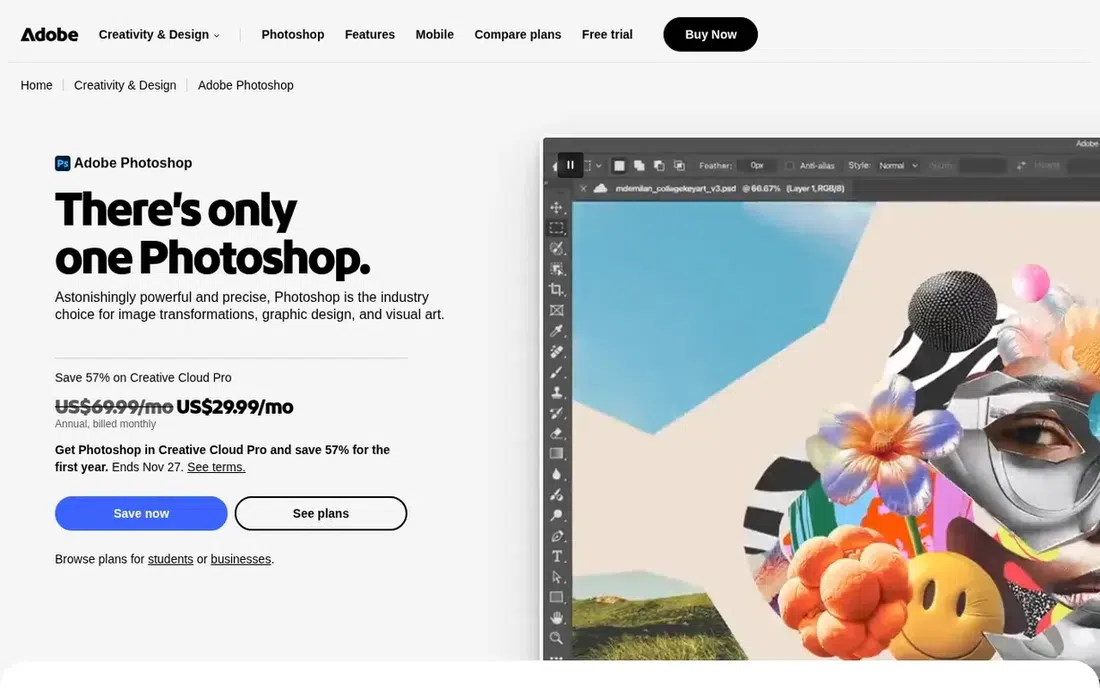
Adobe Photoshop works best for precise, layered object removal and retouching. It runs online and through the mobile app plus on desktop.
What to check first: Heavier than fast one-click cleanup.
If you only have to erase a stray object now and then, a lighter tool for example Fotor or Canva will feel quicker. Adobe Photoshop does not show a starting price in this comparison, so check the vendor site for current pricing. Free options: Not stated.
- Non-destructive editing
- Precise retouching controls
- Steeper ramp-up time
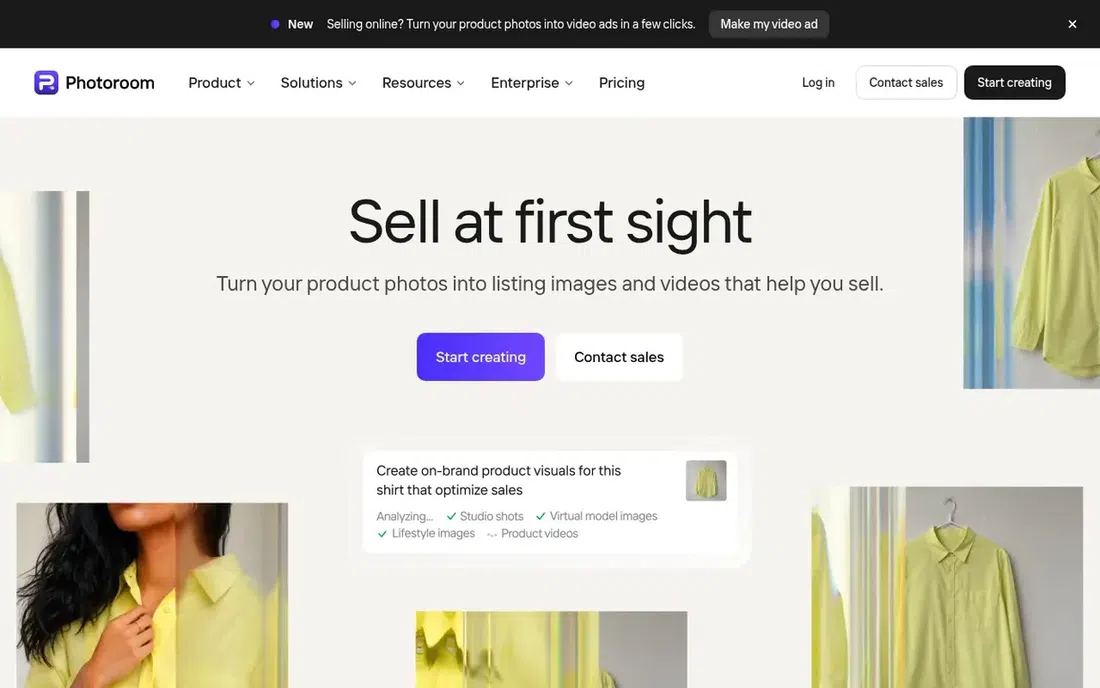
In short, Photoroom is for quick product-photo cleanup for e-commerce. Its automatic tools accelerate background removal and cleanup, making it practical for online keeps that process plenty of photos.
Honest limits: Narrower general-purpose editing.
On top of that, for artistic edits, Photoshop or Pixelmator Pro provide more control. On top of that, choose Photoroom when your priority is efficient, repeatable product-photo cleanup instead of wide design freedom. Photoroom does not show a starting price in this comparison, so check the vendor site for current pricing. Trial and free access: Free trial.
- Fast background and object handling
- AI tools tuned for product images
- Less control for fine artistic retouching

Canva is designed for fast design work with straightforward image edits. Canva is an online visual suite for creating social posts, presentations, posters, videos and logos. It contains entry-level image editing and background tools, so it performs well for light cleanup alongside layout and design.
Watch-outs: Restricted advanced retouching.
Pick Canva when speed and design templates matter more than granular control over pixels. From a buyer's view, Canva is not a precision retouching tool, and complicated object removal or fine color work is better handled elsewhere. Canva shows no starting price here, so confirm the cost on the vendor site. Free plan details: Not stated.
- Merges design and entry-level photo editing
- Approachable drag-and-drop interface
- Not built for precise object removal
What went into this list
The comparison looks at four things: starting price, free access, how well the feature set matches Cleanup.pictures, and the main limit of each tool. Seat minimums, billing terms and add-ons can move the real cost, so the starting prices here are a guide and not a quote. Order on the page follows fit for the typical buyer first, then price transparency and free access. Your own requirements should decide the final pick.
What to confirm before you sign up
- Confirm the entry price with every vendor: no tool from Pixelmator Pro to Canva shows a fixed starting price.
- Test the free plan from Fotor against your real workload before relying on it.
- Run a trial of Photoroom with real work before paying for a year; your own workflow is the best test.
- Read the limits listed for Pixelmator Pro first: restricted to Apple products.
- Check the integration list for Pixelmator Pro against the tools you run today, and note which ones need a higher plan.
- Work out what Adobe Photoshop costs with your real seat count, add-ons and usage, not just the entry price.
FAQ
What is the best Cleanup.pictures alternative for precise object removal?
Pixelmator Pro is the pick this page puts first, mainly for Mac and iPad users wanting pro editing. If your situation differs, Fotor suits accessible online editing and fast retouching, and Adobe Photoshop suits precise, layered object removal and retouching. Compare price and limits before you decide.
Do these tools publish their prices?
No. None of the tools, from Pixelmator Pro to Canva, shows a fixed starting price here, so budget time for quotes.
Is Pixelmator Pro the right pick for everyone comparing Cleanup.pictures?
No single tool suits every team. Pixelmator Pro comes first because it fits Mac and iPad users wanting pro editing, while Fotor suits accessible online editing and quick retouching and Adobe Photoshop suits precise, layered object removal and retouching. Match the tool to your own size, budget and workflow before deciding.
Can I try these tools before paying?
Often, yes. Fotor has a free plan and Photoroom offers a free trial. Use your own data and a real task during the test, and check what the free tier or trial limits before you rely on it. Prices, free plan details and limits for all 5 tools in this Cleanup.pictures alternatives roundup sit on the individual cards above.
How are the tools for Cleanup.pictures ordered?
The order follows typical fit for Cleanup.pictures, with Pixelmator Pro first and Canva last, then price clarity and free access. It is editorial judgement, not a score, so another team could rank the tools differently.
Sources
- https://www.pixelmator.com/pro
- https://www.fotor.com
- https://www.adobe.com/products/photoshop.html
- https://www.photoroom.com
- https://www.canva.com