Canva AI Alternatives in 2026: 5 Options Vetted
Canva AI alternatives: 5 tools compared on price, free plans and fit. For collaborative product and interface design, begin with Figma. Quick to scan.
- Editor's choice
 Figma
Collaborative product and interface design
Starts at$3 a monthVisit figma.comFull review - Great alternative
 VistaCreate
Social, ad and print design
Starts atSee websiteVisit create.vista.comFull review - Also consider
 Adobe Firefly
Generative image, audio and video
Starts atSee websiteVisit adobe.comFull review
Direct answer
Our first pick is Figma, best for collaborative product and interface design. Listed starting prices: Figma from $3 a month and Picsart from $10.5 per month. If your case is different, VistaCreate suits social, ad and print design and Adobe Firefly suits Generative image, audio and video. All 5 tools are compared below on price, free plan and limits.
TL;DR:
- This list starts with Figma, which is built for collaborative product and interface design.
- What to know about Adobe Firefly first: not a template-based social design app.
- VistaCreate stands alone as the one tool in this list with a free plan.
- Starting prices begin at $3 per month with Figma.
Last checked November 2026. Prices and plan details were read from the vendors' own pages in November 2026; vendors change plans often, so confirm the current price on the vendor site before you buy.
Quick comparison
| Tool | Best for | Starts at | Free plan? | |
|---|---|---|---|---|
| Figma | Collaborative product and interface design | $3 a month | Not stated | Visit |
| VistaCreate | Social, ad and print design | See website | Yes | Visit |
| Adobe Firefly | Generative image, audio and video | See website | Not stated | Visit |
 Picsart | Quick content with templates and AI tools | $10.5 per month | Not stated | Visit |
 Microsoft Designer | Prompt-driven social posts and invitations | See website | Not stated | Visit |
The 5 tools in detail
Choosing Canva AI usually comes down to price, fit and limits. This LinkVetted guide sets 5 tools side by side on those three points, with the facts kept short and checkable.
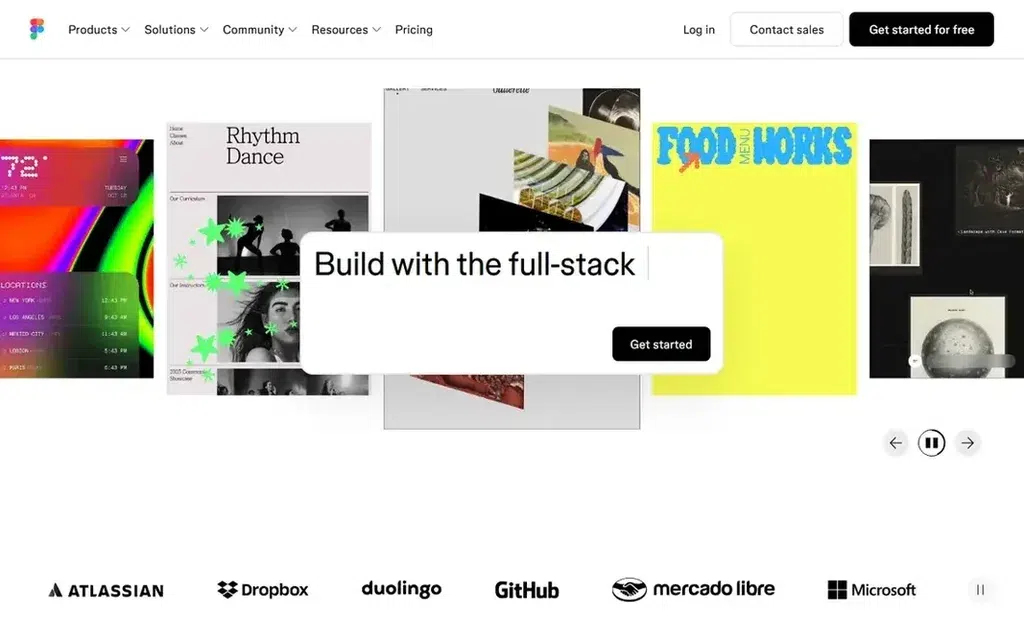
Where Figma fits: collaborative product and interface design. For a solo user who just needs a quick social post, Figma can feel heavier than necessary and provides less ready-made marketing content.
Trade-offs to know: Steeper ramp-up time for casual users.
Teams wanting generative image or video output may prefer a dedicated AI media tool instead. In practice, the emphasis on production workflows distinguishes it from template-first design apps. Figma cost at the entry level: $3 per month. As for free access: Not stated.
- Moves from concept to production
- Code and AI in one canvas
- Not targeted at fast social templates
VistaCreate is aimed squarely at social, ad and print design. VistaCreate presents itself as an AI graphic design tool for online and print, letting users turn photos, ideas or templates into professional designs for social media, ads and print.
Where it falls short: Fewer advanced collaborative features.
Its strengths lie in template-driven marketing design instead of deep product collaboration or advanced generative media. No starting price is listed for VistaCreate here; confirm pricing on the vendor site. You can start on VistaCreate without paying.
- Turns photos and templates into designs
- Straightforward template-led workflow
- Generative depth is narrower than media-focused tools
Adobe Firefly is designed for Generative image, audio and video. In daily use, the multi-format scope makes it handy for assets that feed into broader design projects. Users who chiefly need fast, finished marketing graphics may find a template-first system more direct.
What to check first: Centred on generation instead of layout.
In daily use, Firefly is not a template library for assembling social posts or brand kits. So it complements instead of replaces a layout-focused design app. Pricing for Adobe Firefly is not stated here, so ask the vendor for current figures. Trial and free access: Not stated.
- Generative AI for several media types
- Access to models from multiple providers
- Not a template-based social design app
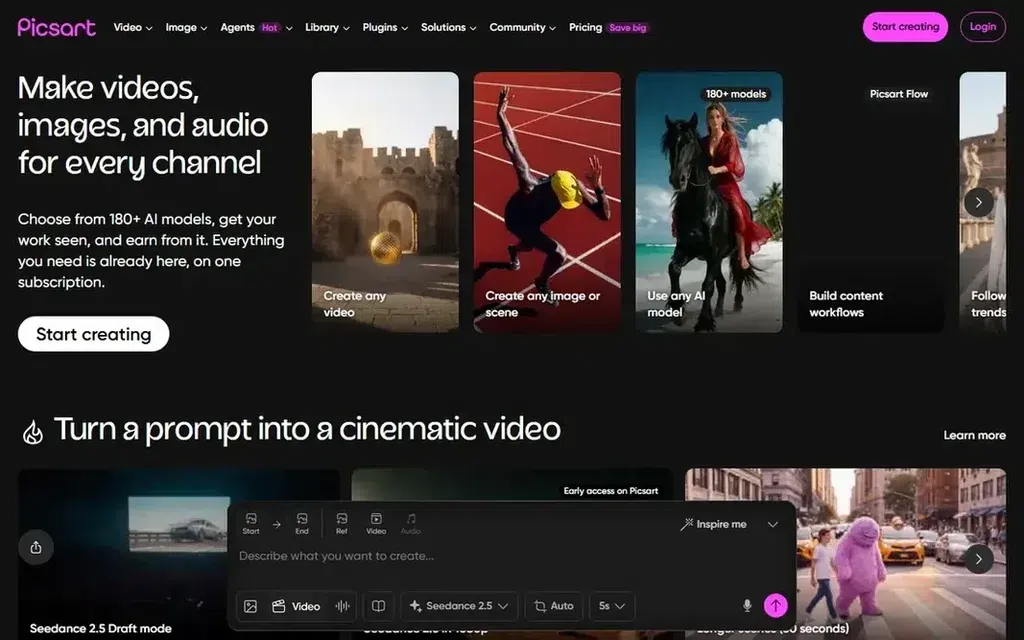
Picsart targets quick content with templates and AI tools. Picsart positions itself as an all-in-one AI creative product with a wide selection of AI design tools, expert-crafted templates and built-in asset libraries. It is targeted at creators and social media teams who want to produce content rapidly, combining generative features with ready-made layouts.
The mix of templates and assets helps users move from idea to finished post without sourcing materials elsewhere. If you need collaborative product files or precise design systems, look to a canvas made for that purpose. Entry price for Picsart: $10.5 per month. On free options: Not stated.
What to check first: Less concentrated on product design work.
- Built-in asset libraries
- Broad selection of AI design tools
- Interface can feel busy for beginners
Microsoft Designer
Best for: Prompt-driven social posts and invitations

Where Microsoft Designer fits: prompt-driven social posts and invitations. Since it centers on prompt-led generation and typical marketing formats, it is not the place for intricate multi-screen product work or highly custom brand systems. In daily use, if your team needs shared component libraries and developer handoff, a product design canvas is the better choice.
Microsoft Designer is a graphic design app built around starting with an idea and generating something unique. Its homepage flags professional quality social media posts, invitations, digital postcards and graphics, which makes it a natural fit for marketers, small companies and individuals who want quick results without deep design skills. It performs well for anyone already comfortable in Microsoft tools. This comparison lists no price for Microsoft Designer; ask the vendor. Trial and free access: Not stated.
Limits to weigh: Less suited to complicated product design.
- Invitations and postcards
- Suits Microsoft ecosystem users
- Template depth is narrower than dedicated suites
How we built this list
LinkVetted looked at what each vendor publishes: pricing, plan limits, feature coverage for Canva AI and stated drawbacks. No hands-on testing is claimed. Figures are shown as the vendors publish them. Billing terms, seat minimums and add-ons can change the real cost. The sequence is a judgement call: typical use case first, then pricing transparency, then free access. Use the profiles to check fit.
A buyer's checklist
- Ask VistaCreate, Adobe Firefly and Microsoft Designer for a written quote, since no starting price is shown.
- Look at the free plan from VistaCreate closely: its caps decide whether it is usable for real work.
- Read the limits listed for Figma first: steeper ramp-up time for casual users.
- Before rolling out Adobe Firefly, verify the integrations your workflow depends on.
- Find out what support Figma includes on your plan, and whether onboarding help costs extra.
FAQ
Which Canva AI alternative is a good match for fast social media graphics?
The first pick on this list is Figma, because it suits collaborative product and interface design. VistaCreate is better for social, ad and print design, and Adobe Firefly for Generative image, audio and video. Check price and limits against your own needs before choosing.
Which alternative fits product and interface design teams?
That makes it a better match for product teams than template-first design apps. Casual users may find it heavier than needed for straightforward graphics.
Do these tools publish their prices?
Not all of them. VistaCreate, Adobe Firefly and Microsoft Designer publish no starting price, so expect a quote request for those. The rest, Figma included, show a starting price, though seats and billing terms still change the final cost.
Where does Adobe Firefly fit among these tools?
Firefly centres on generative AI for images, audio and video instead of layout templates. It performs well alongside a design app when you need original media assets.
What is the cheapest option for Canva AI in this list?
On published monthly entry prices, Figma is the lowest here at $3 per month. Entry price is only part of the cost, because seats, add-ons and billing terms can change the total. All 5 picks in this Canva AI alternatives comparison list a starting price, free plan details and the main limits on their cards above.
Can I try these tools before paying?
Often, yes. VistaCreate has a free plan. Use your own data and a real task during the test, and check what the free tier or trial limits before you rely on it.
Sources
- https://www.figma.com
- https://create.vista.com
- https://www.adobe.com/products/firefly.html
- https://picsart.com
- https://designer.microsoft.com