Bswift Alternatives in 2026: 5 Options Vetted
Searching for bswift alternatives? Here are 5 options with prices and free plans. Rippling comes first for unified HR, IT and finance operations. Easy to scan.
- Editor's choice
 Rippling
Unified HR, IT and finance operations
Starts at$8 per employee per monthVisit rippling.comFull review - Great alternative
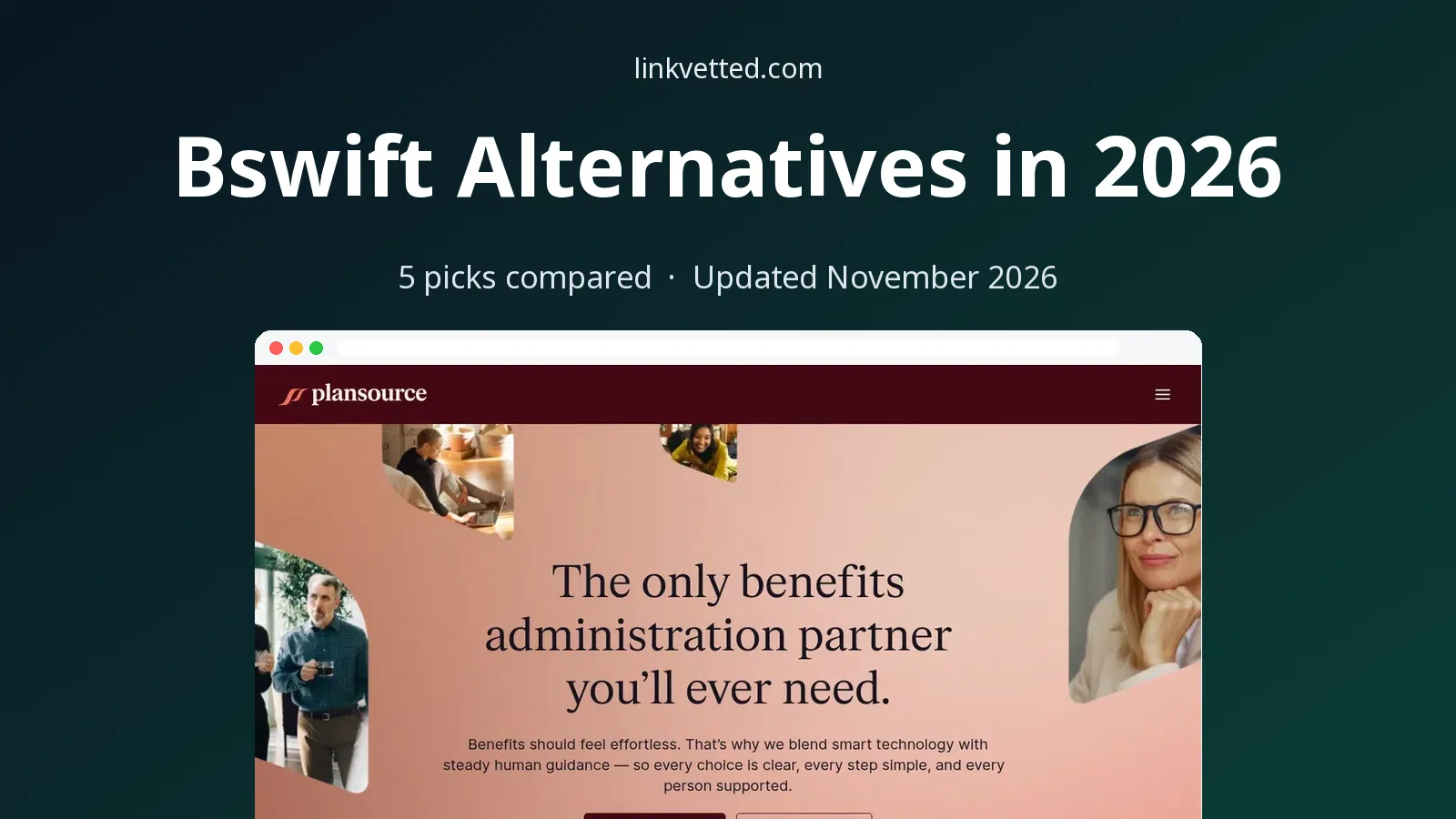
 PlanSource
HR teams wanting software plus human guidance
Starts atSee websiteVisit plansource.comFull review - Also consider
 Benefitfocus
Data-driven benefits administration for employers
Starts atSee websiteVisit benefitfocus.comFull review
Direct answer
For unified HR, IT and finance operations, Rippling is where this list starts. Listed starting prices: Rippling from $8 per employee per month. PlanSource fits HR teams wanting software plus human guidance; Benefitfocus fits data-driven benefits administration for employers. The remaining 2 options are covered below with prices and limits.
TL;DR:
- This list starts with Rippling, which is built for unified HR, IT and finance operations.
- None of the 5 tools, from Rippling to UKG, has a free plan, so budget for a subscription or use a trial.
- The lowest published monthly entry price here is $8 per employee per month, from Rippling.
- UKG is the one to check for HR, payroll and workforce management in one.
Last checked November 2026. Prices and plan details were read from the vendors' own pages in November 2026; vendors change plans often, so confirm the current price on the vendor site before you buy.
Quick comparison
| Tool | Best for | Starts at | Free plan? | |
|---|---|---|---|---|
| Rippling | Unified HR, IT and finance operations | $8 per employee per month | Not stated | Visit |
| PlanSource | HR teams wanting software plus human guidance | See website | Not stated | Visit |
| Benefitfocus | Data-driven benefits administration for employers | See website | Not stated | Visit |
 Workday | Enterprise HR, finance and IT consolidation | See website | Not stated | Visit |
| UKG | HR, payroll and workforce management in one | See website | Not stated | Visit |
Every option for bswift explained
Choosing bswift usually comes down to price, fit and limits. This LinkVetted guide sets 5 tools side by side on those three points, with the facts kept short and checkable.
Rippling was built for unified HR, IT and finance operations. Rippling merges HR, IT and finance apps on a unified data product, aiming to remove friction from running a business.
Where it falls short: Breadth may exceed benefits-only needs.
Pick Rippling when connected HR, IT and finance operations matter as much as benefits. Price to start with Rippling: $8 per employee per month. On free options: Not stated.
- HR
- Unified employee data across apps
- Numerous modules mean more to configure

PlanSource is built with HR teams wanting software plus human guidance in mind. Teams comparing bswift alternatives commonly shortlist it when service quality matters as much as the tool itself. It is a benefits-focused product, so payroll, IT and finance needs point toward broader products.
Organizations that prefer fully self-service administration may not need the guidance layer. As for the details, pick PlanSource when you want benefits technology backed by people who can help your HR team. No starting price is listed for PlanSource here; confirm pricing on the vendor site. Free options: Not stated.
Where it is weaker: Guidance-heavy model may not suit completely self-service teams.
- Human guidance alongside the software
- Benefits administration with smart technology
- Not a full payroll or IT product
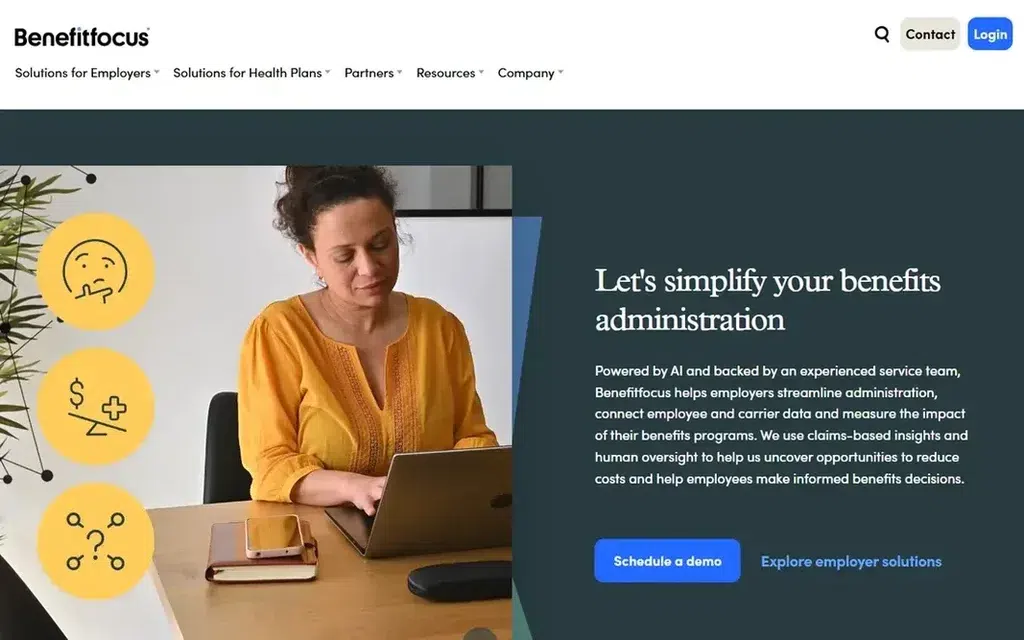
Benefitfocus targets data-driven benefits administration for employers. Benefitfocus is a benefits administration and health plan product pitched at employers and health plans. Its stated goal is to ease benefits management through data-driven software intended to save time, cut cost and boost outcomes.
The main drawbacks: Enterprise focus may not suit very small teams.
Smaller companies without dedicated benefits staff may find a more straightforward or PEO-style choice simpler to run. Since it centers on benefits administration, teams that want payroll, IT and finance in one place may need extra tools alongside it. Pricing for Benefitfocus is not stated here, so ask the vendor for current figures. As for free access: Not stated.
- Emphasis on data-driven benefits management
- Aimed at employers and health plans
- Payroll and HR depth beyond benefits is limited
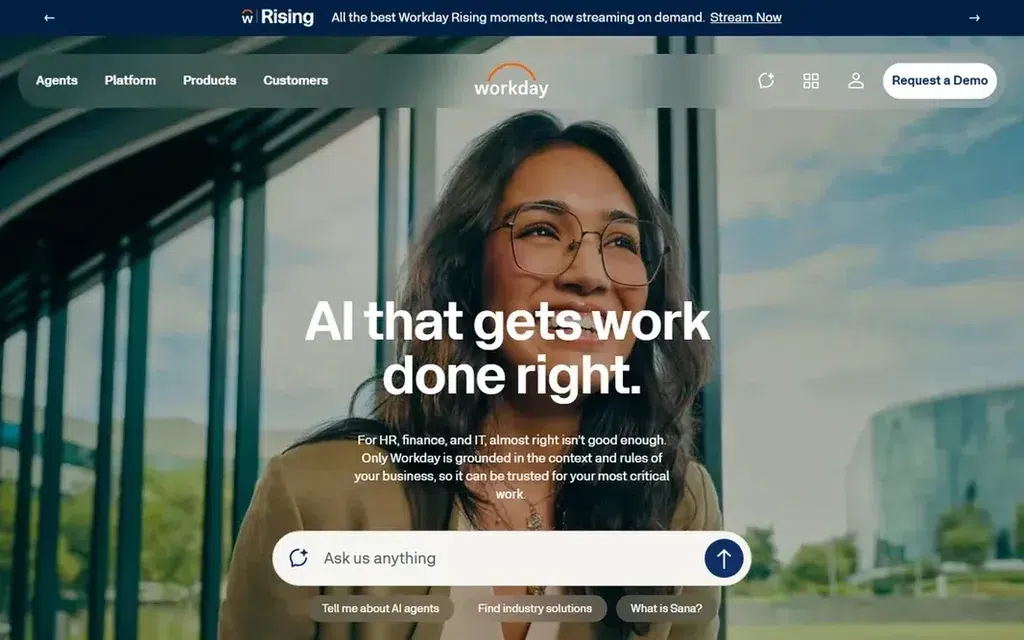
Workday is aimed squarely at enterprise HR, finance and IT consolidation. Workday is an enterprise system for HR, finance and IT that also includes benefits administration within its broader suite.
Where it is weaker: Benefits is one module within a bigger suite.
Main advantages: Unified HR.
If benefits administration is your only requirement, a dedicated system may be more straightforward. Pricing for Workday is not stated here, so ask the vendor for current figures. As for free access: Not stated.
- Finance and IT system
- Wide enterprise scope
- Enterprise complexity may overwhelm small teams
UKG
Best for: HR, payroll and workforce management in one
Choose UKG for HR, payroll and workforce management in one. Teams seeking only a benefits administration replacement may find the suite broader than necessary.
Setup and configuration can take meaningful effort. As for the details, consider UKG when you want benefits connected to payroll and workforce management rather than as a standalone function. Pricing for UKG is not stated here, so ask the vendor for current figures. Free access: Not stated.
The main drawbacks: Wide suite may be more than benefits-only buyers need.
- Workforce intelligence positioning
- Merges HR
- Configuration effort can be significant
What went into this list
We compared the tools on published pricing, free plan or trial availability, feature coverage for bswift, and the limits each vendor documents. Treat prices as a snapshot: vendors change plans often, so check the vendor site for the figure that applies today. The order reflects how well each tool fits the most common buying scenario for bswift, then price clarity, then free plan access. It is a starting point, not a verdict.
A buyer's checklist
- Ask PlanSource, Benefitfocus, Workday and UKG for a written quote, since no starting price is shown.
- Before choosing Rippling, weigh its main limit: breadth may exceed benefits-only needs.
- Find out whether the entry plan of PlanSource covers your must-haves or only a trimmed-down version.
- Total up the real monthly cost of Rippling, including add-ons, extra users and usage-based fees.
- Check the support hours and onboarding help UKG offers; smaller vendors vary a lot here.
FAQ
Is Rippling the right pick for everyone comparing bswift?
No single tool suits every team. Rippling comes first because it fits unified HR, IT and finance operations, while PlanSource suits HR teams wanting software plus human guidance and Benefitfocus suits data-driven benefits administration for employers. Match the tool to your own size, budget and workflow before deciding.
Does any tool for bswift here have a free plan?
A permanent free plan is not offered by Rippling, UKG or the other tools here. Plan a short evaluation period instead.
What should I look for in a bswift alternative?
Then compare integration with your payroll system, the level of human guidance offered, and how much configuration your team can deal with. Confirm current capabilities straight with each vendor.
Do these tools publish their prices?
Not all of them. PlanSource, Benefitfocus, Workday and UKG publish no starting price, so expect a quote request for those. The rest, Rippling included, show a starting price, though seats and billing terms still change the final cost.
What is the cheapest option for bswift in this list?
On published monthly entry prices, Rippling is the lowest here at $8 per employee per month. Entry price is only part of the cost, because seats, add-ons and billing terms can change the total. For the full picture, the cards above cover all 5 entries of this Bswift alternatives list, including price, free plan and limits.
Sources
- https://www.rippling.com
- https://www.plansource.com
- https://www.benefitfocus.com
- https://www.workday.com
- https://www.ukg.com