Best Blancco Alternatives for 2026 (5 Compared)
5 products for Blancco alternatives, ranked by fit, with starting costs and free tiers. Trade-offs are spelled out for each entry. Pick with confidence.
- Editor's choiceO&O Software SafeErase
Permanent deletion on Windows
Starts atSee websiteVisit oo-software.comFull review - Great alternativeJetico BCWipe
File-level wiping to standards
Starts atSee websiteVisit jetico.comFull review - Also considerDBAN
Wiping entire drives just
Starts atSee websiteVisit dban.orgFull review
Direct answer
Start with O&O Software SafeErase if you need permanent deletion on Windows. Listed starting prices: EaseUS Partition Master from $19.90 per month. Look at Jetico BCWipe for file-level wiping to standards, and at DBAN for wiping entire drives just. Prices, free plans and limits for all 5 tools follow.
TL;DR:
- Number one here is O&O Software SafeErase, a fit for permanent deletion on Windows.
- The cheapest monthly starting price in the list is $19.90 per month, offered by EaseUS Partition Master.
- EaseUS Partition Master fits Partition management with wipe features.
- A permanent free plan is missing from all 5 tools, O&O Software SafeErase and EaseUS Partition Master included; plan for a trial or a premium start.
- Before buying Active@ KillDisk, weigh this: certificate workflow may need setup.
Last checked November 2026. Prices and plan details were read from the vendors' own pages in November 2026; vendors change plans often, so confirm the current price on the vendor site before you buy.
Quick comparison
| Tool | Best for | Starts at | Free plan? | |
|---|---|---|---|---|
| O&O Software SafeErase | Permanent deletion on Windows | See website | Not stated | Visit |
| Jetico BCWipe | File-level wiping to standards | See website | Not stated | Visit |
| DBAN | Wiping entire drives just | See website | Not stated | Visit |
 Active@ KillDisk | Disk sanitization with certificates | See website | Not stated | Visit |
| EaseUS Partition Master | Partition management with wipe features | $19.90 per month | Not stated | Visit |
Blancco profiles
This LinkVetted guide covers 5 options for Blancco. Each profile lists a starting price, free plan details, strengths and drawbacks, so you can drop poor fits quickly.
O&O Software SafeErase
Best for: Permanent deletion on Windows
O&O Software SafeErase makes the most sense for permanent deletion on Windows. O&O SafeErase Professional permanently deletes files, drives and SSDs using recognized deletion methods for data protection. It handles both individual files and entire drives in one package.
Watch-outs: Windows-oriented audience.
The product is oriented toward Windows environments, so mixed-OS fleets may need additional tools. For everyday use, for enterprise-scale sanitization with formal certificates, compare against a dedicated erasure product. O&O Software SafeErase shows no starting price here, so confirm the cost on the vendor site. Free plan details: Not stated.
- Drives and SSDs
- Concentrated on privacy protection
- Certificate workflows need checking
Jetico BCWipe
Best for: File-level wiping to standards
Where Jetico BCWipe fits: file-level wiping to standards. BCWipe centers on file-level erasure, so teams needing bulk disk certificates across plenty of machines may prefer a dedicated sanitization product.
No starting price is listed for Jetico BCWipe here; confirm pricing on the vendor site. On free options: Not stated.
Points against: A good match for file-level tasks.
- Erases files beyond recovery
- Centres on sensitive information
- Less centered on fleet-wide reporting
DBAN
Best for: Wiping entire drives just
DBAN serves wiping entire drives just. DBAN is a long-established name for wiping entire drives, generally used when retiring hardware or repurposing machines. Beyond that, if you need verified certificates or SSD handling, choose a tool designed for those requirements and confirm details with the vendor.
Limits to weigh: Dated and restricted for modern SSDs.
Also, DBAN is dated, and its approach is not suited to modern solid-state drives, where erasure behaves differently. It also lacks certificate and reporting workflows that audit-focused organizations expect. DBAN shows no starting price here, so confirm the cost on the vendor site. Free options: Not stated.
- Well known for whole-drive wiping
- Bootable erasure approach
- No certificate or reporting workflow
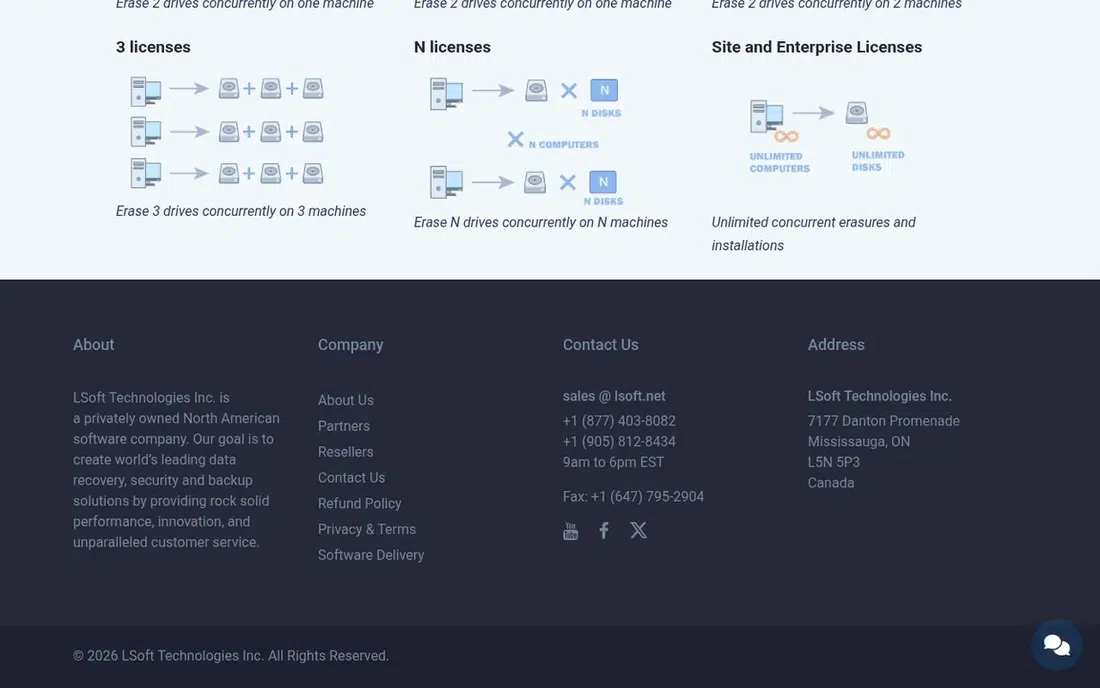
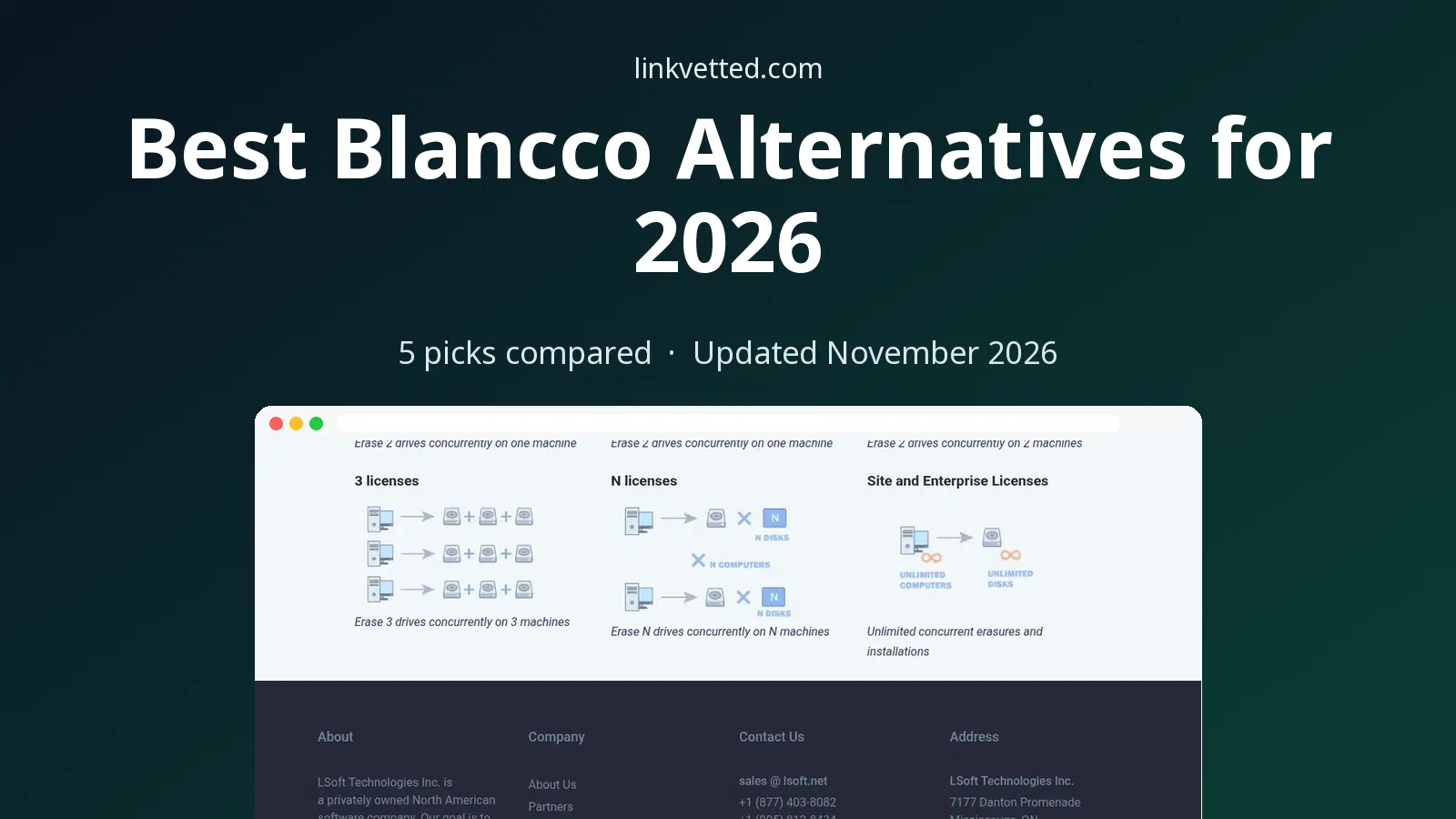
Active@ KillDisk makes the most sense for disk sanitization with certificates. Active@ KillDisk from LSoft Technologies erases disks and wipes free space, and it brings parallel erasure, verification, PDF certificates and reporting for disk sanitization workflows.
Watch-outs: Not a general partition manager.
This comparison lists no price for Active@ KillDisk; ask the vendor. On free options: Not stated.
- Erases disks and wipes free space
- Parallel erasure with verification
- Certificate workflow may need setup
EaseUS Partition Master
Best for: Partition management with wipe features
For Partition management with wipe features, EaseUS Partition Master is a natural candidate. For formal data sanitization programs, a dedicated erasure tool is typically more appropriate.
Entry price for EaseUS Partition Master: $19.90 per month. As for free access: Not stated.
What to check first: Not a dedicated certification tool.
- Resizes
- Works across plenty of Windows versions
- Erasure is secondary to partitioning
How these tools were picked
We compared the tools on published pricing, free plan or trial availability, feature coverage for Blancco, and the limits each vendor documents. Prices and plan limits come from vendor pages and can change, so confirm them on the vendor site before you buy. We ordered the tools by general fit, then by how clearly pricing is shown, then by free access. A buyer with unusual needs may reorder them.
What to confirm before you sign up
- Ask O&O Software SafeErase, Jetico BCWipe, DBAN and Active@ KillDisk for a written quote, since no starting price is shown.
- Read the limits listed for O&O Software SafeErase first: Windows-oriented audience.
- Find out whether the entry plan of Jetico BCWipe covers your must-haves or only a trimmed-down version.
- A short pilot of O&O Software SafeErase with your real workflow tells you more than a feature table.
- Look at the help docs and support options for Active@ KillDisk before you commit.
FAQ
Can free tools like DBAN replace premium erasure software?
DBAN can manage straightforward whole-drive wiping, but it is dated and not suited to modern SSDs, and it lacks certificate and reporting workflows. Organizations with audit needs normally need a tool designed for verified, documented erasure.
How are the tools for Blancco ordered?
The order follows typical fit for Blancco, with O&O Software SafeErase first and EaseUS Partition Master last, then price clarity and free access. It is editorial judgement, not a score, so another team could rank the tools differently.
Do these tools publish their prices?
Not all of them. O&O Software SafeErase, Jetico BCWipe, DBAN and Active@ KillDisk publish no starting price, so expect a quote request for those. The rest, EaseUS Partition Master included, show a starting price, though seats and billing terms still change the final cost.
Is O&O Software SafeErase the right pick for everyone comparing Blancco?
No single tool suits every team. O&O Software SafeErase comes first because it fits permanent deletion on Windows, while Jetico BCWipe suits file-level wiping to standards and DBAN suits wiping whole drives simply. Match the tool to your own size, budget and workflow before deciding.
What should I look for in a Blancco alternative?
Focus on the erasure scope you need, for example entire disks, free space or individual files, plus verification and certificate reporting. Beyond that, confirm supported standards and device types on each vendor site so the tool matches your compliance requirements.
Does any tool for Blancco here have a free plan?
A permanent free plan is not offered by O&O Software SafeErase, EaseUS Partition Master or the other tools here. Plan a short evaluation period instead.
Sources
- https://www.oo-software.com/en/safeerase
- https://www.jetico.com/data-wiping
- https://dban.org
- https://www.lsoft.net/killdisk.aspx
- https://www.easeus.com/partition-manager