Work from Home Software in 2026: The 5 Best Options Side by Side
5 options for the best work from home software, with entry costs, free tiers and the buyer each one serves. Every pick gets a straight assessment. Start here.

- Editor's choice
 Asana
Work and project management
Starts at$10.99 per user a monthVisit asana.comFull review - Great alternative
 Google Workspace
Integrated productivity and collaboration
Starts atSee websiteVisit workspace.google.comFull review - Also consider
 Notion
Configurable AI workspace
Starts at$10 per member a monthVisit notion.comFull review
Direct answer
Asana is the first pick on this list for work and project management. Listed starting prices: Asana from $10.99 per user a month, Notion from $10 per member a month and Slack from $4.38 per user a month. Google Workspace is better for integrated productivity and collaboration, and Notion is better for configurable AI workspace. Details, prices and limits for the rest of the 5 tools are below.
TL;DR:
- This list starts with Asana, which is built for work and project management.
- Only 3 of the 5 tools have a free plan (Asana, Notion, Slack), so check the caps.
- Slack suits AI-powered team communication.
- Starting prices begin at $4.38 per user per month with Slack.
Last checked November 2026. Prices and plan details were read from the vendors' own pages in November 2026; vendors change plans often, so confirm the current price on the vendor site before you buy.
Quick comparison
| Tool | Best for | Starts at | Free plan? | |
|---|---|---|---|---|
| Asana | Work and project management | $10.99 per user a month | Yes | Visit |
| Google Workspace | Integrated productivity and collaboration | See website | Not stated | Visit |
| Notion | Configurable AI workspace | $10 per member a month | Yes | Visit |
 Zoom Workplace | All-in-one communication and collaboration | See website | Not stated | Visit |
 Slack | AI-powered team communication | $4.38 per user a month | Yes | Visit |
Work from Home Software profiles
LinkVetted compared 5 tools for work from home software. The goal is a practical shortlist: published prices, free plan facts, best-fit use cases and honest limits for every entry.
Asana makes the most sense for work and project management. Asana is work management software for teams and AI agents, allowing users to plan, automate, and execute critical workflows together. It gives you a structured way to track tasks and projects, making it well suited to remote teams that require to stay aligned on deadlines and deliverables.
On top of that, Asana is especially handy for complicated projects with several dependencies. Its advanced features need initial setup and training, which can be a barrier for fast adoption. Asana starts at: $10.99 per user per month. A free plan is available with Asana.
Honest limits: Can be complicated for straightforward projects.
- Supports teams and AI agents
- Clear task tracking
- Needs setup for advanced automation
Google Workspace targets integrated productivity and collaboration. Google Workspace supplies a suite of secure online productivity and collaboration tools, including Gmail, Docs, Drive, and Meet. It enables teams of all sizes to do their best work by offering familiar, integrated applications.
This suite is a strong match for remote teams that need dependable email, document collaboration, and video meetings in one package. It also needs a stable internet connection to completely utilize its cloud-based tools. No starting price is listed for Google Workspace here; confirm pricing on the vendor site. On free options: Not stated.
Honest limits: Limited advanced project management.
- Suite of secure online tools
- Familiar interface
- Needs internet connection
Choose Notion for configurable AI workspace. It is built to help teams get more done quicker by supplying an adaptable, all-in-one workspace for notes, documents, and databases.
Notion's adaptability comes at the cost of complexity; setting up a workspace can be time-consuming and overwhelming for new users. Price to start with Notion: $10 per member per month. A free plan is available with Notion.
Downsides: Can be overwhelming to set up.
- Automate busywork
- Build custom agents
- Needs time to customize

Zoom Workplace is designed for all-in-one communication and collaboration. Zoom Workplace is a full product that combines video meetings, chat, VoIP phone, webinars, whiteboard, contact center, and events. It is built to modernize workflows and link teams through a single interface.
Points against: Can be overwhelming for entry-level users.
Even so, Zoom Workplace may be more than needed for small teams or those who only need basic video calls. More specifically, the deep feature set could result in complexity and potential add-on costs. Check the vendor site for Zoom Workplace pricing; none is listed in this comparison. Free plan details: Not stated.
- Integrated video, chat, phone, webinars
- Modern workflow tools
- Advanced features may need extras
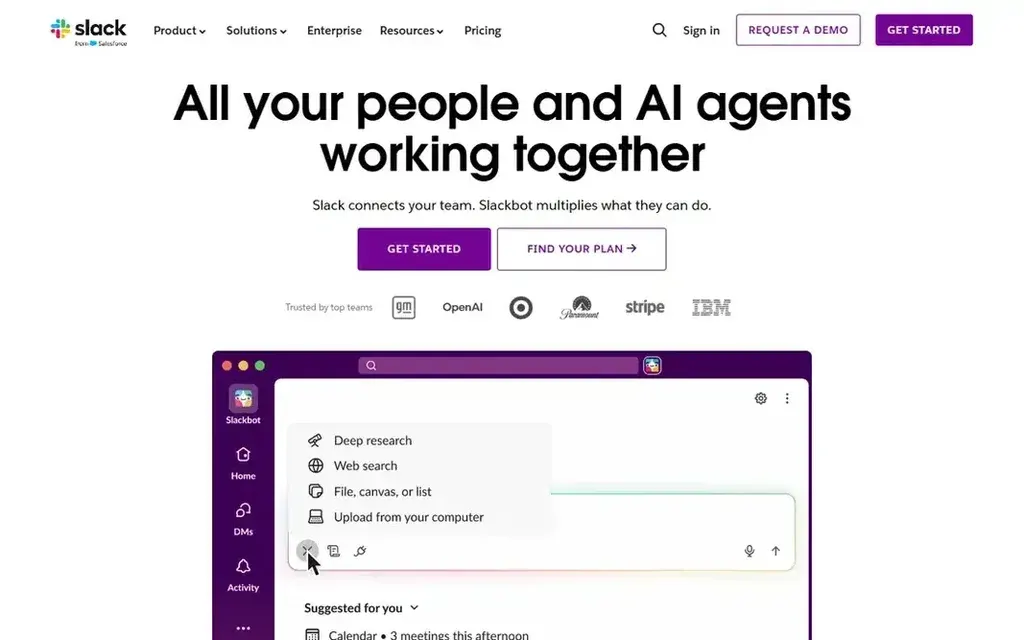
Slack was built for AI-powered team communication. Slack is an AI work product meant to boost productivity by managing projects, automating workflows, and connecting teams securely. It provides channels for organized communication and tools to save time.
Drawbacks to consider: Restricted native project management.
This tool is well-suited for remote teams that require quick, adaptable messaging and integration with other apps. Also, the constant stream of messages can become distracting if not managed well. Entry price for Slack: $4.38 per user per month. A free plan is available with Slack.
- AI work system for productivity
- Secure team connection
- Can become noisy with plenty of channels
What went into this list
LinkVetted looked at what each vendor publishes: pricing, plan limits, feature coverage for work from home software and stated drawbacks. No hands-on testing is claimed. Treat prices as a snapshot: vendors change plans often, so check the vendor site for the figure that applies today. We ordered the tools by general fit, then by how clearly pricing is shown, then by free access. A buyer with unusual needs may reorder them.
What to check before you buy
- Ask Google Workspace and Zoom Workplace for a written quote, since no starting price is shown.
- Look at free plan limits closely: Asana, Notion and Slack have one, and the caps decide whether it is usable for real work.
- Read the limits listed for Asana first: can be complicated for simple projects.
- Confirm that Slack connects to the apps your team already uses, on the plan you would actually buy.
- Verify that exporting from Zoom Workplace is possible on your plan and covers all your records.
FAQ
Is Asana the right pick for everyone comparing work from home software?
No single tool suits every team. Asana comes first because it fits work and project management, while Google Workspace suits integrated productivity and collaboration and Notion suits customizable AI workspace. Match the tool to your own size, budget and workflow before deciding.
Can I try these options before paying?
Often, yes. Asana, Notion and Slack have a free plan. Use your own data and a real task during the test, and check what the free tier or trial limits before you rely on it.
What is the cheapest option for work from home software in this list?
On published monthly entry prices, Slack is the lowest here at $4.38 per user per month. Entry price is only part of the cost, because seats, add-ons and billing terms can change the total. All 5 picks in this work from home software comparison list a starting price, free plan details and the main limits on their cards above.
How are the tools for work from home software ordered?
Asana sits first and Slack last because the order follows typical fit for work from home software, then price clarity and free access. It is a judgement call, so read each profile for fit and limits.
Sources
- https://asana.com
- https://workspace.google.com
- https://www.notion.com
- https://www.zoom.com
- https://slack.com