Switching From WordPress Caching Plugin? 5 Alternatives for 2026
Best WordPress caching plugin alternatives to WP Rocket: 5 tools compared on price, free plans and fit. Honest caveats for every entry. Choose faster.
- Editor's choice
 WP Fastest Cache
Simple setup and PageSpeed gains
Starts atSee websiteVisit wpfastestcache.comFull review - Great alternative
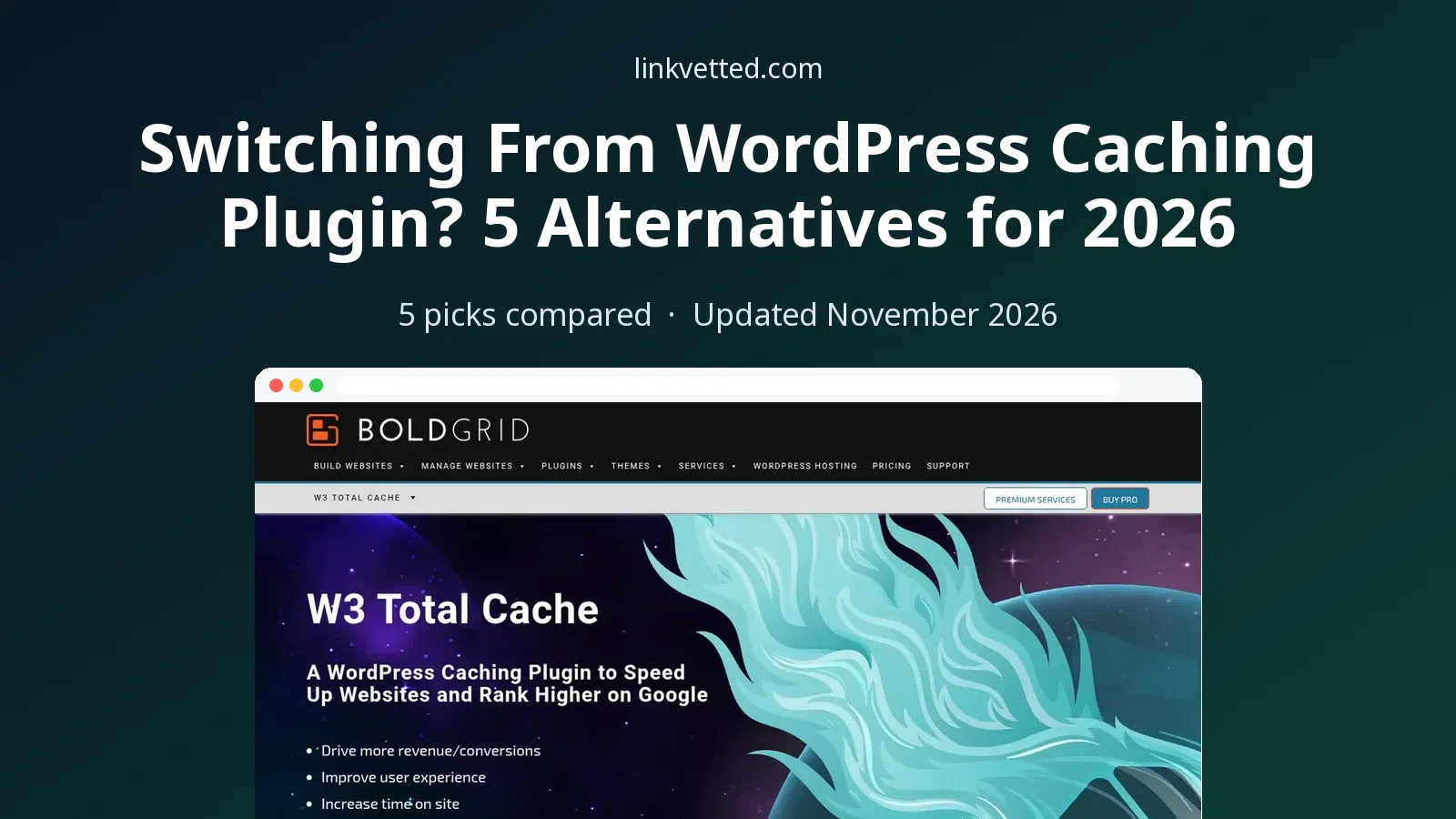
 W3 Total Cache
Deep control over caching layers
Starts at$1.67 a monthVisit boldgrid.comFull review - Also consider
 WP Super Cache
Straightforward static HTML caching
Starts atSee websiteVisit wordpress.orgFull review
Direct answer
WP Fastest Cache is the first pick on this list for simple setup and PageSpeed gains. Listed starting prices: W3 Total Cache from $1.67 a month and Swift Performance from $49.99 a year. Look at W3 Total Cache for deep control over caching layers, and at WP Super Cache for straightforward static HTML caching. The full list of 5 tools follows, with prices and free plan facts.
TL;DR:
- Top of the list is WP Fastest Cache, which targets simple setup and PageSpeed gains.
- Autoptimize is the one to check for asset optimization and configuration help.
- The cheapest monthly starting price in the list is $1.67 per month, offered by W3 Total Cache.
- The main caution on W3 Total Cache: configuration can be complicated.
Last checked November 2026. Prices and plan details were read from the vendors' own pages in November 2026; vendors change plans often, so confirm the current price on the vendor site before you buy.
Quick comparison
| Tool | Best for | Starts at | Free plan? | |
|---|---|---|---|---|
| WP Fastest Cache | Simple setup and PageSpeed gains | See website | Not stated | Visit |
| W3 Total Cache | Deep control over caching layers | $1.67 a month | Yes | Visit |
| WP Super Cache | Straightforward static HTML caching | See website | Not stated | Visit |
| Swift Performance | AI-driven speed optimization | $49.99 a year | No | Visit |
| Autoptimize | Asset optimization and configuration help | See website | Not stated | Visit |
Tool-by-tool breakdown
LinkVetted put together this guide to WordPress Caching Plugin Alternatives to WP Rocket for readers who want a clear shortlist without reading every vendor page. It compares 5 tools on starting price, free plans, who each one suits and where each one falls short.
Choose WP Fastest Cache for simple setup and PageSpeed gains. WP Fastest Cache presents itself as a simple WordPress cache plugin that boosts PageSpeed Insights scores and accelerates sites. Its positioning centers on simplicity, which fits bloggers, small business owners and others who want caching benefits without deep technical work.
In that case, W3 Total Cache or Swift Performance could be a better match. Beyond that, choose WP Fastest Cache when fast, accessible configuration is the priority. More specifically, sites with complicated hosting, heavy dynamic content or advanced CDN requirements may find they need more granular choices than an ease-first plugin supplies. This comparison lists no price for WP Fastest Cache; ask the vendor. Trial and free access: Not stated.
Watch-outs: Feature depth varies by setup.
- Emphasizes straightforward configuration
- Aims to accelerate sites
- Advanced needs may require more
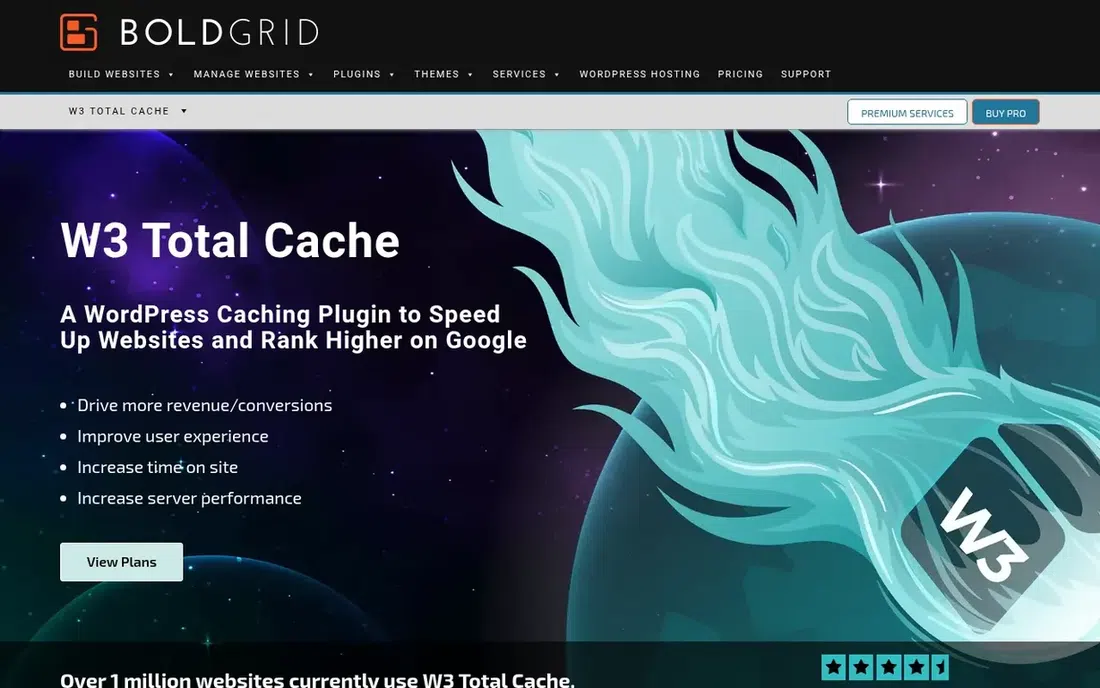
For deep control over caching layers, W3 Total Cache is a natural candidate. W3 Total Cache is a feature-rich WordPress caching plugin from BoldGrid that targets website speed, SEO and user experience by reducing load times. It spans several caching areas, which makes it appealing to developers and technically confident site owners who want to tune performance across different layers.
Downsides: Configuration can be complicated.
That depth includes a steeper ramp-up time, and misconfigured options can cause inconsistent results. Choose W3 Total Cache when you want broad control and are prepared to configure it carefully. On cost, W3 Total Cache starts like this: $1.67 per month. W3 Total Cache has a free plan.
- Wide caching feature set
- Suited to experienced users
- Plenty of settings to run
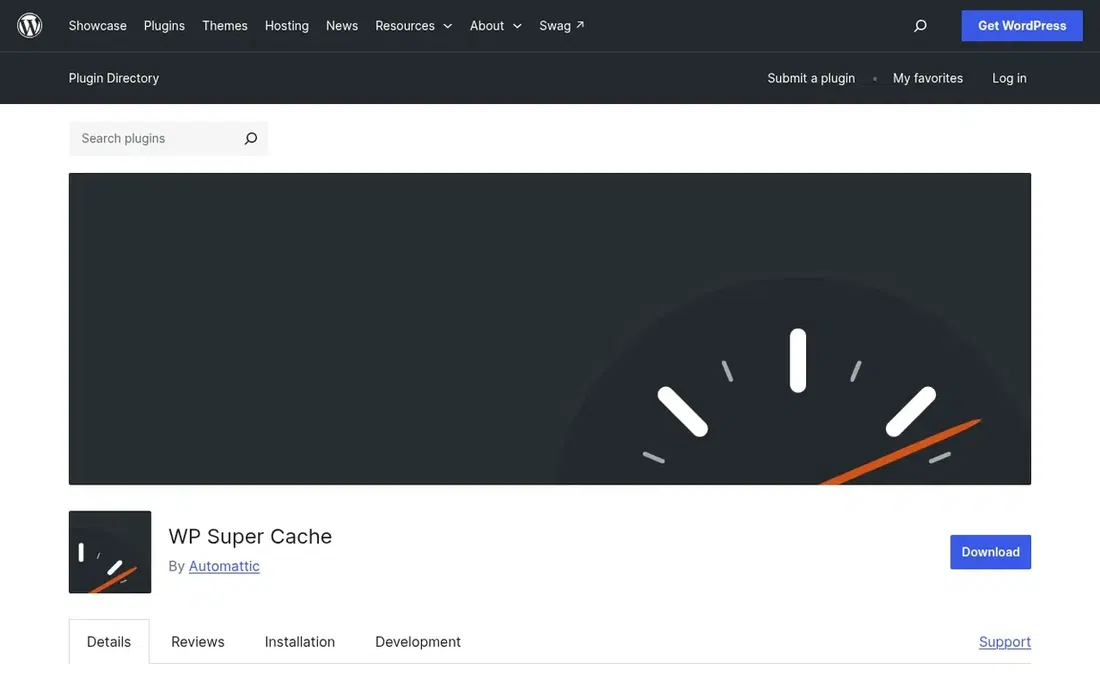
WP Super Cache is a good fit for straightforward static HTML caching. WP Super Cache is a caching engine that creates static HTML files so WordPress can serve pages without running full PHP processing on each request. It is distributed through the WordPress.org plugin directory, which makes it simple to find and install.
It performs well as a starting point for smaller or content-focused sites. If you need granular control over object caching, CDN integration or minification in one place, a more feature-heavy choice may suit you better. Since it concentrates on static file caching, it does not bundle the broader asset optimization or database tooling some other plugins contain. Check the vendor site for WP Super Cache pricing; none is listed in this comparison. On free options: Not stated.
What to check first: Fewer built-in asset features.
- Well documented on WordPress.org
- Produces static HTML files
- Restricted advanced optimization
Swift Performance
Best for: AI-driven speed optimization
Swift Performance was built for AI-driven speed optimization. Swift Performance describes itself as an AI-driven speed optimization plugin for WordPress, positioning automation and optimization as its core appeal. It targets site owners who want performance work handled with less manual tuning and who are comfortable with a feature-rich plugin.
On top of that, choose Swift Performance when you want an ambitious, automation-oriented approach. A feature-rich plugin can take time to understand, and automatic optimization still benefits from testing against your specific site. Starting cost for Swift Performance: $49.99 per year. Swift Performance has no free plan.
Limits to weigh: Feature set may overwhelm beginners.
- Positioned as premium performance tool
- Markets AI-driven optimization
- Premium positioning to evaluate
Autoptimize
Best for: Asset optimization and configuration help
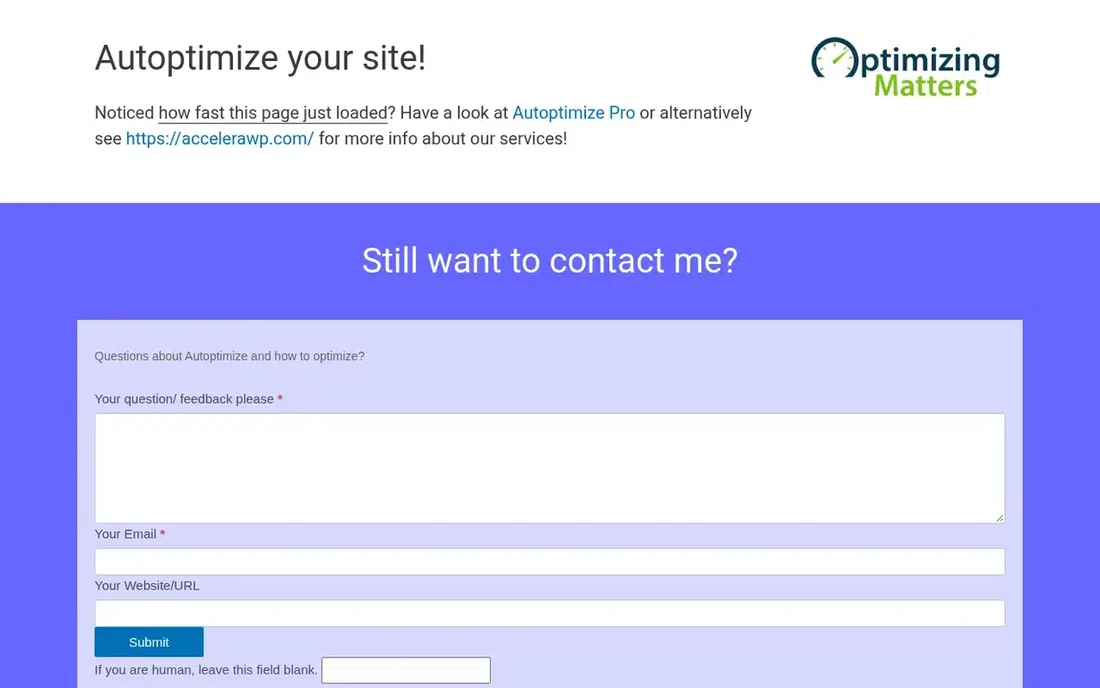
Autoptimize is aimed squarely at asset optimization and configuration help. Autoptimize is a web performance optimization tool whose site notes that configuration can be hard and provides help setting it up, including broader performance optimization work. Pick Autoptimize when asset tuning is your primary concern.
For everyday use, if you want a single plugin that deals with page caching end to end, look at WP Super Cache or WP Fastest Cache. Since its emphasis is asset optimization instead of producing a full static page cache, it is commonly paired with a caching plugin rather than replacing one. No starting price is listed for Autoptimize here; confirm pricing on the vendor site. On free options: Not stated.
Drawbacks to consider: Not a full page cache on its own.
- Provides configuration services
- Complements page caching
- Settings can be tricky to tune
How these tools were picked
The comparison looks at four things: starting price, free access, how well the feature set matches WordPress Caching Plugin Alternatives to WP Rocket, and the main limit of each tool. Where a price is missing, the vendor does not list one publicly or ties it to a quote. Always confirm before budgeting. The order reflects how well each tool fits the most common buying scenario for WordPress Caching Plugin Alternatives to WP Rocket, then price clarity, then free plan access. It is a starting point, not a verdict.
Before you commit
- Ask WP Fastest Cache, WP Super Cache and Autoptimize for a written quote, since no starting price is shown.
- Test the free plan from W3 Total Cache against your real workload before relying on it.
- Before choosing WP Fastest Cache, weigh its main limit: advanced needs may need more.
- Add up seats, add-ons and usage charges for Swift Performance before comparing it with cheaper entries.
- Ask the daily users to test Autoptimize on a live task before you roll it out to everyone.
FAQ
Can I try these tools before paying?
Often, yes. W3 Total Cache has a free plan. Use your own data and a real task during the test, and check what the free tier or trial limits before you rely on it.
Is WP Fastest Cache the right pick for everyone comparing WordPress Caching Plugin Alternatives to WP Rocket?
No single tool suits every team. WP Fastest Cache comes first because it fits easy setup and PageSpeed gains, while W3 Total Cache suits deep control over caching layers and WP Super Cache suits simple static HTML caching. Match the tool to your own size, budget and workflow before deciding.
What is the cheapest option for WordPress Caching Plugin Alternatives to WP Rocket in this list?
On published monthly entry prices, W3 Total Cache is the lowest here at $1.67 per month. Entry price is only part of the cost, because seats, add-ons and billing terms can change the total.
Do these tools publish their prices?
Not all of them. WP Fastest Cache, WP Super Cache and Autoptimize publish no starting price, so expect a quote request for those. The rest, W3 Total Cache included, show a starting price, though seats and billing terms still change the final cost.
Sources
- https://www.wpfastestcache.com
- https://www.boldgrid.com/w3-total-cache
- https://wordpress.org/plugins/wp-super-cache
- https://swiftperformance.io
- https://autoptimize.com