Top 6 WFM Software for Real-Time SLA Visibility for 2026 (Prices and Free Plans)
6 tools for the best WFM software for Real-Time SLA visibility, compared on pricing, free plans and best-fit use. Each pick lists its main limit. Plain facts.
- Editor's choiceTalkdesk Workforce Management
AI and live data for customer journeys
Starts at$85 per user a monthVisit talkdesk.comFull review - Great alternativeZendesk Workforce Management
AI-powered service quality and scale
Starts at$19 agent/month premium yearlyVisit zendesk.comFull review - Also consider
 Verint Workforce Management
Open system with embedded AI for CX workflows
Starts atSee websiteVisit verint.comFull review
Direct answer
This list puts Talkdesk Workforce Management first for AI and live data for customer journeys. Listed starting prices: Talkdesk Workforce Management from $85 per user a month, Zendesk Workforce Management from $19 agent/month premium yearly and NICE Workforce Management from $110 per agent per month. Alternatives: Zendesk Workforce Management for AI-powered service quality and scale, and Verint Workforce Management for open system with embedded AI for CX workflows. Details, prices and limits for the rest of the 6 tools are below.
TL;DR:
- Talkdesk Workforce Management sits first on this list: AI and live data for customer journeys.
- Neither Talkdesk Workforce Management nor Calabrio ONE, nor any of the other 4 tools, has a permanent free plan; trials and quotes are the norm.
- Calabrio ONE suits AI-powered workforce engagement and SLA tracking.
- Before buying Talkdesk Workforce Management, weigh this: WFM features may be part of a broader suite.
Last checked November 2026. Prices and plan details were read from the vendors' own pages in November 2026; vendors change plans often, so confirm the current price on the vendor site before you buy.
Quick comparison
| Tool | Best for | Starts at | Free plan? | |
|---|---|---|---|---|
| Talkdesk Workforce Management | AI and live data for customer journeys | $85 per user a month | Not stated | Visit |
| Zendesk Workforce Management | AI-powered service quality and scale | $19 agent/month premium yearly | Free trial | Visit |
| Verint Workforce Management | Open system with embedded AI for CX workflows | See website | Not stated | Visit |
 NICE Workforce Management | AI customer service automation with live data | $110 per agent per month | Not stated | Visit |
| Five9 Workforce Management | Blending AI and human agents for CX | $119 per seat per month | Not stated | Visit |
 Calabrio ONE | AI-powered workforce engagement and SLA tracking | See website | Not stated | Visit |
Tool-by-tool breakdown
Choosing WFM software for Real-Time SLA visibility usually comes down to price, fit and limits. This LinkVetted guide sets 6 tools side by side on those three points, with the facts kept short and checkable.
Talkdesk Workforce Management
Best for: AI and live data for customer journeys
Talkdesk Workforce Management is aimed squarely at AI and real-time data for customer journeys. The live data focus can help teams monitor service levels as interactions happen.
From a buyer's view, organizations seeking a pure-play WFM tool might prefer a more specialized choice. Talkdesk Workforce Management cost at the entry level: $85 per user per month. Trial and free access: Not stated.
Trade-offs to know: WFM features may be part of a broader suite.
- Focus on automating customer journeys
- Aims to cut costs and boost outcomes
- Live SLA visibility relies on setup
Zendesk Workforce Management
Best for: AI-powered service quality and scale
Zendesk Workforce Management targets AI-powered service quality and scale. It suits teams already using Zendesk that want to boost service quality, speed, and scale.
What to check first: WFM features may be add-on.
In practice, the WFM capabilities are most handy within the Zendesk ecosystem, and live SLA visibility relies on how the product is configured. Zendesk Workforce Management pricing: $19 agent/month premium yearly. Free plan details: Free trial.
- Focus on service quality and speed
- Integrated with Zendesk product
- Live SLA visibility tied to Zendesk setup
Verint Workforce Management
Best for: Open system with embedded AI for CX workflows
Verint Workforce Management is built with open system with embedded AI for CX workflows in mind. It suits enterprises that want workforce management as part of a broader AI-driven CX strategy.
Trade-offs to know: Live SLA views rely on configuration.
Beyond that, the open platform approach may involve integration planning and configuration to surface live SLA metrics. Check the vendor site for Verint Workforce Management pricing; none is listed in this comparison. As for free access: Not stated.
- Open product with agentic AI
- Integrates into CX workflows
- May need platform-wide adoption
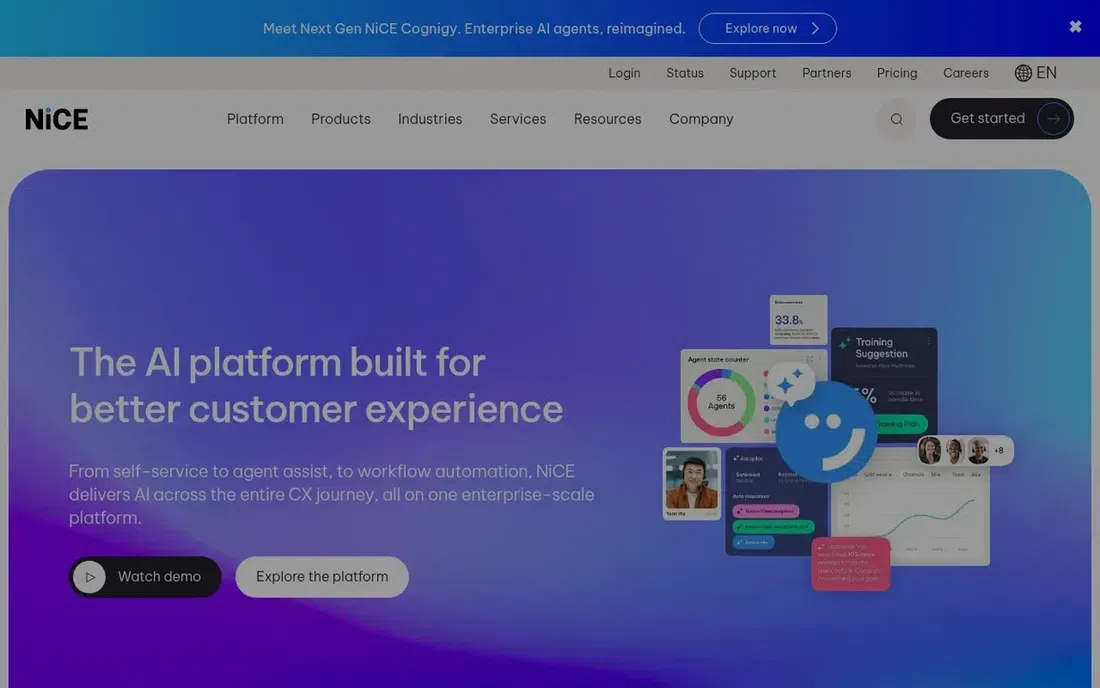
In short, NICE Workforce Management is for AI customer service automation with live data. NICE Workforce Management is part of the NICE CX AI product, which uses AI and live data to automate customer service and boost efficiency. For everyday use, the product's emphasis on live data supports SLA visibility by keeping scheduling and performance insights current.
Limits to weigh: Focus is on CX automation beyond WFM.
Teams seeking a standalone WFM tool with minimal integration may prefer a more focused choice. Since NICE offers a wide CX product, isolating WFM features may need careful scoping. NICE Workforce Management cost at the entry level: $110 per agent per month. Free options: Not stated.
- Scalable for large contact centers
- AI-powered automation for CX
- Wide product may need integration effort
Five9 Workforce Management
Best for: Blending AI and human agents for CX
Five9 Workforce Management is built with Blending AI and human agents for CX in mind. Teams wanting a focused WFM tool may find a dedicated option more straightforward.
Five9 Workforce Management starts at: $119 per seat per month. On free options: Not stated.
Downsides: WFM may be one part of a bigger system.
- Multi-channel CX focus
- AI and human agent blending
- Live SLA views need setup
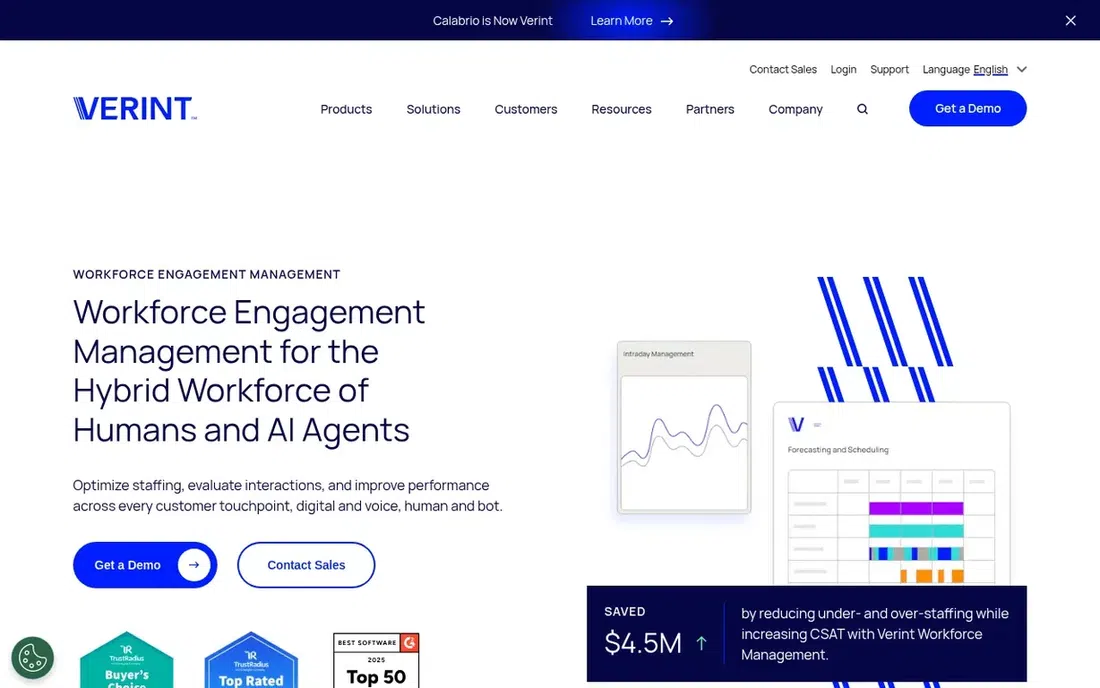
Calabrio ONE works best for AI-powered workforce engagement and SLA tracking. Calabrio ONE is an AI-powered workforce engagement management suite that brings forecasting, scheduling, performance management, and employee engagement together. In daily use, setup and customization can take time.
The tool is built primarily for contact center operations instead of general back-office teams. In daily use, the system emphasizes contact center workforce efficiency, making it a capable candidate for teams concentrated on SLA visibility alongside agent engagement. Check the vendor site for Calabrio ONE pricing; none is listed in this comparison. As for free access: Not stated.
Downsides: Most useful for contact center environments.
- Aimed at contact center efficiency
- Merges forecasting, scheduling
- May need configuration for live SLA views
How we chose
For each of the 6 tools we noted price, free plan or trial, fit for WFM software for Real-Time SLA visibility and the main limit, using vendor pages and documentation. Seat minimums, billing terms and add-ons can move the real cost, so the starting prices here are a guide and not a quote. The ranking is editorial: typical fit first, then clear pricing, then free access. If your needs are unusual, read the profiles rather than relying on position.
Pre-purchase checklist
- Get a written quote from Verint Workforce Management and Calabrio ONE; the list shows no starting price for them.
- Run a trial of Zendesk Workforce Management with real work before paying for a year; your own workflow is the best test.
- Before choosing Talkdesk Workforce Management, weigh its main limit: WFM features may be part of a broader suite.
- Read the plan comparison for Calabrio ONE carefully; key features often start on a higher tier.
- Work out what Verint Workforce Management costs with your real seat count, add-ons and usage, not just the entry price.
FAQ
Does any tool for WFM software for Real-Time SLA visibility here have a free plan?
A permanent free plan is not offered by Talkdesk Workforce Management, Calabrio ONE or the other tools here. Zendesk Workforce Management offer a trial. Plan a short evaluation period instead.
Is Talkdesk Workforce Management the right pick for everyone comparing WFM software for Real-Time SLA visibility?
No single tool suits every team. Talkdesk Workforce Management comes first because it fits AI and real-time data for customer journeys, while Zendesk Workforce Management suits AI-powered service quality and scale and Verint Workforce Management suits open platform with embedded AI for CX workflows. Match the tool to your own size, budget and workflow before deciding.
How do these tools differ in their approach to real-time data?
Some tools, like NICE and Talkdesk, emphasize AI and live data across the customer journey. Others, like Calabrio ONE, focus specifically on workforce engagement and performance.
How are the tools for WFM software for Real-Time SLA visibility ordered?
The order follows typical fit for WFM software for Real-Time SLA visibility, with Talkdesk Workforce Management first and Calabrio ONE last, then price clarity and free access. It is editorial judgement, not a score, so another team could rank the tools differently.
Can I try these tools before paying?
Often, yes. Zendesk Workforce Management offers a free trial. Use your own data and a real task during the test, and check what the free tier or trial limits before you rely on it.
Sources
- https://www.talkdesk.com
- https://www.zendesk.com
- https://www.verint.com
- https://www.nice.com
- https://www.five9.com
- https://www.calabrio.com