Best WFM Software for Catering for 2026: Our 6 Vetted Picks
Best WFM software for catering: 6 contenders ranked by fit, with entry costs and free tiers. The catches are listed up front. Quick comparison inside.
- Editor's choice
 Homebase
All-in-one for small companies
Starts at$30 per location per monthVisit joinhomebase.comFull review - Great alternative
 When I Work
Straightforward shift scheduling and team messaging
Starts at$2.50 per user a monthVisit wheniwork.comFull review - Also consider
 Deputy
Simple scheduling with AI forecasting
Starts at$5 per user a monthVisit deputy.comFull review
Direct answer
Homebase comes first here, mainly for all-in-one for small companies. Listed starting prices: Homebase from $30 per location per month, When I Work from $2.50 per user a month and Deputy from $5 per user a month. When I Work is better for straightforward shift scheduling and team messaging, and Deputy is better for simple scheduling with AI forecasting. The remaining 3 options are covered below with prices and limits.
TL;DR:
- This list starts with Homebase, which is built for all-in-one for small companies.
- What to know about When I Work first: restricted HR and payroll depth.
- The cheapest monthly starting price in the list is $2.50 per user per month, offered by When I Work.
- UKG Workforce Management is the one to check for full HR and workforce intelligence.
Last checked November 2026. Prices and plan details were read from the vendors' own pages in November 2026; vendors change plans often, so confirm the current price on the vendor site before you buy.
Quick comparison
| Tool | Best for | Starts at | Free plan? | |
|---|---|---|---|---|
| Homebase | All-in-one for small companies | $30 per location per month | Yes | Visit |
| When I Work | Straightforward shift scheduling and team messaging | $2.50 per user a month | Free trial | Visit |
| Deputy | Simple scheduling with AI forecasting | $5 per user a month | Free trial | Visit |
| HotSchedules | Hospitality-focused scheduling and engagement | See website | Not stated | Visit |
| Workday Workforce Management | Enterprise AI-powered HR and finance | See website | Not stated | Visit |
| UKG Workforce Management | Full HR and workforce intelligence | See website | Not stated | Visit |
Our 6 picks for WFM software for catering
LinkVetted compared 6 tools for WFM software for catering. The goal is a practical shortlist: published prices, free plan facts, best-fit use cases and honest limits for every entry.
Think of Homebase for all-in-one for small firms. Homebase is tailored for small companies, so it may not have the advanced features needed by bigger catering businesses.
Watch-outs: May not scale for bigger enterprises.
It is made for small firms and hourly teams, making it a natural fit for catering firms that require to handle schedules and payroll in one place. Price to start with Homebase: $30 per location per month. A free plan is available with Homebase.
- Employee scheduling and time clocks
- Built for hourly teams
- Could lack advanced forecasting
Where When I Work fits: simple shift scheduling and team messaging. The app eases communication and shift management.
It is built for workplaces of several sizes and is especially handy for catering teams that require to coordinate rapidly. Starting cost for When I Work: $2.50 per user per month. Free plan details: Free trial.
Downsides: Restricted HR and payroll depth.
- Team messaging in one app
- Straightforward to use
- May not manage complex catering scenarios
Where Deputy fits: simple scheduling with AI forecasting. Choose Deputy if scheduling and labor forecasting are your primary needs. For everyday use, Deputy is easy-to-use employee scheduling, HR, AI labor forecasting, and payroll software.
It helps catering companies save time by automating shift assignments and forecasting labor needs. For advanced HR analytics, you might need a different option. The starting price for Deputy: $5 per user per month. Free options: Free trial.
Where it falls short: Payroll might be restricted in some regions.
- HR and payroll features
- Easy-to-use employee scheduling
- May lack deep HR suite of bigger products
HotSchedules
Best for: Hospitality-focused scheduling and engagement
Think of HotSchedules for hospitality-focused scheduling and engagement. It is tailored to the needs of restaurants and caterers, helping handle shifts and improve team communication. The app is meant to deal with the unique scheduling challenges of the hospitality industry.
Honest limits: Could be less right for non-hospitality catering.
HotSchedules concentrates on scheduling and engagement, so it may not offer full HR or payroll capabilities. It is a very good choice for hospitality-centric scheduling. No starting price is listed for HotSchedules here; confirm pricing on the vendor site. Free options: Not stated.
- A strong match for hospitality companies
- Employee scheduling and engagement
- May lack broader HR and payroll features
Workday Workforce Management
Best for: Enterprise AI-powered HR and finance
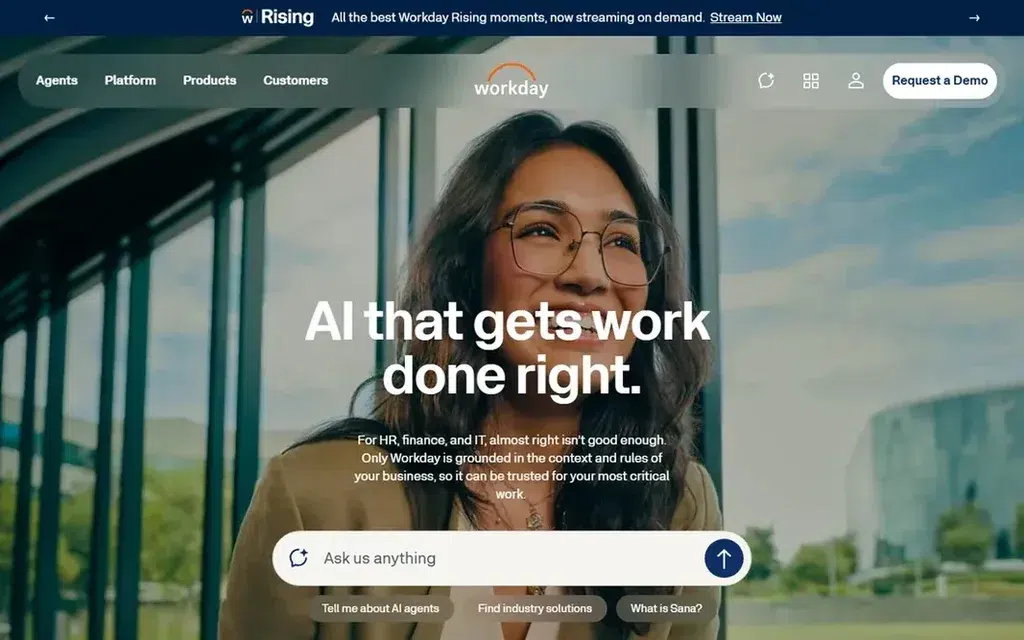
Workday Workforce Management makes the most sense for enterprise AI-powered HR and finance. Workday Workforce Management is part of an enterprise AI system for HR, finance, and IT. It uses agentic AI to simplify operations and is aimed at bigger organizations.
The main drawbacks: Generally suited for bigger enterprises.
In daily use, catering firms with complicated structures and a need for integrated finance and HR might find it beneficial. On top of that, Workday is usually geared toward enterprises, so small or mid-size caterers may find it overly complicated and expensive. Pricing for Workday Workforce Management is not stated here, so ask the vendor for current figures. On free options: Not stated.
- Integrates HR, finance, IT
- Enterprise AI product
- May be complicated for small catering businesses
UKG Workforce Management
Best for: Full HR and workforce intelligence
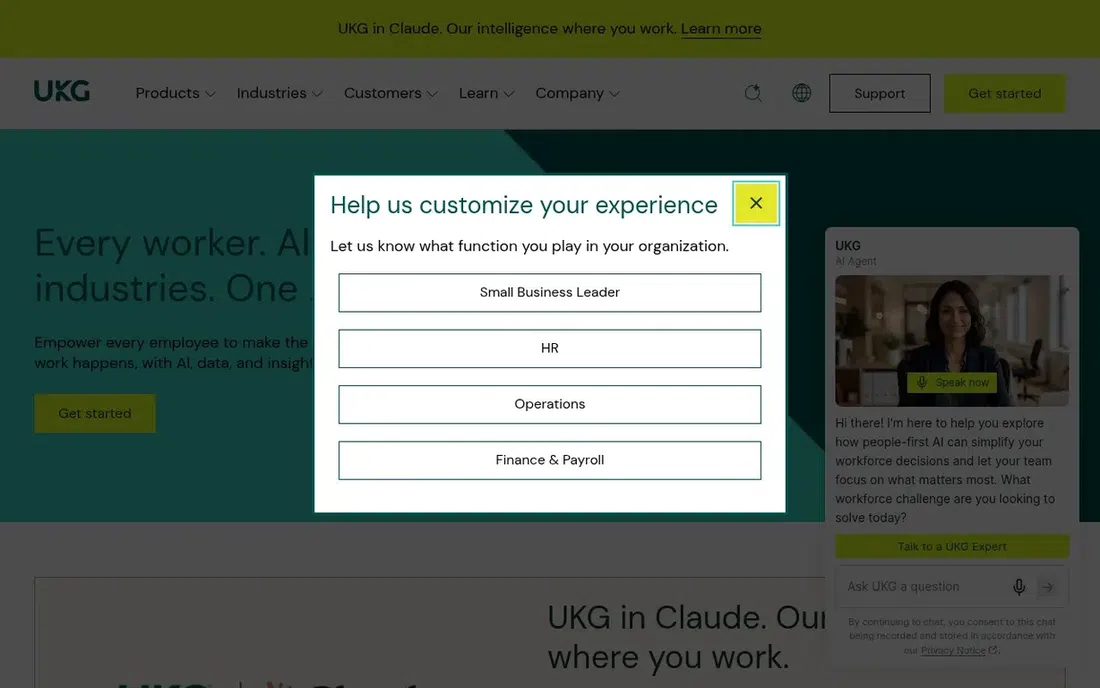
In short, UKG Workforce Management is for thorough HR and workforce intelligence. UKG Workforce Management is a system that eases HR, payroll, and workforce management with workforce intelligence.
It is aimed at modern operations and can support catering firms that require a unified view of their workforce data. Consider UKG if you want an integrated HR and WFM system. UKG Workforce Management shows no starting price here, so confirm the cost on the vendor site. Trial and free access: Not stated.
Downsides: May need training to use completely.
- Workforce management
- Designed for modern operations
- Could be complicated for very small teams
How the list was put together
For each of the 6 tools we noted price, free plan or trial, fit for WFM software for catering and the main limit, using vendor pages and documentation. Treat prices as a snapshot: vendors change plans often, so check the vendor site for the figure that applies today. The order reflects how well each tool fits the most common buying scenario for WFM software for catering, then price clarity, then free plan access. It is a starting point, not a verdict.
Before you commit
- Confirm the entry price on the vendor page. For HotSchedules, Workday Workforce Management and UKG Workforce Management that means a quote rather than a fixed price.
- Look at the free plan from Homebase closely: its caps decide whether it is usable for real work.
- Take the trial from When I Work and Deputy and push a live task through it before you pay.
- Read the limits listed for Homebase first: may not scale for bigger enterprises.
- Confirm minimum seats and billing terms with Workday Workforce Management before you commit to an annual plan.
- Read the plan comparison for Deputy carefully; key features often start on a higher tier.
FAQ
How are the tools for WFM software for catering ordered?
The order follows typical fit for WFM software for catering, with Homebase first and UKG Workforce Management last, then price clarity and free access. It is editorial judgement, not a score, so another team could rank the tools differently.
What features should catering businesses look for in WFM software?
Catering firms should prioritize scheduling adaptability, time tracking, payroll integration, and mobile access. As for the details, features like labor forecasting and team messaging can also help run event-based staffing. Consider tools that offer hospitality-specific functionality, like HotSchedules.
Is Homebase the right pick for everyone comparing WFM software for catering?
No single tool suits every team. Homebase comes first because it fits all-in-one for small businesses, while When I Work suits simple shift scheduling and team messaging and Deputy suits easy scheduling with AI forecasting. Match the tool to your own size, budget and workflow before deciding.
Which options for WFM software for catering have a free plan?
Homebase is the only tool in this list with a free plan. Free plans usually cap users, projects or features, so check the limits on the vendor page. Several others offer a trial instead. All 6 picks in this WFM software for catering comparison list a starting price, free plan details and the main limits on their cards above.
Do these tools publish their prices?
Not all of them. HotSchedules, Workday Workforce Management and UKG Workforce Management publish no starting price, so expect a quote request for those. The rest, Homebase included, show a starting price, though seats and billing terms still change the final cost.
Sources
- https://www.joinhomebase.com
- https://wheniwork.com
- https://www.deputy.com
- https://www.hotschedules.com
- https://www.workday.com
- https://www.ukg.com