5 Best Website Developer Software for 2026, Vetted and Compared
Comparing the best website developer software? 5 contenders, each with entry cost, free tier and best-fit buyer. Each tool gets a one-line verdict. Facts only.
- Editor's choiceWix Studio
Agencies and enterprise teams
Starts atSee websiteVisit wix.comFull review - Great alternative
 Shopify
Ecommerce firms of plenty of sizes
Starts at$19 a monthVisit shopify.comFull review - Also consider
 WordPress
Adaptable open-source websites and blogs
Starts atSee websiteVisit wordpress.orgFull review
Direct answer
Wix Studio comes first here, mainly for agencies and enterprise teams. Listed starting prices: Shopify from $19 a month, Framer from $10 a month and Webflow from $15 a month. Shopify fits ecommerce companies of plenty of sizes; WordPress fits adaptable open-source websites and blogs. Details, prices and limits for the rest of the 5 tools are below.
TL;DR:
- The list opens with Wix Studio, aimed at agencies and enterprise teams.
- A free plan is available from 2 of the 5 tools: Framer, Webflow.
- Webflow fits designers wanting visual control and hosting.
- The lowest published monthly entry price here is $10 per month, from Framer.
Last checked November 2026. Prices and plan details were read from the vendors' own pages in November 2026; vendors change plans often, so confirm the current price on the vendor site before you buy.
Quick comparison
| Tool | Best for | Starts at | Free plan? | |
|---|---|---|---|---|
| Wix Studio | Agencies and enterprise teams | See website | Not stated | Visit |
| Shopify | Ecommerce firms of plenty of sizes | $19 a month | Free trial | Visit |
| WordPress | Adaptable open-source websites and blogs | See website | Not stated | Visit |
 Framer | Quick design-led sites with AI assistance | $10 a month | Yes | Visit |
 Webflow | Designers wanting visual control and hosting | $15 a month | Yes | Visit |
5 options for website developer software in detail
Choosing website developer software usually comes down to price, fit and limits. This LinkVetted guide sets 5 tools side by side on those three points, with the facts kept short and checkable.
Wix Studio
Best for: Agencies and enterprise teams
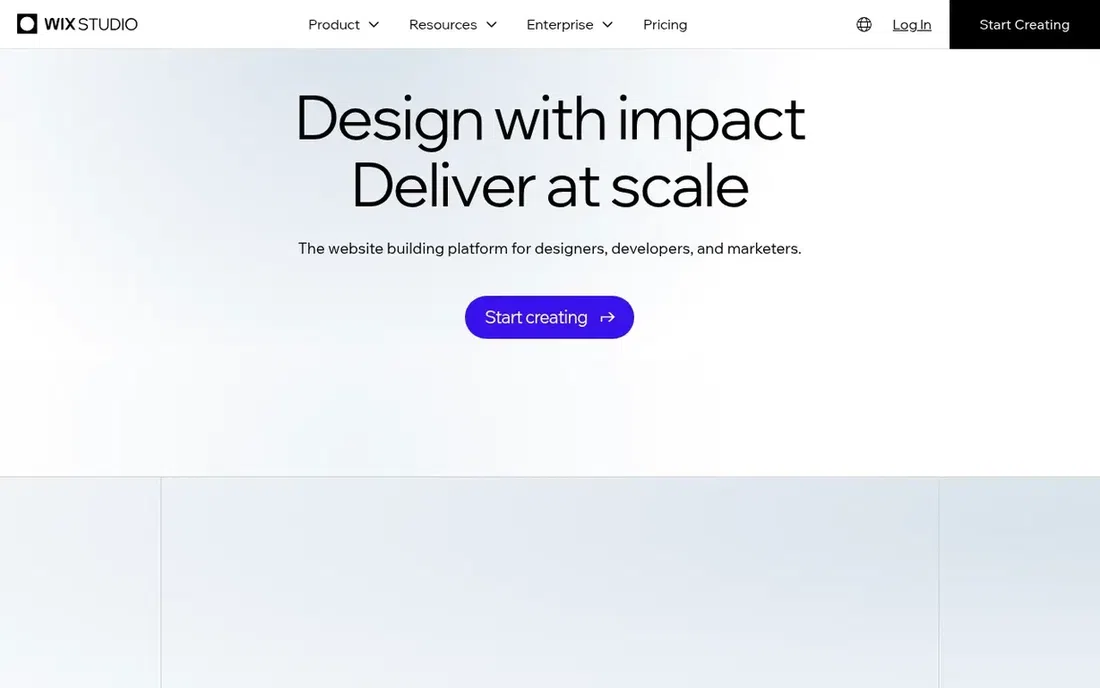
Where Wix Studio fits: agencies and enterprise teams. Wix Studio is a web system made for agencies and enterprises. It gives you smart design, development, and management capabilities intended to deliver digital experiences across industries.
If you need full server-level customization, an open-source product may suit you better. It is a hosted environment, which means less direct control over the underlying stack. Pricing for Wix Studio is not stated here, so ask the vendor for current figures. Free options: Not stated.
Trade-offs to know: Less open than self-hosted products.
- Smart design and development tools
- Management capabilities for teams
- Feature set can overwhelm beginners
Shopify is designed for ecommerce firms of plenty of sizes. Shopify is an all-in-one commerce system for companies. It gives you tools to build or grow a business rapidly, with AI features and management tools that extend beyond entry-level ecommerce.
The main drawbacks: Concentrated on commerce over general content.
More specifically, Shopify is built around selling, so it is less ideal for purely informational or editorial sites. On top of that, the product suits retailers and merchants who want a commerce-first foundation with room to grow. Advanced customization frequently depends on extra apps or theme work. Shopify starts at: $19 per month. On free options: Free trial.
- AI features for building and growth
- All-in-one commerce system
- Customization can require app extras
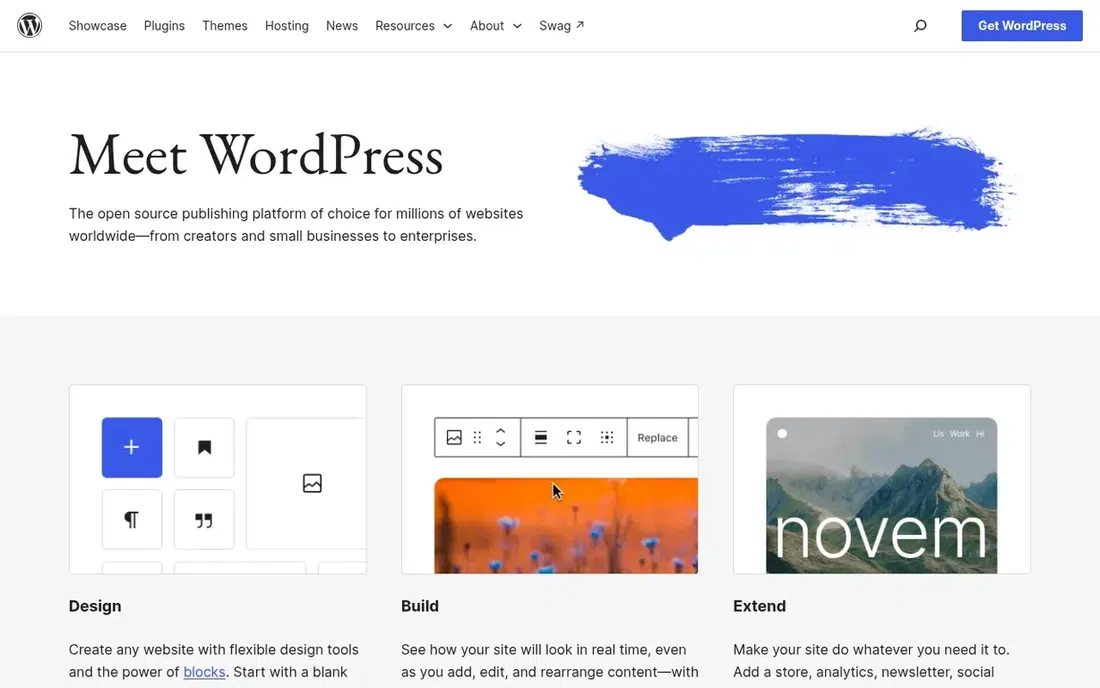
WordPress targets adaptable open-source websites and blogs. WordPress is open-source software for creating a website, blog, or app. It offers a publishing product and CMS that you can adapt to numerous kinds of content.
Worth adding: the system suits bloggers, small companies, and developers who want control over their site's structure and want to extend functionality over time. Since WordPress is open source, you are responsible for hosting, updates, and security. Check the vendor site for WordPress pricing; none is listed in this comparison. Free options: Not stated.
What to check first: Needs more setup and maintenance.
- Solid blogging and CMS foundation
- Open source and widely extensible
- Advanced customization needs technical knowledge
Framer was built for quick design-led sites with AI assistance. Changes remain editable after publishing, and hosting, CMS, analytics, SEO, and AEO features are built in.
If you need custom databases and user logic, a no-code app builder is a better direction. On top of that, the product fits designers and marketers who want a quick, refined site with AI assistance. What you pay to start with Framer: $10 per month. Free access exists with Framer.
Where it is weaker: Smaller ecosystem than older products.
- Design agent from idea to launch
- Editable changes after publishing
- Less suited to complicated web applications
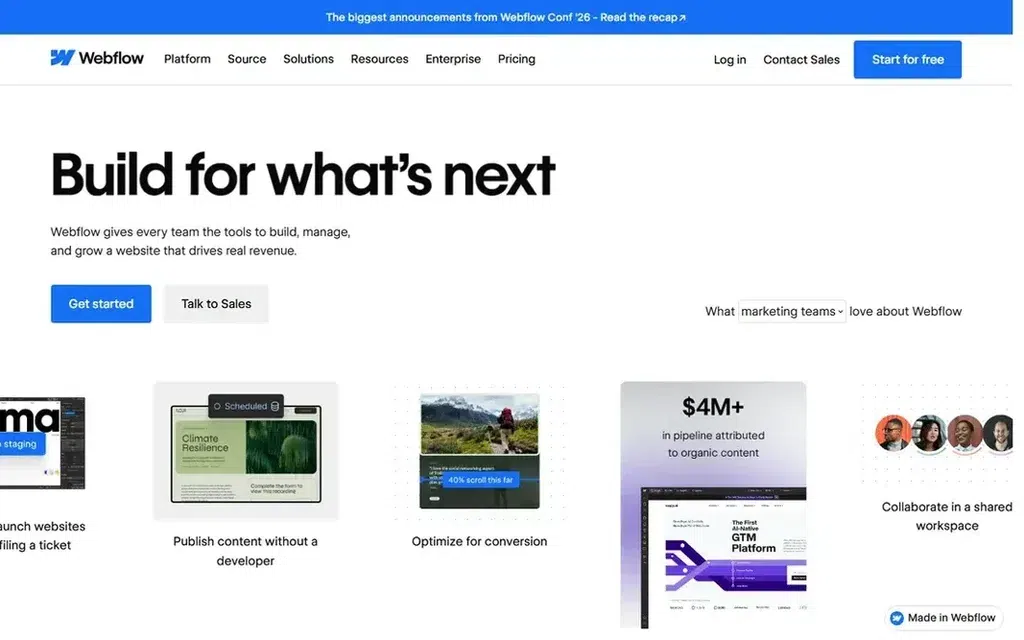
Webflow is built with designers wanting visual control and hosting in mind. More specifically, for deep commerce functionality, a dedicated commerce product is frequently a better choice. Webflow is a visual web system for designing, building, and optimizing websites.
What to check first: Less suited to heavy ecommerce needs.
For everyday use, Webflow's adaptability includes a ramp-up time, notably for complicated interactions and CMS structures. It may be more than a straightforward brochure site needs. Webflow pricing: $15 per month. Free access exists with Webflow.
- Built-in CMS and hosting
- Visual design with code-level control
- Ramp-up time for advanced interactions
Our selection method
What to confirm before you sign up
- Confirm the entry price on the vendor page. For Wix Studio and WordPress that means a quote rather than a fixed price.
- Read the fine print on the free plans from Framer and Webflow; seat, project and feature caps differ.
- Use real work to test the free trial from Shopify, rather than a demo project.
- Before choosing Wix Studio, weigh its main limit: feature set can overwhelm beginners.
- Look at the renewal terms for Framer: auto-renewal, notice periods and price changes can matter more than the first-year price.
- Map your must-have features to a specific Webflow plan before you compare prices.
FAQ
How are the tools for website developer software ordered?
Wix Studio sits first and Webflow last because the order follows typical fit for website developer software, then price clarity and free access. It is a judgement call, so read each profile for fit and limits.
Is Wix Studio the right pick for everyone comparing website developer software?
No single tool suits every team. Wix Studio comes first because it fits agencies and enterprise teams, while Shopify suits ecommerce businesses of many sizes and WordPress suits flexible open-source websites and blogs. Match the tool to your own size, budget and workflow before deciding.
Can I try these options before paying?
Often, yes. Framer and Webflow have a free plan and Shopify offers a free trial. Use your own data and a real task during the test, and check what the free tier or trial limits before you rely on it.
Which website developer software is best for beginners?
Wix Studio comes first here and is built for agencies and enterprise teams. Buyers with other needs may prefer Shopify (for ecommerce companies of plenty of sizes) or WordPress (for adaptable open-source websites and blogs). Compare costs and limits first.
What is the cheapest option for website developer software in this list?
On published monthly entry prices, Framer is the lowest here at $10 per month. Entry price is only part of the cost, because seats, add-ons and billing terms can change the total. Prices, free plan details and limits for all 5 tools in this website developer software roundup sit on the individual cards above.
Sources
- https://www.wix.com/studio
- https://www.shopify.com
- https://wordpress.org
- https://www.framer.com
- https://webflow.com