Best Web Design Software for Startups for 2026: Our 5 Vetted Picks
5 best web design software for startups, with entry costs, free tiers and the buyer each one serves. Includes honest limits for each tool. See the full list.
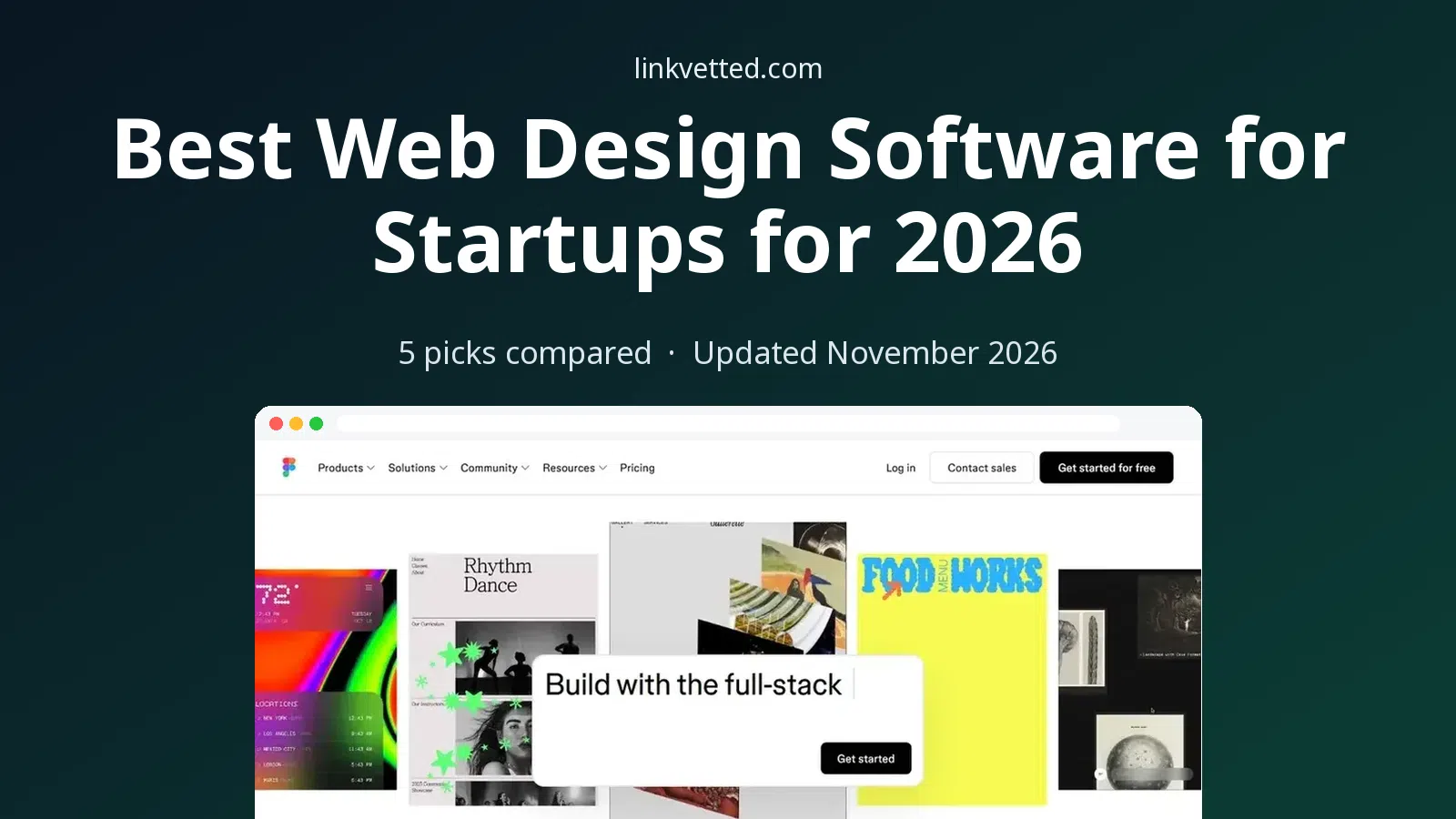
- Editor's choice
 Framer
Design-led sites with an AI design agent
Starts at$10 a monthVisit framer.comFull review - Great alternative
 Squarespace
Quick template-driven startup launches
Starts at$12 per monthVisit squarespace.comFull review - Also consider
 Figma
Collaborative design before development
Starts at$3 a monthVisit figma.comFull review
Direct answer
If you need design-led sites with an AI design agent, Framer is the first tool to look at here. Listed starting prices: Framer from $10 a month, Squarespace from $12 per month and Figma from $3 a month. If your case is different, Squarespace suits quick template-driven startup launches and Figma suits collaborative design before development. The full list of 5 tools follows, with prices and free plan facts.
TL;DR:
- Framer is the opening pick, best for design-led sites with an AI design agent.
- The lowest published monthly entry price here is $3 per month, from Figma.
- Webflow fits visual building with integrated CMS and hosting.
- Before buying Wix Studio, weigh this: feature set can feel wide for a straightforward site.
- A free plan is available from 2 of the 5 tools: Framer, Webflow.
Last checked November 2026. Prices and plan details were read from the vendors' own pages in November 2026; vendors change plans often, so confirm the current price on the vendor site before you buy.
Quick comparison
| Tool | Best for | Starts at | Free plan? | |
|---|---|---|---|---|
| Framer | Design-led sites with an AI design agent | $10 a month | Yes | Visit |
| Squarespace | Quick template-driven startup launches | $12 per month | Free trial | Visit |
| Figma | Collaborative design before development | $3 a month | Not stated | Visit |
| Wix Studio | Agencies and enterprise-grade site delivery | See website | Not stated | Visit |
 Webflow | Visual building with integrated CMS and hosting | $15 per month | Yes | Visit |
The best web design software for startups
Short on time? The summary and table above give the quick view of 5 web design software for startups, and the profiles that follow give the detail behind each entry.
Framer is aimed squarely at design-led sites with an AI design agent. Framer presents itself as a website builder with a design agent that takes a site from idea to launch whereas keeping changes editable, with hosting, CMS, analytics, SEO and AEO built in. Framer is oriented toward marketing and content sites instead of complicated web application logic, so product teams building app interfaces may need extra tooling.
Strengths: analytics and SEO built in.
Honest limits: Complicated app logic is outside its focus. Founders comfortable iterating visually tend to get the most from it. Worth adding: startups with heavy custom backend requirements should confirm integration needs on the vendor site first. On cost, Framer starts like this: $10 per month. You can start on Framer without paying.
- Hosting, CMS
- AI design agent from idea to launch
- Newer workflow for some traditional teams
In short, Squarespace is for quick template-driven startup launches. Squarespace is a website builder centered on configurable templates, AI website builder tools and domain registration, pitched at people who want to produce a site and grow a business.
Marketing pages, portfolios and small business sites are typical suits. Worth adding: teams that require deep custom interactions or a bespoke front-end may find template structures limiting compared to visual development products. Squarespace starts at: $12 per month. Free access: Free trial.
Watch-outs: Design freedom tied to template structure.
- Configurable website templates
- Domain and business growth features
- Less adaptable for custom code-heavy builds
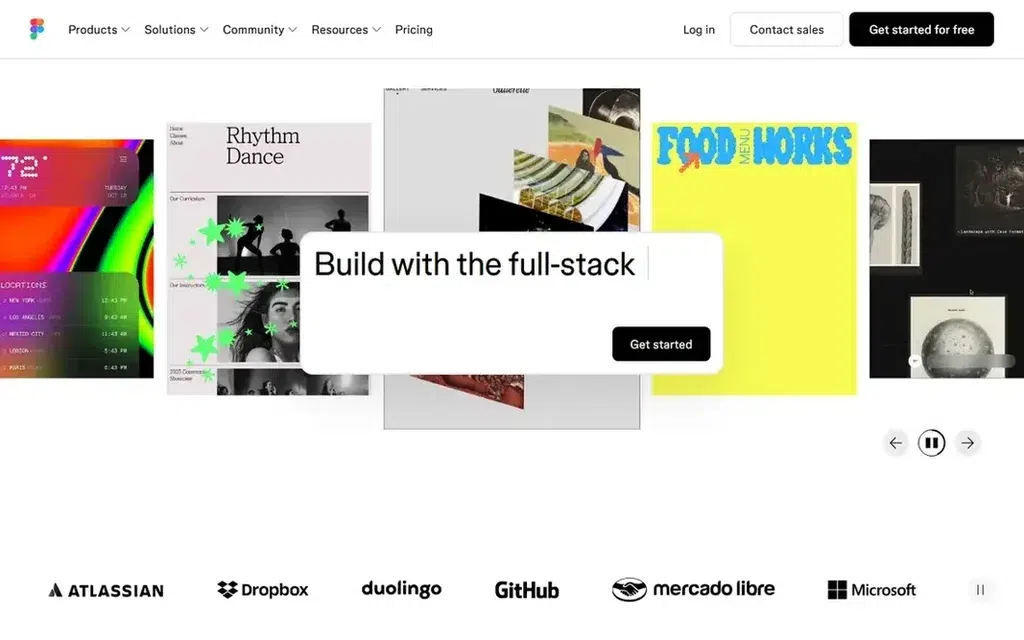
Figma works best for collaborative design before development. For startups, it is commonly the space where brand, UI and marketing pages get designed and reviewed before any build begins.
Strengths: Solid real-time team collaboration.
Where it falls short: Needs a separate build step for live sites.
Starting cost for Figma: $3 per month. Free options: Not stated.
- Code and AI
- Moves from concept to production in one place
- Not a full hosting and CMS system
Wix Studio
Best for: Agencies and enterprise-grade site delivery
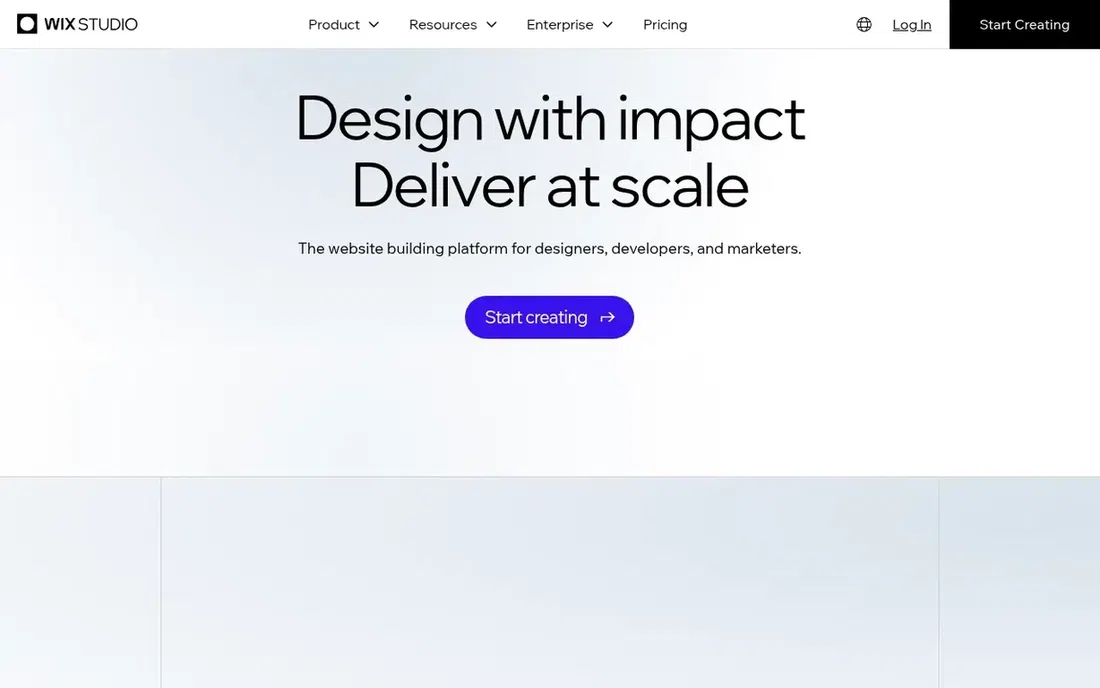
Think of Wix Studio for agencies and enterprise-grade site delivery. Wix Studio is described as a web system aimed at agencies and enterprises, offering smart design, development and management capabilities across industries. Startups working with an agency, or planning to hand site management to one, may find the workflow oriented around professional delivery useful.
Trade-offs to know: Feature set can feel wide for a straightforward site.
Reasons to shortlist it: Suited to varied industry projects.
Also, founders who want the lightest possible path to a first page should compare it against more straightforward template-driven builders. For everyday use, since it is framed around agencies and bigger organizations, a very small startup with a single straightforward site may not need its broader management tooling. Wix Studio does not show a starting price in this comparison, so check the vendor site for current pricing. On free options: Not stated.
- Smart design
- Development and management tools
- Targeted at professional teams more than solo founders
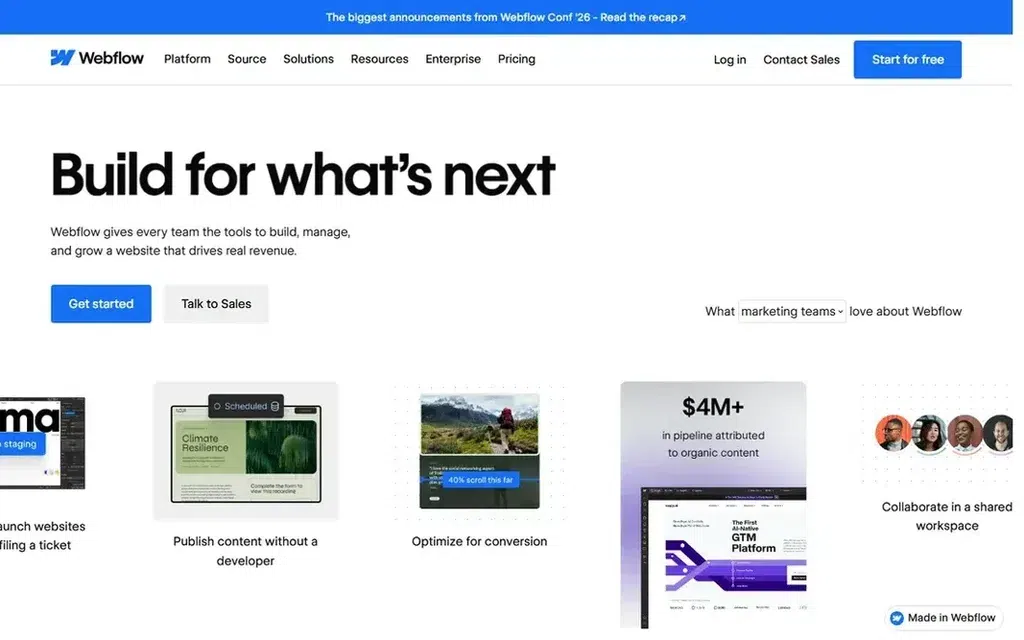
Webflow works best for visual building with integrated CMS and hosting. Webflow is a visual web system that lets teams design, build, optimize and rank sites without handing off to a separate development stack.
Downsides: Ramp-up time for advanced interactions.
For everyday use, design teams that primarily have to explore concepts before development should pair it with a dedicated design tool instead of depend on it alone. On top of that, the product assumes some willingness to learn its visual development model, so founders wanting a purely template-driven launch may find it heavier than needed. Webflow cost at the entry level: $15 per month. Webflow has a free plan.
- Enterprise-grade security choices
- Built-in search optimization and AI search features
- Less suited to pure design exploration
How the list was put together
For each of the 5 tools we noted price, free plan or trial, fit for web design software for startups and the main limit, using vendor pages and documentation. Treat prices as a snapshot: vendors change plans often, so check the vendor site for the figure that applies today. Order on the page follows fit for the typical buyer first, then price transparency and free access. Your own requirements should decide the final pick.
Questions to settle before buying
- Ask Wix Studio for a written quote, since no starting price is shown.
- Look at free plan limits closely: Framer and Webflow have one, and the caps decide whether it is usable for real work.
- Run a trial of Squarespace with real work before paying for a year; your own workflow is the best test.
- Read the limits listed for Framer first: newer workflow for some traditional teams.
- Work out what Wix Studio costs with your real seat count, add-ons and usage, not just the entry price.
- Look at the renewal terms for Figma: auto-renewal, notice periods and price changes can matter more than the first-year price.
FAQ
Which options for web design software for startups have a free plan?
Framer and Webflow offer a free plan in this list. Free plans usually cap users, projects or features, so check the limits on the vendor page. One other tool offers a trial instead. For the full picture, the cards above cover all 5 entries of this web design software for startups list, including price, free plan and limits.
How are the tools for web design software for startups ordered?
The order follows typical fit for web design software for startups, with Framer first and Webflow last, then price clarity and free access. It is editorial judgement, not a score, so another team could rank the tools differently.
Is Framer the right pick for everyone comparing web design software for startups?
No single tool suits every team. Framer comes first because it fits design-led sites with an AI design agent, while Squarespace suits fast template-driven startup launches and Figma suits collaborative design before development. Match the tool to your own size, budget and workflow before deciding.
Which web design software is a good match for a startup with no developer?
Framer comes first here and is built for design-led sites with an AI design agent. Buyers with other needs may prefer Squarespace (for quick template-driven startup launches) or Figma (for collaborative design before development). Compare costs and limits first.
Can I try these tools before paying?
Often, yes. Framer and Webflow have a free plan and Squarespace offers a free trial. Use your own data and a real task during the test, and check what the free tier or trial limits before you rely on it.
Sources
- https://www.framer.com
- https://www.squarespace.com
- https://www.figma.com
- https://www.wix.com/studio
- https://webflow.com