Best Web Design Software for Remote Teams (2026): 5 Picks Checked on Vendor Pages
Compare 5 best web design software for remote teams, with prices, free plans and who each fits. Costs and caveats sit beside each pick. Details below.
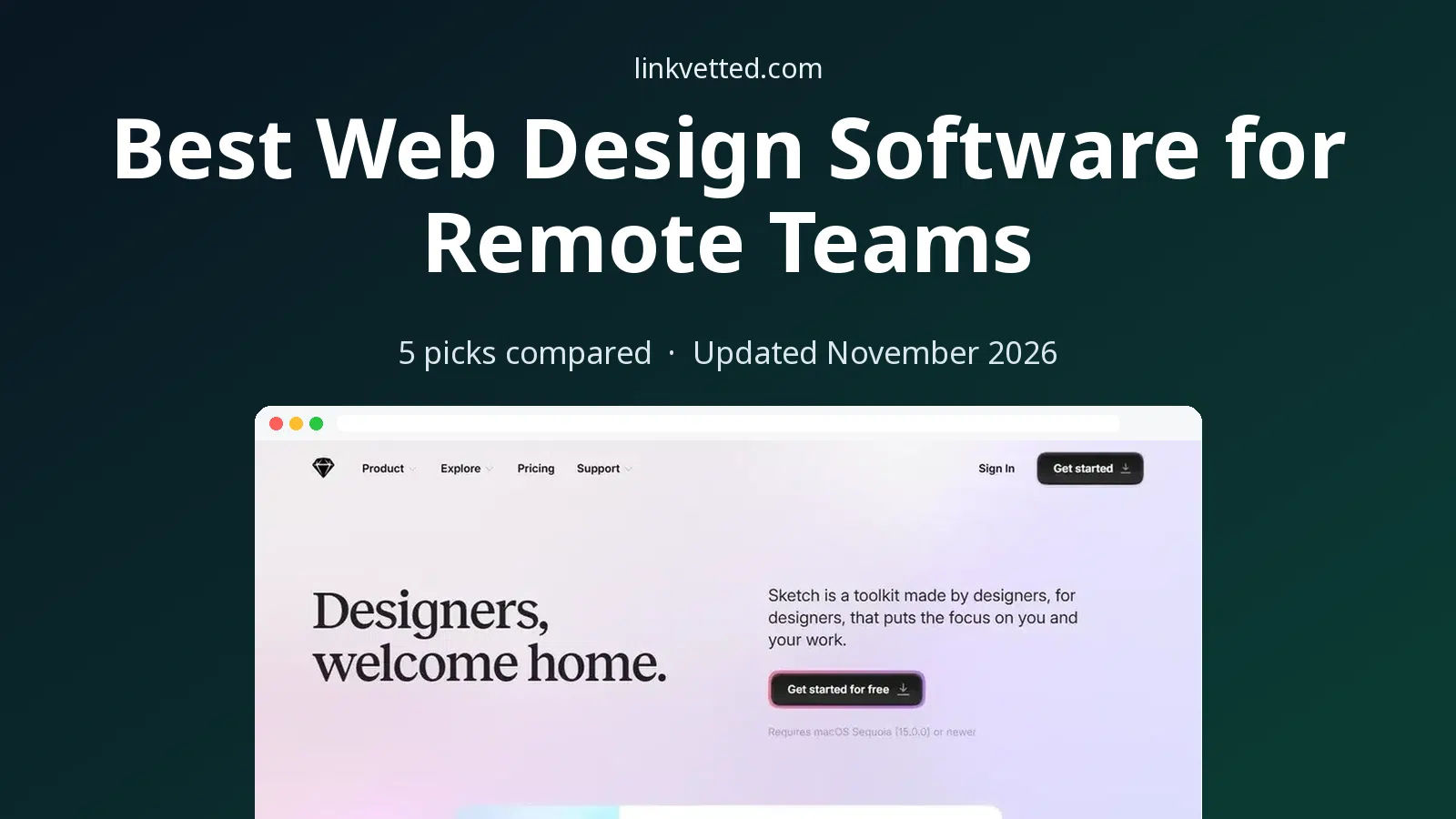
- Editor's choice
 Sketch
Mac-based design teams
Starts at$12 per editor per monthVisit sketch.comFull review - Great alternative
 Webflow
Design-to-code websites
Starts at$15 a monthVisit webflow.comFull review - Also consider
 Miro
Visual collaboration and ideation
Starts at$8 per member a monthVisit miro.comFull review
Direct answer
If you need Mac-based design teams, Sketch is the first tool to look at here. Listed starting prices: Sketch from $12 per editor per month, Webflow from $15 a month and Miro from $8 per member a month. Webflow fits design-to-code websites; Miro fits visual collaboration and ideation. The full list of 5 tools follows, with prices and free plan facts.
TL;DR:
- Sketch takes the first slot, best suited to Mac-based design teams.
- Only 3 of the 5 tools have a free plan (Webflow, Miro, Framer), so check the caps.
- The lowest published monthly entry price here is $3 per month, from Figma.
- The main caution on Miro: not a design tool.
Last checked November 2026. Prices and plan details were read from the vendors' own pages in November 2026; vendors change plans often, so confirm the current price on the vendor site before you buy.
Quick comparison
| Tool | Best for | Starts at | Free plan? | |
|---|---|---|---|---|
| Sketch | Mac-based design teams | $12 per editor per month | Free trial | Visit |
| Webflow | Design-to-code websites | $15 a month | Yes | Visit |
| Miro | Visual collaboration and ideation | $8 per member a month | Yes | Visit |
 Figma | Collaborative design and prototyping | $3 a month | Not stated | Visit |
 Framer | AI-assisted website building | $10 per month | Yes | Visit |
The full web design software for remote teams list
LinkVetted put together this guide to web design software for remote teams for readers who want a clear shortlist without reading every vendor page. It compares 5 tools on starting price, free plans, who each one suits and where each one falls short.
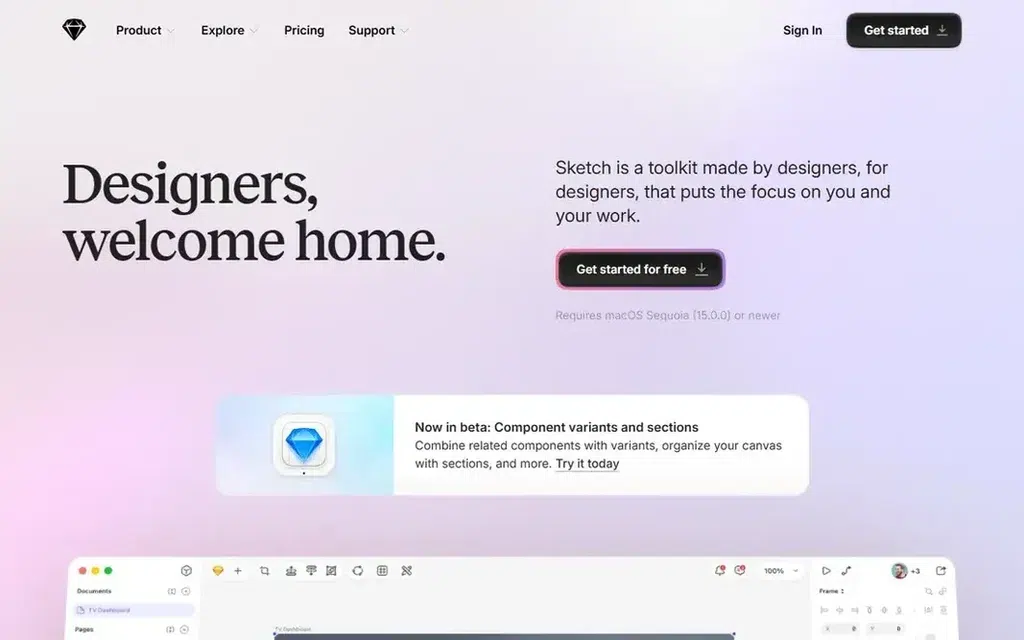
Sketch targets Mac-based design teams. Sketch is a design toolkit made by designers for designers, emphasizing focus and workflow. It provides prototyping and collaboration features, making it a good match for remote teams that primarily use Macs.
Where it shines: Designer-focused interface.
Worth adding: live collaboration is more restricted compared with browser-based tools. Teams needing Windows support or live co-editing should look elsewhere. Sketch is exclusive to macOS, which can be a barrier for cross-platform teams. Worth adding: the tool helps simplify design handoff and feedback. Entry price for Sketch: $12 per editor per month. As for free access: Free trial.
The main drawbacks: Restricted live editing.
- Collaboration features
- Prototyping tools
- Mac only
Webflow is designed for design-to-code websites. Webflow is an agentic web product for modern companies, enabling design, build, and optimization in one place.
In practice, consider Webflow when you need a full website solution. Beyond that, Webflow's feature-rich features come with a ramp-up time, and it may be overkill for teams focused solely on design mockups. On cost, Webflow starts like this: $15 per month. Webflow includes a free tier.
Where it is weaker: Steeper ramp-up time.
- Enterprise security
- Built-in CMS and hosting
- Less suited for pure design
Miro is aimed squarely at visual collaboration and ideation. Teams seeking an all-in-one design option should look at other choices.
Worth adding: Miro is an AI innovation workspace that accelerates product development from ideation to launch. On cost, Miro starts like this: $8 per member per month. Miro offers a free plan.
Where it is weaker: Can become cluttered.
- Live collaboration
- Integration with design tools
- Not a design tool
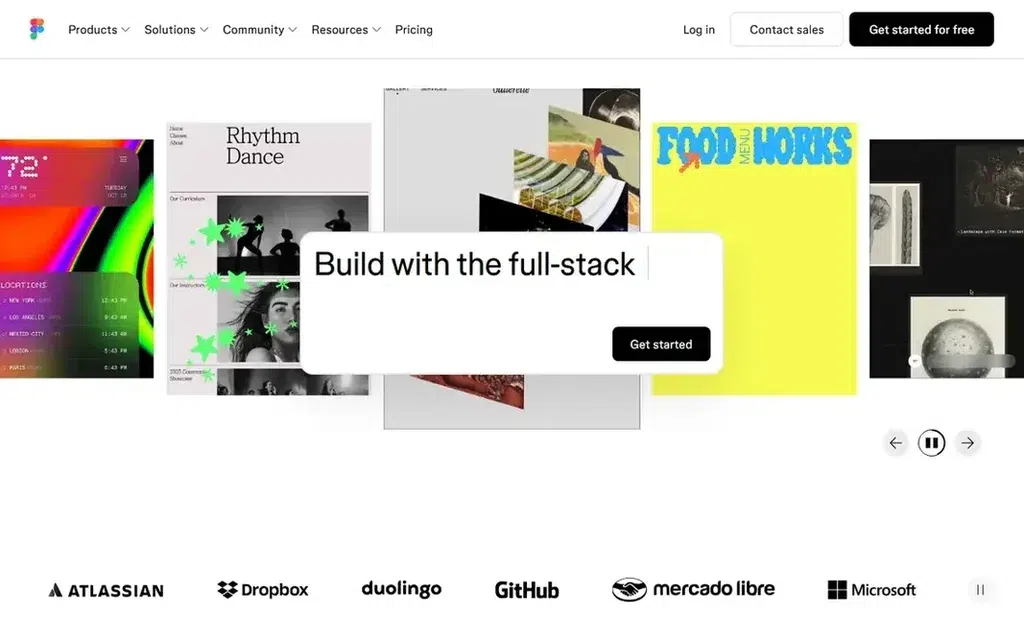
Where Figma fits: collaborative design and prototyping. Figma is a collaborative canvas where design, code, and AI come together. It makes it possible for remote teams to work on designs simultaneously, from concept to production, all in one place.
More specifically, for those needing advanced prototyping without coding, other tools may suffice. In practice, Figma's broad feature set may require a ramp-up time for new users. The product is a strong match for teams that require to iterate rapidly and keep everyone aligned. Teams that prefer offline work or have limited internet access might consider desktop alternatives. What you pay to start with Figma: $3 per month. As for free access: Not stated.
Points against: Can be overwhelming for beginners.
- Integrates design and code
- Browser-based access
- Needs internet connection
Choose Framer for AI-assisted website building. Framer is a website builder with an AI design agent that takes you from idea to launch.
In daily use, choose Framer for quick, AI-assisted site building. Changes remain editable, and hosting, CMS, analytics, and SEO are built in. Starting cost for Framer: $10 per month. Framer includes a free tier.
What to check first: Restricted design system support.
- Editable changes
- Built-in hosting and SEO
- Newer product
Our selection method
Selection started from tools commonly considered for web design software for remote teams, then narrowed to 5 that have clear pricing information or a clear quote process. Where a vendor does not publish a price, the entry says quote. Where a price depends on seats or billing term, the entry says so. The sequence is a judgement call: typical use case first, then pricing transparency, then free access. Use the profiles to check fit.
What to check before you buy
- Confirm the entry price on the vendor page: Figma starts at $3 per month, but seat counts and billing terms change the total.
- Check what the free option really includes: Webflow, Miro and Framer offer a free plan, and usage caps differ.
- Take the trial from Sketch and push a live task through it before you pay.
- Read the limits listed for Sketch first: Mac only.
- Check the integration list for Sketch against the tools you run today, and note which ones need a higher plan.
- Confirm you can export your data from Figma, so leaving later does not mean losing records.
FAQ
Which options for web design software for remote teams have a free plan?
On this list, Webflow, Miro and Framer include a free plan. Caps on seats, usage or features are common, so test the free plan against your real workload. One other tool offers a trial instead.
Do these tools publish their prices?
Yes. Every tool from Sketch to Framer shows a starting price, though seats, add-ons and billing terms still change the final cost.
Can I try these tools before paying?
Often, yes. Webflow, Miro and Framer have a free plan and Sketch offers a free trial. Use your own data and a real task during the test, and check what the free tier or trial limits before you rely on it.
Is Sketch the right pick for everyone comparing web design software for remote teams?
No single tool suits every team. Sketch comes first because it fits Mac-based design teams, while Webflow suits design-to-code websites and Miro suits visual collaboration and ideation. Match the tool to your own size, budget and workflow before deciding.
Can remote teams use Webflow for design collaboration?
It is well suited to teams that want to build and host websites straight. For pure design collaboration, tools like Figma may be better.
What is the best web design software for remote teams?
Start with Sketch if you need Mac-based design teams. Webflow is the better match for design-to-code websites, and Miro for visual collaboration and ideation. The best choice depends on budget, team size and workflow.
Sources
- https://www.sketch.com
- https://webflow.com
- https://miro.com
- https://www.figma.com
- https://www.framer.com