7 Way to Stream to Multiple Platforms Ranked for 2026
Compare 7 best way to stream to multiple platforms, with prices, free plans and who each fits. Each profile ends with a plain caveat. Reviewed this month.
- Editor's choice
 PRISM Live Studio
Streaming to several products straight from a phone
Starts atFree (PRISM Plus subscription available for extras)Visit prismlive.comFull review - Great alternative
 StreamYard
Interview presents and webinars run from a browser
Starts at$35.99/month billed yearly ($44.99 per month) on CoreVisit streamyard.comFull review - Also consider
 Streamlabs
Streamers who want alerts, overlays, and multistream in one login
Starts atFree (Ultra adds 3+ destinations; see website for current Ultra pricing)Visit streamlabs.comFull review
Direct answer
Start with PRISM Live Studio if you need streaming to several systems straight from a phone. StreamYard is better for interview presents and webinars run from a browser, and Streamlabs is better for streamers who want alerts, overlays, and multistream in one login. All 7 tools are compared below on price, free plan and limits.
TL;DR:
- Number one here is PRISM Live Studio, a fit for streaming to several systems straight from a phone.
- For the cheapest start, look at Restream: $16/month billed annually.
- Check the limits for StreamYard before you commit: core and Advanced are for individual use only, not teams.
- Free access is easy to find: 7 of the 7 tools have a free plan, for example PRISM Live Studio, StreamYard, Streamlabs and Restream.
- LiveReacting suits interactive streams with polls, trivia, and giveaways.
Quick comparison
| Tool | Best for | Starts at | Free plan? | |
|---|---|---|---|---|
| PRISM Live Studio | Streaming to several products straight from a phone | Free (PRISM Plus subscription available for extras) | Yes | Visit |
| StreamYard | Interview presents and webinars run from a browser | $35.99/month billed yearly ($44.99 per month) on Core | Yes | Visit |
| Streamlabs | Streamers who want alerts, overlays, and multistream in one login | Free (Ultra adds 3+ destinations; see website for current Ultra pricing) | Yes | Visit |
 Restream | Creators and firms multistreaming to the most systems | $16/month billed yearly ($19 per month) on Standard | Yes | Visit |
 OneStream Live | Pre-recorded videos streamed as live to plenty of products | Free ($0 forever); Standard $39/month ($384/year) | Yes | Visit |
 OBS Studio | Creators who want full control at zero cost | Free | Yes | Visit |
 LiveReacting | Interactive streams with polls, trivia, and giveaways | Free (3 streams/month); premium plans, see website | Yes | Visit |
7 way to stream to multiple platforms in detail
This LinkVetted guide covers 7 way to stream to multiple platforms. Each profile lists a starting price, free plan details, strengths and drawbacks, so you can drop poor fits quickly.
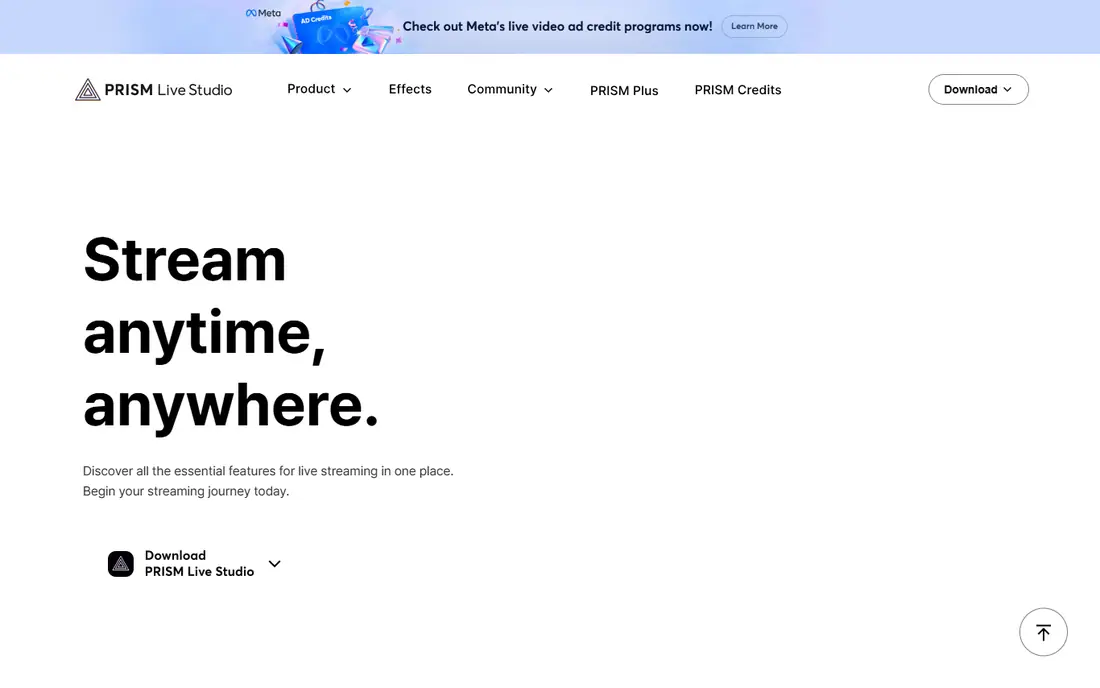
PRISM Live Studio is designed for streaming to several platforms straight from a phone. PRISM Live Studio, from NAVER, is the answer for creators whose studio is their phone. Beyond that, multi-camera interviews, complicated scenes, and heavy graphics belong in StreamYard or OBS.
Worth adding: the free mobile app multistreams to multiple products at once in up to 1080p at 60fps, with live effects, background music, screen casting for mobile games, and VTuber modes. CONNECT mode turns the phone into a camera, mic, or remote for the PRISM desktop app, which is handy for hybrid setups. The honest limitation is scope: this is a phone app, not a production switcher. PRISM Live Studio starts at: Free. PRISM Live Studio offers a free plan.
Watch-outs: Desktop companion is less mature than OBS or vMix.
- Effects
- Screen casting built in
- Some advanced features sit behind the PRISM Plus subscription
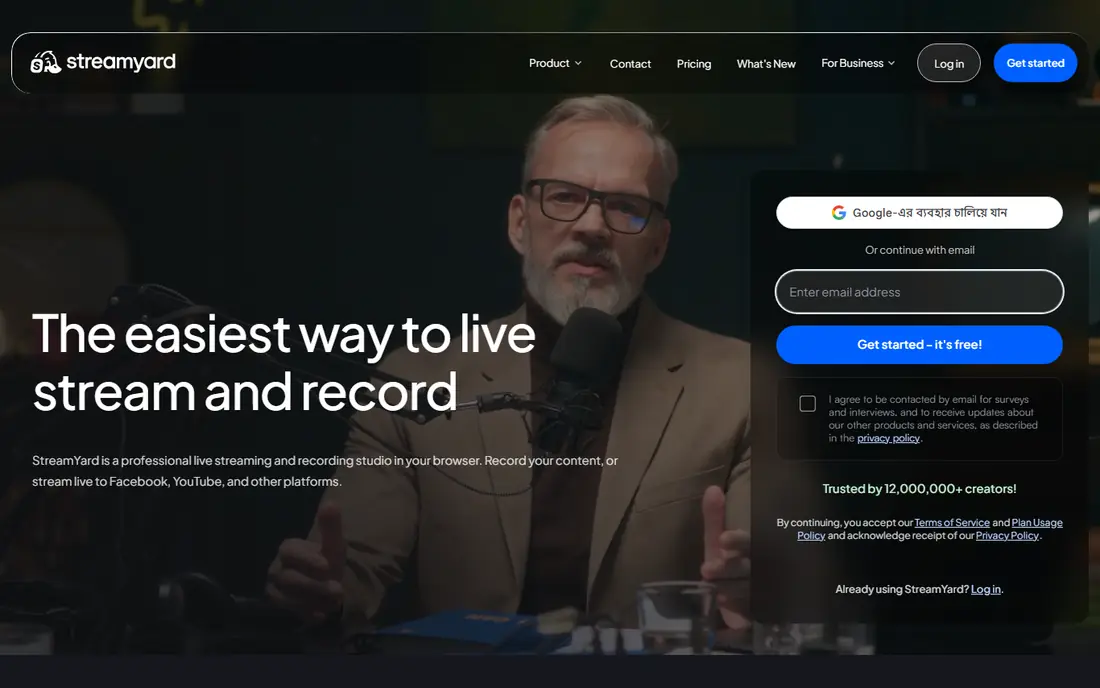
For interview displays and webinars run from a browser, StreamYard is a natural candidate. You run the studio in your browser, guests click a link, and layouts, overlays, banners, and video clips are a handful of clicks away. On top of that, if you just need raw multistream distribution, pair a less expensive relay with OBS.
Where it shines: Local and cloud recordings on premium plans.
From a buyer's view, at $35.99 per month billed yearly, Core costs more than twice Restream's Standard for fewer destinations, and the jump to Advanced ($68.99 annual / $88.99 monthly) for 8 destinations is steep. From a buyer's view, if your present is largely you talking to guests, it is worth it. The honest catch is the price. Starting cost for StreamYard: $35.99/month billed annually. You can start on StreamYard without paying.
Drawbacks to consider: Advanced multistreaming to 8 destinations needs the $68.99/month Advanced plan.
- Custom RTMP
- Guests join from a browser link with nothing to install
- Core and Advanced are for individual use only, not teams
Streamlabs
Best for: Streamers who want alerts, overlays, and multistream in one login
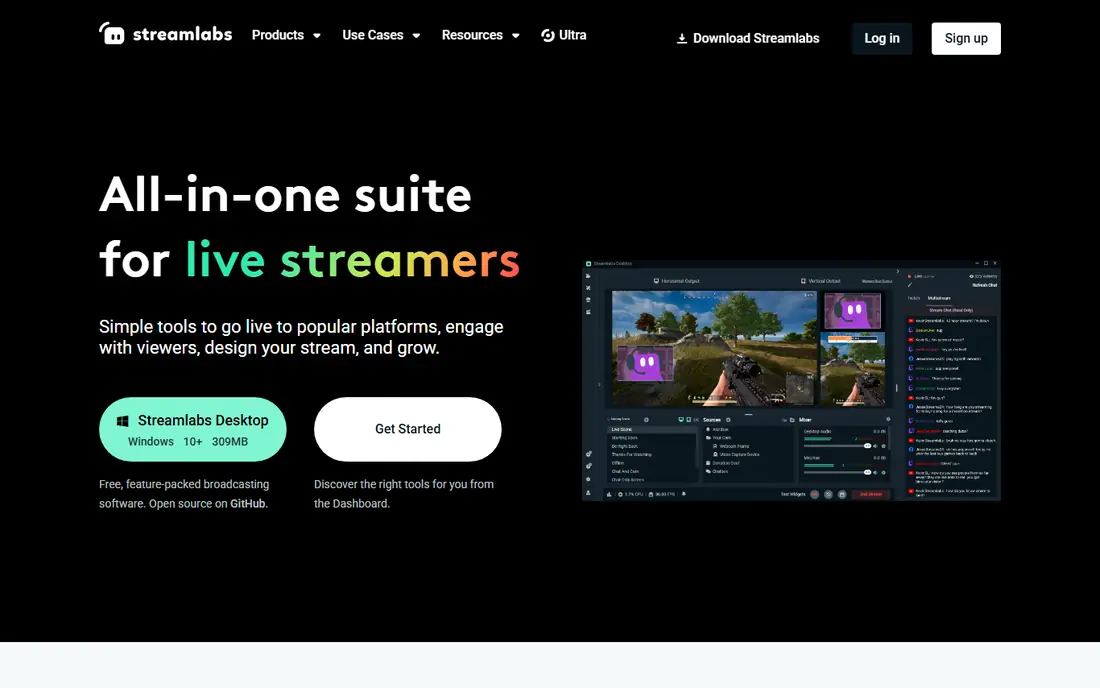
For streamers who want alerts, overlays, and multistream in one login, Streamlabs is a natural candidate. The free level lets you broadcast to 2 destinations with the core tools, which is enough to test YouTube plus Twitch before committing.
Downsides: Three or more destinations need the premium Ultra subscription.
The trade-off against OBS is convenience compared with control: Streamlabs is friendlier, OBS is leaner and completely free. Price to start with Streamlabs: Free. A free plan is available with Streamlabs.
- Huge library of overlays, themes, apps
- Free level multistreams to 2 destinations with alerts and widgets built in
- Desktop software is heavier than OBS
Think of Restream for creators and firms multistreaming to the most platforms. Restream is the name most people mean when they say "multistream." You send one feed to Restream's cloud and it publishes to YouTube, Twitch, Facebook, LinkedIn, and dozens more at the same time, merging every platform's chat into a single feed. Beyond that, check which level your destination count actually needs before subscribing.
Strengths: vMix or Zoom as the encoder; Works as a cloud relay with OBS.
Worth adding: the jump to Professional ($39 annual / $49 monthly) is about 1080p Studio output, 5 channels, and dual-format streaming to horizontal and vertical products at once. Free handles 2 channels with branding. The pricing logic is straightforward: you pay for simultaneous channels and Studio quality. Standard at $16 per month billed yearly (or $19 monthly) layers on a third channel, custom RTMP destinations, and removes the logo. The starting price for Restream: $16/month billed annually. A free plan is available with Restream.
Downsides: 1080p Studio quality and dual-format streaming need the $39/month Professional plan; Simultaneous-channel limits force higher levels quick.
- Streams to 30-plus platforms at once with cross-platform chat in one window
- Free plan is genuinely usable with 2 channels
- Branding stays until you pay
OneStream Live
Best for: Pre-recorded videos streamed as live to plenty of products
For pre-recorded videos streamed as live to plenty of systems, OneStream Live is a natural candidate. OneStream Live owns a specific niche: the pre-recorded live stream. It also does live browser-studio streaming and RTMP ingest from OBS and Zoom, plus custom websites and embeddable players.
The free plan is usable for testing: 2 destinations at 720p with 3 scheduled events. In daily use, premium plans start at Standard, $39 per month or $384 per year, with Professional at $49 and Enterprise at $139. The starting price for OneStream Live: Free. A free plan is available with OneStream Live.
Downsides: Pre-recorded-as-live disclosure rules vary by system.
- Schedules pre-recorded videos to go out "live" on 45-plus systems
- Cloud-based, so streams run with your computer off
- Premium plan pricing jumps from free straight to $39/month on Standard
OBS Studio targets creators who want full control at zero cost. From day one, OBS sends one RTMP feed to one destination. It records, mixes, and encodes video from your computer with a scene system, an audio mixer with VST support, Studio Mode previews, and hotkeys for everything.
It is maintained by an open-source project backed by sponsors including YouTube, Twitch, NVIDIA, and Logitech, and it runs on Windows, Mac, and Linux. Beyond that, the one thing it does not do natively is multistream. OBS Studio starts at: Free. OBS Studio offers a free plan.
Where it is weaker: No official support; No native multistreaming: you need a relay service or the multiple-RTMP-outputs plugin.
- Free forever with no watermarks, limits
- VST filters rival premium software
- The ramp-up time is real for complicated productions
Choose LiveReacting for interactive streams with polls, trivia, and giveaways. The main limit is discovery: plan prices and per-plan stream limits live on the pricing page, so open it before you build a format around the tool. More specifically, for channels that live on audience participation, the interactive layer is the differentiator.
LiveReacting is the engagement play. More specifically, the free plan is unusually honest: 3 streams per month, no credit card, no expiry. Viewers join trivia games, polls, and giveaways by typing in the live chat, and the software counts answers and puts results on screen. It also deals with pre-recorded and 24/7 streams from its servers, with up to 20 simultaneous destinations on higher plans, and a browser-based Live Studio for guests and multi-camera layouts. LiveReacting pricing: Free. LiveReacting offers a free plan.
Trade-offs to know: Multistream limits rely on the plan; premium pricing is not published on the homepage, so you must check the pricing page.
Reasons to shortlist it: Trivia, polls; Free plan never expires.
- 24/7 playlist streams run from the cloud with no computer needed
- Giveaways run inside the stream from viewer chat comments
- Interactive features skew toward Facebook and YouTube audiences
How these tools were picked
Pricing pages, product documentation and feature lists were the main sources, and every entry carries at least one honest drawback. Prices and plan limits come from vendor pages and can change, so confirm them on the vendor site before you buy. The ranking is editorial: typical fit first, then clear pricing, then free access. If your needs are unusual, read the profiles rather than relying on position.
What to check before you buy
- Prices are a starting point; Restream shows $16/month billed annually to start, so verify what your seat count would cost.
- Read the fine print on the free plans from PRISM Live Studio, StreamYard, Streamlabs and others; seat, project and feature caps differ.
- Before choosing PRISM Live Studio, weigh its main limit: mobile-first, so complicated productions still need a PC tool.
- Map your must-have features to a specific OneStream Live plan before you compare prices.
- Compare total cost, not headline price: for LiveReacting, add extra seats, add-ons and any usage-based charges.
FAQ
Is PRISM Live Studio the right pick for everyone comparing way to stream to multiple platforms?
No single tool suits every team. PRISM Live Studio comes first because it fits streaming to multiple platforms straight from a phone, while StreamYard suits interview shows and webinars run from a browser and Streamlabs suits streamers who want alerts, overlays, and multistream in one login. Match the tool to your own size, budget and workflow before deciding.
Do these tools publish their prices?
Yes. Every tool from PRISM Live Studio to LiveReacting shows a starting price, though seats, add-ons and billing terms still change the final cost.
Can I multistream from my phone?
Yes. PRISM Live Studio multistreams from iOS and Android at no cost in up to 1080p60. Streamlabs also provides mobile streaming. For phone-based creators, start with PRISM before paying for anything.
Which options for way to stream to multiple platforms have a free plan?
On this list, 7 of 7 tools include a free plan, among them PRISM Live Studio, StreamYard, Streamlabs and Restream. Caps on seats, usage or features are common, so test the free plan against your real workload.
Is multistreaming bad for growth?
The risk is spreading a small audience thinner and tripping system exclusivity rules, so check the terms of your partner agreements before simulcasting.
What is the difference between Restream and StreamYard?
Restream is a distribution relay: it takes your feed and sends it to numerous systems, with a browser studio attached. StreamYard is a production studio first: it hands you guest links, layouts, and branding in the browser, with multistreaming included on premium plans.