6 Best Walkthrough Inspection Software for Landlords for 2026, Vetted and Compared
Best walkthrough inspection software for landlords: 6 contenders ranked by fit, with entry costs and free tiers. Every pick includes one clear drawback.
- Editor's choiceSnapInspect
Mobile-first inspection app workflows
Starts atSee websiteVisit snapinspect.comFull review - Great alternativeProperty Meld
Coordinating maintenance after walkthroughs
Starts at$1.50 per unitVisit propertymeld.comFull review - Also considerAppFolio Property Manager
All-in-one product with inspections
Starts at$1.49 per unit a monthVisit appfolio.comFull review
Direct answer
Our first pick is SnapInspect, best for mobile-first inspection app workflows. Listed starting prices: Property Meld from $1.50 per unit, AppFolio Property Manager from $1.49 per unit a month and Buildium from $65 a month. Alternatives: Property Meld for coordinating maintenance after walkthroughs, and AppFolio Property Manager for all-in-one platform with inspections. All 6 tools are compared below on price, free plan and limits.
TL;DR:
- The list opens with SnapInspect, aimed at mobile-first inspection app workflows.
- For digitized audits and professional reports, Property Inspect is worth a look.
- Starting prices begin at $1.49 per unit per month with AppFolio Property Manager.
- A fair warning about Property Meld: not primarily an inspection tool.
- A permanent free plan is missing from all 6 tools, SnapInspect and Property Inspect included; plan for a trial or a premium start.
Last checked November 2026. Prices and plan details were read from the vendors' own pages in November 2026; vendors change plans often, so confirm the current price on the vendor site before you buy.
Quick comparison
| Tool | Best for | Starts at | Free plan? | |
|---|---|---|---|---|
| SnapInspect | Mobile-first inspection app workflows | See website | Free trial | Visit |
| Property Meld | Coordinating maintenance after walkthroughs | $1.50 per unit | Not stated | Visit |
| AppFolio Property Manager | All-in-one product with inspections | $1.49 per unit a month | Not stated | Visit |
 HappyCo | Maintenance-led inspections for landlords | See website | Not stated | Visit |
 Buildium | Daily management with app experiences | $65 a month | Free trial | Visit |
| Property Inspect | Digitized audits and professional reports | $49 a month | Free trial | Visit |
Walkthrough Inspection Software for Landlords profiles
If you are comparing walkthrough inspection software for landlords, this page covers 6 tools in one place: what each is best for, what it costs to start, whether it has a free plan, and the main limit to know about.
SnapInspect
Best for: Mobile-first inspection app workflows
SnapInspect targets mobile-first inspection app workflows. SnapInspect markets itself as an all-in-one property inspection app and software for iOS, Android and desktop, concentrated on speeding up inspections and simplifying reporting.
From a buyer's view, landlords who walk properties with a phone or tablet and want photos and notes turned into reports will recognize the workflow. SnapInspect does not show a starting price in this comparison, so check the vendor site for current pricing. Free options: Free trial.
Trade-offs to know: Narrower than full management suites.
- Accelerates inspection capture
- Apps for iOS and Android plus desktop
- Reporting features vary by setup
Property Meld
Best for: Coordinating maintenance after walkthroughs
Property Meld is built with coordinating maintenance after walkthroughs in mind. Property Meld is property maintenance software targeted at maintenance operations, helping property management companies boost efficiency and lower maintenance costs. As for the details, for landlords, its value displays after a walkthrough flags repairs: requests, scheduling and follow-through live in one maintenance system.
It is not an inspection app first, so you would still need a way to capture walkthrough conditions. As for the details, solo landlords with few repairs may find it more process than needed. It makes most sense alongside an inspection tool or within a bigger operation. Price to start with Property Meld: $1.50 per unit. Free plan details: Not stated.
Trade-offs to know: Not primarily an inspection tool.
- Maintenance operations focus
- Aims at efficiency gains
- Made for maintenance teams instead of solo landlords
AppFolio Property Manager
Best for: All-in-one product with inspections
AppFolio Property Manager is designed for all-in-one product with inspections. It suits expanding portfolios that expect to standardize operations across staff.
As for the details, choosing AppFolio means adopting a full system, which is more than a landlord with a handful of units needs for walkthroughs alone. Entry price for AppFolio Property Manager: $1.49 per unit per month. Free access: Not stated.
Downsides: Inspections are one part of a bigger suite.
- Resident and owner-facing tools
- Wide property management product
- Adoption needs committing to the product
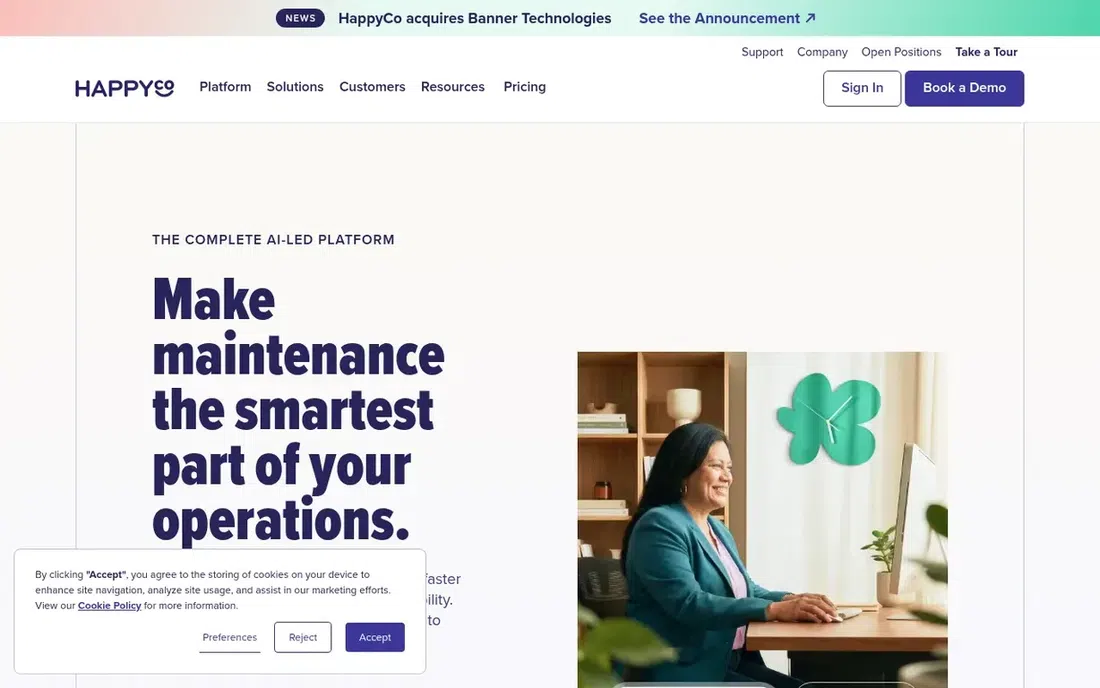
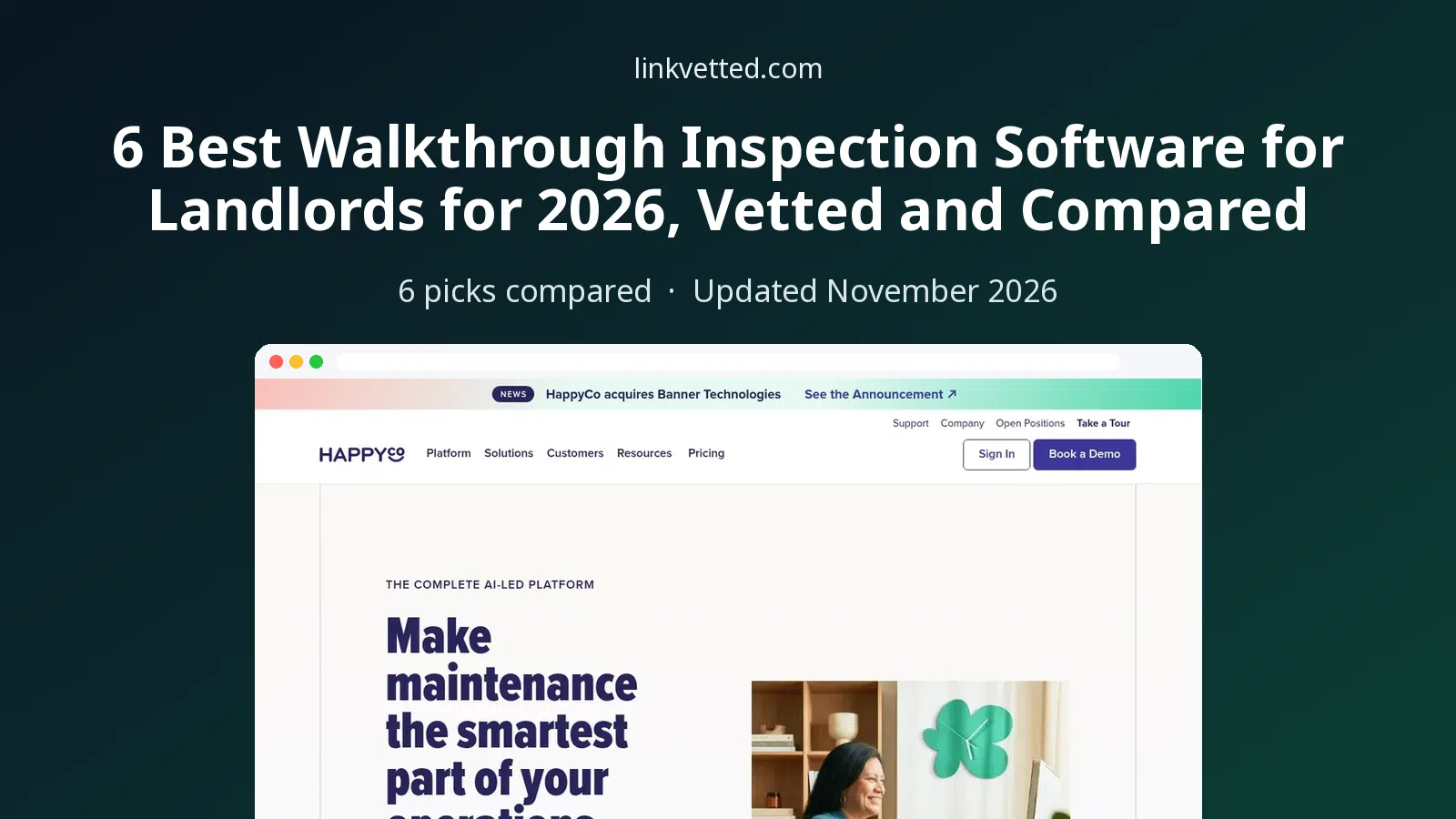
Choose HappyCo for maintenance-led inspections for landlords. Since the emphasis is maintenance operations, a landlord who only needs occasional move-in and move-out walkthroughs may find more software than required. As for the details, for landlords, that means walkthrough findings can feed straight into maintenance requests instead of sitting in a separate inspection tool.
Limits to weigh: Full product setup takes effort.
From a buyer's view, HappyCo presents itself as property maintenance management software with an AI product, centered on work orders, automatic maintenance and tracking. Also, consider it when repair coordination is the larger pain point; otherwise a dedicated inspection app may be more straightforward to adopt. This comparison lists no price for HappyCo; ask the vendor. Trial and free access: Not stated.
- AI-assisted maintenance tracking
- Designed for property operations teams
- Maintenance focus may feel heavy for straightforward walkthroughs
Choose Buildium for daily management with app experiences. It fits managers who want walkthrough records inside the same place as the rest of the business.
On top of that, confirm that inspection templates and reporting match your process before committing. Starting cost for Buildium: $65 per month. Free access: Free trial.
Trade-offs to know: Inspection depth relies on configuration.
- Designed for property managers
- App experiences for residents and owners
- Suite scope exceeds straightforward walkthrough needs
Property Inspect
Best for: Digitized audits and professional reports
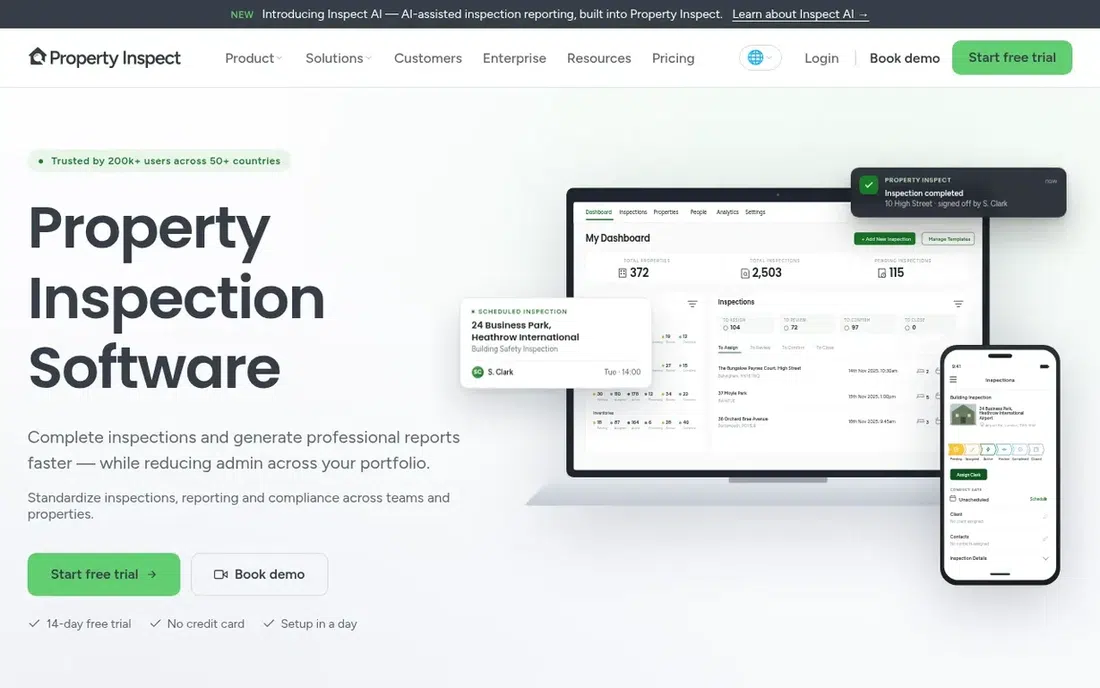
Choose Property Inspect for digitized audits and professional reports. The product centers on inspections and reporting instead of maintenance coordination, so landlords wanting repair tracking in the same place should look at maintenance-led tools.
Worth adding: landlords who require clean, consistent documentation for records, disputes or owner reporting are the natural fit. Property Inspect starts at: $49 per month. Trial and free access: Free trial.
Where it is weaker: Report-centric design may not fit casual walkthroughs.
- Digitizes inspections and audits
- Geared toward property teams
- Less concentrated on maintenance workflows
How we compared the tools
LinkVetted looked at what each vendor publishes: pricing, plan limits, feature coverage for walkthrough inspection software for landlords and stated drawbacks. No hands-on testing is claimed. Plan names, prices and limits change often. Treat the figures here as a starting point and verify them with the vendor. We ordered the tools by general fit, then by how clearly pricing is shown, then by free access. A buyer with unusual needs may reorder them.
Pre-purchase checklist
- Ask SnapInspect and HappyCo for a written quote, since no starting price is shown.
- Run a trial of SnapInspect, Buildium and Property Inspect with real work before paying for a year; your own workflow is the best test.
- Read the limits listed for SnapInspect first: narrower than full management suites.
- Look at which plan of Property Meld unlocks the features you need; entry tiers are often cut down.
- Verify that exporting from Buildium is possible on your plan and covers all your records.
FAQ
How are the tools for walkthrough inspection software for landlords ordered?
SnapInspect sits first and Property Inspect last because the order follows typical fit for walkthrough inspection software for landlords, then price clarity and free access. It is a judgement call, so read each profile for fit and limits.
Can I try these tools before paying?
Often, yes. SnapInspect, Buildium and Property Inspect offer a free trial. Use your own data and a real task during the test, and check what the free tier or trial limits before you rely on it.
Do I need a full property management suite for inspections?
Not necessarily. Dedicated inspection apps include walkthrough capture and reporting well. A suite for example AppFolio or Buildium makes sense when you also want accounting, leasing and maintenance in one place.
Is SnapInspect the right pick for everyone comparing walkthrough inspection software for landlords?
No single tool suits every team. SnapInspect comes first because it fits mobile-first inspection app workflows, while Property Meld suits coordinating maintenance after walkthroughs and AppFolio Property Manager suits all-in-one platform with inspections. Match the tool to your own size, budget and workflow before deciding.
Do these tools publish their prices?
Not all of them. SnapInspect and HappyCo publish no starting price, so expect a quote request for those. The rest, Property Meld included, show a starting price, though seats and billing terms still change the final cost.
Sources
- https://www.snapinspect.com
- https://www.propertymeld.com
- https://www.appfolio.com
- https://happy.co
- https://www.buildium.com
- https://www.propertyinspect.com