6 Best Video Software for Sales Demos for 2026, Vetted and Compared
Searching for the best video software for sales demos? Here are 6 options with prices and free plans. Weak spots flagged for every entry. Clear verdicts.
- Editor's choice
 Snagit
Quick screen records and clips
Starts atSee websiteVisit techsmith.comFull review - Great alternative
 Vimeo
Hosting and sharing demo videos
Starts atSee websiteVisit vimeo.comFull review - Also consider
 Zoom
Live interactive sales demos
Starts atSee websiteVisit zoom.usFull review
Direct answer
If you need quick screen records and clips, Snagit is the first tool to look at here. Listed starting prices: Loom from $18 per user a month. Vimeo fits hosting and sharing demo videos; Zoom fits live interactive sales demos. All 6 tools are compared below on price, free plan and limits.
TL;DR:
- Snagit takes the first slot, best suited to quick screen records and clips.
- Only 3 of the 6 tools have a free plan (Vimeo, Loom, Vidyard), so check the caps.
- Check the limits for Loom before you commit: less suited to live two-way demos.
- For video for virtual sales teams, Vidyard is worth a look.
Last checked November 2026. Prices and plan details were read from the vendors' own pages in November 2026; vendors change plans often, so confirm the current price on the vendor site before you buy.
Quick comparison
| Tool | Best for | Starts at | Free plan? | |
|---|---|---|---|---|
| Snagit | Quick screen records and clips | See website | Not stated | Visit |
| Vimeo | Hosting and sharing demo videos | See website | Yes | Visit |
| Zoom | Live interactive sales demos | See website | Not stated | Visit |
 Loom | Fast recorded demo walkthroughs | $18 per user a month | Yes | Visit |
 Camtasia | Editing refined demo recordings | See website | Not stated | Visit |
 Vidyard | Video for virtual sales teams | See website | Yes | Visit |
Video Software for Sales Demos profiles
LinkVetted compared 6 video software for sales demos. The goal is a practical shortlist: published prices, free plan facts, best-fit use cases and honest limits for every entry.
Snagit is built with quick screen records and clips in mind. For sales demos, it is handy for grabbing a screenshot of a feature, recording a short clip of a workflow, or assembling fast visual explanations to send to a prospect.
Honest limits: Lighter editing than a full editor.
Snagit is pitched at capture instead of deep editing or live meetings, so complicated demo videos or interactive sessions need other tools. Choose Snagit for speed and simplicity in everyday capture. This comparison lists no price for Snagit; ask the vendor. As for free access: Not stated.
- Fast image and video creation
- Screen capture and recording for Windows and Mac
- Not designed for live demo hosting
For hosting and sharing demo videos, Vimeo is a natural candidate. In a sales demo workflow, it is most handy as a place to host and play back finished demo videos, including refined product tours and marketing clips.
Where it is weaker: Public site focus differs from private sales use.
More specifically, Vimeo is not a screen recorder, meeting product or editor, so recording and production happen in other tools. This comparison lists no price for Vimeo; ask the vendor. A free plan is available with Vimeo.
- Video streaming in HD
- Ad-free viewing experience
- Not a screen recorder or meeting tool
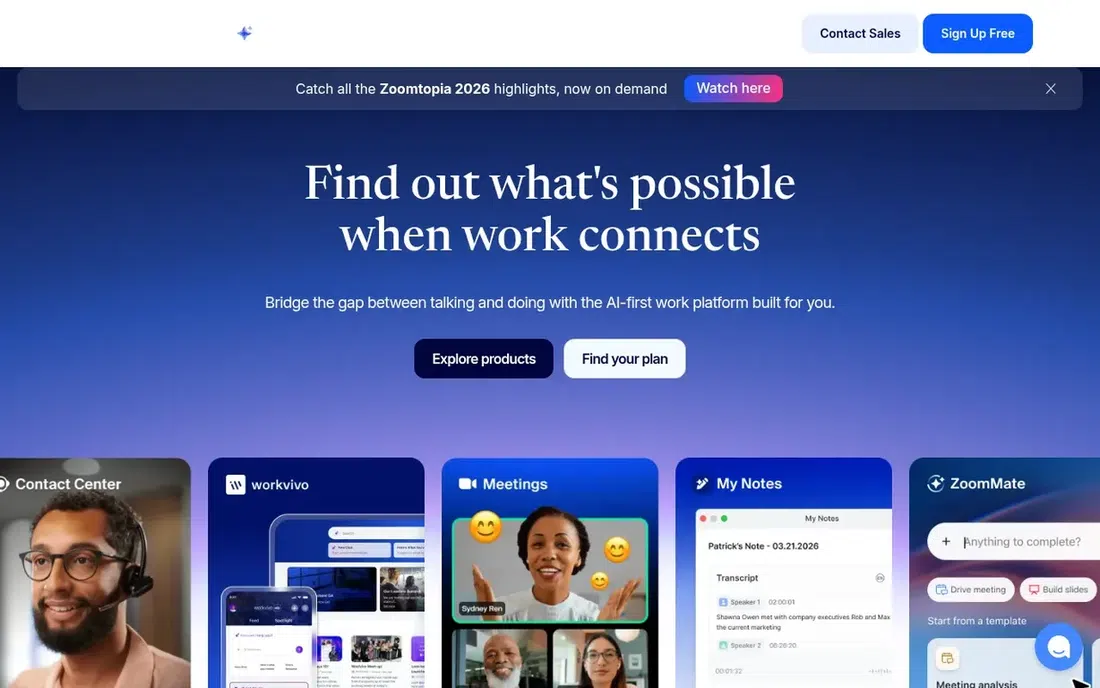
Zoom was built for live interactive sales demos. Zoom is a collaboration system centered on video meetings, with chat, VoIP phone, webinars, whiteboard and events alongside the core meeting experience.
Upsides: Meetings.
Where it falls short: Restricted post-production editing. From a buyer's view, since Zoom is made for live connection instead of editing, recorded demos may need a separate tool for trimming, captions or branding. Zoom shows no starting price here, so confirm the cost on the vendor site. Free access: Not stated.
- Chat and webinars in one product
- Designed for live collaboration
- Recording polish relies on setup
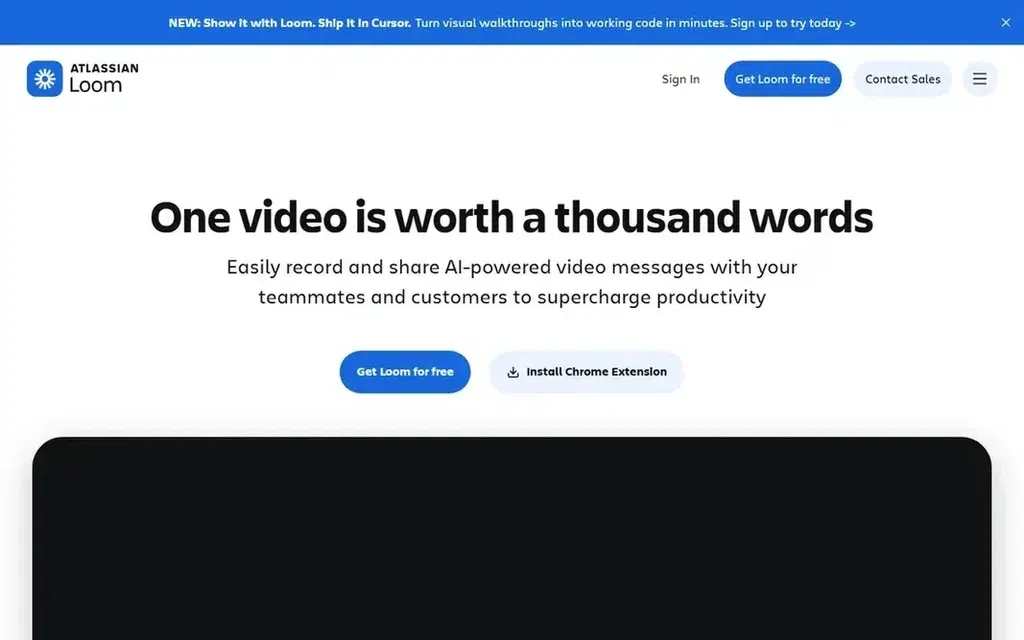
Loom works best for fast recorded demo walkthroughs. Pick Loom when speed and straightforward sharing matter more than production depth. In practice, Loom is an online screen recording tool with editing and video storage, positioned around recording a screen and sharing the result rapidly.
That makes it a practical fit for sales reps who want to record a short product walkthrough and send a link instead of schedule a live call. It works well for personalized follow-ups and for explaining a feature without a meeting. Entry price for Loom: $18 per user per month. Free access exists with Loom.
Downsides: Editing is lighter than full production suites.
- Simple sharing from the browser
- Advanced editing and video storage included
- Less suited to live two-way demos
For editing refined demo recordings, Camtasia is a natural candidate. It suits reps or enablement teams that want reusable, well-produced demo videos instead of raw screen records.
What to check first: Editing workflow takes time to learn.
It also does not replace a live meeting product. Camtasia does not show a starting price in this comparison, so check the vendor site for current pricing. As for free access: Not stated.
- Supports professional-looking output
- Pitched at tutorials and software demos
- Overkill for fast informal clips
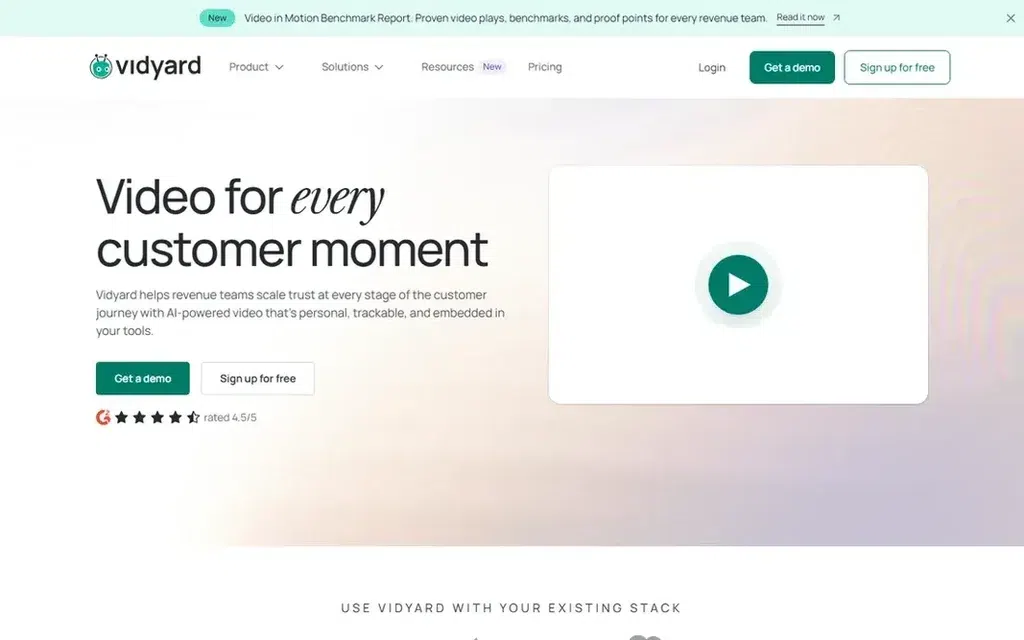
For video for virtual sales teams, Vidyard is a natural candidate. Vidyard is an online video product for business, described as helping teams increase leads, accelerate pipeline and serve customers. Consider it when video is a structured part of sales outreach.
Honest limits: May overlap with more straightforward recorders.
Since Vidyard is a business video product, teams wanting only an entry-level screen recorder may find it broader than needed, and live meeting hosting is not its core focus. In practice, for sales demos, that positioning means it is designed around video as part of the sales and marketing process instead of as a standalone recorder. This comparison lists no price for Vidyard; ask the vendor. You can start on Vidyard without paying.
- Pitched at sales and marketing teams
- Supports lead and pipeline goals
- Concentrated on business video instead of live meetings
Our selection method
A buyer's checklist
- Ask Snagit, Vimeo, Zoom and others for a written quote, since no starting price is shown.
- Look at free plan limits closely: Vimeo, Loom and Vidyard have one, and the caps decide whether it is usable for real work.
- Read the limits listed for Snagit first: lighter editing than a full editor.
- Pick one real project and run it in Zoom first; a small pilot shows fit faster than a checklist.
- Check the support hours and onboarding help Loom offers; smaller vendors vary a lot here.
FAQ
Which options for video software for sales demos have a free plan?
On this list, Vimeo, Loom and Vidyard include a free plan. Caps on seats, usage or features are common, so test the free plan against your real workload.
What is the best video software for live sales demos?
This list starts with Snagit, which fits quick screen records and clips. For other needs, Vimeo is aimed at hosting and sharing demo videos, and Zoom at live interactive sales demos. Check each tool's price and main limit first.
Is Snagit the right pick for everyone comparing video software for sales demos?
No single tool suits every team. Snagit comes first because it fits fast screen captures and clips, while Vimeo suits hosting and sharing demo videos and Zoom suits live interactive sales demos. Match the tool to your own size, budget and workflow before deciding.
Can I try these tools before paying?
Often, yes. Vimeo, Loom and Vidyard have a free plan. Use your own data and a real task during the test, and check what the free tier or trial limits before you rely on it.
Where should finished demo videos be hosted?
A video product for example Vimeo or Vidyard can host and play back finished demos, based on whether you want public viewing or business video tied to sales. Confirm sharing and privacy choices on the vendor site before committing.
How are the tools for video software for sales demos ordered?
The order follows typical fit for video software for sales demos, with Snagit first and Vidyard last, then price clarity and free access. It is editorial judgement, not a score, so another team could rank the tools differently.
Sources
- https://www.techsmith.com/screen-capture.html
- https://vimeo.com
- https://zoom.us
- https://www.loom.com
- https://www.techsmith.com/camtasia.html
- https://www.vidyard.com