5 Ad Hoc Reporting Software for Sales Ops Worth Shortlisting in 2026
Best ad hoc reporting software for sales ops, compared. 5 tools with published prices, free plans and limits. Hidden costs and gaps are flagged. Easy to scan.
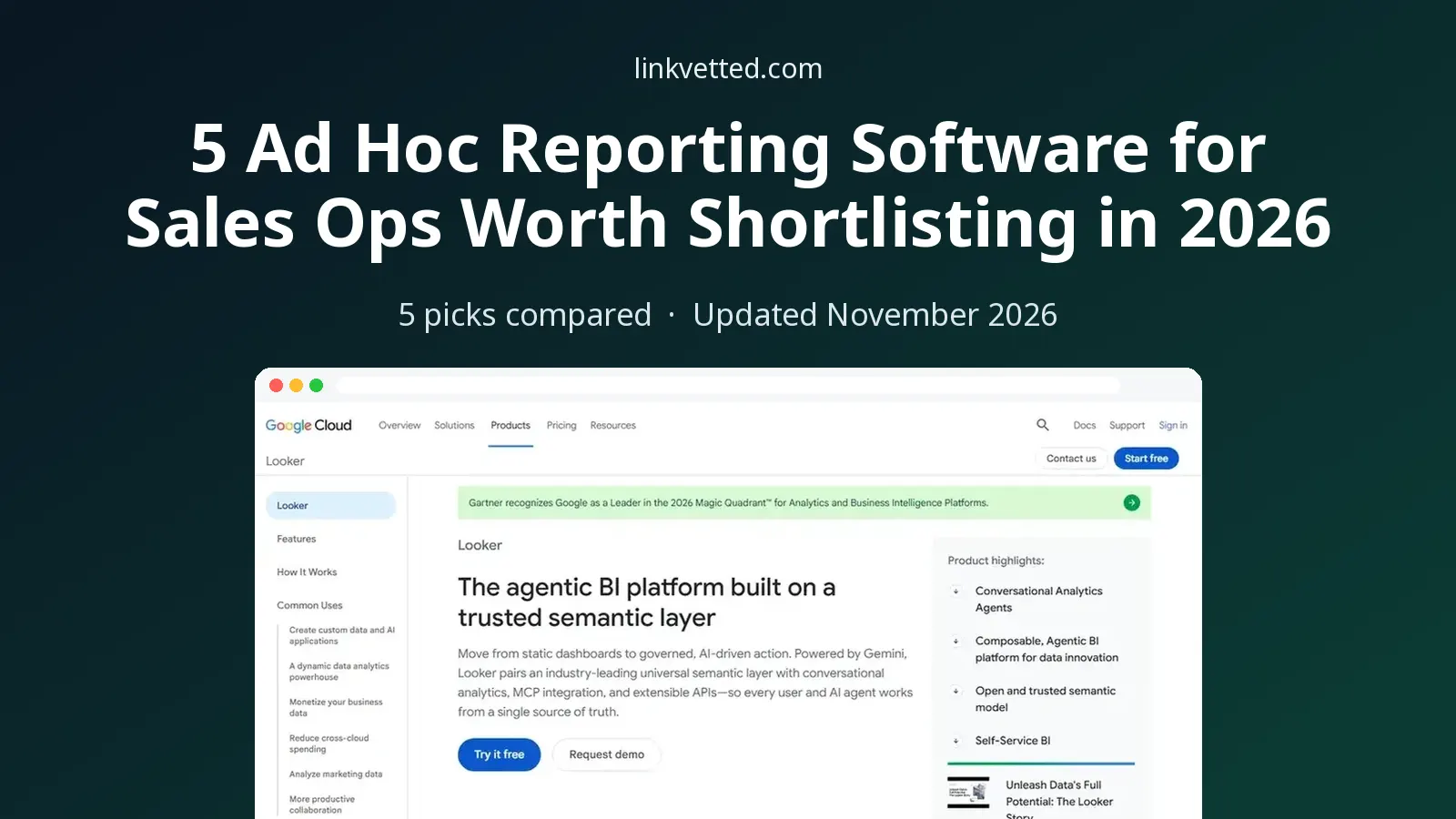
- Editor's choice
 Looker
Governed metrics and embedded analytics
Starts atSee websiteVisit cloud.google.comFull review - Great alternative
 Sisense
Embedded analytics with adaptable coding
Starts atSee websiteVisit sisense.comFull review - Also consider
 Tableau
Visual exploration and fast dashboards
Starts at$15 per user a monthVisit tableau.comFull review
Direct answer
Our first pick is Looker, best for governed metrics and embedded analytics. Listed starting prices: Tableau from $15 per user a month. Look at Sisense for embedded analytics with adaptable coding, and at Tableau for visual exploration and fast dashboards. Details, prices and limits for the rest of the 5 tools are below.
TL;DR:
- The list opens with Looker, aimed at governed metrics and embedded analytics.
- Tableau has the lowest monthly starting price in this list: $15 per user per month.
- Qlik Sense is the one to check for data integration and analytics.
- Just one of the 5 tools, Tableau, has a free plan.
- The main caution on Sisense: embedded focus may not suit all ad hoc needs.
Last checked November 2026. Prices and plan details were read from the vendors' own pages in November 2026; vendors change plans often, so confirm the current price on the vendor site before you buy.
Quick comparison
| Tool | Best for | Starts at | Free plan? | |
|---|---|---|---|---|
| Looker | Governed metrics and embedded analytics | See website | Not stated | Visit |
| Sisense | Embedded analytics with adaptable coding | See website | Free trial | Visit |
| Tableau | Visual exploration and fast dashboards | $15 per user a month | Yes | Visit |
 Domo | End-to-end data movement and governance | See website | Free trial | Visit |
 Qlik Sense | Data integration and analytics | See website | Not stated | Visit |
Our 5 picks for ad hoc reporting software for sales ops
Choosing ad hoc reporting software for sales ops usually comes down to price, fit and limits. This LinkVetted guide sets 5 tools side by side on those three points, with the facts kept short and checkable.
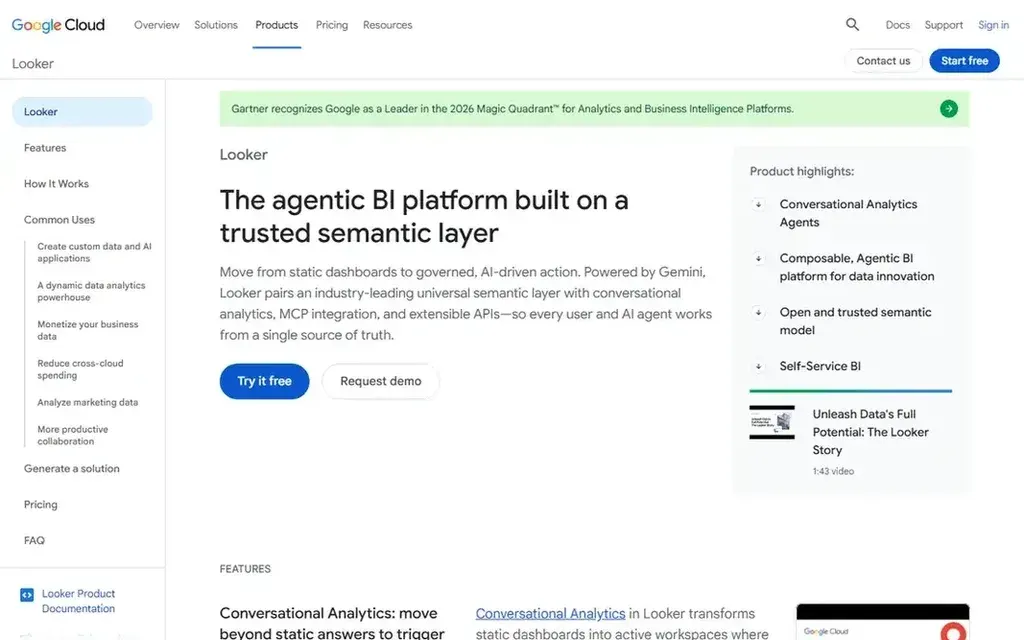
Looker is aimed squarely at governed metrics and embedded analytics. Looker is Google Cloud's agentic business intelligence and embedded analytics system. It brings together metrics with a trusted semantic layer and uses Gemini agents to assist with analysis.
Trade-offs to know: Semantic layer setup can be time-consuming.
This makes it right for sales ops teams that require consistent, governed metrics across ad hoc reports and want to embed analytics into other applications. As for the details, Looker may be less adaptable for fast, ungoverned exploration. Also, setting up and maintaining the semantic layer can need significant effort and technical expertise. Looker shows no starting price here, so confirm the cost on the vendor site. Free access: Not stated.
- Embedded analytics capabilities
- AI agents for assisted analysis
- May need technical resources to maintain
For embedded analytics with flexible coding, Sisense is a natural candidate. Sisense gives AI-powered embedded analytics to unlock insights and convert data into revenue, with pro-code, low-code, and no-code adaptability.
Where it is weaker: May need development resources for customization.
This makes it a solid fit for sales ops teams that want to embed analytics into internal or customer-facing applications and need adaptability in how reports are built and delivered. Pricing for Sisense is not stated here, so ask the vendor for current figures. Free options: Free trial.
- AI-powered embedded analytics
- Pro-code, low-code
- Embedded focus may not suit all ad hoc needs
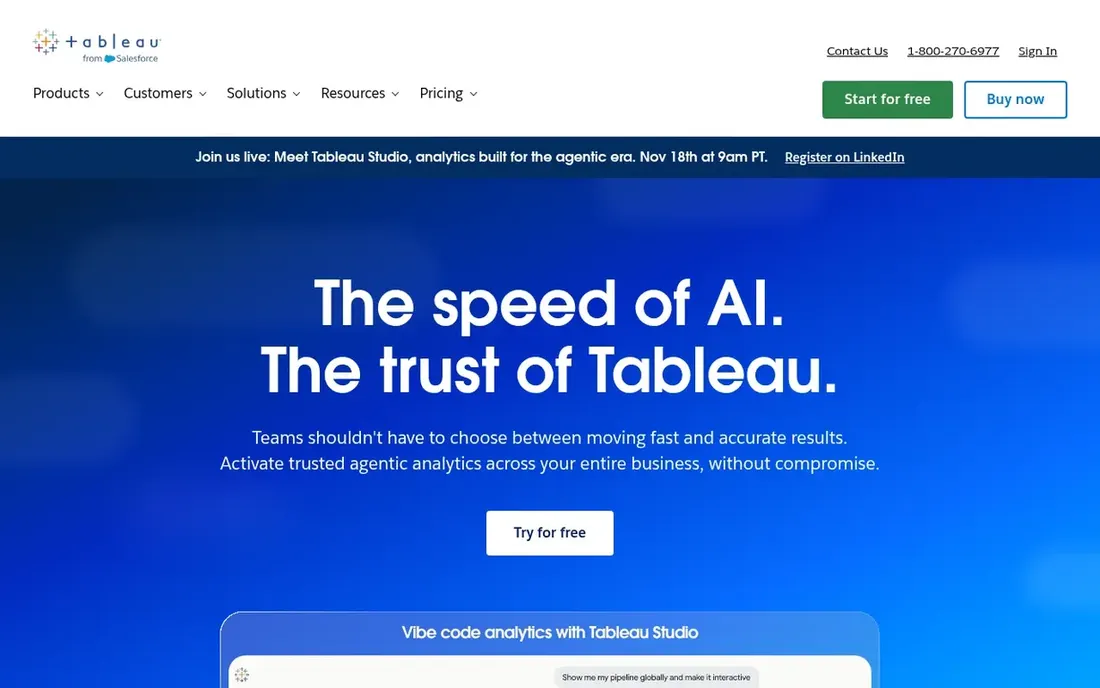
Choose Tableau for visual exploration and fast dashboards. Tableau is a business intelligence and analytics system that helps users see and understand their data. It lets connections to almost any database and lets users build visualizations through drag-and-drop.
Where it falls short: May need training for advanced use.
This makes Tableau a solid fit for sales ops teams that want to explore data visually and build ad hoc reports without heavy coding. If your team needs a more straightforward, more guided experience, consider a tool with a stronger semantic layer or built-in data preparation. In daily use, Tableau may have a ramp-up time for new users, notably when working with complicated data models. It also needs careful data preparation to ensure accuracy. On cost, Tableau starts like this: $15 per user per month. A free plan is available with Tableau.
- Drag-and-drop visualization building
- Links to almost any database
- Can become complicated with large datasets
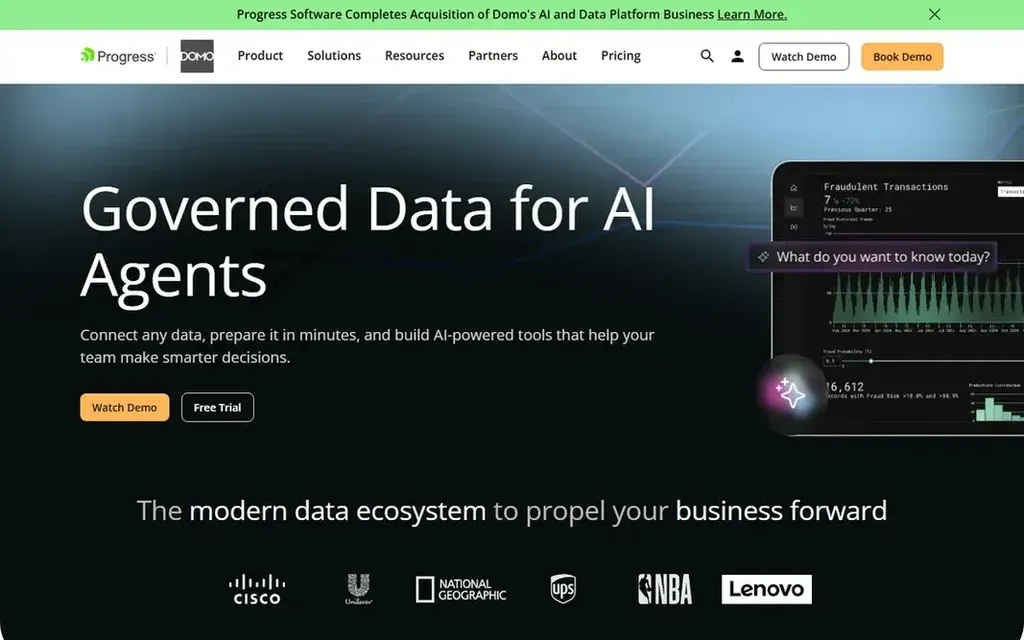
Domo was built for end-to-end data movement and governance. It permits users to link and move data from any source, prepare and expand data access for exploration, and accelerate business-critical insights.
If your team needs a light tool focused solely on visualization, consider a more specialized choice. Domo shows no starting price here, so confirm the cost on the vendor site. As for free access: Free trial.
Drawbacks to consider: Could need training for full utilization.
- Connects and moves data from any source
- Prepares and expands data access for exploration
- May be complicated to set up for ad hoc use
Qlik Sense works best for data integration and analytics. Qlik Sense is part of this ecosystem, making it right for sales ops teams that require to combine data integration with ad hoc analytics and ensure data quality across sources. Qlik Sense might be less easy-to-learn for business users who want to produce reports without IT support.
Watch-outs: Can be complicated for non-technical users.
Beyond that, if simplicity is a priority, consider a tool with a more user-friendly interface. On top of that, Qlik, now with Talend, provides a data fabric and next-level insights through end-to-end data integration, data quality, and analytics options. No starting price is listed for Qlik Sense here; confirm pricing on the vendor site. On free options: Not stated.
- Data quality and analytics options
- Supports data fabric architecture
- May need technical skills to use completely
What went into this list
Each tool was reviewed on what its vendor publishes: price, plan limits, core features and stated drawbacks. We did not run hands-on tests. Seat minimums, billing terms and add-ons can move the real cost, so the starting prices here are a guide and not a quote. Order on the page follows fit for the typical buyer first, then price transparency and free access. Your own requirements should decide the final pick.
Pre-purchase checklist
- Confirm the entry price on the vendor page. For Looker, Sisense, Domo and Qlik Sense that means a quote rather than a fixed price.
- Look at the free plan from Tableau closely: its caps decide whether it is usable for real work.
- Use real work to test the free trial from Sisense and Domo, rather than a demo project.
- Read the limits listed for Looker first: semantic layer setup can be time-consuming.
- Check the support hours and onboarding help Qlik Sense offers; smaller vendors vary a lot here.
- The entry price of Sisense is only the starting point; model the full cost with seats and extras.
FAQ
Do these tools publish their prices?
Not all of them. Looker, Sisense, Domo and Qlik Sense publish no starting price, so expect a quote request for those. The rest, Tableau included, show a starting price, though seats and billing terms still change the final cost.
What is ad hoc reporting software for sales ops?
Ad hoc reporting software lets sales operations teams to build custom reports and dashboards on the fly without relying on pre-built templates or IT support.
Is Looker the right pick for everyone comparing ad hoc reporting software for sales ops?
No single tool suits every team. Looker comes first because it fits governed metrics and embedded analytics, while Sisense suits embedded analytics with flexible coding and Tableau suits visual exploration and quick dashboards. Match the tool to your own size, budget and workflow before deciding.
What should I look for in ad hoc reporting software for sales ops?
Look for tools that link to your sales data sources, offer easy-to-learn visualization, and provide governance features if needed. Consider simplicity for business users, scalability, and whether you need embedded analytics or standalone reporting.
Can I try these tools before paying?
Often, yes. Tableau has a free plan and Sisense and Domo offer a free trial. Use your own data and a real task during the test, and check what the free tier or trial limits before you rely on it.
What is the cheapest option for ad hoc reporting software for sales ops in this list?
On published monthly entry prices, Tableau is the lowest here at $15 per user per month. Entry price is only part of the cost, because seats, add-ons and billing terms can change the total.
Sources
- https://cloud.google.com/looker
- https://www.sisense.com
- https://www.tableau.com
- https://www.domo.com
- https://www.qlik.com