Best CRM Platforms for Small Sales Team Reporting in 2026: 8 Platforms Compared
Need the best crm platforms for small sales team reporting? We compared 8 CRMs on pipeline reports, forecasts, price, and ease of use for small teams.
- Editor's choice
 HubSpot CRM
Free start with clear sales dashboards
Starts atFreeVisit hubspot.comFull review - Great alternative
 Pipedrive
Visual pipeline and activity reporting
Starts at$14 per user per monthVisit pipedrive.comFull review - Also consider
 Zoho CRM
Low-cost reporting with a long upgrade path
Starts at$14 per user per monthVisit zoho.comFull review
TL;DR:
- HubSpot and Zoho give small teams the gentlest start, with free plans and clear pipeline reports.
- Pipedrive and Close are the most sales-focused, with reports built around deals, activities, and forecasts.
- Salesforce offers the deepest reporting, but its cost and setup suit teams that already need that depth.
- The best reporting tool is the one your reps actually update, so ease of use matters as much as chart types.
Quick comparison
| Tool | Best for | Starts at | Free plan? | |
|---|---|---|---|---|
| HubSpot CRM | Free start with clear sales dashboards | Free | Yes | Visit |
| Pipedrive | Visual pipeline and activity reporting | $14 per user per month | Free trial | Visit |
| Zoho CRM | Low-cost reporting with a long upgrade path | $14 per user per month | Yes | Visit |
 Salesforce | Deep custom reports and forecasting | See website | Free trial | Visit |
 Freshsales | Simple reports with built-in phone and email | $9 per user per month | Yes | Visit |
 Close | Small outbound teams that live on calls and email | See website | Free trial | Visit |
 Copper | Teams that work inside Google Workspace | See website | Free trial | Visit |
 monday Sales CRM | Flexible boards, dashboards, and custom views | See website | Free trial | Visit |
The best CRM platforms for small sales team reporting
We focused on CRMs a small sales team can set up without a consultant, and we judged reporting by pipeline visibility, activity tracking, forecasting, and how easy reports are to build and share.
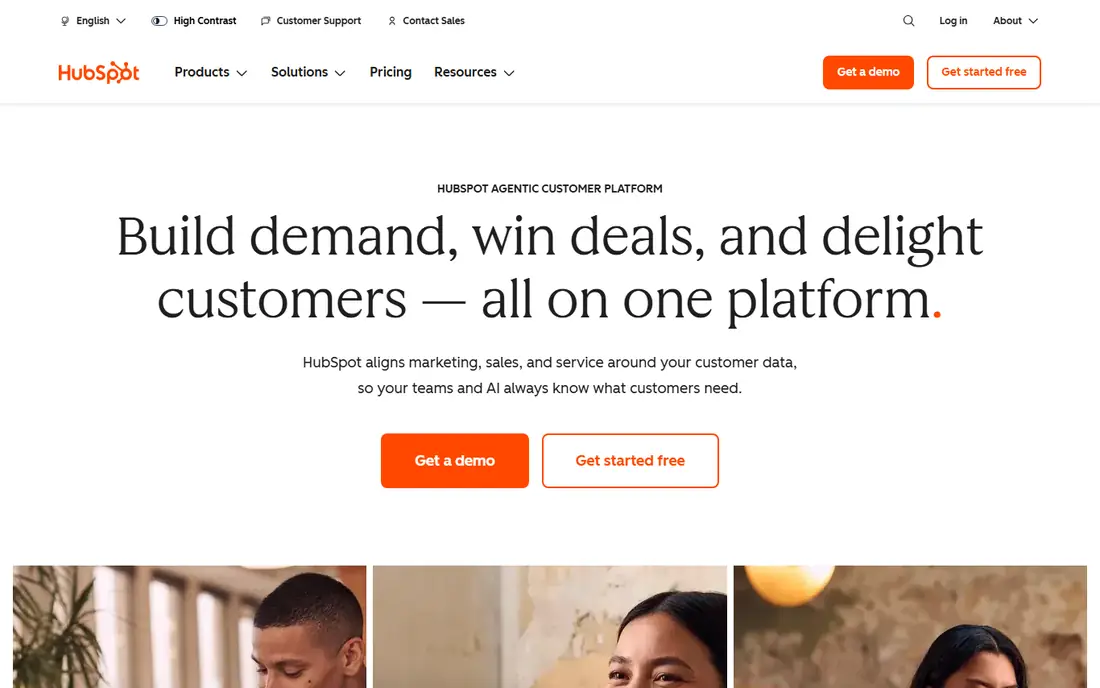
HubSpot is the easiest starting point for a small team that needs reporting fast. The free CRM covers contacts, deals, and pipelines, and its dashboards show pipeline value, deal stage, and activity without much setup. That low friction matters, because a report is only useful if the underlying data is current.
Growth is where the price story changes. Paid Sales Hub plans add forecasting, custom reports, and automation, but costs rise with seats and hubs. Start free, learn which reports your manager actually reads each week, and only upgrade for those specific reports.
- Free CRM with deal pipelines and dashboards
- Clean interface for non-technical teams
- Paid plans add custom reporting and forecasting
- Costs climb as you add hubs and seats
- Custom reporting is limited on lower plans
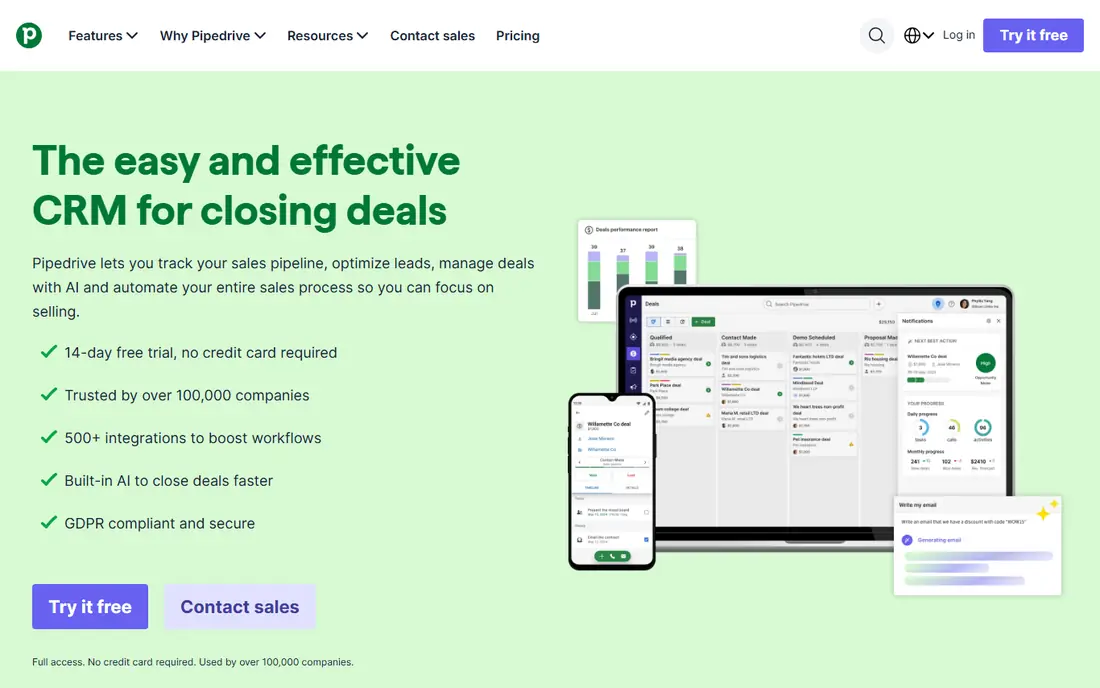
Pipedrive is built around one idea: a rep should always know the next action on every deal. Its pipeline view makes stalled deals obvious, and its reports focus on activities, conversion by stage, and expected revenue. For a manager running a weekly pipeline review, that focus is exactly right.
The 14-day trial is enough to test the core workflow, but not enough to judge long-term reporting habits. Use the trial with real deals, and check which reports are included on the plan you would actually buy, since advanced reporting sits on higher tiers.
- Clear visual pipeline
- Lite plan from $14 per user per month on annual billing
- Forecasting and advanced reporting on higher plans
- No permanent free plan
- Some features require add-ons or higher tiers
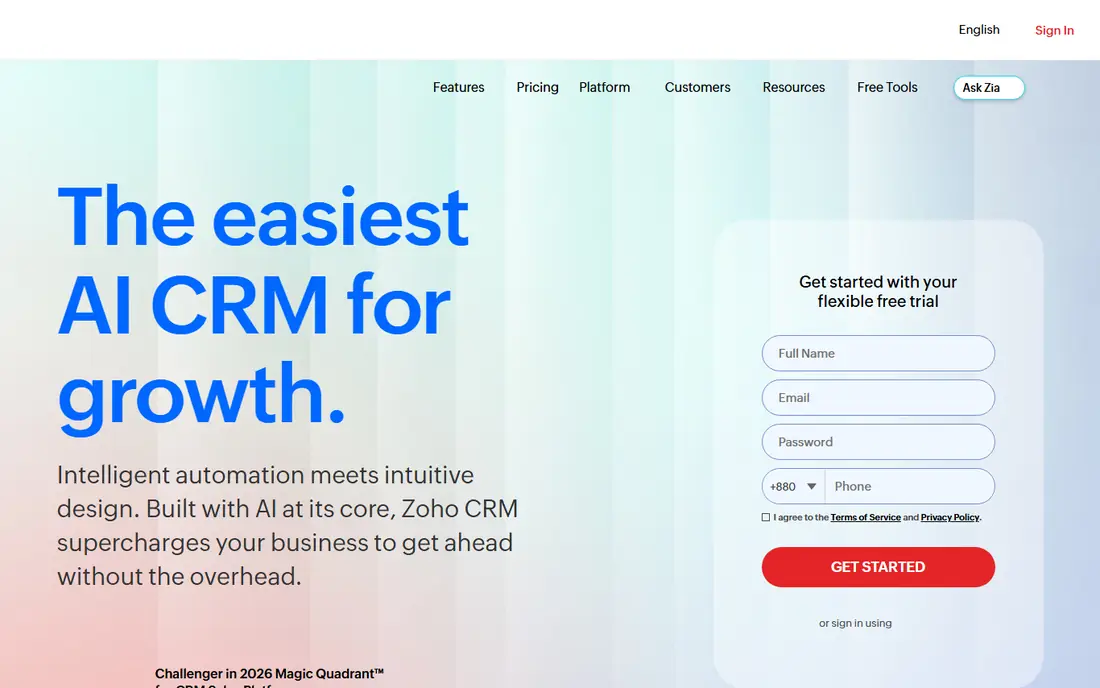
Zoho CRM suits a team that wants low cost now and room to grow later. The free plan covers basic leads, contacts, and deals for up to three users, and paid editions add forecasting, workflow automation, and deeper reports. That ladder is useful when headcount is uncertain.
Setup takes more patience than HubSpot or Pipedrive. Spend time on pipeline stages, required fields, and a small set of standard reports before adding custom dashboards. A clean setup early prevents messy reports later, when bad data is harder to fix.
- Free plan for up to 3 users
- Standard from $14 per user per month on annual billing
- Broad reporting and customization as teams grow
- Interface can feel busy at first
- Some advanced features require higher editions
Salesforce is the reporting heavyweight on this list. You can build custom reports, cross-object dashboards, and forecasts that slice pipeline by rep, region, product, and time period. For a team with complex territories or product lines, that depth is hard to match.
For a team of three to five reps with a simple pipeline, that depth can be overkill. Setup, training, and admin time all cost money, even before seat prices. Choose Salesforce when your reporting needs are already outgrowing simpler CRMs, not as a first CRM on hope alone.
- Very deep reporting, dashboards, and forecasting
- Large integration ecosystem
- Strong fit for growing and complex sales teams
- Higher cost and setup effort
- Small teams may pay for depth they never use
Freshsales appeals to small teams that want communication and reporting in one place. Calls, emails, and chats feed into the same contact record, which makes activity reports more complete without extra integrations. The interface is clean, and setup is faster than many larger CRMs.
Reporting depth is the limit. The Growth plan covers the basics, but teams that need multiple pipelines, detailed forecasting, and advanced dashboards will need the Pro plan at $39 per user per month on annual billing. Price the plan that covers your reports, not just the cheapest entry price.
- Free plan for up to 3 users
- Growth from $9 per user per month on annual billing
- Built-in phone, email, and chat in one inbox
- Advanced reporting and forecasting sit on higher plans
- Jump from Growth to Pro is large
Close is designed for teams that sell mainly by phone and email. Its reporting reflects that focus, showing calls, emails, follow-ups, and pipeline movement in one view. For an outbound team, that tight link between activity and results is more useful than a generic dashboard.
It is less of an all-in-one platform than HubSpot or Zoho. If your team also needs marketing automation, complex quoting, or deep customization, you may need extra tools alongside Close. For pure sales outreach, though, its focus is a strength.
- Built-in calling, SMS, and email for outreach teams
- Activity reporting tied closely to outreach
- Fast setup for small teams
- Pricing is shown at checkout and varies by plan
- Less suited to teams that need broad marketing tools
Copper stands out for Google Workspace teams. It pulls contact and activity data from Gmail and Calendar, which reduces manual data entry, the main reason CRM reports go stale. Pipeline reports and task lists sit close to the inbox, so reps are more likely to keep them current.
The trade-off is breadth. Copper does not match the full marketing or enterprise depth of larger platforms, and its pricing should be confirmed on the current plan page before budgeting. If your team already lives in Gmail, that integration advantage may outweigh the narrower feature set.
- Deep Gmail and Google Calendar integration
- Pipeline and activity reports inside a familiar interface
- Good fit for small Google-based teams
- Pricing and some advanced features require checking the current plan page
- Less broad than HubSpot or Salesforce
monday Sales CRM suits teams that want to shape their own reporting view. You can build boards for pipeline stages, add dashboards for revenue and activity, and switch between table, Kanban, and timeline views. That flexibility helps when a team process does not fit a standard CRM template.
Flexibility can also slow the start. Without a clear pipeline design, boards can grow messy and reports can lose meaning. Begin with one pipeline board, a small set of stages, and two or three core reports, then expand only when the team asks for more.
- Highly visual boards and dashboards
- Flexible views for pipeline, tasks, and goals
- Easy to adapt to a team process
- Setup choices can feel open-ended
- Reporting depth depends on how well boards are structured
How we picked these
We compared official pricing pages, feature pages, and reporting documentation for CRMs available in October 2026. We favored tools with a free plan or trial, clear pipeline reporting, and a setup a small team can handle without a consultant. We did not claim hands-on testing, and we used See website where pricing varies by plan, seats, or quote.
How to set up reporting that a small team will use
Keep the report list short. A weekly pipeline review needs only a few views: open pipeline by stage, deals closing this month, stalled deals with no recent activity, and activity per rep. Extra dashboards look impressive in a demo and go unread in real life.
Agree on pipeline stages before you build reports. If two reps define qualified differently, every conversion report will mislead. Write one sentence for each stage, require the fields that prove a deal belongs there, and review the definitions each quarter.
Make data entry part of the selling workflow, not an extra chore. Use email sync, call logging, and mobile apps so activities are captured where work happens. A manager should check data quality weekly at first, and praise complete records, since reporting only improves when reps see it helping them close deals.
FAQ
What makes a CRM good for small sales team reporting?
A good small-team CRM shows open pipeline by stage, deals closing soon, stalled deals, and activity per rep, without complex setup. It should also sync email and calls, so reports reflect real work. If reps must enter data twice, reports will go stale no matter how good the charts look.
Which CRM has the best free plan for small team reporting?
HubSpot and Zoho both offer useful free plans for small teams. HubSpot free covers deal pipelines and dashboards, while Zoho free covers up to three users with basic pipeline tracking. Freshsales also offers a free plan for up to three users, which suits very small teams testing a CRM.
Is Pipedrive good for sales forecasting?
Yes, Pipedrive is a strong pick for forecasting, especially on its higher plans. Its pipeline view and revenue forecasts help managers see expected closings by stage and date. Check the plan page, since advanced reporting and forecasting sit above the entry-level Lite plan.
Should a small team choose Salesforce for reporting?
Salesforce offers the deepest reporting, but it suits small teams only when their needs are already complex. A team with simple pipelines will usually get faster value from HubSpot, Pipedrive, or Zoho. Move to Salesforce when custom reports, territories, or forecasting needs outgrow a simpler tool.
How do I keep CRM reports accurate?
Keep pipeline stages simple, require key fields at each stage, and sync email and calls automatically. Review stalled deals weekly and clean up old or duplicate records each month. Accurate reports depend more on consistent habits than on buying a more expensive dashboard.
What is the cheapest good CRM for small sales reporting?
Freshsales Growth at $9 per user per month on annual billing and Pipedrive Lite at $14 per user per month on annual billing are among the lowest paid starting points here. HubSpot and Zoho free plans cost nothing for very small teams. Compare the plan that includes the reports you need, not just the lowest headline price.