Best Automated Sales Assistant Platforms in 2026: 8 Platforms Compared
We compared the best automated sales assistant platforms on lead replies, qualification, meeting booking and price, so sales teams respond faster in 2026.

- Editor's choice
 Conversica
AI follow-up for inbound and cold leads
Starts atSee websiteVisit conversica.comFull review - Great alternative
 Drift
Website visitors who want a fast reply
Starts atSee websiteVisit drift.comFull review - Also consider
 Qualified
Salesforce teams converting website traffic
Starts atSee websiteVisit qualified.comFull review
TL;DR:
- Conversica and Qualified lead for AI outreach and website conversion, while Drift and Intercom suit teams that already run live chat.
- The best assistants book meetings and qualify leads, not just send messages: check calendar, CRM sync and handoff rules.
- Speed matters, but spammy outreach hurts a brand: look for opt-outs, send limits and human review options.
- Most pricing is quoted or tiered, so test reply quality on your own leads before judging cost.
Quick comparison
| Tool | Best for | Starts at | Free plan? | |
|---|---|---|---|---|
| Conversica | AI follow-up for inbound and cold leads | See website | No | Visit |
| Drift | Website visitors who want a fast reply | See website | No | Visit |
| Qualified | Salesforce teams converting website traffic | See website | No | Visit |
 Exceed.ai | Automated qualification by email and chat | See website | No | Visit |
 Intercom | Support and sales chat in one place | See website | No | Visit |
 HubSpot Sales Hub | CRM teams that want automation included | See website | Yes | Visit |
 Apollo.io | Prospecting plus automated sequences | See website | Yes | Visit |
 Clay | Enrichment and outbound workflows | See website | Yes | Visit |
The best automated sales assistant platforms
An automated sales assistant replies to leads, asks qualifying questions, books meetings and follows up when a human rep is busy. The best ones feel helpful, hand off cleanly to a person, and log everything in the CRM. The worst ones spam prospects and hide bad leads behind high reply counts.
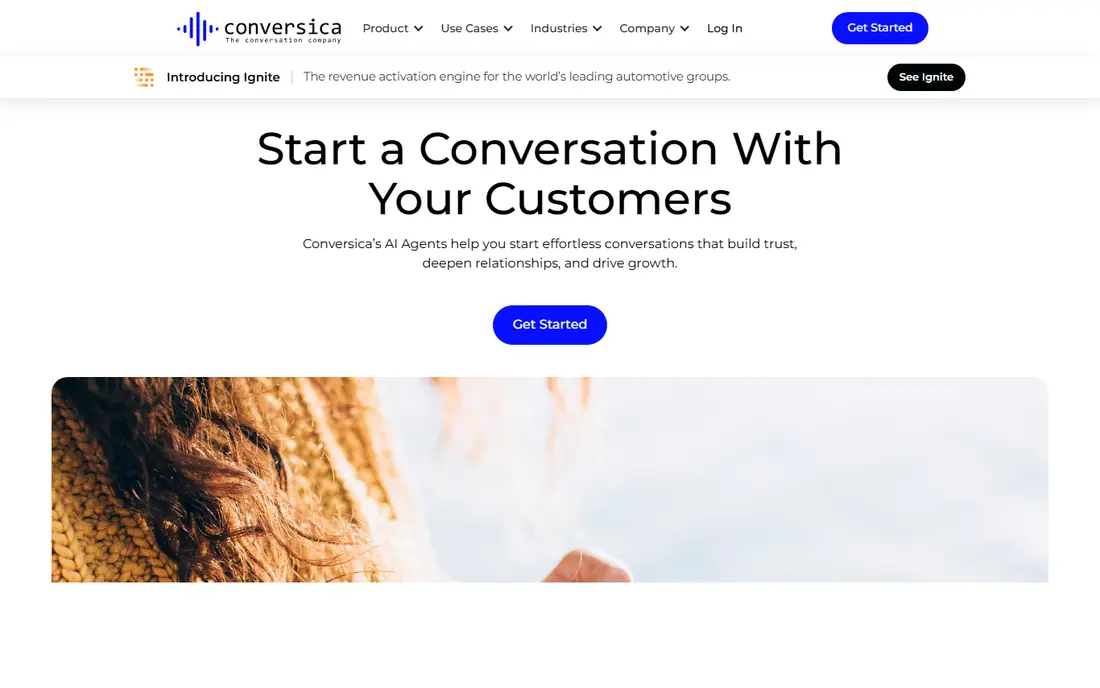
Conversica is our pick for teams with more leads than reps can follow up by hand. Its AI assistants send email and SMS messages, ask qualifying questions, handle common objections and hand a lead to a rep when interest is real. Because outreach continues over days and weeks, leads that would have gone cold get a second and third chance.
Setup matters. The assistant must match your brand voice, respect opt-outs and stop when a prospect says no. Conversica suits B2B and high-value B2C teams with a steady lead flow. For a tiny team with a handful of leads, a simpler chat or CRM sequence may be enough.
- Human-like email and SMS follow-up
- Persistent outreach over weeks
- CRM logging
- Quoted pricing
- Needs careful setup to match brand voice

Drift turns website traffic into conversations. Visitors can chat with an AI assistant, answer qualifying questions and book a meeting without waiting for an email reply. Routing rules send enterprise visitors to senior reps and smaller accounts to a general queue, which keeps response times short where deals matter most.
Drift works best when a site already gets steady traffic. A site with few visitors will see little return, since the assistant has few conversations to handle. Teams should also tune replies regularly, since an outdated bot answer is worse than a slow human one. For B2B sites with real traffic, Drift is a proven conversion tool.
- Chat and AI replies on your site
- Meeting booking
- Strong Salesforce and HubSpot links
- Pricing is tiered and quoted for larger plans
- Chatbots need regular tuning
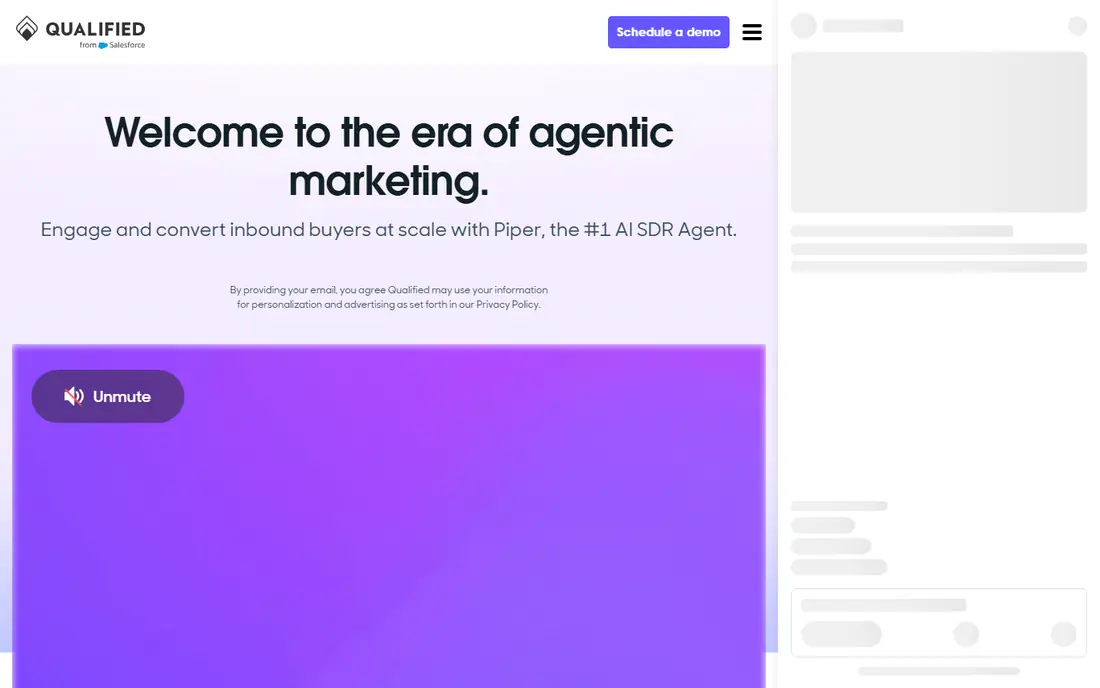
Qualified is built for B2B teams that run on Salesforce. It identifies visiting companies, routes high-value visitors to the right rep, and offers chat or a meeting booker at the right moment. Because it reads Salesforce data, routing and personalization can reflect account tier, owner and pipeline stage.
Teams not on Salesforce will get less from Qualified than from Drift or Intercom. Pricing is quoted, which suits enterprise buyers but frustrates small teams. For a Salesforce shop where website conversion is a board metric, Qualified is the most tightly integrated option here.
- Deep Salesforce integration
- Visitor identification and routing
- Meeting booking and chat
- Salesforce-centered, so other CRMs get less value
- Quoted pricing
Exceed.ai focuses on one job: qualify leads automatically and book meetings with the right reps. Its assistants converse by email and chat, ask budget, timeline and need questions, and update the CRM as answers arrive. That focus helps sales teams that spend too much time on first-call qualification and too little on real deals.
Exceed.ai is less known than Conversica or Drift, so buyers should ask for references in their sector and test reply quality on sample leads. For teams whose bottleneck is qualification, not traffic, Exceed.ai offers a focused alternative to a full chat suite.
- AI qualification across email and chat
- Meeting scheduling
- CRM updates
- Smaller brand presence than Conversica
- Pricing is quoted
Intercom is best known for customer messaging, but its automation and AI tools also handle sales conversations: answering common questions, qualifying visitors and booking meetings. Teams that already support customers in Intercom gain by handling sales in the same inbox, with shared history and routing.
Pure sales teams may find Intercom broader than they need, since much of the platform serves support. Pricing across tiers and add-ons also needs care. For a company where sales and support share one team or one inbox, Intercom keeps the customer story in one place, which is a real advantage.
- Strong inbox, chatbots and help center
- Good automation and reporting
- Wide integrations
- Sales assistant features sit inside a broader platform
- Pricing tiers can confuse
HubSpot Sales Hub suits teams that want an automated assistant inside their CRM, not as a separate tool. Sequences send follow-up emails, meeting links let prospects book directly, and email tracking shows who engaged. Because everything logs to the contact record, managers can see the full outreach history without chasing a second system.
HubSpot is less of a conversational AI assistant than Conversica or Drift, since much of its automation is sequence-based rather than free-form chat. For teams already on HubSpot, that trade is often worth it. For teams on another CRM, a standalone assistant may integrate more cleanly.
- Free CRM starting point
- Sequences, meeting links and email tracking
- Clean reporting
- Advanced automation needs paid tiers
- AI features vary by tier
Apollo.io combines a prospect database with sequences, so a sales team can find contacts, send automated outreach and track replies in one tool. That pairing suits outbound teams that need both leads and follow-up automation, without buying a database and a sequencer separately. The free tier lets small teams test the workflow before paying.
Data quality is the watch point. No database is perfect, so teams should verify contacts and personalize outreach rather than blasting a list. Apollo works best as a prospecting assistant with human review, not as a fully hands-off sender. Used that way, it speeds up outbound without turning it into spam.
- Large contact database
- Sequences and email automation
- CRM integrations
- Data accuracy varies by sector
- Outreach quality depends on list quality
Clay helps sales teams build targeted lead lists and automate research and enrichment. It pulls data from many sources, scores and segments leads, and pushes clean lists to outreach tools or CRMs. That research step is where many outbound programs fail, since a generic list produces generic replies.
Clay is a workflow tool, not a complete sender or chat assistant, so teams still need email or chat tools for the conversation itself. The builder takes time to learn, but the payoff is sharper targeting. For teams that value relevance over volume, Clay is the best research assistant here.
- Enriches leads from many sources
- Flexible workflow builder
- Good for targeted outbound
- Learning curve for workflow building
- Needs other tools for sending at scale
How we picked these
We compared official feature pages, pricing terms and CRM integrations for platforms that automate sales replies, qualification, follow-up or meeting booking. We favored tools that log activity to a CRM, that offer human handoff, and that are actively sold in 2026. We left out generic email marketing tools, since a sales assistant must handle two-way replies and meetings, not just send blasts.
What to check before you choose
Start with your lead source. Website traffic favors Drift, Qualified or Intercom. Inbound form leads favor Conversica or Exceed.ai. Outbound prospecting favors Apollo or Clay. A tool built for one source will underperform on another, so match the assistant to where your leads actually come from.
Then test reply quality. Run the assistant on a sample of real leads, read every reply, and check handoff timing. Look for polite opt-out handling, correct meeting booking and clean CRM notes. A high reply rate with poor handoffs wastes rep time. Also confirm send limits and compliance settings, since aggressive automation can harm deliverability and brand trust.
Finally, measure meetings booked and pipeline created, not just messages sent. Set a trial goal, such as qualified meetings per hundred leads, and compare it with your current manual baseline. Keep the assistant that improves that number without increasing complaints or unsubscribes.
FAQ
What is an automated sales assistant?
An automated sales assistant is software that replies to leads, asks qualifying questions, follows up and books meetings on behalf of sales reps. It uses chat, email or SMS, logs activity to a CRM, and hands a lead to a human when interest is confirmed. It does not replace reps, but it covers the fast first response and routine follow-up.
Will an AI sales assistant sound robotic to prospects?
It can, if setup is poor. The best results come from short, specific messages in your brand voice, with clear handoff to a human when a prospect asks a complex question. Test replies on real leads, review them weekly at first, and adjust tone and questions until replies feel natural.
How do automated sales assistants integrate with a CRM?
Most tools here sync contacts, conversations, qualification answers and meetings to CRMs such as Salesforce and HubSpot. Check whether sync is two-way, how duplicates are handled, and whether meeting outcomes update the lead record. A clean CRM record is what makes automation useful for managers, not just for reps.
Are automated sales assistants compliant with spam rules?
They can be, when used with consent, clear opt-outs and send limits. Cold email and SMS rules vary by country and channel, so confirm compliance settings with the vendor and your legal team. Never buy scraped lists or ignore opt-outs, since that risks deliverability and legal trouble.
What is the difference between a sales assistant and a chatbot?
A chatbot usually answers questions on a website in one session. A sales assistant follows up over days, qualifies leads, books meetings and updates the CRM across channels. Many tools combine both, but the follow-up and handoff work is what separates a sales assistant from a simple FAQ bot.
How much does an automated sales assistant cost?
Pricing varies widely. HubSpot, Apollo and Clay offer free starting tiers, while Conversica, Drift, Qualified and Exceed.ai use tiered or quoted pricing based on volume and features. Ask for total cost at your lead volume, including CRM seats and implementation, before comparing vendors.