Best Video Joiner Software in 2026: Prices, Free Plans and 6 Picks
Best video joiner software in 2026: 6 tools with starting prices, free plans and limits. The weak spots sit next to the strengths. Reviewed in November 2026.
- Editor's choice
 CyberLink PowerDirector
Quick editing with AI tools
Starts at$54.99 a monthVisit cyberlink.comFull review - Great alternative
 Wondershare Filmora
AI-assisted editing for beginners
Starts atSee websiteVisit filmora.wondershare.comFull review - Also considerCorel VideoStudio
Accessible consumer video editing
Starts atSee websiteVisit videostudiopro.comFull review
Direct answer
If you need quick editing with AI tools, CyberLink PowerDirector is the first tool to look at here. Listed starting prices: CyberLink PowerDirector from $54.99 a month. Wondershare Filmora is the stronger choice for AI-assisted editing for beginners, while Corel VideoStudio suits accessible consumer video editing. The remaining 3 options are covered below with prices and limits.
TL;DR:
- Number one here is CyberLink PowerDirector, a fit for quick editing with AI tools.
- For professional editing and precise joins, Adobe Premiere Pro is worth a look.
- For the cheapest start, look at CyberLink PowerDirector: $54.99 per month.
- None of the 6 tools, from CyberLink PowerDirector to Adobe Premiere Pro, has a free plan, so budget for a subscription or use a trial.
- A fair warning about DaVinci Resolve: plenty of panels can overwhelm beginners.
Last checked November 2026. Prices and plan details were read from the vendors' own pages in November 2026; vendors change plans often, so confirm the current price on the vendor site before you buy.
Quick comparison
| Tool | Best for | Starts at | Free plan? | |
|---|---|---|---|---|
| CyberLink PowerDirector | Quick editing with AI tools | $54.99 a month | Not stated | Visit |
| Wondershare Filmora | AI-assisted editing for beginners | See website | Not stated | Visit |
| Corel VideoStudio | Accessible consumer video editing | See website | Not stated | Visit |
 DaVinci Resolve | All-in-one edit, color, and audio | See website | Not stated | Visit |
 Movavi Video Editor | Straightforward, quick video joining | See website | Not stated | Visit |
 Adobe Premiere Pro | Professional editing and precise joins | See website | Not stated | Visit |
Our 6 picks for video joiner software
Choosing video joiner software usually comes down to price, fit and limits. This LinkVetted guide sets 6 tools side by side on those three points, with the facts kept short and checkable.
Think of CyberLink PowerDirector for quick editing with AI tools. CyberLink PowerDirector is video editing software with AI tools, pro-grade effects, and a large royalty-free asset library for making videos quicker. Also, users seeking a minimal interface may prefer a more straightforward joiner.
In daily use, the broad feature set can feel busy for someone who only needs to merge clips. Pick a professional suite if you need deeper manual control over every transition and audio detail. What you pay to start with CyberLink PowerDirector: $54.99 per month. As for free access: Not stated.
Drawbacks to consider: Feature density can overwhelm new users.
- Large royalty-free asset library
- Made for quicker video creation
- Asset library may be more than needed
Wondershare Filmora is designed for AI-assisted editing for beginners. The mobile choice helps when editing away from a desk. Choose a professional editor if your joins need in-depth color or audio workflows.
What to check first: Feature set varies by platform.
Users needing very fine control or complicated postproduction may find it less deep than professional suites. Some advanced choices differ between desktop and mobile. Check the vendor site for Wondershare Filmora pricing; none is listed in this comparison. Trial and free access: Not stated.
- AI features, effects, captions
- Desktop and mobile versions
- Advanced controls may feel restricted
Corel VideoStudio
Best for: Accessible consumer video editing
Corel VideoStudio works best for accessible consumer video editing. Corel VideoStudio is a consumer video editing product family with official product information, updates, tutorials, and videos on its site. Tutorials help new users learn the workflow.
It is not targeted at complicated postproduction, so advanced editors may outgrow it. Those needing deep color or audio tools should look at professional suites. No starting price is listed for Corel VideoStudio here; confirm pricing on the vendor site. On free options: Not stated.
Where it falls short: Less depth than pro suites.
- Focused consumer editing family
- Product information and tutorials available
- Feature set tied to the product family
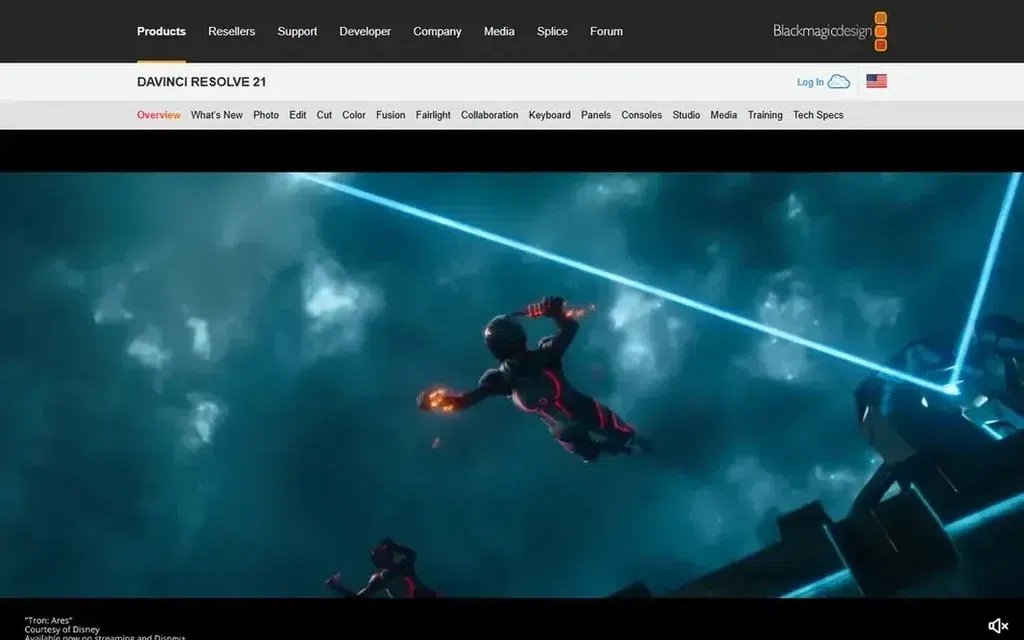
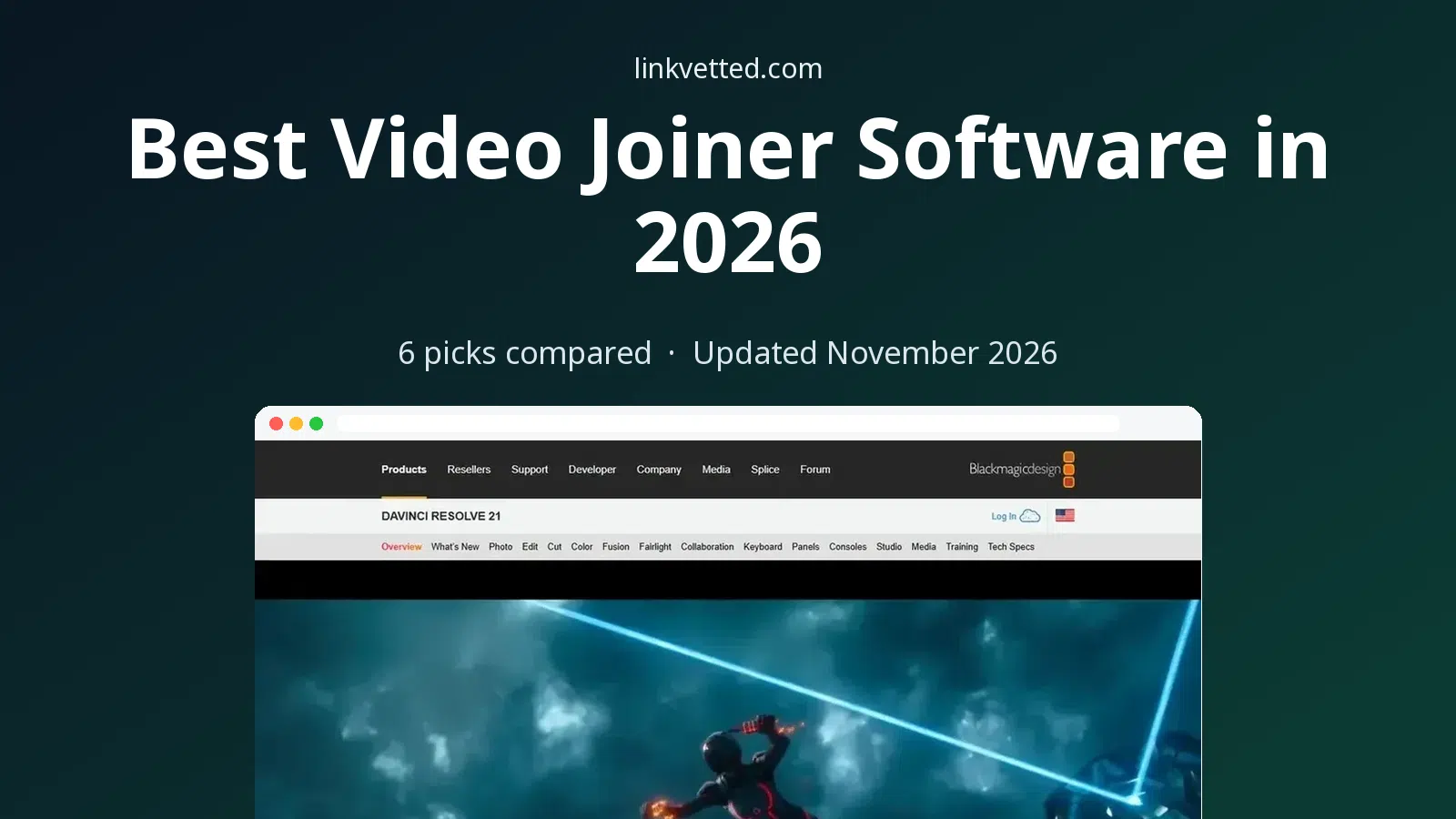
DaVinci Resolve serves all-in-one edit, color, and audio. DaVinci Resolve is professional video editing, color correction, visual effects, and audio postproduction in a single application.
What to check first: Plenty of panels can overwhelm beginners.
Also, new users may find the several pages and panels intimidating compared to an entry-level merger. As for the details, the combined workspace helps keep a project consistent when footage comes from different cameras or sessions. Check the vendor site for DaVinci Resolve pricing; none is listed in this comparison. Free options: Not stated.
- Free and premium versions offered
- Editing, color, effects
- Demanding on hardware
Pick Movavi Video Editor if this describes you: straightforward, quick video joining. Movavi Video Editor is part of Movavi's quick and easy-to-use photo and video editing software lineup. Editors needing in-depth color, audio, or effects control may prefer a professional suite.
Straightforward tools mean fewer advanced choices for complicated projects. In daily use, check the vendor site for current format support and features before committing. No starting price is listed for Movavi Video Editor here; confirm pricing on the vendor site. Trial and free access: Not stated.
Drawbacks to consider: Fewer advanced controls.
- Positioned as safe and trusted
- Photo and video tools from one vendor
- May be too entry-level for pro work
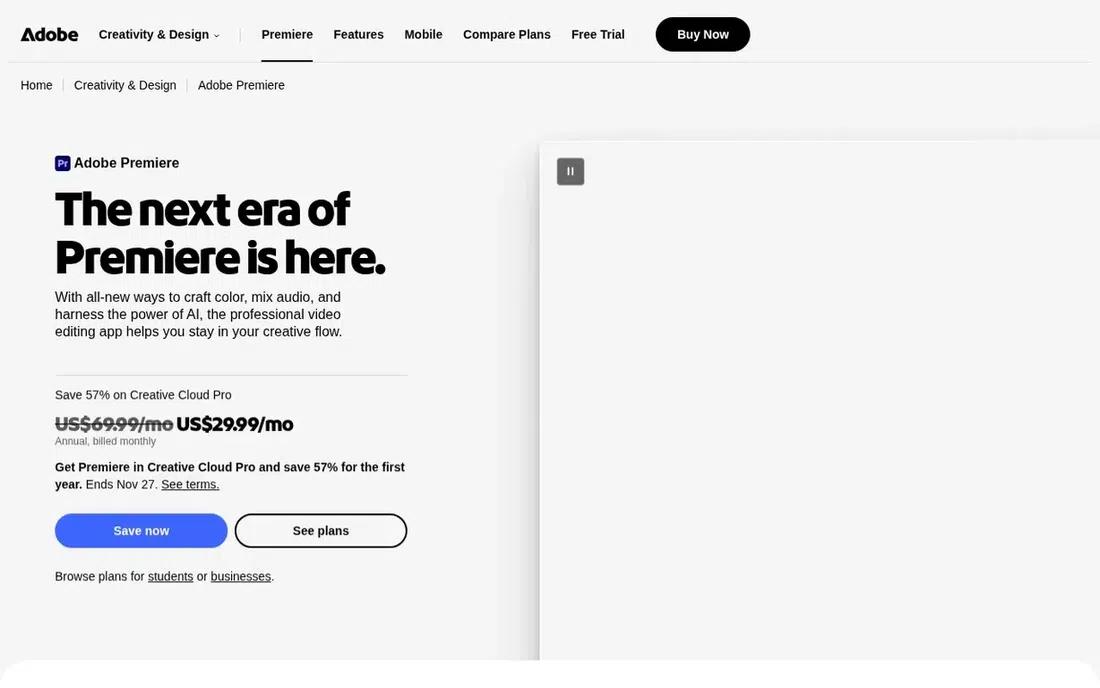
Adobe Premiere Pro is designed for professional editing and precise joins. The interface assumes some familiarity with editing concepts, and more straightforward joiners may be simpler for one-off tasks.
The timeline approach supports building longer sequences from separate recordings whereas keeping effects and audio organized. This comparison lists no price for Adobe Premiere Pro; ask the vendor. Free access: Not stated.
Drawbacks to consider: Ramp-up time for new editors.
- Effects
- Postproduction workflow in one application
- Heavier resource demands
How we chose
Each tool was reviewed on what its vendor publishes: price, plan limits, core features and stated drawbacks. We did not run hands-on tests. Where a vendor does not publish a price, the entry says quote. Where a price depends on seats or billing term, the entry says so. Tools are placed by general fit for video joiner software, with price clarity and free access as tie-breakers. A different team can reasonably rank them differently.
What to confirm before you sign up
- Confirm the entry price on the vendor page. For Wondershare Filmora, Corel VideoStudio, DaVinci Resolve and others that means a quote rather than a fixed price.
- Read the limits listed for CyberLink PowerDirector first: feature density can overwhelm new users.
- Pick one real project and run it in CyberLink PowerDirector first; a small pilot shows fit faster than a checklist.
- Ask whether Movavi Video Editor integrates with your current software, and whether that comes standard or as an add-on.
- Test how quickly Adobe Premiere Pro answers a pre-sales question; it hints at how support will feel later.
FAQ
What should I look for in video joiner software?
Focus on format support, timeline controls, and how easily you can arrange and trim clips. More straightforward tools suit fast joins, whereas professional suites offer deeper control.
Is there a difference between desktop and mobile video joiners?
Desktop editors usually offer more precise timeline control and format support, whereas mobile versions focus on speed and simplicity. Choose based on where you edit and how much control you need.
What is the cheapest option for video joiner software in this list?
On published monthly entry prices, CyberLink PowerDirector is the lowest here at $54.99 per month. Entry price is only part of the cost, because seats, add-ons and billing terms can change the total. For the full picture, the cards above cover all 6 entries of this video Joiner software list, including price, free plan and limits.
Is CyberLink PowerDirector the right pick for everyone comparing video joiner software?
No single tool suits every team. CyberLink PowerDirector comes first because it fits fast editing with AI tools, while Wondershare Filmora suits AI-assisted editing for beginners and Corel VideoStudio suits accessible consumer video editing. Match the tool to your own size, budget and workflow before deciding.
How do I avoid quality loss when joining video clips?
Use software that lets you export at a suitable resolution and bitrate, and keep source clips consistent in format where possible. Re-encoding can affect quality, so check export settings before finalizing.
How are the tools for video joiner software ordered?
CyberLink PowerDirector sits first and Adobe Premiere Pro last because the order follows typical fit for video joiner software, then price clarity and free access. It is a judgement call, so read each profile for fit and limits.
Sources
- https://www.cyberlink.com/products/powerdirector-ultimate/overview_en_US.html
- https://filmora.wondershare.com
- https://www.videostudiopro.com
- https://www.blackmagicdesign.com/products/davinciresolve
- https://www.movavi.com/videoeditor
- https://www.adobe.com/products/premiere.html